A QR code is a link printed as a picture. On its own it cannot harm a phone: scanning does not install an app or run a program. What matters is where the code sends you, and what you do when you get there. That is exactly where scammers work.
How QR code scams work
The patterns repeat, so they are easy to learn.
- The sticker on top. A scammer prints their own code and sticks it over the real one on a parking meter, a restaurant table, a poster or a charging station. The scan opens a fake payment or login page that looks close enough to the real thing.
- The code in an email or letter. "Your account is locked", "confirm your delivery", "sign this document". The QR code is there because many email filters check links but not images, and because a phone screen makes a fake page harder to inspect.
- The urgent payment. A code on a fake parking fine, invoice or donation poster that pushes you to pay right now.
Phishing through a QR code even has a name: quishing. The goal is almost always the same, to get you to type a password or a card number into a page the scammer controls.
How to check a code before you open it
A few seconds of attention stop nearly all of it:
- Read the address first. Phone cameras show the web address before you open it. Check that the domain belongs to the business you expect, and watch for misspellings and odd extra words.
- Look at the code itself. Is it a sticker on top of something? Is the edge raised or crooked? Public codes are the ones scammers cover.
- Be careful with passwords and payments. If a page opened by a code asks you to sign in or pay, stop. Go to the website or app yourself instead of trusting the page the code opened.
- Do not scan codes you did not expect. A code in a surprise email, text or letter is a link from a stranger.
- Use your phone's own camera. Built-in camera apps show the address clearly. Be wary of third party scanner apps that open pages without showing you where they lead.
How businesses can protect their codes
If you print QR codes, your customers are the ones a fake code targets. You can make yours easier to trust and quicker to fix.
- Put your name in the link. Scanners read the address before they open it. A link that starts with your own name is easier to trust than a random string. On KuikCode, every paid plan can print codes on your own branded address, such as
yourbusiness.kuikco.de. - Check public codes regularly. Look at the codes on meters, tables, posters and windows for stickers. A sudden drop in scans at one location can also be a sign something is covering your code, and scan analytics show you where each code is scanned.
- Print codes you can repoint. With a dynamic code, if a destination is ever compromised or a campaign page is copied, you change where the code goes in seconds and every printed copy follows.
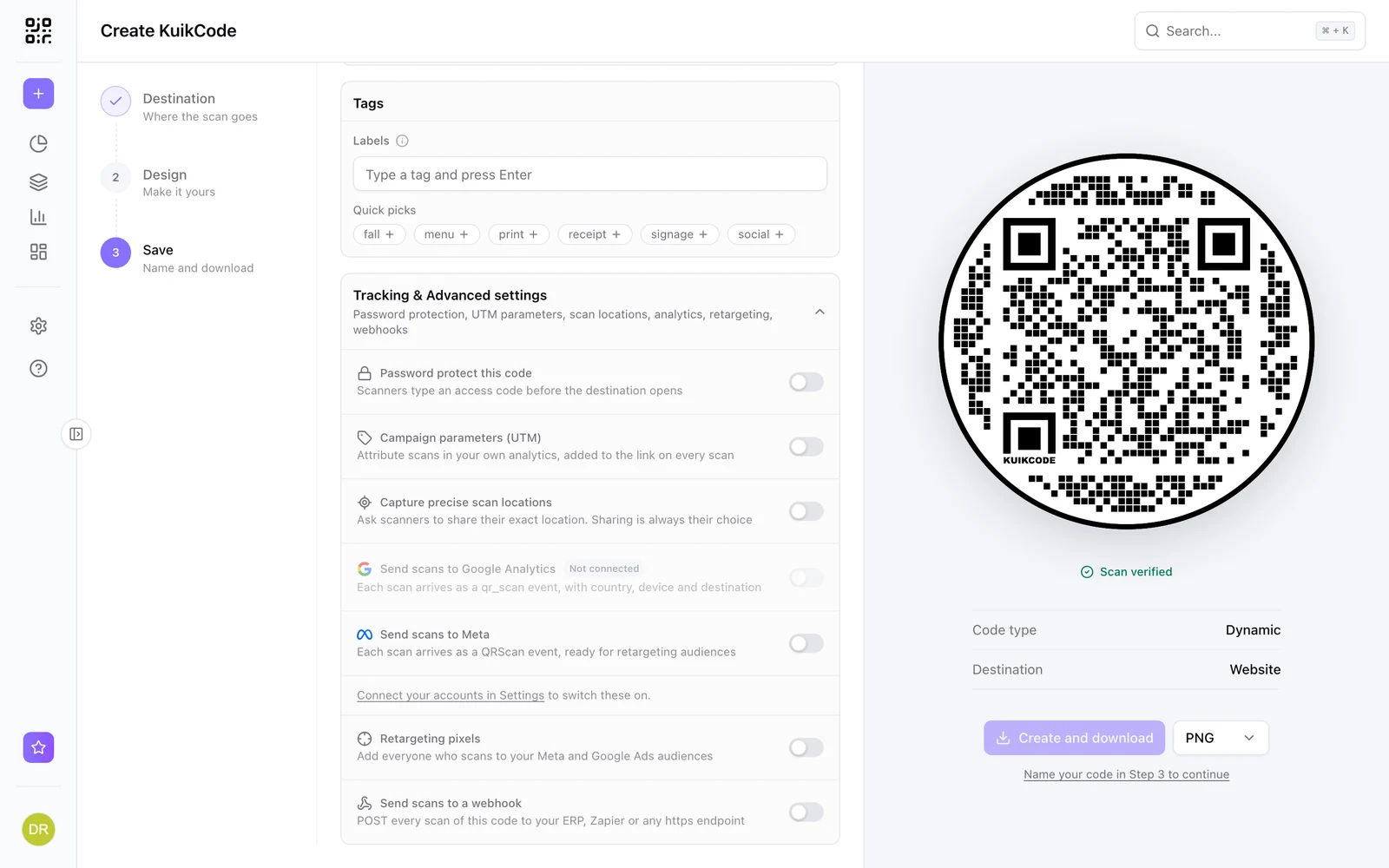
- Protect private content. Staff manuals, internal price lists and member downloads should not open for anyone who photographs the code. A password on the code keeps them for the people you give it to.
What happens when a code is no longer in use
A retired code should never become someone else's. When a KuikCode is archived or stops working, scanners see a neutral "no longer active" page, not a stranger's content. Your printed codes stay yours even after a campaign ends.
The short version
QR codes are as safe as the page they open. Read the address, watch for stickers, never sign in or pay from a page you did not choose to visit, and if you are the one printing the codes, give your customers a name they can recognize.
For more on how we handle your data and your codes, see our security and privacy page.
Frequently asked questions
01Can scanning a QR code hack my phone?+
Scanning alone does not install anything or run code. A QR code is a piece of text, usually a web address. The danger starts when you open that address and trust the page, for example by typing a password or paying.
02What is quishing?+
Quishing is phishing through a QR code. Instead of a link in an email, the scammer uses a QR code, often on a sticker placed over a real code or inside an email or letter, to send you to a fake page that asks for login details or payment.
03How can I tell if a QR code is safe?+
Look at the address your camera shows before you open it. Check that the domain matches the business you expect, that the code is not a sticker on top of another code, and be cautious if the page asks for a password, a card number or a payment you did not plan to make.
04Are QR codes in emails safe?+
Treat them like links in an email. If you did not expect the message, do not scan the code, and never sign in to an account from a page a code opened. Go to the website yourself instead.
05How can a business protect its QR codes?+
Put a brand name people recognize in the link, check public codes for stickers regularly, use dynamic codes you can repoint at once if something goes wrong, and add an access code to anything meant only for staff or customers.