

QR codes for retail and promotions
Designed codes for windows, shelves and receipts that you can repoint every campaign, with scan analytics per store and campaign tracking built in.
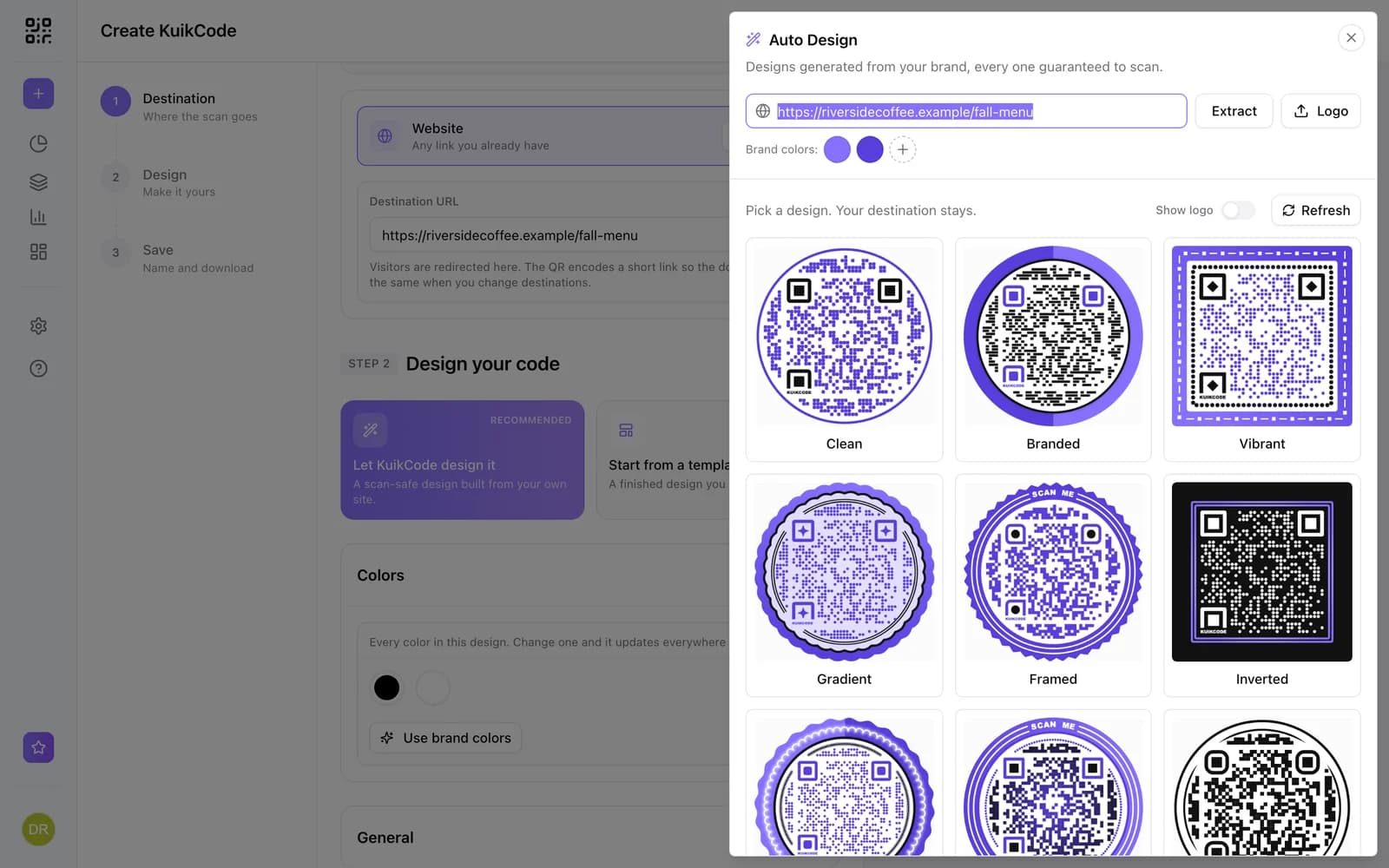
What retail use KuikCode for
Window and in store signage
Codes that match your brand on windows, shelves and displays, repointed each season instead of reprinted.
Coupons and offers
Send shoppers to this week's offer, a coupon page or a signup form, and change it when the promotion ends.
Receipts and bags
Turn every receipt and shopping bag into a way back, like a review page or your loyalty program.
Compare stores and placements
Give each store or display its own code and see which one people actually scan.
Know which campaign drove the visit
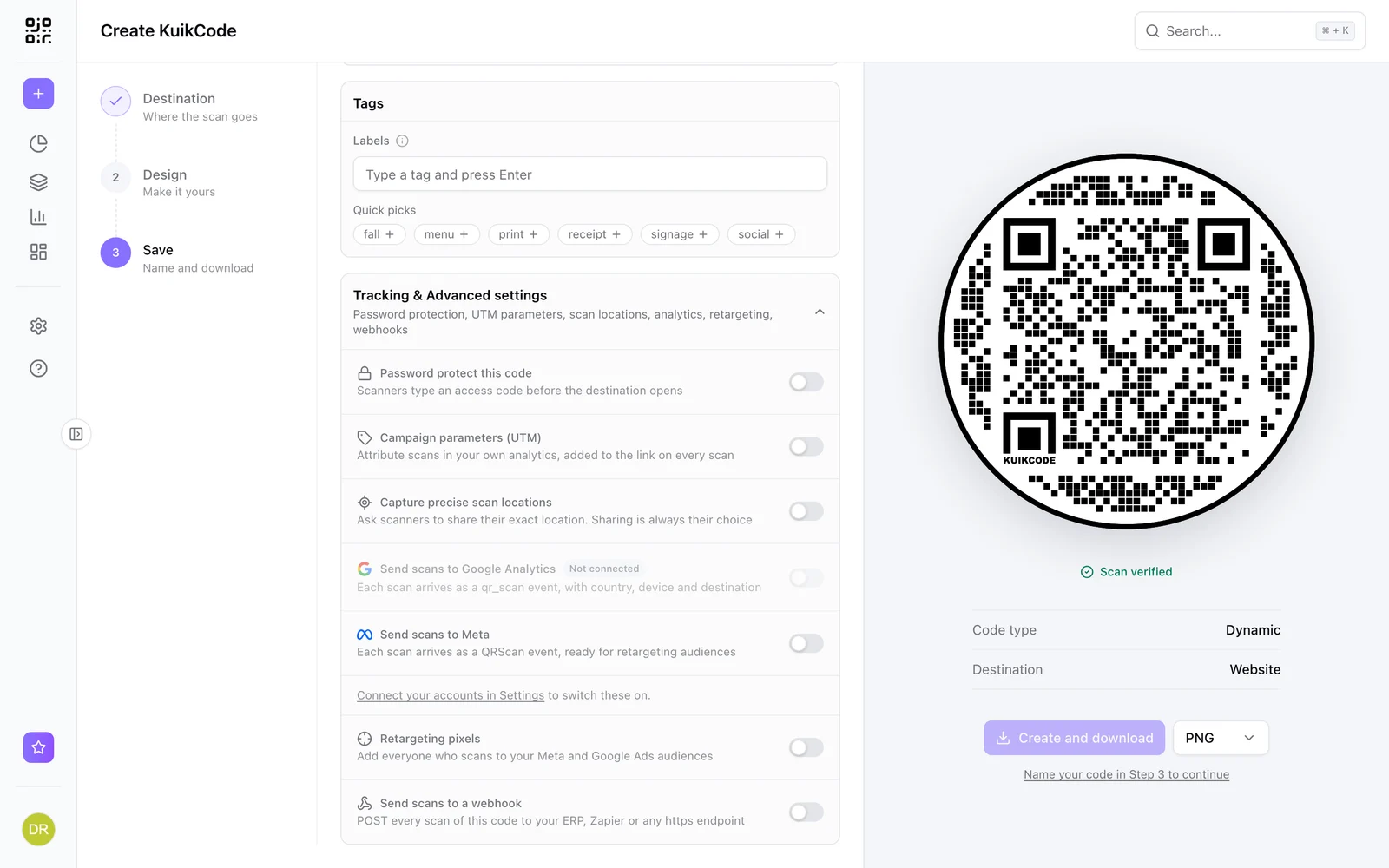
Add UTM parameters to any code so visits show up as their own campaign in your web analytics. On PRO, scans can also be sent to Google Analytics 4 and Meta, and on Business, scans can join your retargeting audiences.
- UTM parameters from the Starter plan
- Google Analytics 4 and Meta forwarding on PRO
- Retargeting pixels with consent on Business
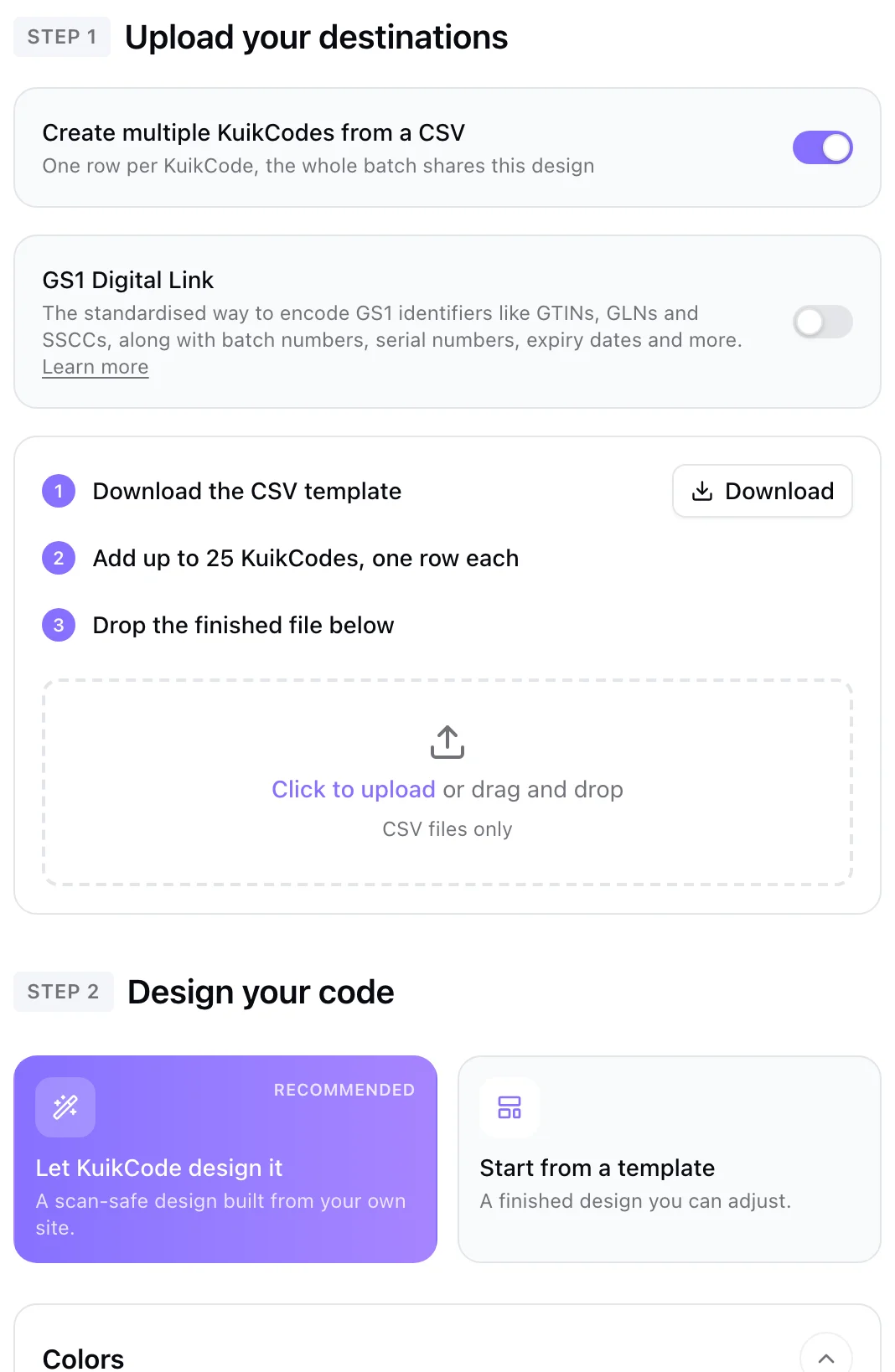
One code per store, created in minutes
Upload a list of stores or products and create a code for each, all sharing your design, each with its own destination and scans.
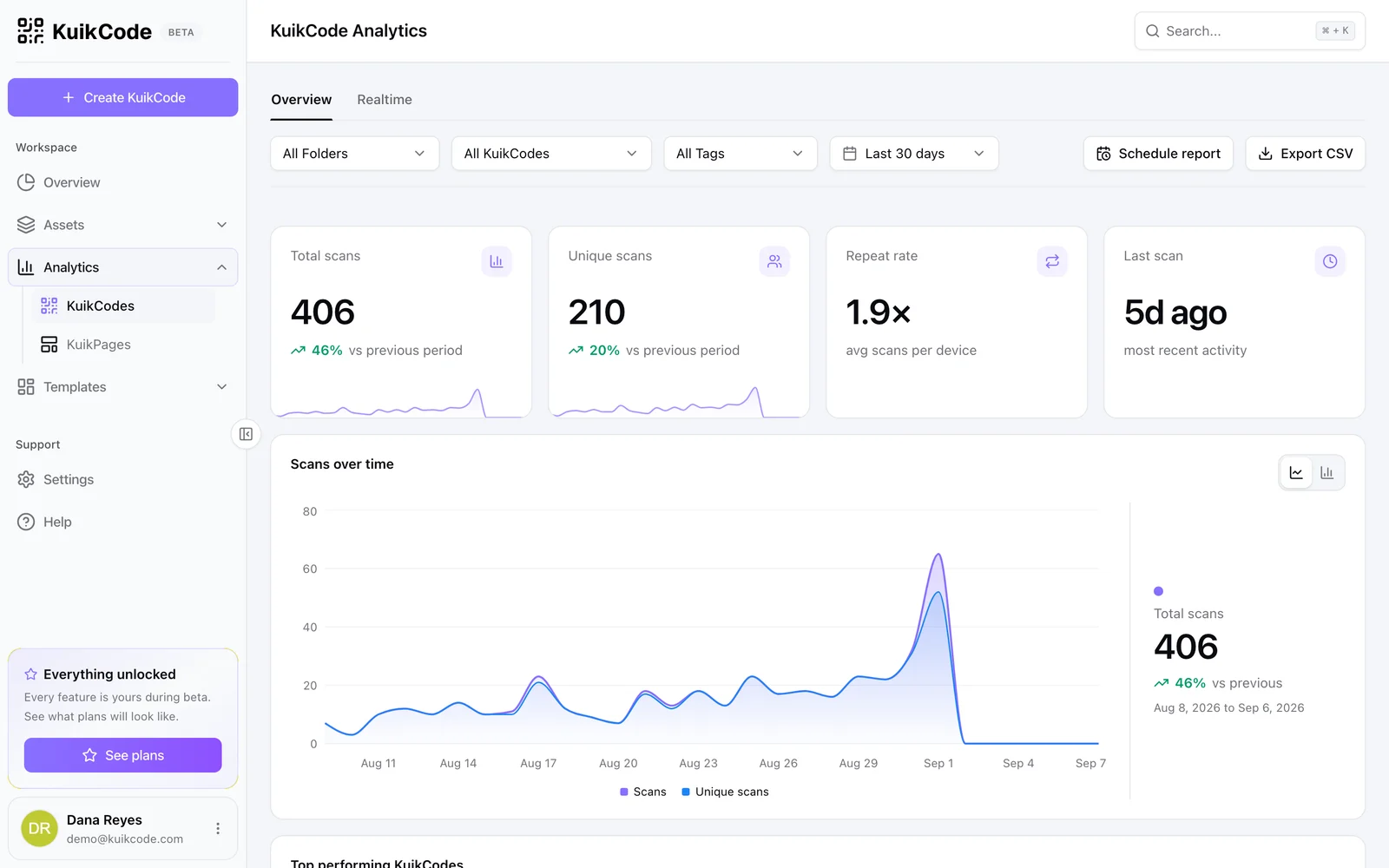
See what works, store by store
Scans by day, hour, city and device, with realtime updates. Compare placements and keep the ones that perform.
Learn more

How to track QR code scans (and what the numbers mean)
Dynamic QR codes record every scan. Learn which numbers matter, how to read total and unique scans, and how to connect scans to your web analytics.
September 23, 2026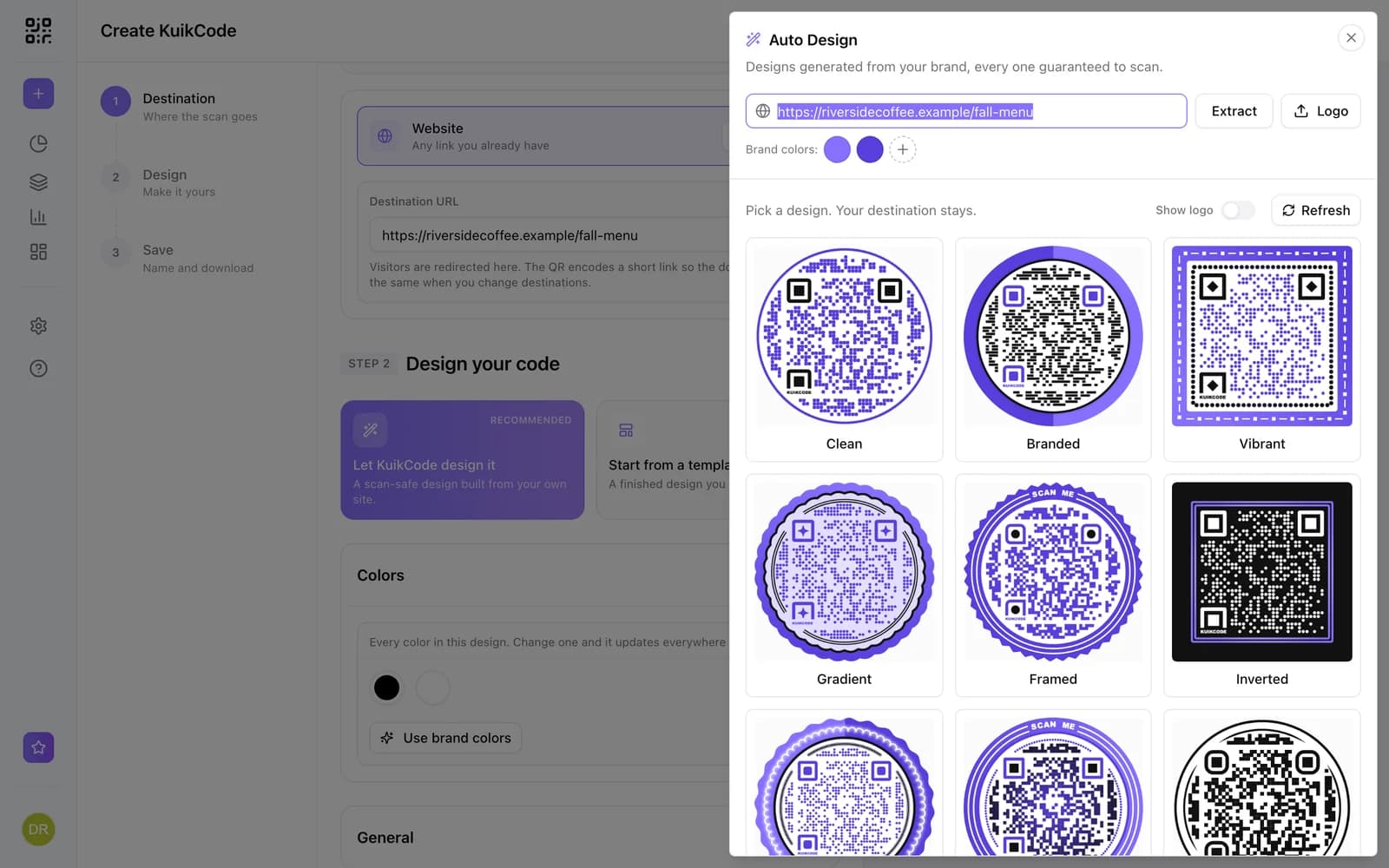
How to make a QR code for a link
Turn any web address into a QR code people actually scan. Five steps, plus the size, contrast and placement rules that keep it readable.
September 23, 2026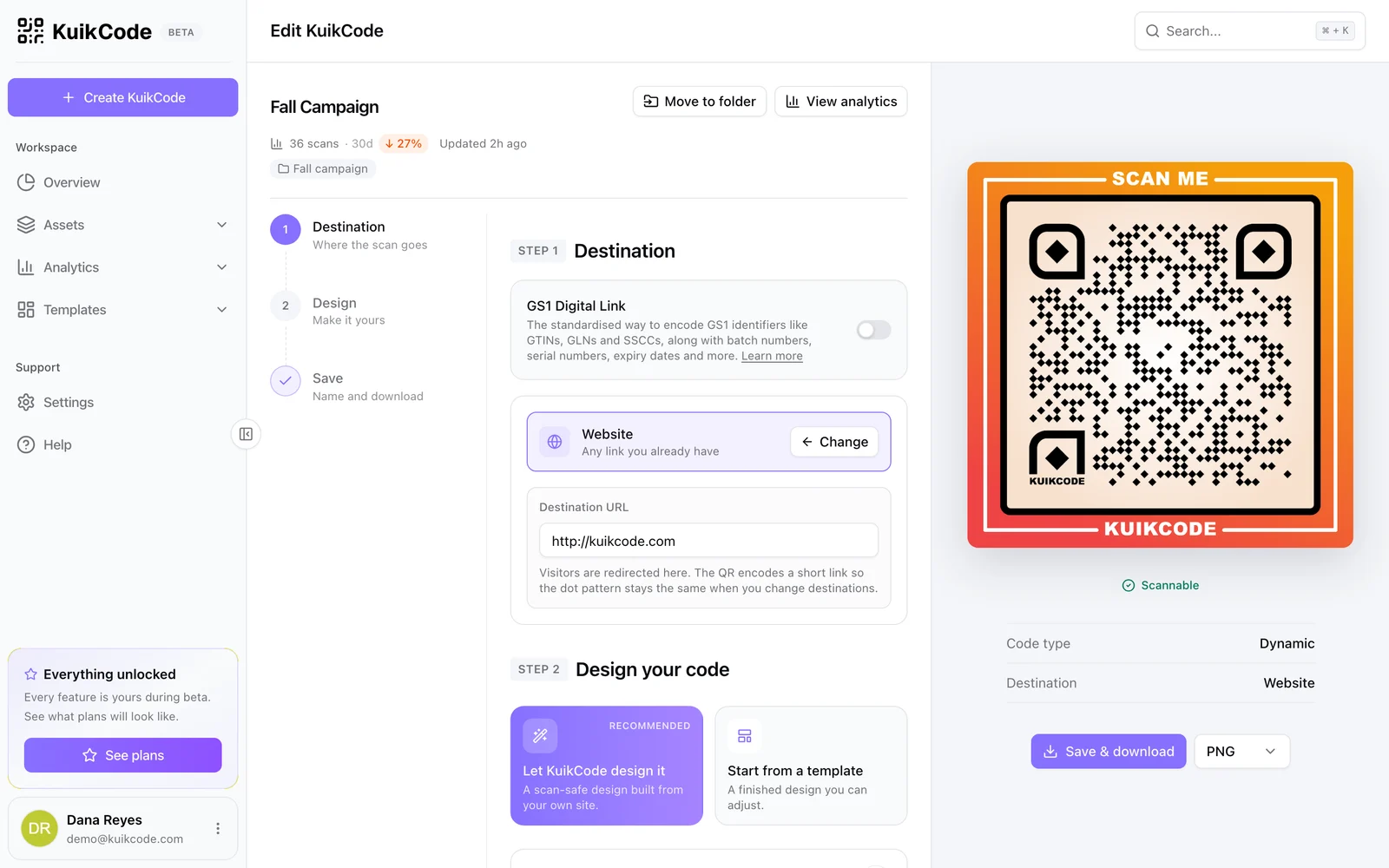
How to change where a QR code goes after it is printed
If your code is dynamic, you can send it to a new page, file or menu without reprinting. Here is how it works and what to do if your code is static.
September 23, 2026Frequently asked questions
01Can I reuse the same printed code for a new promotion?+
Yes. Change the destination of the code and every printed copy sends shoppers to the new offer within about a minute.
02Can I track scans for each store separately?+
Yes. Give each store its own code, created one by one or in bulk from a CSV, and compare their scans in analytics.
03Do the codes carry any forced branding?+
No. There is no mandatory logo or link printed on your codes, and scanners never see an ad page.
04Can the codes match our brand?+
Yes. Use your colors, logo and a frame with a call to action. On PRO, KuikCode can also design codes from your website's colors automatically.
KuikCode for larger teams
Rolling out codes across many locations, brands or product lines? Tell us what you need and we will shape a plan around it.
- Custom code and page volumes
- White-label scan pages
- Onboarding for your team
- Help with your security review
- SSO (Soon)

Start with the QR codes you will never need to reprint.
Join the beta for branded design, editable destinations, hosted sites, bulk CSV creation, and live scan analytics.
Request beta access
One email when your workspace is ready. No spam.