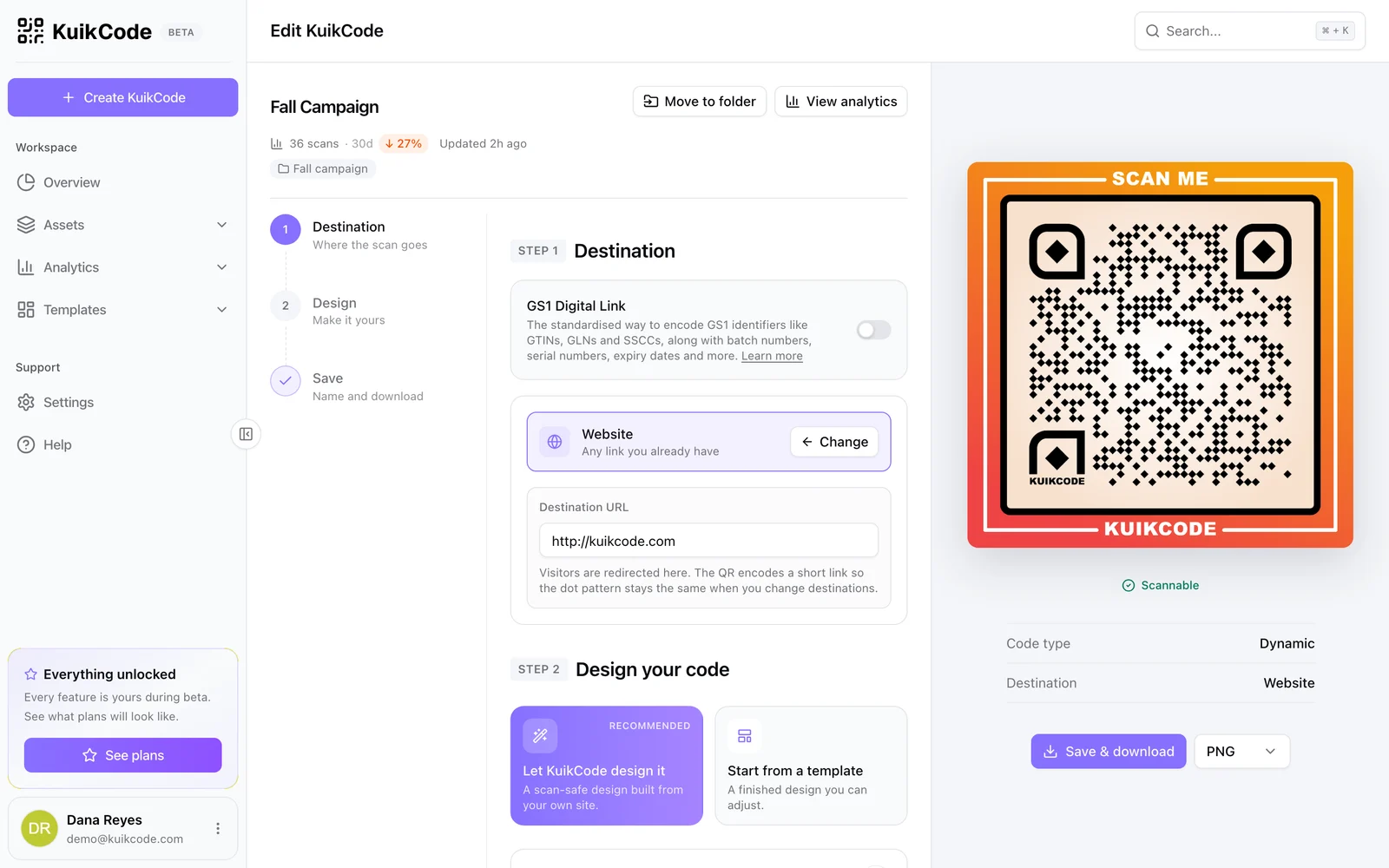
A printed QR code used to be a black box: you put it out there and hoped. With a dynamic code, every scan passes through a short link, and that makes each scan something you can count.
What gets recorded when someone scans
When a phone opens a KuikCode, the scan is recorded before the visitor is sent on. For each scan you can see:
- When it happened, down to the hour.
- Where it happened: country, region and city, estimated from the network.
- Which device: phone type and operating system.
- Which language the phone uses.
- Which destination the visitor received, useful when smart rules send different people to different places.
Scans appear in realtime, so you can watch a flyer drop or an event entrance light up as it happens.
Total scans vs unique visitors
These two numbers answer different questions:
- Scans tell you how often the code was used. Good for measuring placements, like which shelf or poster gets more attention.
- Unique visitors count distinct devices. Good for estimating how many people you actually reached.
A big gap between the two usually means people scan more than once, for example a menu code customers reopen during a meal.
Reading the numbers well
- Compare placements, not just totals. Give each placement its own code, like one per store or one per poster size, and compare them.
- Look at the time of day. A menu code that peaks at lunch tells you something about your customers.
- Watch the first week. Most printed codes get the bulk of their scans soon after they go up.
- Check the trend. A slow drop is normal, a sudden drop can mean a code was covered, damaged or removed.
Follow visitors past the first page
A scan tells you someone opened the code. To see what they did next, add UTM parameters to the destination, for example a source of flyer and a campaign of spring-sale. Your web analytics then shows those visits as their own campaign.
In KuikCode, UTM parameters are added per code from the Starter plan, and scans can also be forwarded to Google Analytics 4 or the Meta Conversions API from the PRO plan.
Precise locations, with consent
Network based location is approximate. When you need to know exactly where scans happen, like which bus stop poster works best, KuikCode can ask the scanner to share their device location before continuing. Sharing is optional for the scanner, and the page always continues to your destination either way.
Privacy by design
Scan tracking does not require invading anyone's privacy. KuikCode never stores raw IP addresses, and a normal scan sets no cookie. Retargeting pixels and precise locations only run when you turn them on, and they ask for consent where the law requires it.
Share the results
Numbers are more useful when the right people see them. You can export scan data, and on the Business plan KuikCode can email a scheduled report to your team or clients every day, week or month.
Frequently asked questions
01Can I track scans on a static QR code?+
No. A static code sends phones straight to the content without passing through any service, so there is nothing to count. To track scans you need a dynamic code.
02How accurate is scan location?+
By default, location is estimated from the network the phone is on, which is usually right at the country and region level and approximate at the city level. With precise scan locations turned on, scanners can choose to share their device location.
03Does tracking QR code scans need cookies?+
Not in KuikCode. A normal scan is counted without setting a cookie and without storing the raw IP address.
04What is the difference between scans and unique visitors?+
Scans count every time the code is opened. Unique visitors count distinct devices, so one person scanning the same code three times is three scans and one unique visitor.