

Bulk QR code generator: hundreds of designed codes from one CSV
Create up to 500 dynamic QR codes at once from a spreadsheet, all in one design, each with its own name, destination, tags and tracking, then download them as a ZIP.
Who creates codes in bulk
Packaging and products
One code per product or SKU, each opening its own page.
Stores and locations
One code per store, table or sign, so every placement is tracked.
Events and badges
A code per attendee, session or exhibitor.
Agencies
A whole campaign's codes for a client in one upload.
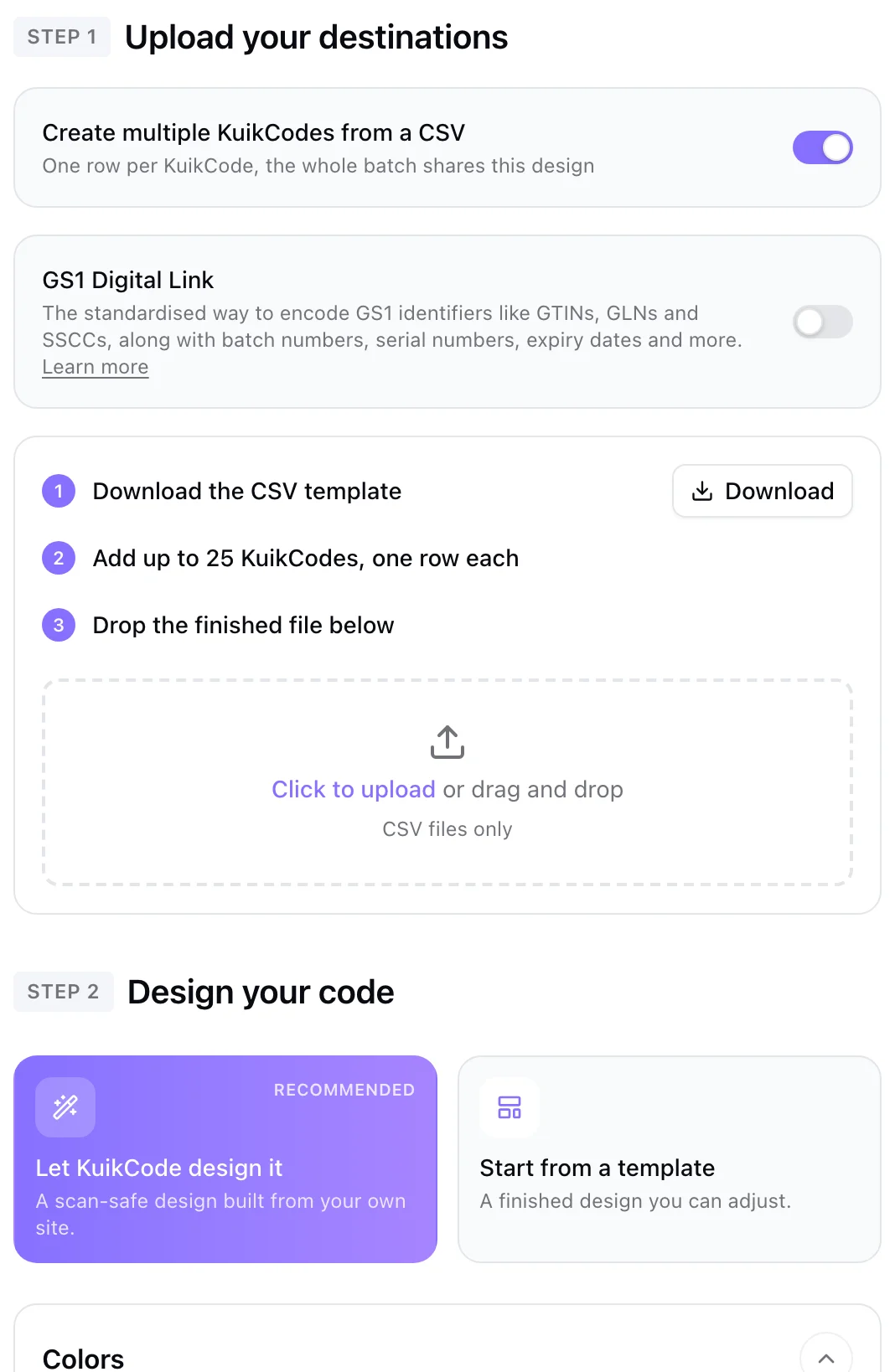
One spreadsheet, every code
Download the template, add one row per code with its name and destination, and optionally tags, UTM parameters and precise locations. Drop the file, and the batch is checked in your browser before anything is created, with problems listed by line.
- Columns: name, destination URL, tags, UTM parameters, GPS
- Up to 100 codes per batch on PRO, 500 on Business
- All or nothing: a batch never half finishes
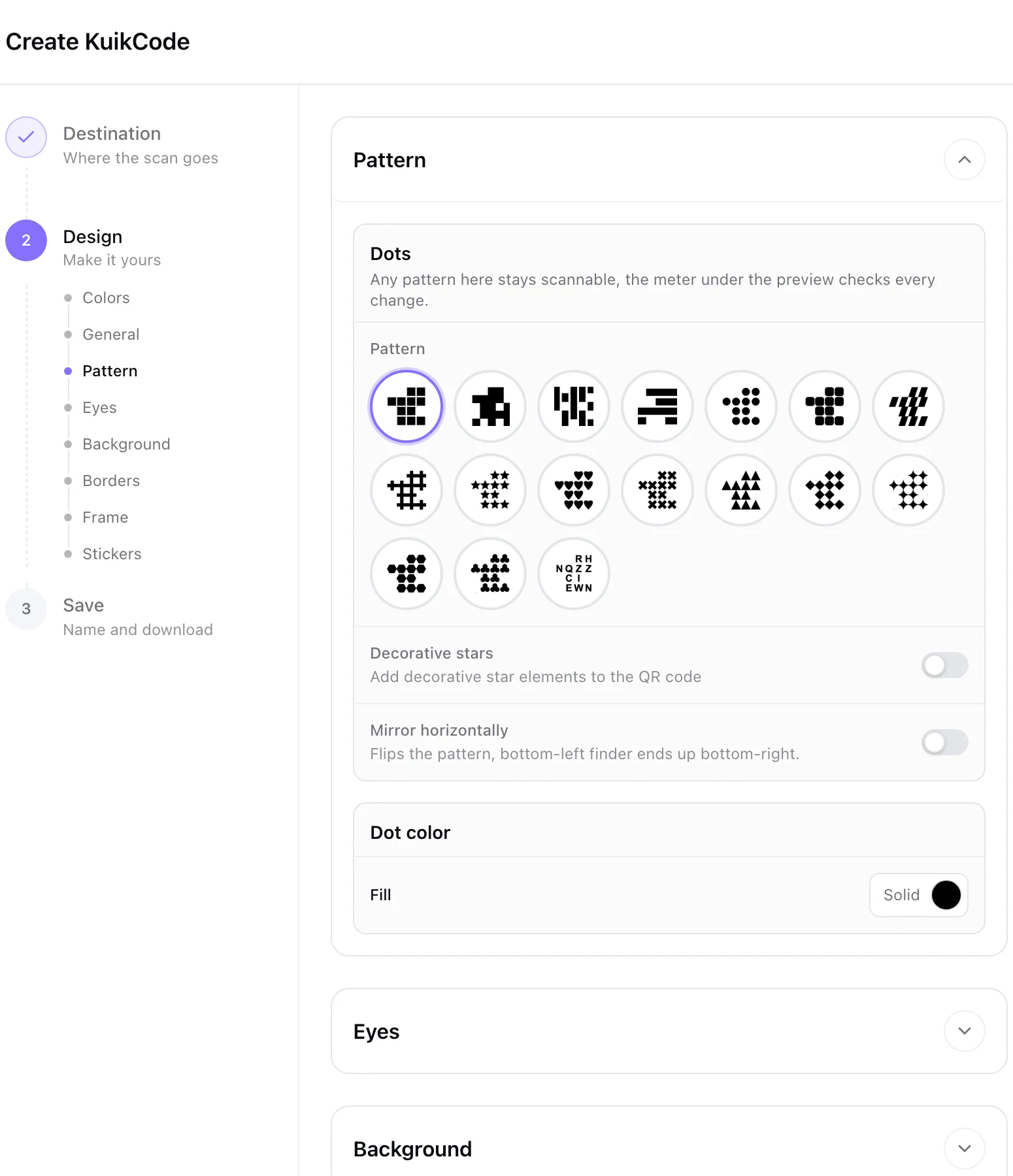
Designed once, applied to every code
Design the batch like any KuikCode, colors, frame, logo, stickers, templates or Auto Design, and every code in the file gets it. Each keeps its own name and destination.
Every file named, every code organized
The batch lands in its own folder, and a ZIP gives you every code's artwork, one file per row, named after the row, in PNG, SVG, JPG or PDF. Every code stays dynamic, so each can be changed and tracked on its own later.
Product codes and automation
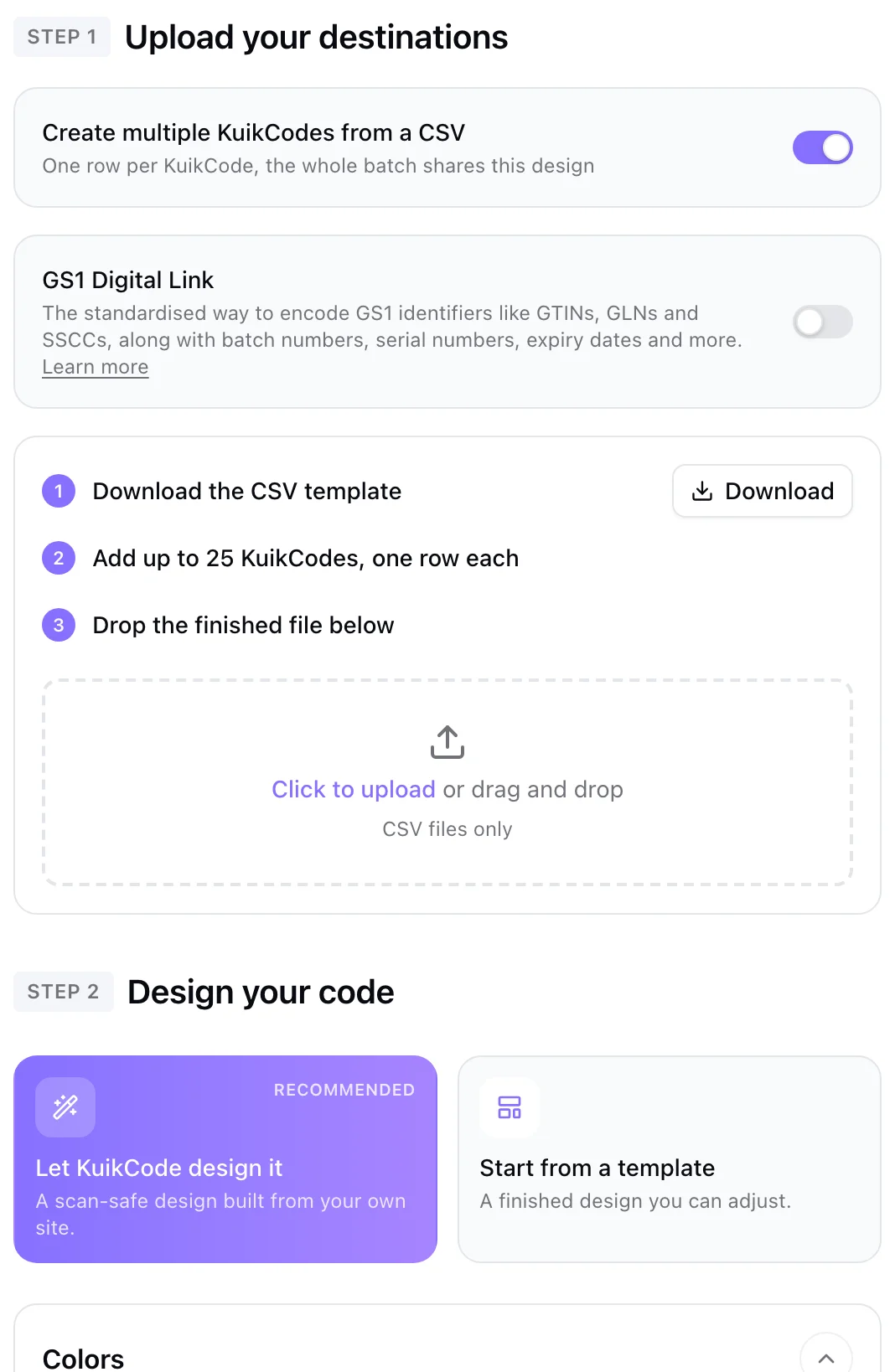
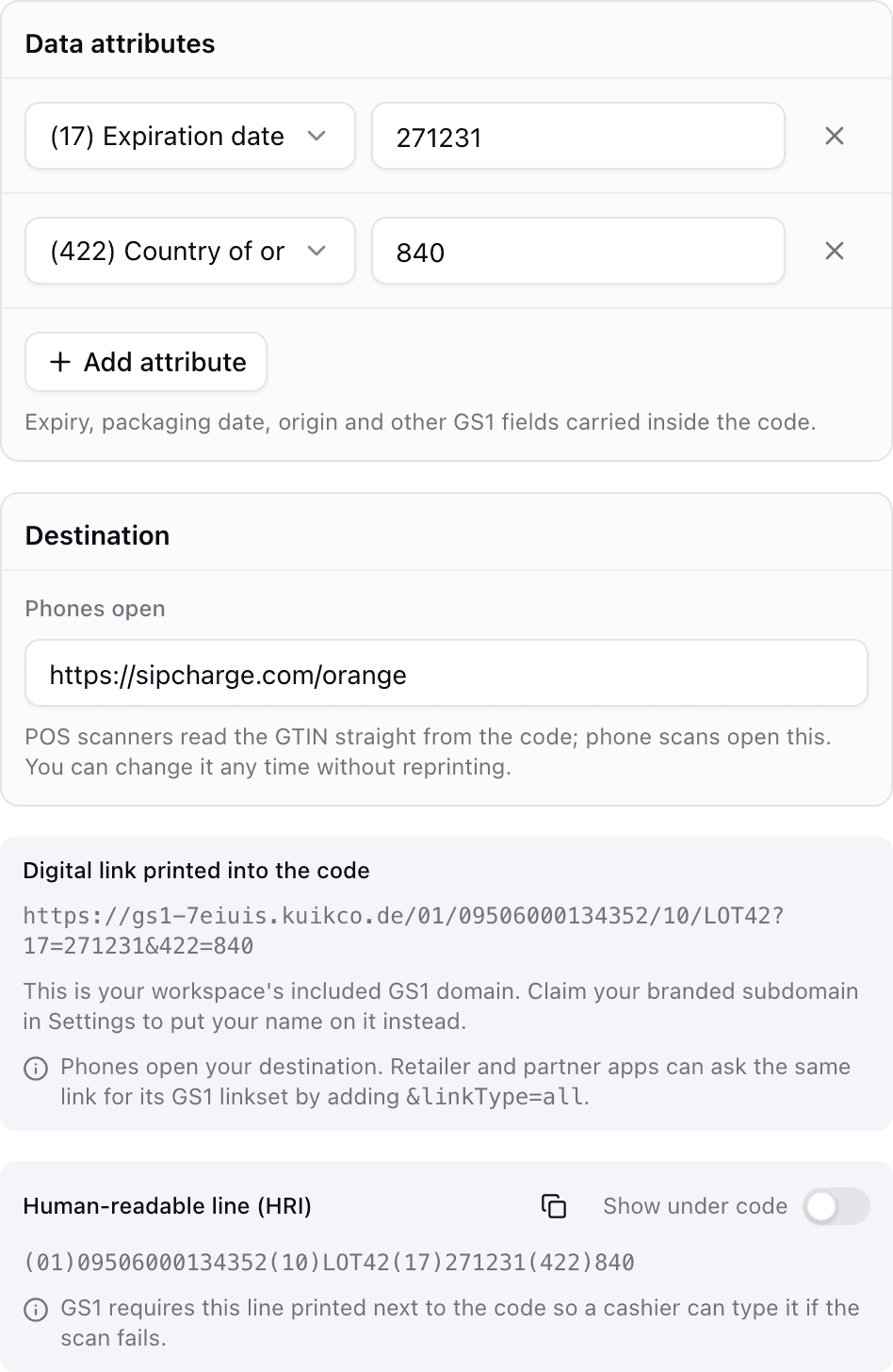
Turn on GS1 Digital Link in bulk mode to create one GS1 code per product from GTINs, on Business. Or create codes from your own systems with the bulk endpoint of the API, on PRO.
Learn more
QR codes on packaging: what GS1 Digital Link is and why it matters
A GS1 Digital Link QR code can ring up at the register and open a product page on a phone. Here is how it works and how to prepare your packaging.
September 23, 2026
How to track QR code scans (and what the numbers mean)
Dynamic QR codes record every scan. Learn which numbers matter, how to read total and unique scans, and how to connect scans to your web analytics.
September 23, 2026
What is a dynamic QR code?
A dynamic QR code points to a short link you control, so you can change where it goes after printing and see every scan. Here is how it works.
September 23, 2026Frequently asked questions
01How do I create QR codes in bulk?+
Download the CSV template in KuikCode, add one row per code with a name and a destination, design the codes once and upload the file. Every code is created in one go, in its own folder.
02How many QR codes can I create at once?+
Up to 100 per batch on PRO and 500 on Business, within your plan's total number of active codes.
03Are bulk QR codes dynamic?+
Yes. Every code in a batch is a normal KuikCode, so you can change its destination and see its scans individually.
04Can each code have different tracking?+
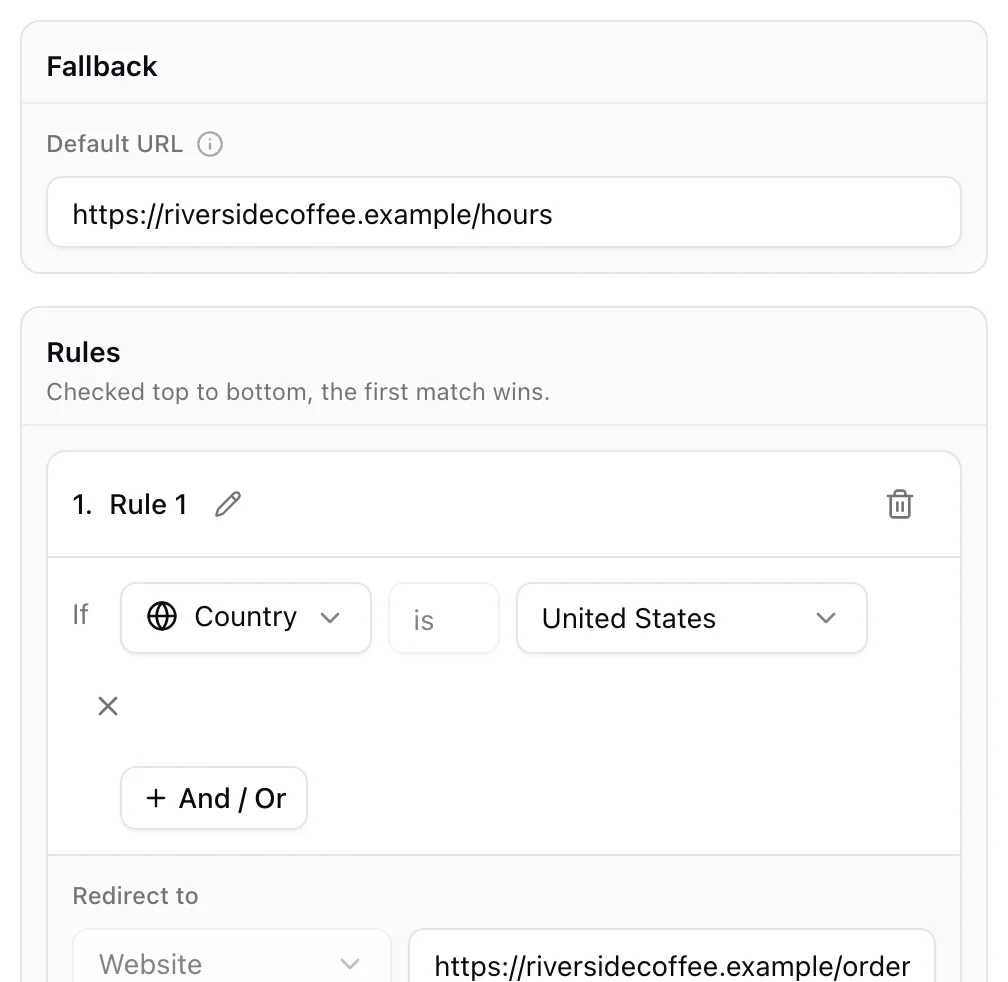
Yes. Each row can carry its own tags and UTM parameters, and turn on precise scan locations.
05Can I create GS1 Digital Link codes in bulk?+
Yes, on Business. The template gains GTIN and product columns and creates one GS1 code per product.

Start with the QR codes you will never need to reprint.
Join the beta for branded design, editable destinations, hosted sites, bulk CSV creation, and live scan analytics.
Request beta access
One email when your workspace is ready. No spam.