

KuikCodes: dynamic QR codes you design and change anytime
Design every part of the code, point it at any destination, change it after printing, and watch every scan arrive live. The QR code, done properly.
Where KuikCodes go
Menus, signs and table tents
Codes you print once and repoint whenever the menu, the offer or the season changes.
Packaging and product labels
One code per product or batch, with a page behind it that can change for the life of the print run.
Business cards and brochures
A contact card that saves to the phone, and details you can update after the cards are printed.
Ads, posters and screens
Codes designed to match the creative, sized to scan from a distance, with each placement tracked on its own.
A real editor, not a color picker
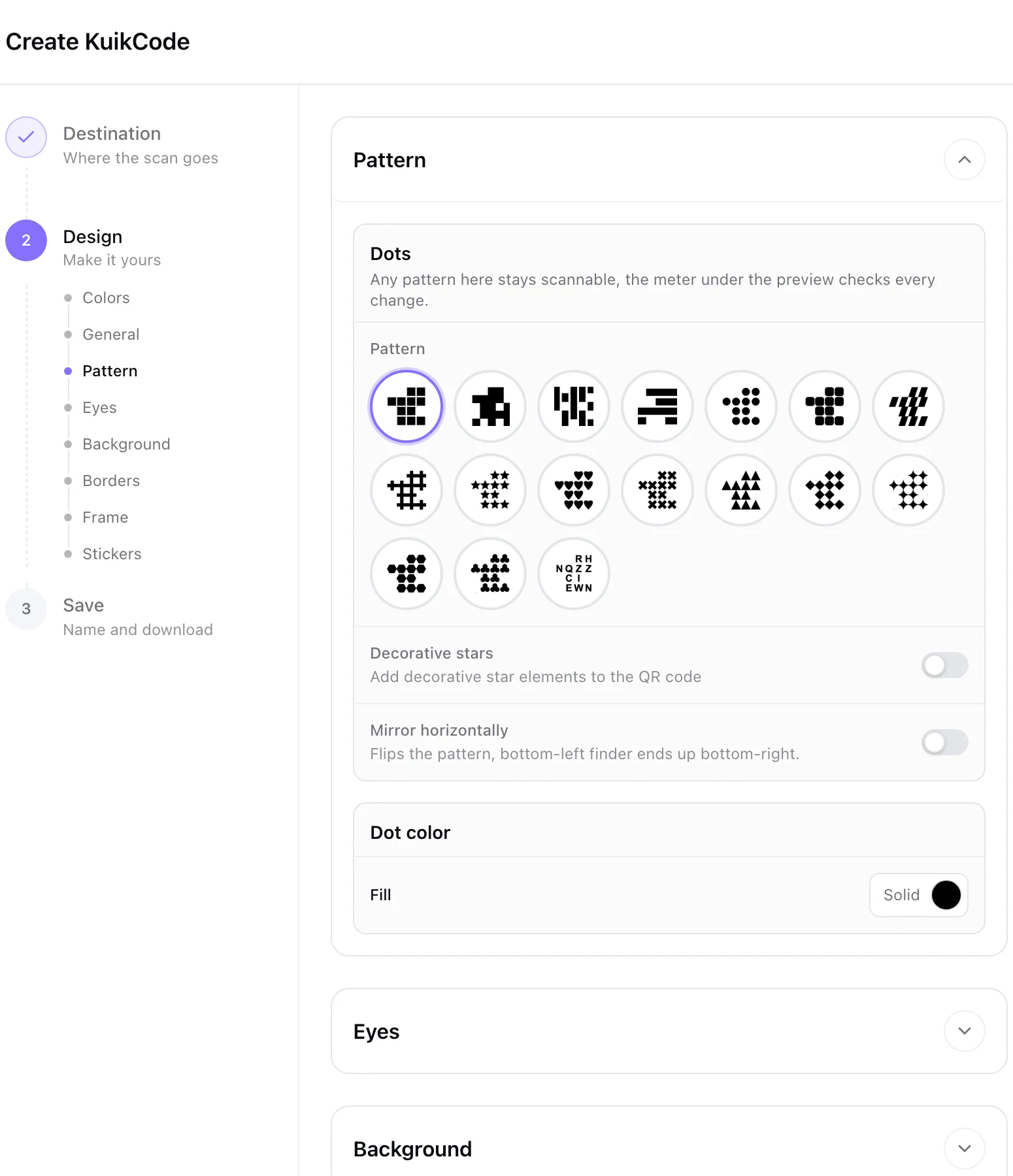
Choose from 17 dot styles, eye shapes and four code shapes. Add a frame with words, fill it with a color, a gradient, an animated shader or a photo, drop in stickers and your logo, and let Auto Design build options from your website's colors. Every design is checked so it still scans.
- Frames with a call to action, stickers, photos and shader fills
- Logo with background removal, Brand Kit colors on PRO
- Auto Design from a website on PRO
Any destination, changed anytime
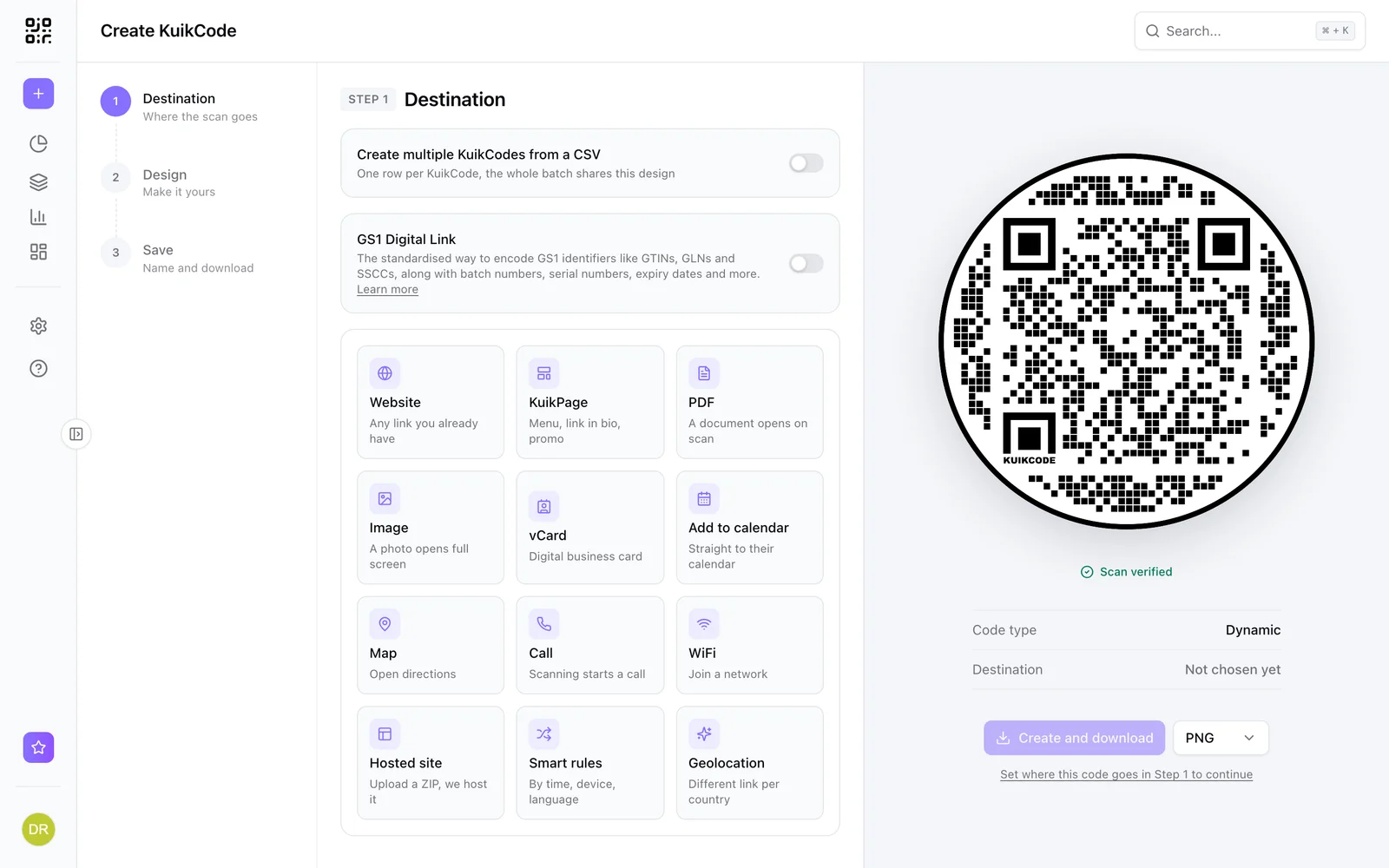
A website, a PDF or image with its own landing page, a contact card, an event with add to calendar, a map, a phone call, a KuikPage or a hosted site. Every KuikCode is dynamic, so the destination can change after printing and the printed code stays the same.
- Change the destination in seconds, printed codes follow within about a minute
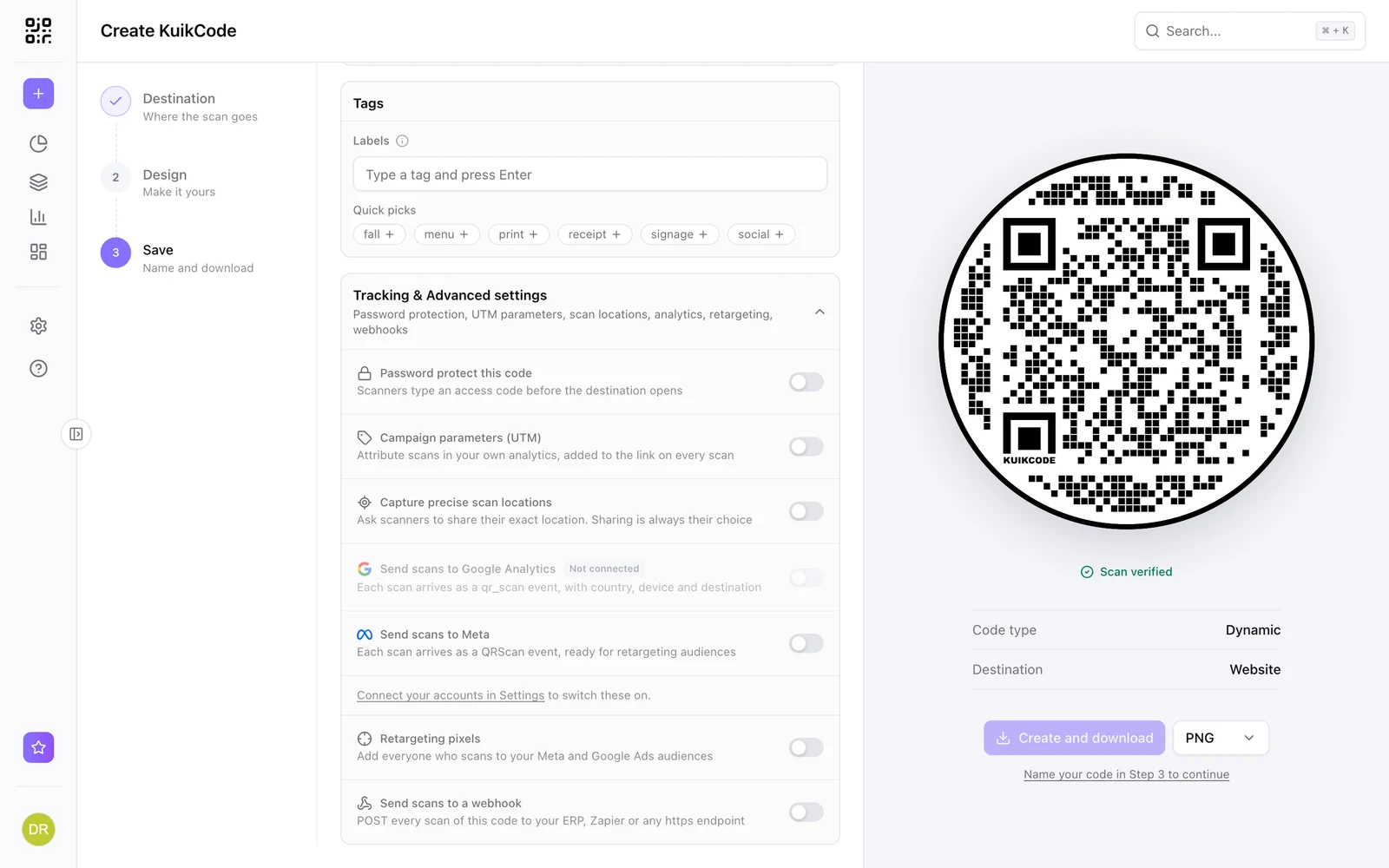
- Password protect a code with an access code
- WiFi codes for joining a network, as a static code
One code, the right place for everyone
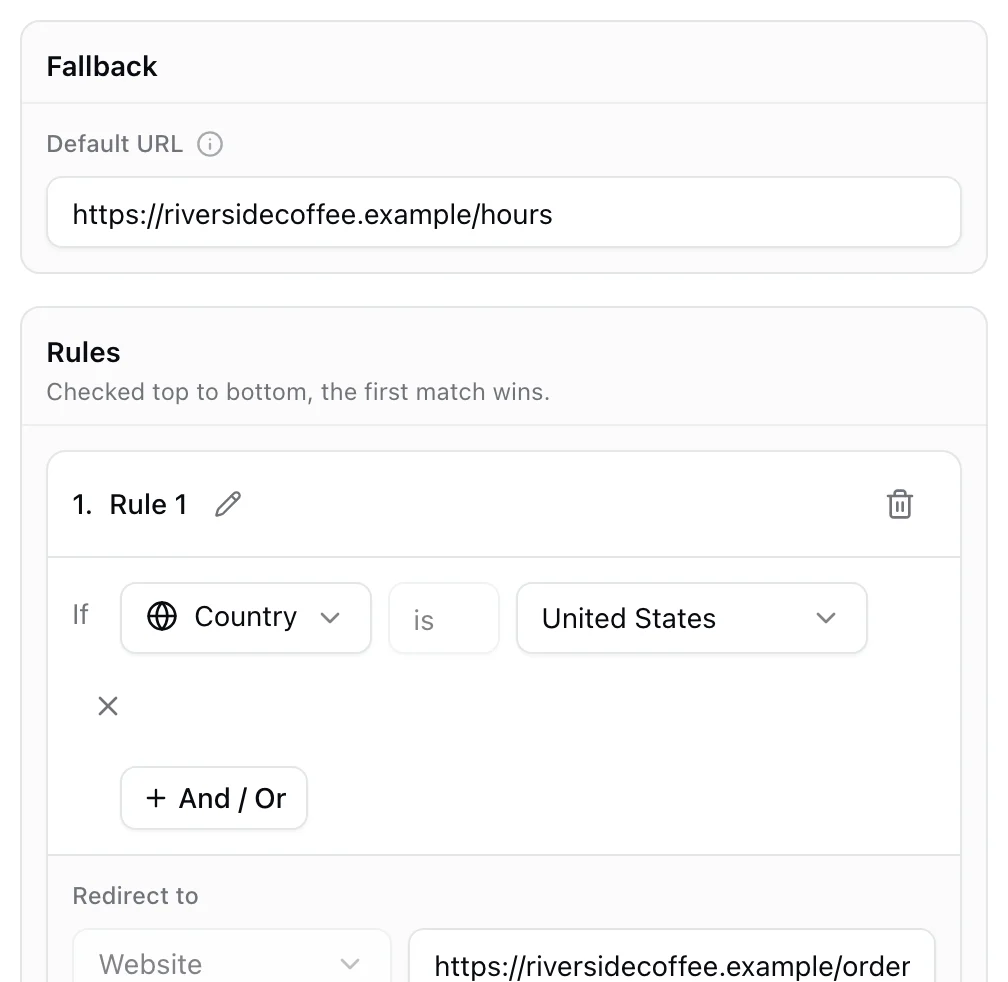
On PRO, send the same code to different destinations by device, country, language, time of day, weekday, date, scan count or distance from a place. Breakfast and dinner menus, app stores by phone, languages by region, all behind one printed code.
- Rules by device, country, language, time, date, weekday, scan count and location
- A default destination for everyone else
- Scan history stays with the code
Every scan, live, without cookies
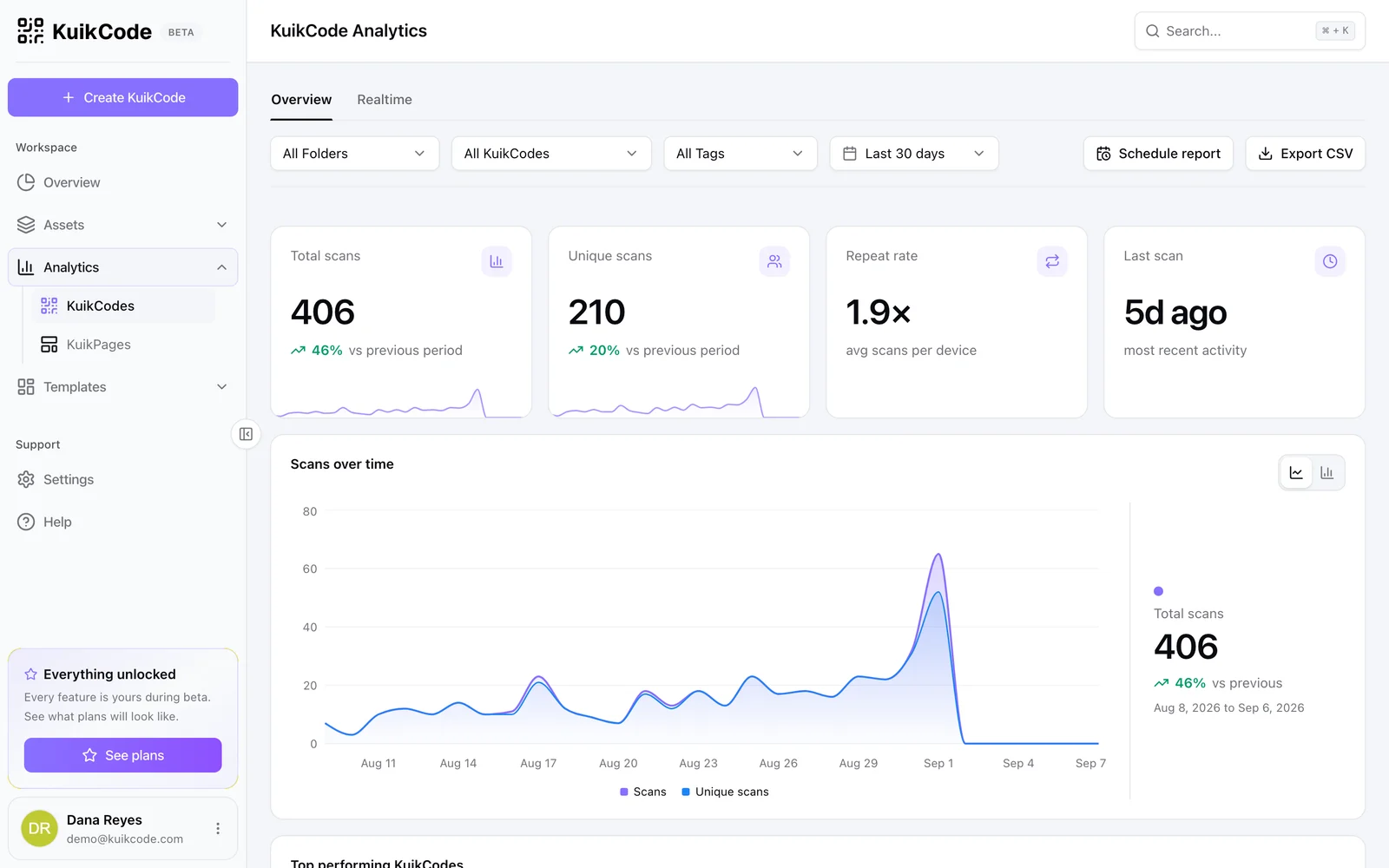
Scans appear in realtime with the time, city, region, country, device and language, plus unique scans and repeat rates. No raw IP addresses are stored and no tracking cookies are set. Add UTM tags so scans show up in your web analytics, and let people share their exact location with consent on PRO.
- Realtime feed, charts by hour and day, top locations and devices
- UTM parameters, plus scan forwarding to GA4 and Meta on PRO
- Scheduled reports by email on Business
Learn more

What is a dynamic QR code?
A dynamic QR code points to a short link you control, so you can change where it goes after printing and see every scan. Here is how it works.
September 23, 2026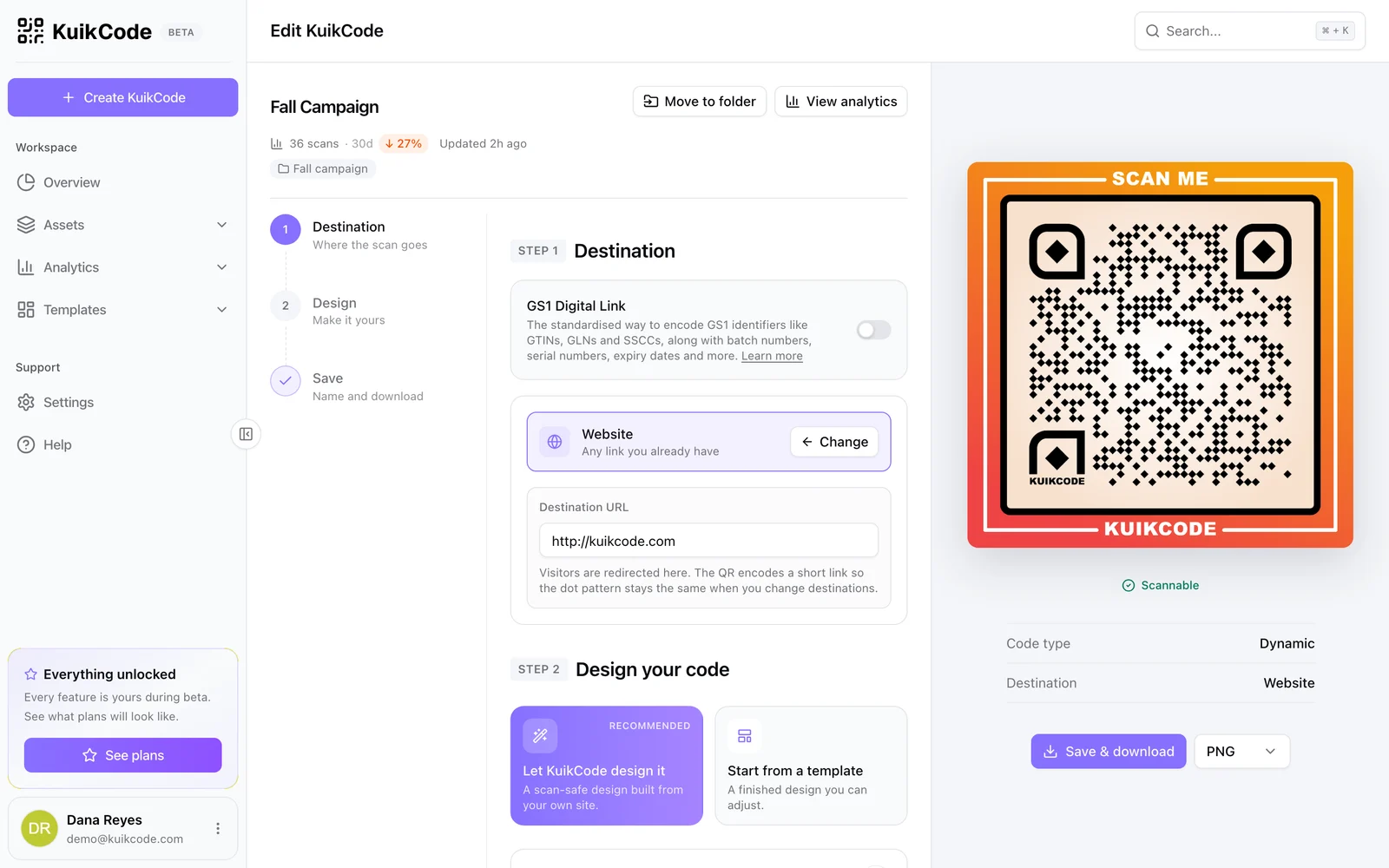
How to change where a QR code goes after it is printed
If your code is dynamic, you can send it to a new page, file or menu without reprinting. Here is how it works and what to do if your code is static.
September 23, 2026
How to track QR code scans (and what the numbers mean)
Dynamic QR codes record every scan. Learn which numbers matter, how to read total and unique scans, and how to connect scans to your web analytics.
September 23, 2026Frequently asked questions
01What is a KuikCode?+
A dynamic QR code made in KuikCode. It encodes a short link that never changes, while the destination behind it can change anytime. Every scan is counted and the code can be designed to match your brand.
02Can I change a KuikCode after it is printed?+
Yes. Open the code, change its destination and save. Every printed copy opens the new destination within about a minute, and the design never changes.
03How many scans can a KuikCode get?+
Unlimited on Starter, PRO and Business. On the Free plan your first code redirects forever, and the other two stop after 600 scans until you upgrade.
04Will a designed code still scan?+
Yes. The editor checks every design before you download it, so stickers, frames and photos never get in the way of the camera.
05What file formats can I download?+
PNG, JPG, SVG and PDF, at the size your print or screen needs.
06Do people who scan see ads?+
Never, on any plan, including Free.
07How many codes do I get?+
Three on Free, 15 on Starter, 150 on PRO and 600 on Business. Bulk creation from a CSV comes with PRO.

Start with the QR codes you will never need to reprint.
Join the beta for branded design, editable destinations, hosted sites, bulk CSV creation, and live scan analytics.
Request beta access
One email when your workspace is ready. No spam.