

QR codes for product manuals and warranty registration
Put a QR code on the product or the box that opens the current manual, a setup video, care tips and a warranty form. Update it for every unit already sold.
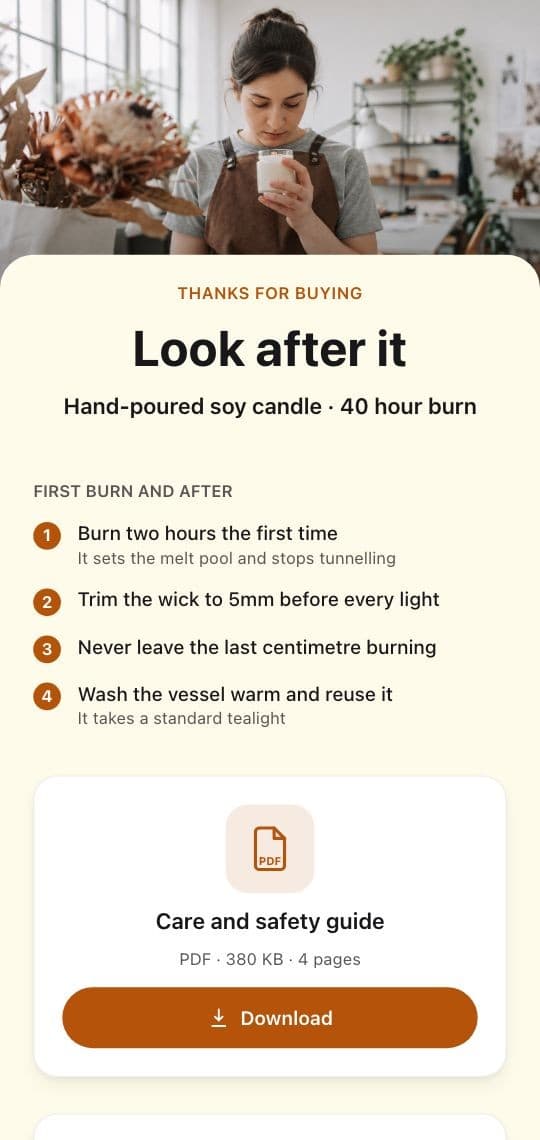
What manufacturers put behind the code
The manual
Quick start on the page, the full PDF one tap away.
Setup videos
Often clearer than any diagram.
Warranty registration
A short form one scan away instead of a paper card.
Spare parts
Links to the right parts and accessories for that model.
Safety notices
Update the page and every unit sold shows the notice.
Several languages
Send each phone to the manual in its own language.
The page inside every box
Start from the Care & Warranty template, with care steps, a manual download, a registration form and FAQs, or the multi page Product Hub for ingredients, care and origin. Add your PDF, video and support links, and publish.
Buyers you can actually reach
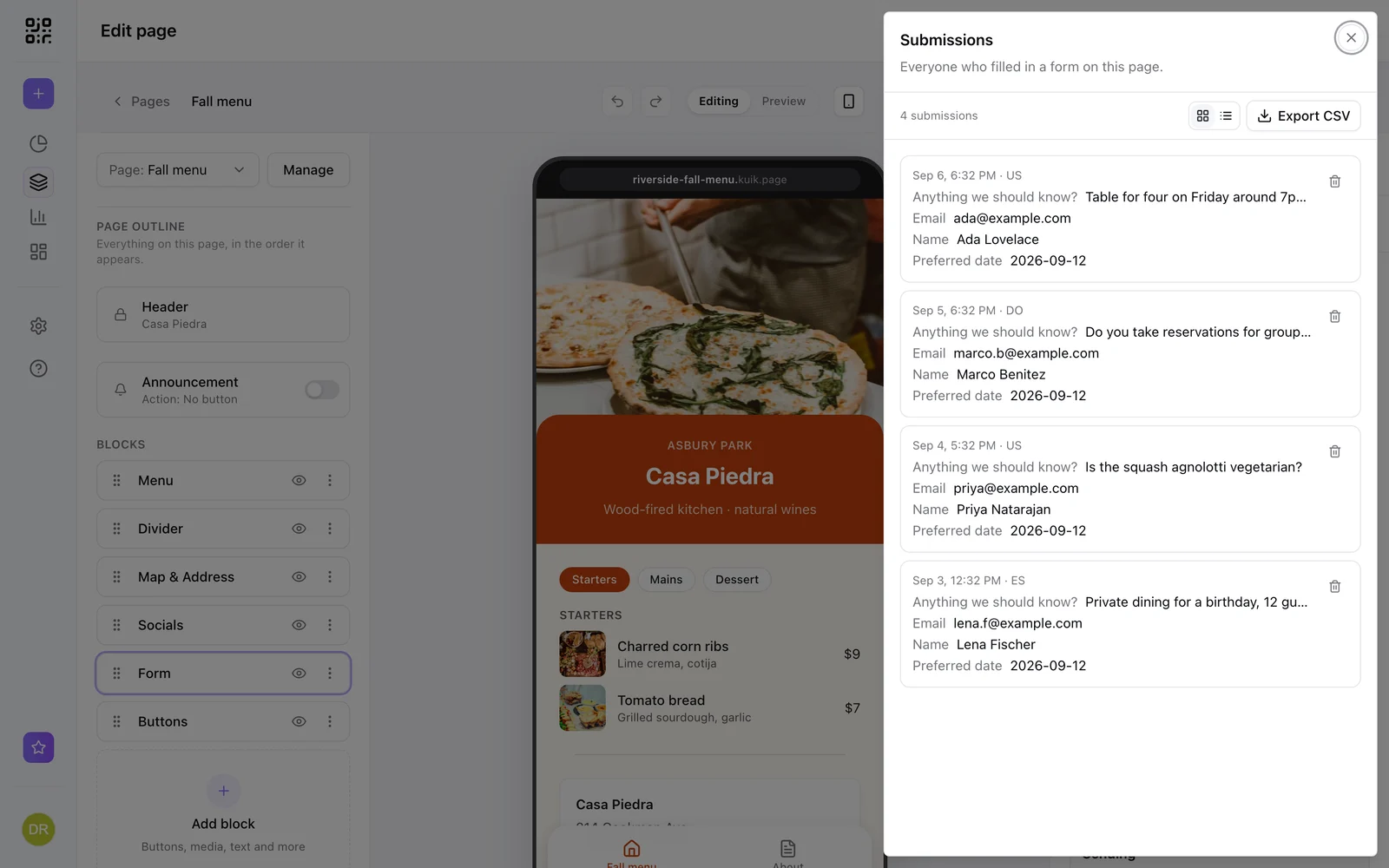
Each registration lands in the page's leads with the answers keyed by your field labels. Export them as CSV, get an email for each one, or send them to your CRM with a webhook on Business.
- Name, email, purchase date and serial number
- Marketing consent as its own checkbox
- Export as CSV any time
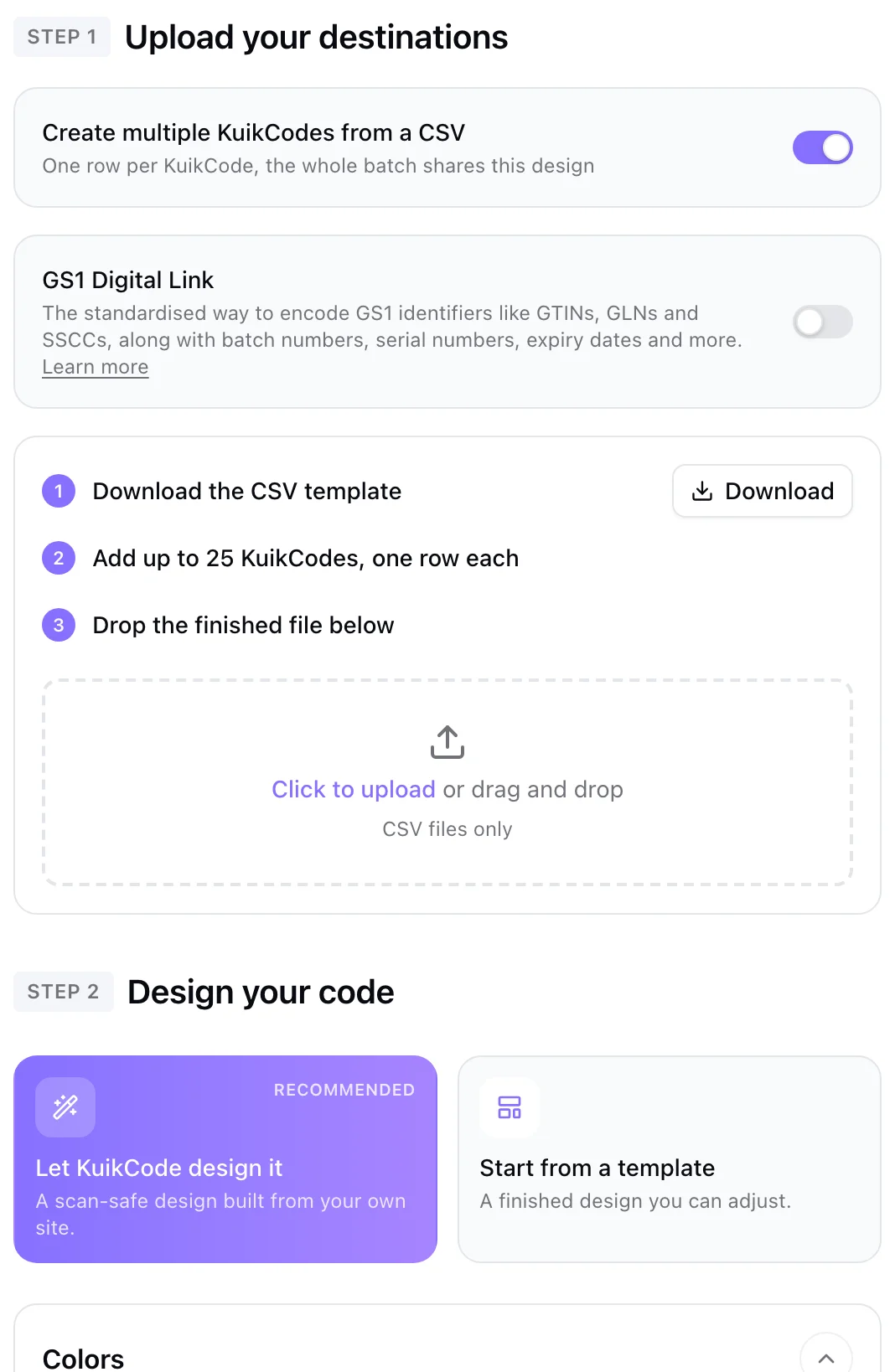
A code per model, from one spreadsheet
Create a code for every model or product line from a CSV with one shared design. For retail packaging, GS1 batches carry each product's GTIN, lot and expiry in the same code.
Learn more
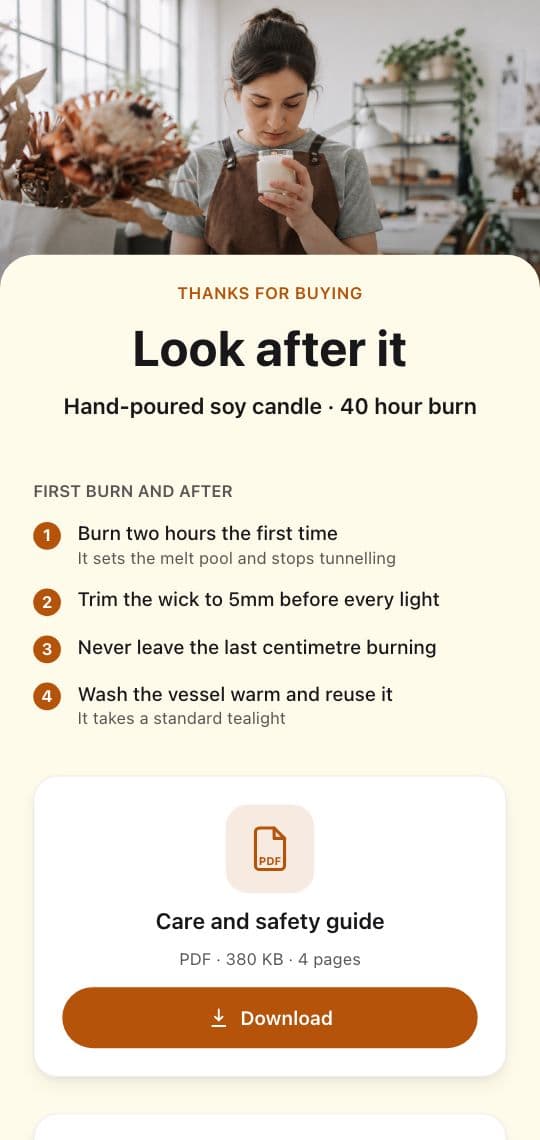
How to put a product manual and warranty registration behind a QR code
A code on the box or the product itself can open the right manual, a setup video and a warranty form. Here is how manufacturers set it up and keep it current.
September 29, 2026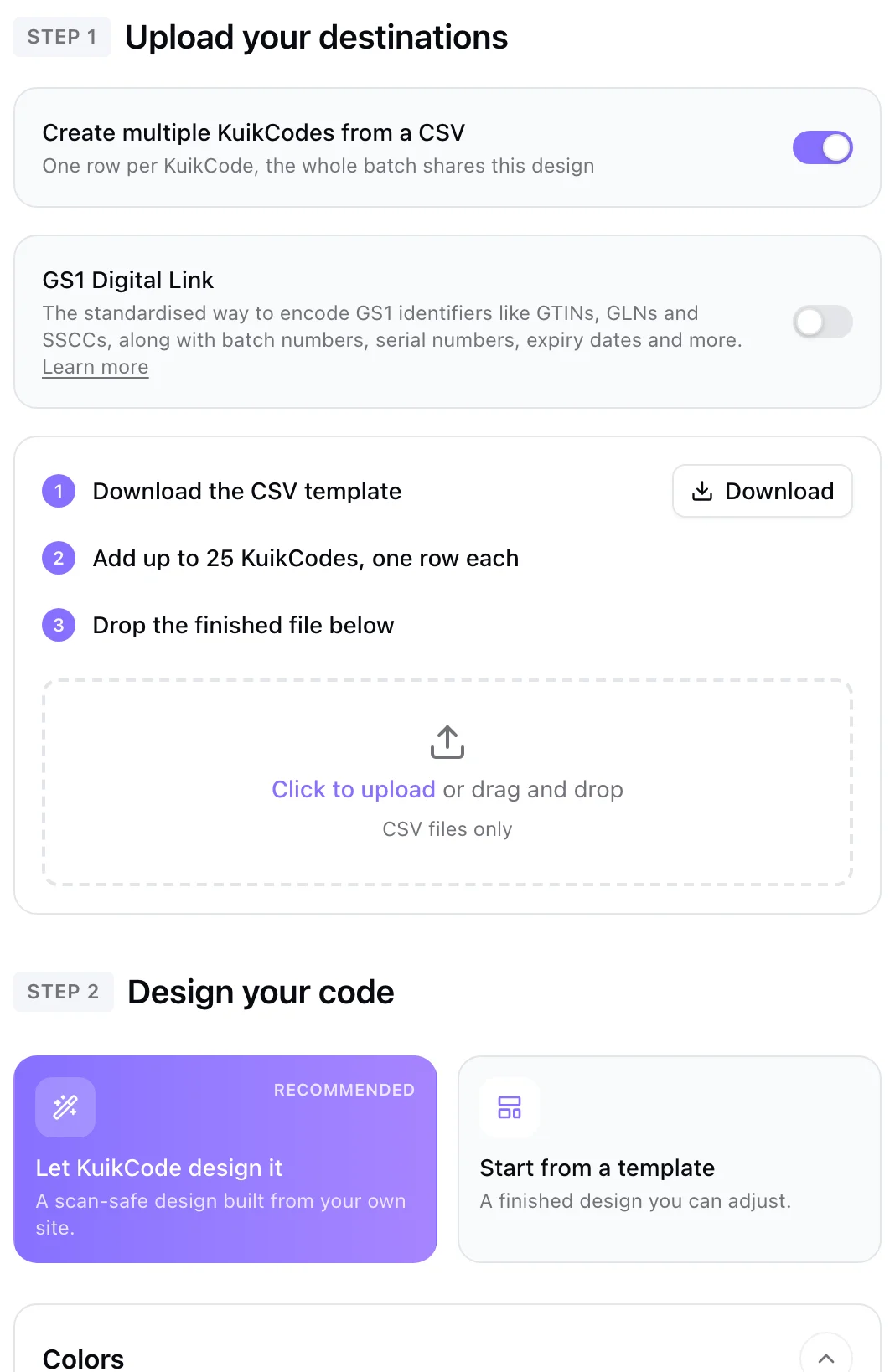
How to make hundreds of QR codes from a spreadsheet
One row per code. Put the names and links in a spreadsheet, save it as CSV and create every code at once, with the same design and its own link.
September 29, 2026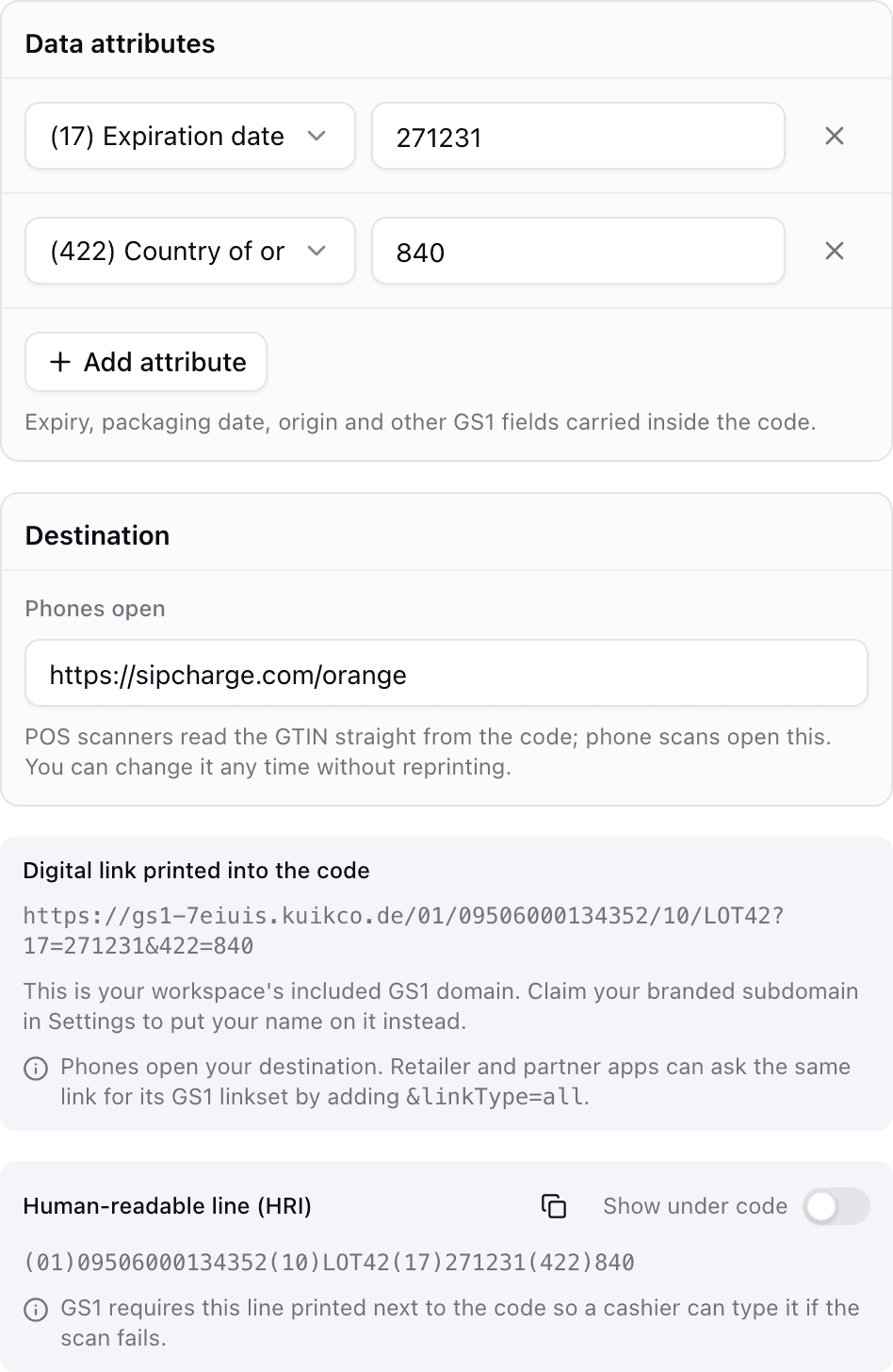
QR codes on packaging: what GS1 Digital Link is and why it matters
A GS1 Digital Link QR code can ring up at the register and open a product page on a phone. Here is how it works and how to prepare your packaging.
September 23, 2026Frequently asked questions
01How do I put a product manual behind a QR code?+
Upload the manual as a PDF, or build a short mobile page with the key steps and the PDF one tap away, then print a dynamic code that opens it.
02Can a QR code be used for warranty registration?+
Yes. The code opens a page with a short form, and every registration is saved to your leads, where you can export it or get an email for each one.
03What happens when the manual changes?+
Update the page or file behind the code and every unit already sold opens the new version.
04Where should the code go on the product?+
On a durable label on the product itself so it outlives the box, and on the box or quick start card for setup day.
05Which plan do I need?+
Single page KuikPages are included from the Starter plan. Multi page product sites and bulk creation are included from the PRO plan.
Your next printed code, ready in minutes.
Design it, point it anywhere, change it after printing and watch the scans come in. Free while we're in beta.
Request beta access
One email when your workspace is ready. No spam.