What Canva's own QR code does
Canva ships a QR code app of its own. You type a web address, it draws a black and white code, and the image lands in your uploads to place like any other. It is free on every Canva plan and takes under a minute, which is exactly right for a link that will never change and that nobody needs to measure.
The limits come from how it works. The address is encoded into the pattern itself, so once a poster is printed the destination is printed too. There is no scan count, no location or device data, and no way to send iPhone scanners somewhere different from Android ones. Styling stops at a background color and a size.
What a dynamic code changes
A dynamic code encodes a short link that KuikCode redirects. The printed artwork never changes; the place it opens can change at any time, from a menu to a seasonal page to a recall notice. Every scan is counted with city, device and language, and smart rules can route scanners by device, country, language, time or location. That is the difference between a picture of a link and a channel you can run.
| What you get | Canva's built-in code | KuikCode app for Canva |
|---|---|---|
| Change the destination after printing | No | Yes, any time |
| Scan analytics | None | Realtime, with city, device and language |
| Design | Black and white, background color | Designed from your site's colors, templates or Brand Kit; pattern, eyes, frame and logo |
| Routing by device, country, time | No | Smart rules |
| Saved and reusable | An image in uploads | A code in your workspace, in folders, with tags |
| Cost | Free with Canva | KuikCode Core and up, from $9 a month |
Adding a KuikCode inside Canva
- 1Open the KuikCode app
In the Canva editor, open Apps, search for KuikCode and sign in to your workspace. KuikCode asks which workspace the app may use, once.
- 2Paste where it should open
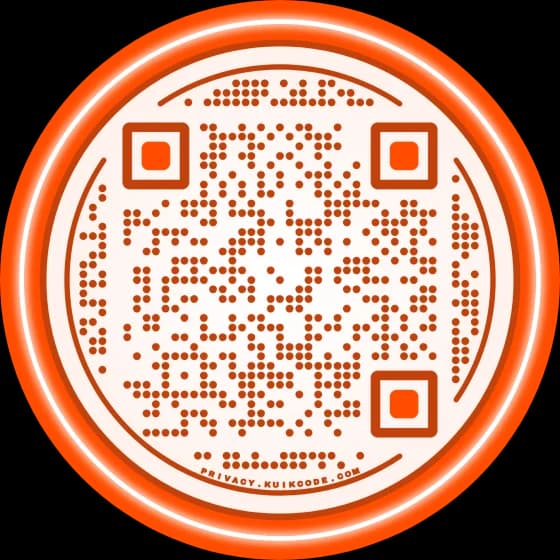
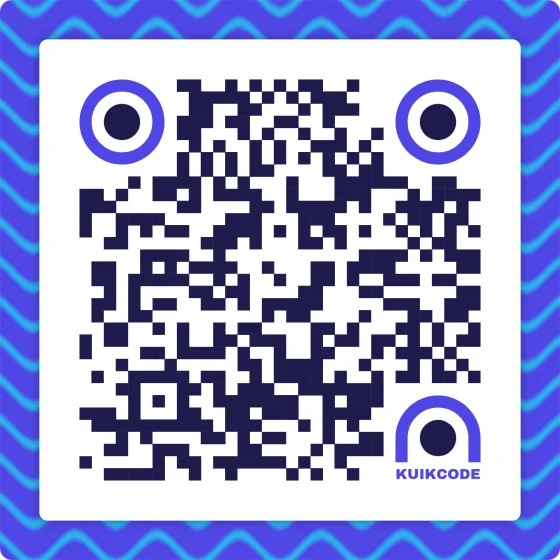
The preview at the top designs itself from the destination site's brand colors. More options shows nine variants; Start from switches to one of your templates, your Brand Kit or a plain code.
- 3Adjust it
A color from the site's palette or a preset, the dot pattern, eye shape, a round or square frame, and a logo for the center. The preview follows every change.
- 4Save and add to design
The code is created in KuikCode with the name and folder you chose, rendered at print size and placed in your design. Resize it like any image.
Codes you already have are one tab away: My codes lists the workspace with search, and any of them can be dropped into the design with its scan history intact.
Where it earns its keep
Menus and table tents, where the dish list changes weekly but the print run is monthly. Event posters that point at tickets before the date and at photos after it. Product packaging and shelf talkers whose landing page the marketing team keeps improving. Business cards that outlive a job title. Anything printed once and read for a long time.
Questions, answered
01How do I create a QR code in Canva?+
Two ways. Canva's own QR code app, under Apps in the editor, turns a link into a static code: type the address, generate, place. The KuikCode app, also under Apps, makes a dynamic, designed code: paste the destination, adjust the design in the panel, click Save and add to design. The KuikCode version can be repointed after printing and reports its scans.
02Can you make dynamic QR codes in Canva?+
Not with Canva's built-in tool, which encodes the address directly into the pattern. A dynamic code encodes a short link that KuikCode redirects, so the destination can change forever while the printed artwork stays. The KuikCode app for Canva creates that kind of code inside the editor.
03Do Canva QR codes expire?+
Canva's built-in codes never expire, because there is nothing behind them: the address is the code. KuikCodes do not expire either; they keep redirecting for as long as your workspace has an active plan or trial, and the destination stays editable.
04Are Canva QR codes free?+
Canva's built-in codes are free on every Canva plan. The KuikCode app is included from KuikCode's Core plan ($9 a month billed yearly) and in the 14-day free trial, and needs a KuikCode workspace; designing from your Brand Kit inside the panel is a PRO feature.
05Will a designed code still scan when I resize it in Canva?+
Yes. The app inserts a high-resolution render of the finished design, and every design that leaves KuikCode has passed the same contrast and quiet-zone checks the editor enforces. Keep the code at least 2 cm wide in print and it reads on every phone.
06Can I use a code I already have?+
Yes. The My codes tab lists every code in your workspace with search; add any of them to the design and it keeps its scan history.