

Wedding website builder with RSVP, schedule and guest photos
A wedding website with RSVP, the day's schedule, the venue map and a guest photo drop, on your own kuik.page address, with a QR code for the invitations.
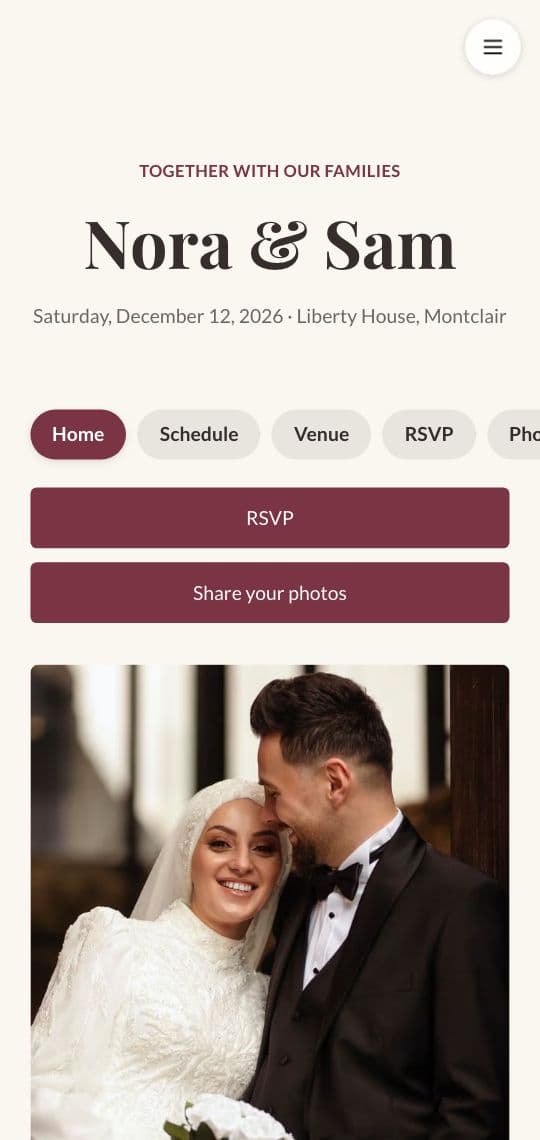
What your wedding website can hold
Your story
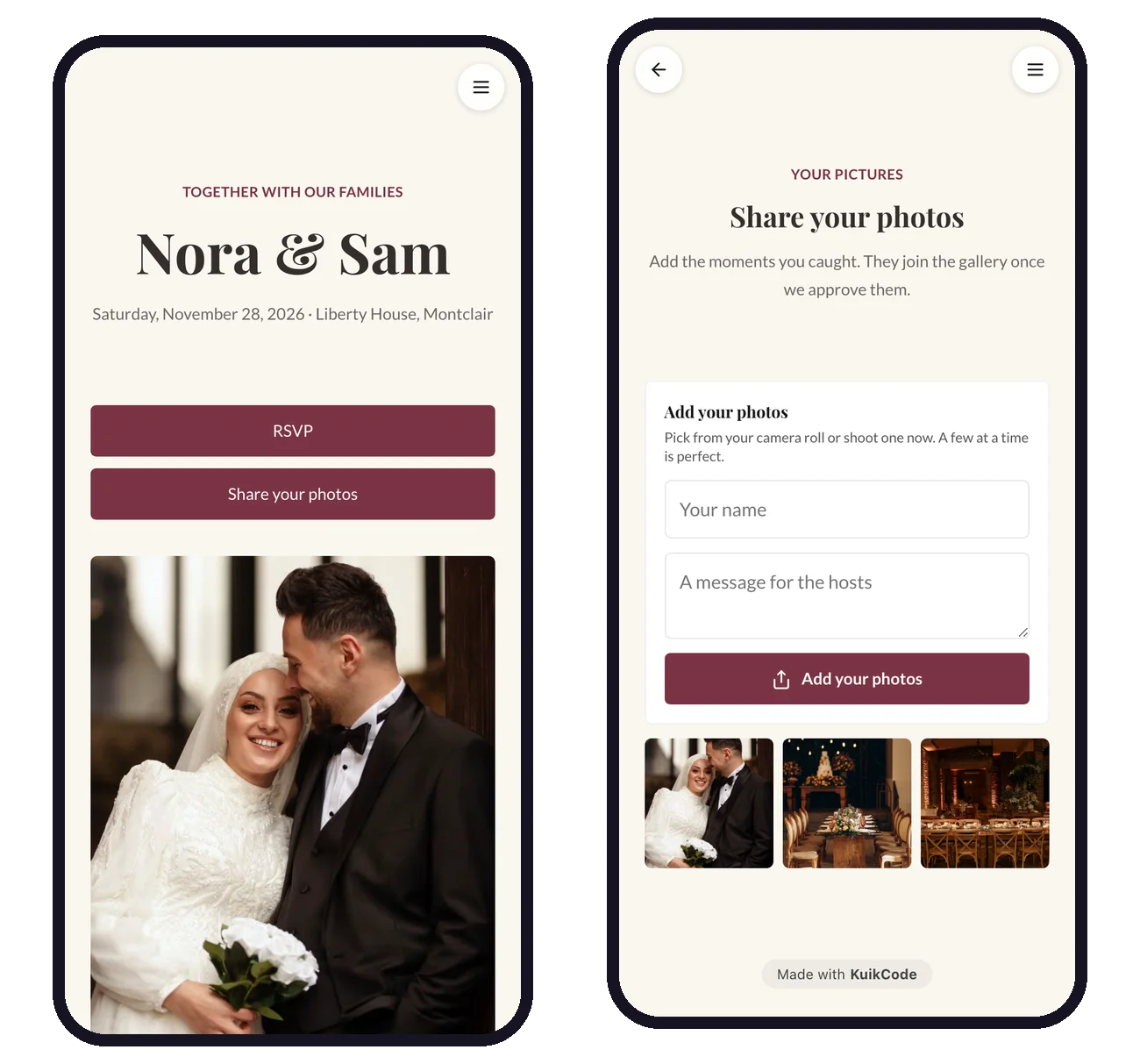
Your names, the date, a photo and a few lines about how you met, with a countdown to the day.
The schedule
Arrival, ceremony, drinks, dinner and dancing in a timeline, plus an Add to calendar button.
Venue and travel
A map with directions, parking, hotels and shuttle times.
RSVP
Guests reply on a form, with meal choices and notes, and every reply lands in one list.
Guest photos
Guests add their photos from their phone, and you approve what joins the gallery.
A code on the invitation
A designed QR code on the invitation, the place cards and the welcome sign opens the site.
Home, schedule, venue, RSVP and photos
Start from the Wedding template: five pages with a menu, already written and laid out, so you only change the names, the date and the photos. Fonts, colors and backgrounds follow you across every page.
- A countdown, your story and a photo gallery on the home page
- A timeline, FAQ and Add to calendar on the schedule
- A map and travel notes on the venue page
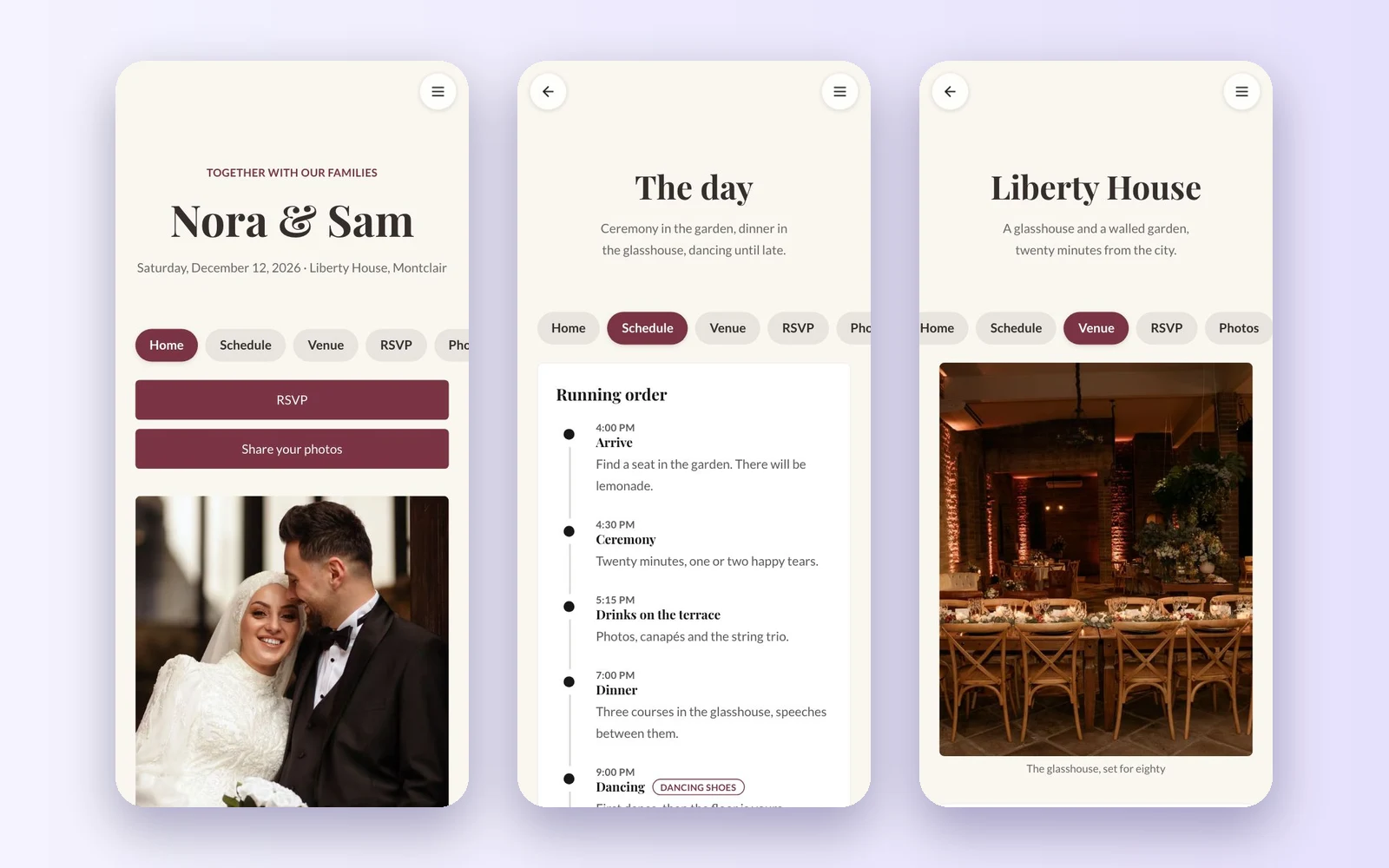
Replies that arrive organized
The RSVP form asks for names, whether guests can come, how many they are, the dinner choice and anything you should know. Every reply is listed under Leads, can be sent to your inbox the moment it arrives, and exports to a spreadsheet for the caterer and the seating plan.
- Fields you choose: text, select, checkbox, date and more
- An email for each reply, if you want one
- Export CSV for the seating chart
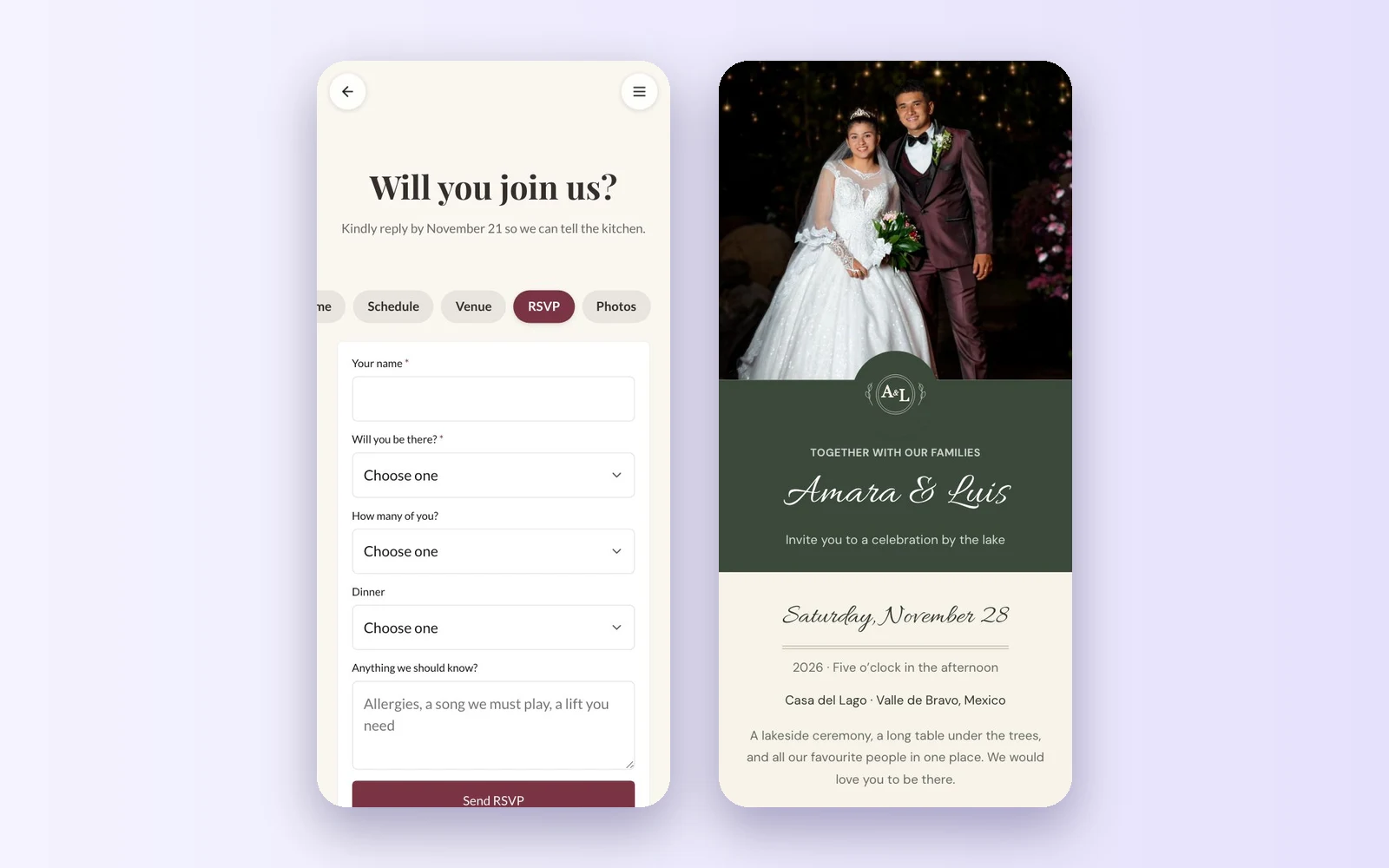
Every guest's photos, in one gallery
Put a code on the tables. Guests scan it and upload photos and videos from their phone's browser, with no app to install. You review and approve what joins the gallery, and download everything at once.
- 10 GB on PRO and 50 GB on Business
- Review before photos appear
- Sync to your Google Drive on PRO and up
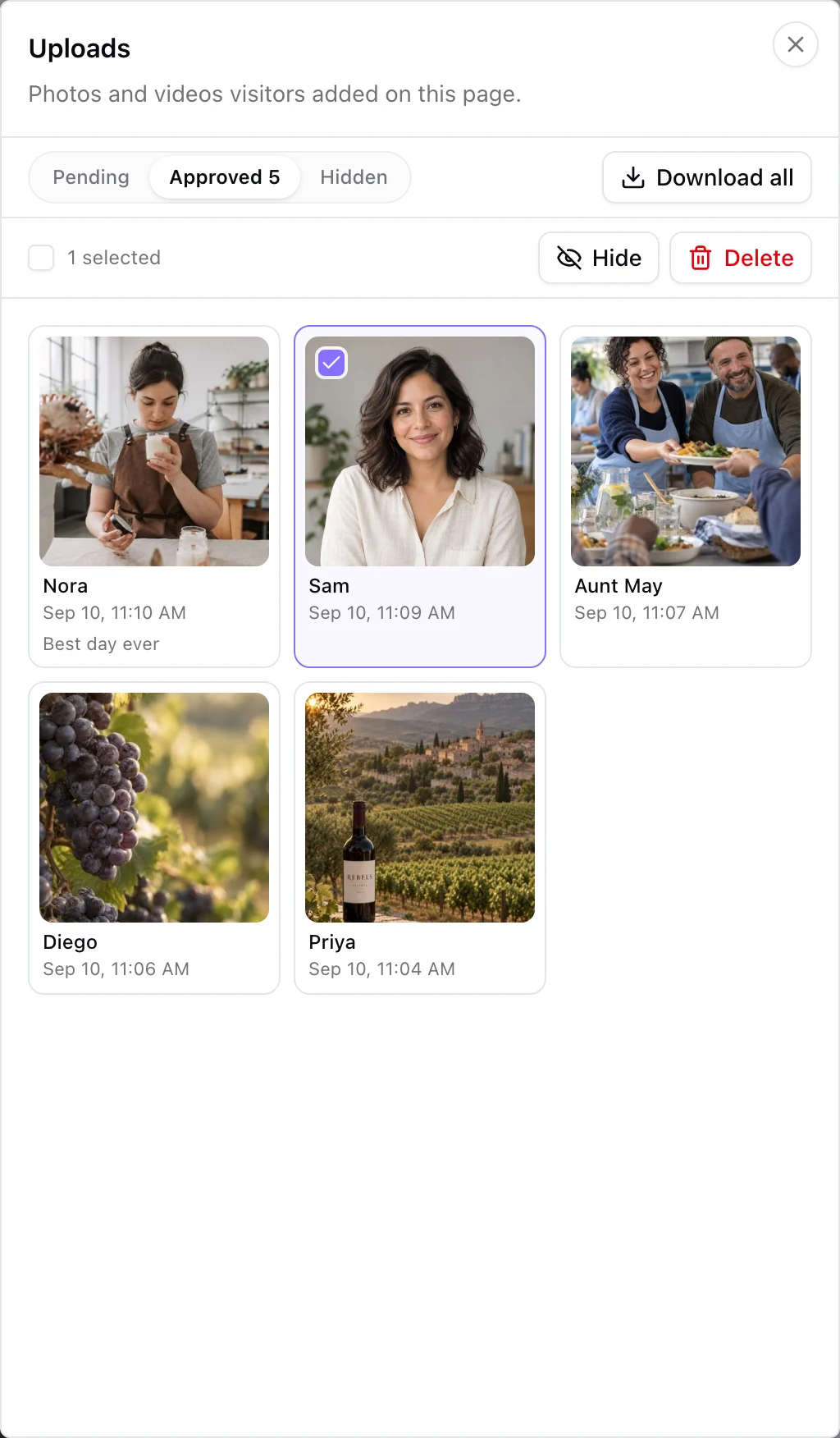
One site, from the save the date to the thank you
A wedding website does its job twice: before the day, it answers the questions guests would otherwise text you, and after it, it holds everyone's photos. Build it once in KuikCode and the same address works on the save the date, the invitation, the welcome sign and the thank you card.
Need ideas for what to write on each page? See our wedding website examples, the questions to answer in your wedding FAQ, and how to collect wedding photos from guests. For the codes on the day itself, see QR codes for events and weddings.
Learn more
QR code for wedding photos: how to collect them from every guest
Put one QR code on the tables and let guests add their photos from their phones. No app, no account, and you approve every photo before it shows.
September 25, 2026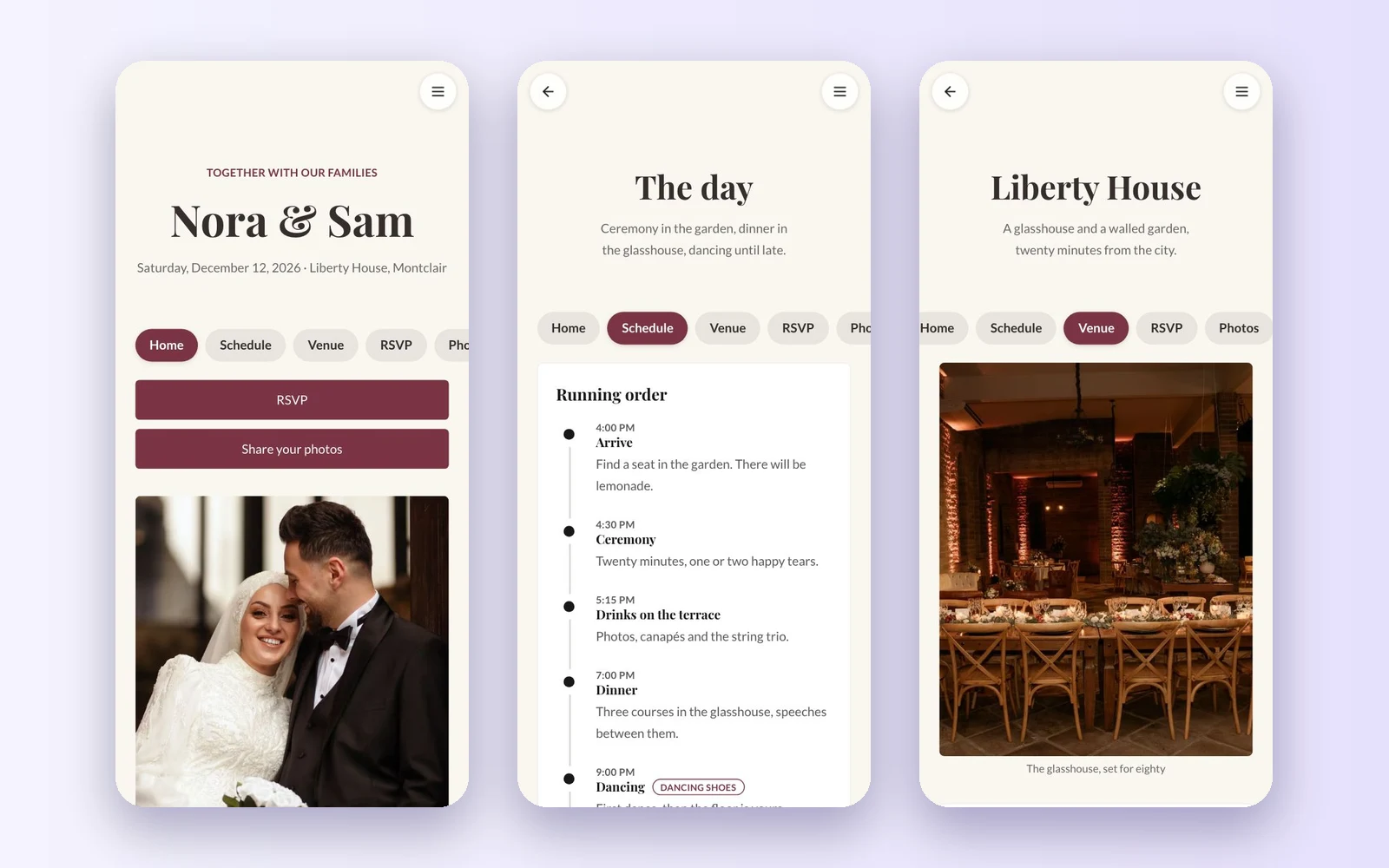
Wedding website examples: what to put on every page
Wedding website examples page by page: the home page, your story, the schedule, travel, RSVP, FAQ and photos, with sample wording you can adapt.
October 19, 2026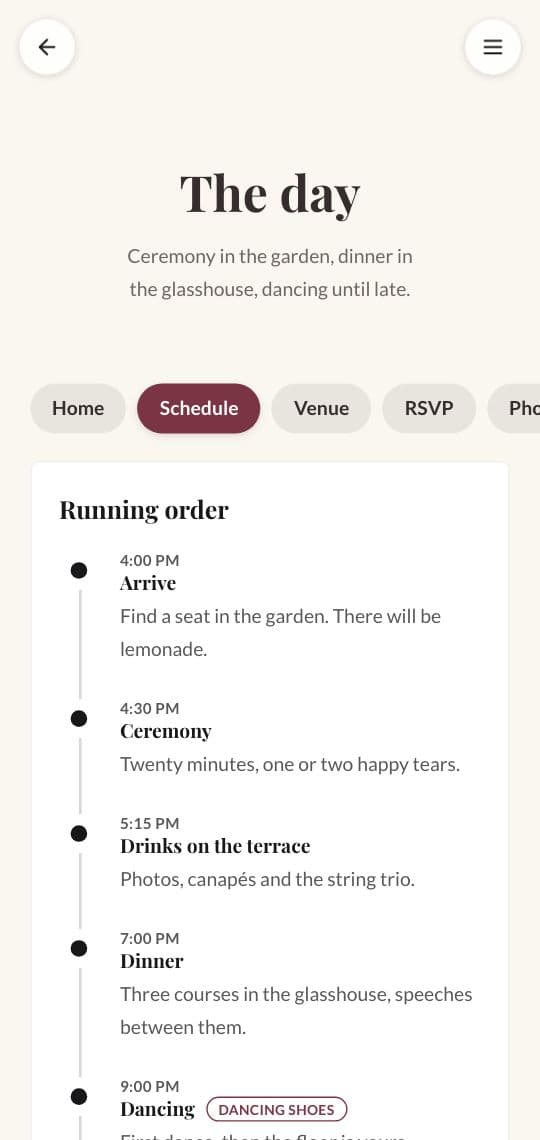
What to put in your wedding website FAQ: 20 questions guests ask
The questions to answer on your wedding website FAQ, from dress code and kids to parking and gifts, with short sample answers you can adapt.
October 19, 2026Frequently asked questions
01How do I make a wedding website?+
Start from the Wedding template in KuikPages, change the names, the date, the photos and the details, and publish. The site goes live at your own kuik.page address, and KuikCode gives it a designed QR code for your invitations.
02Can guests RSVP on the wedding website?+
Yes. The RSVP page has a form for names, attendance, the number of guests, the dinner choice and notes. Replies are listed in KuikCode, can be emailed to you as they arrive, and export as CSV.
03Which plan do I need for a wedding website?+
The five page Wedding site, with its menu and guest photo uploads, is on PRO. On Core, the one page Wedding Invitation template holds the welcome, the schedule, the RSVP form, Add to calendar, the FAQ and the map. Every workspace starts with a 14-day free trial.
04Do guests need an app to share their wedding photos?+
No. Guests scan a code and upload from their phone's browser. You review the photos before they appear in the gallery.
05Can I change the website after the invitations are printed?+
Yes. The QR code on the invitation opens your site, and you can change the site any time. Every printed invitation keeps working and shows the latest details.
06Do my guests see ads?+
No. KuikCode never shows ads to your guests or to people who scan your codes.

Your next printed code, ready in minutes.
Design it, point it anywhere, change it after printing and watch the scans come in. Try every feature free for 14 days, no credit card.
Start your 14-day free trial
Every feature, no credit card. Plans from $5 a month after.