

Smart QR codes: redirect by country, device or time
One printed QR code that sends each scan to the right link, by phone type, country, language, time of day or number of scans. Change the rules after printing.
Where one code needs several links
App downloads
iPhones to the App Store, Android to Google Play, everyone else to your site.
Several markets
One code on the package, a local page in each country.
Several languages
Phones set to Spanish get the Spanish page.
Time of day
Breakfast menu in the morning, dinner at night, same table tent.
Campaign dates
A promotion that switches itself on and off on the dates you set.
First scanners
The first 100 scans get the giveaway, the rest get the regular page.
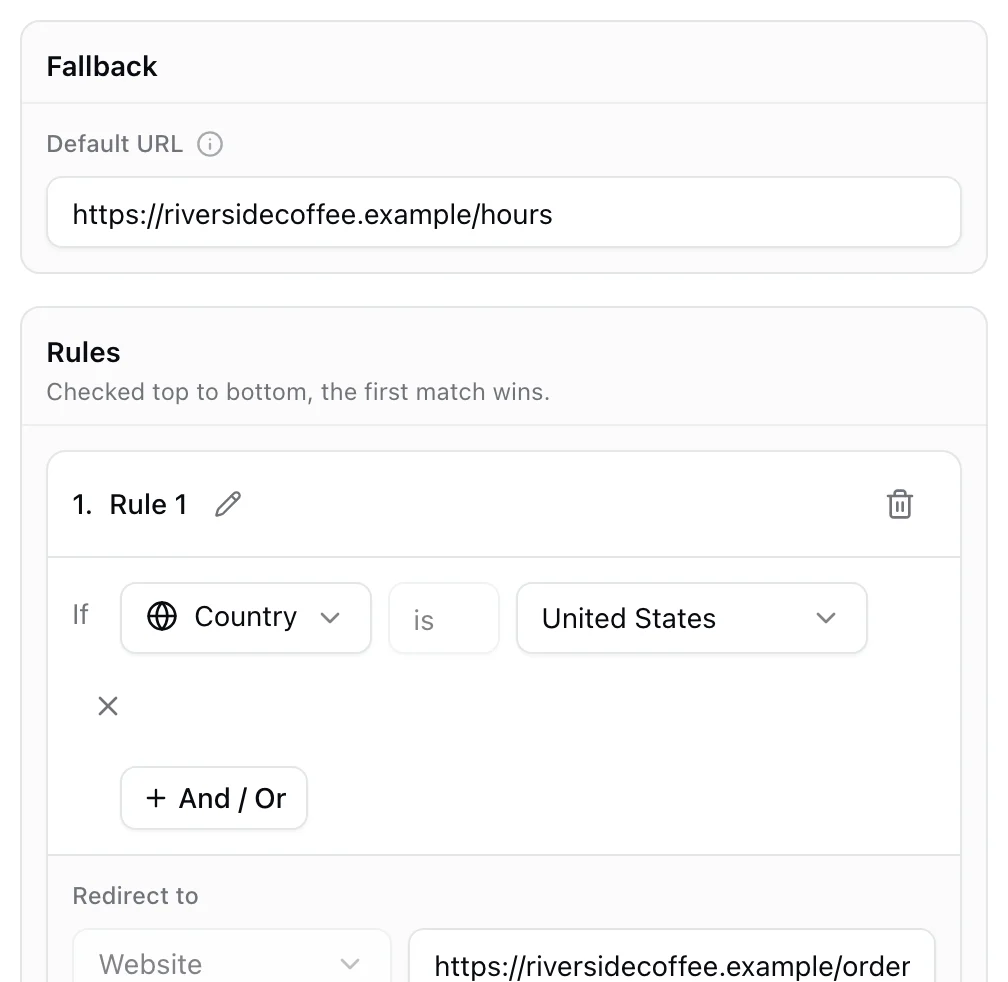
Rules in order, the first match wins
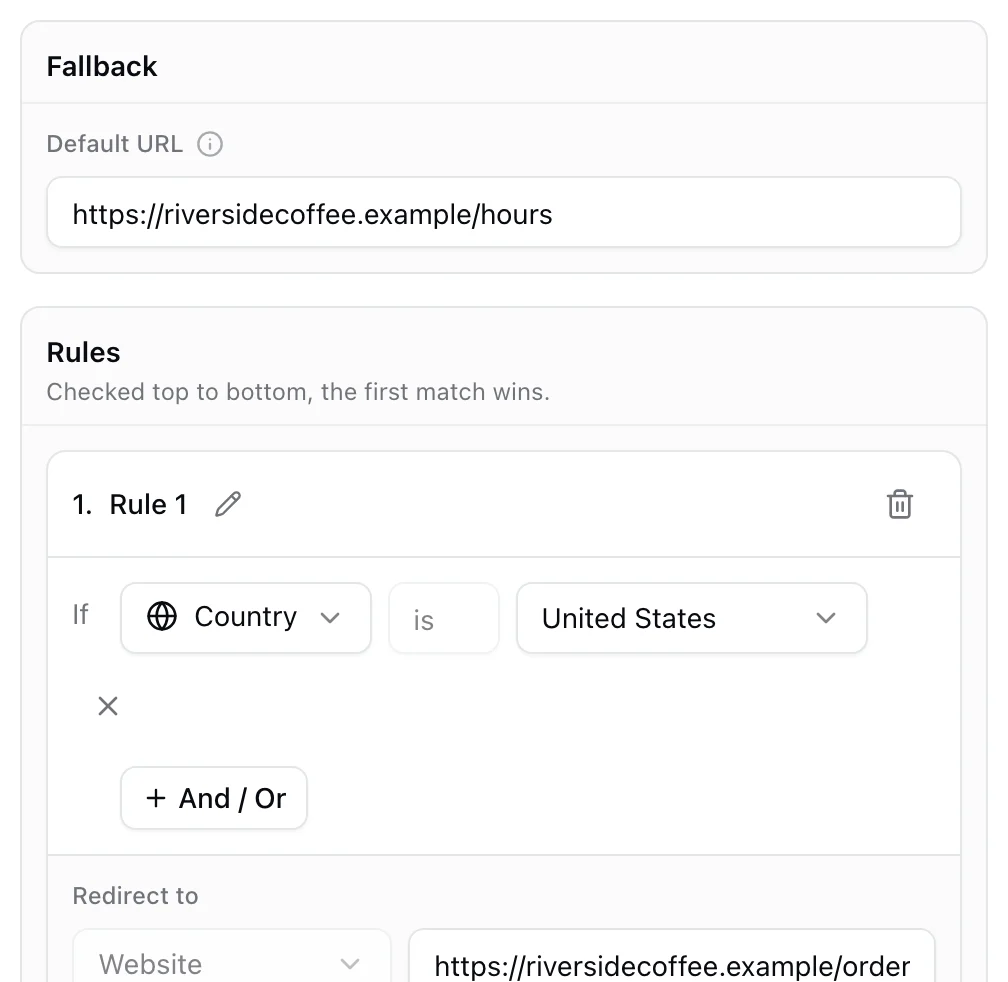
Add a rule for each case: device, country, language, time, day, date, scan count or distance from a place. Rules are checked top to bottom, and every scan that matches none goes to your fallback link, so no scan lands nowhere.
- Up to 20 rules per code
- A fallback link for everyone else
- Every scan records which rule sent it where
A link per country, no rules to write
For packaging and campaigns that cross borders, the Geolocation destination is a simple list: a country and its link, one per row, with a global page for the rest.
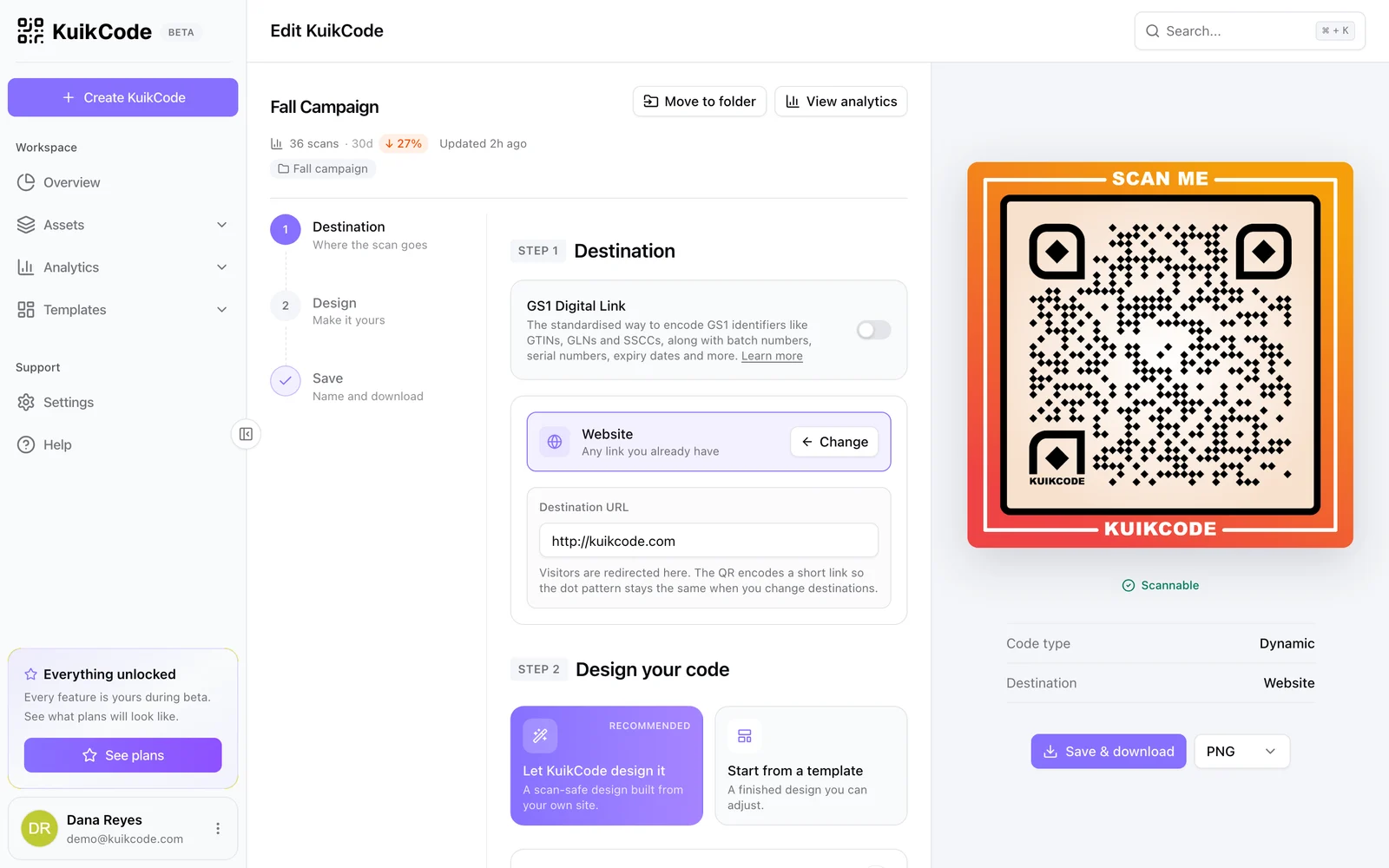
Change the rules, keep the print
Rules live with the code in your account, not in the printed pattern. Add a country, move a date or swap a store link any time, and every printed copy follows.
Learn more
How to send one QR code to different links by country or device
One printed code can open the App Store on iPhones, a local page in each country or a lunch menu at noon. Here is how smart QR code rules work and when to use them.
September 29, 2026
What is a dynamic QR code?
A dynamic QR code points to a short link you control, so you can change where it goes after printing and see every scan. Here is how it works.
September 23, 2026
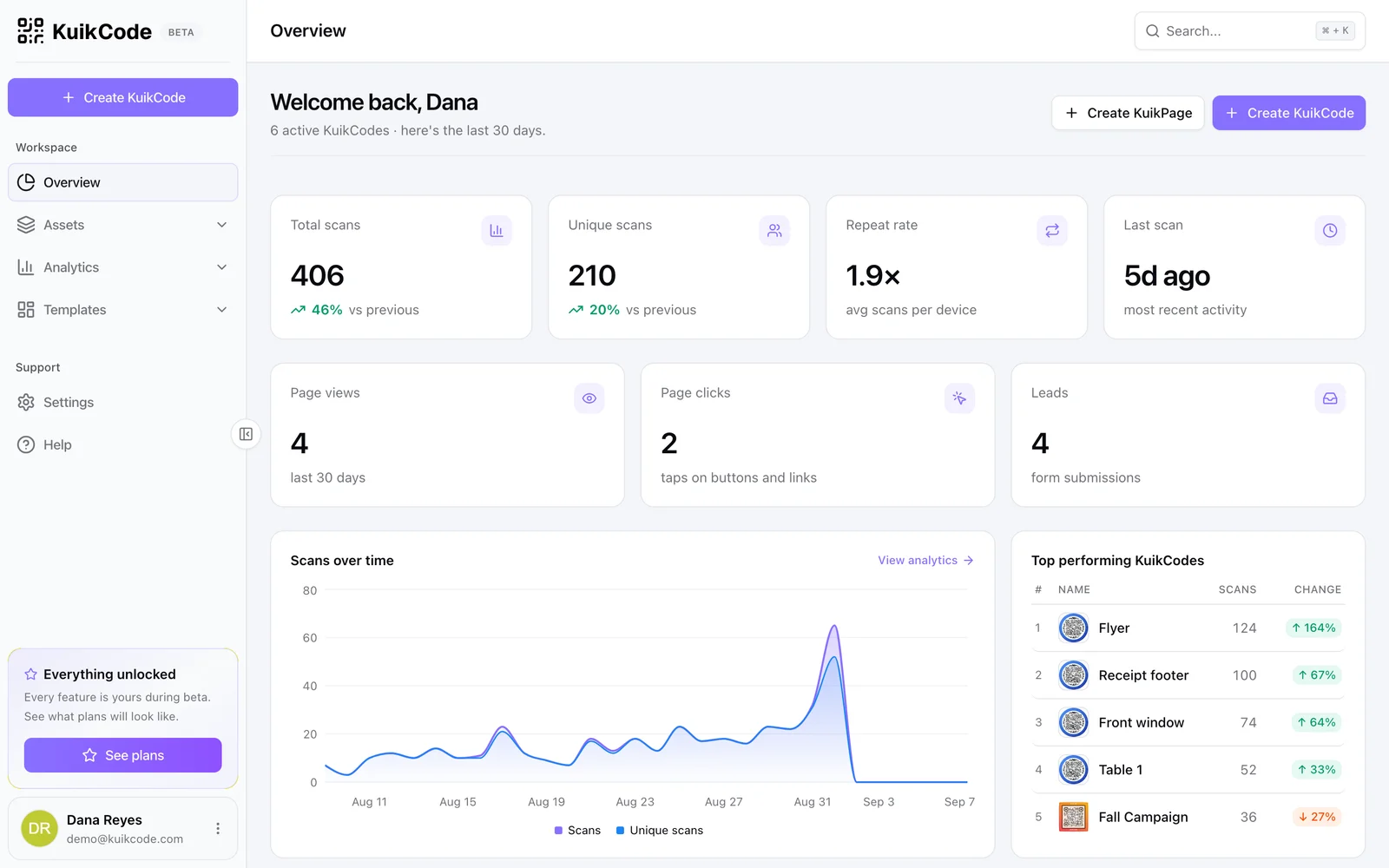
How to track QR code scans (and what the numbers mean)
Dynamic QR codes record every scan. Learn which numbers matter, how to read total and unique scans, and how to connect scans to your web analytics.
September 23, 2026Frequently asked questions
01Can one QR code open different links?+
Yes, a dynamic code with rules. Each scan is checked against your rules and sent to the matching link, with a fallback for everything else.
02What can the rules check?+
The phone type, country, language, time of day, day of the week, date, how many times the code has been scanned, and distance from a place.
03How accurate is the location?+
Location comes from the network, accurate to the country and usually the city. It is ideal for country rules. For distance rules, use a radius of a few kilometers.
04Can I change the rules after printing?+
Yes. The rules are stored with the code, not in the printed pattern, so you can edit them any time.
05Which plan includes smart rules?+
Smart rules and the Geolocation destination are included from the PRO plan.
Your next printed code, ready in minutes.
Design it, point it anywhere, change it after printing and watch the scans come in. Free while we're in beta.
Request beta access
One email when your workspace is ready. No spam.