

QR codes for events and weddings
Event pages with add to calendar, RSVP links and a guest photo drop, all behind one printed code you can update until the last dance.
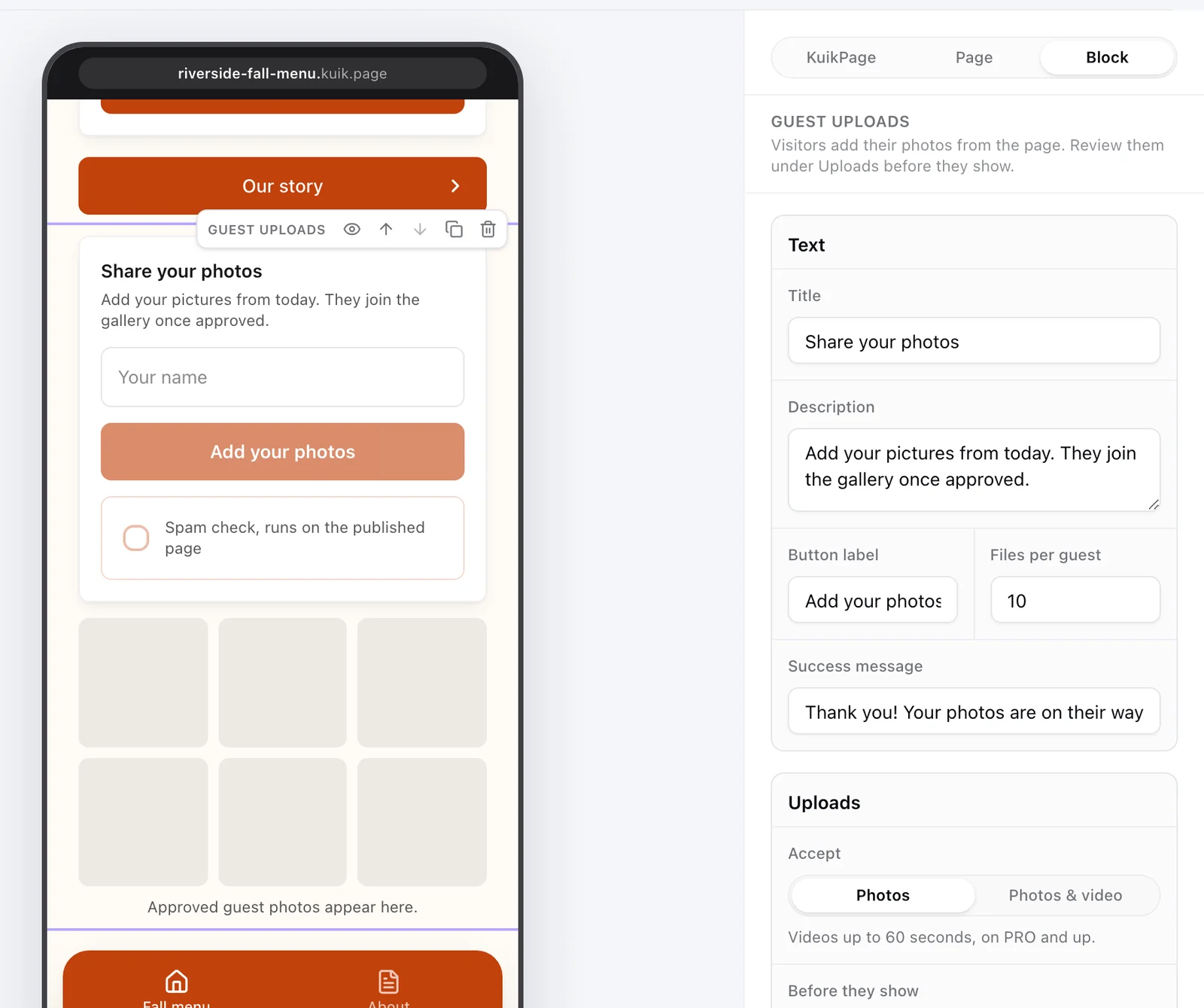
What events use KuikCode for
Save the date and invitations
One code on the invitation opens the event page and adds it to the guest's calendar in a tap.
RSVP and tickets
Link the code to your RSVP form or ticketing page, and change it if the plan changes.
Guest photo drop
Guests scan a code on the tables and upload their photos straight to you, no app needed. Videos too on PRO and Business.
Signage on the day
Codes on banners, badges and schedules keep pointing at the latest times and room changes.
Add to calendar in one tap
The event destination opens a page with the name, date, time, venue and description, plus an Add to calendar button that works on iPhone and Android. Move the date and every printed invitation follows.
- Start and end times in the event's own timezone
- Venue and address with a link to maps
- Optional RSVP or tickets button
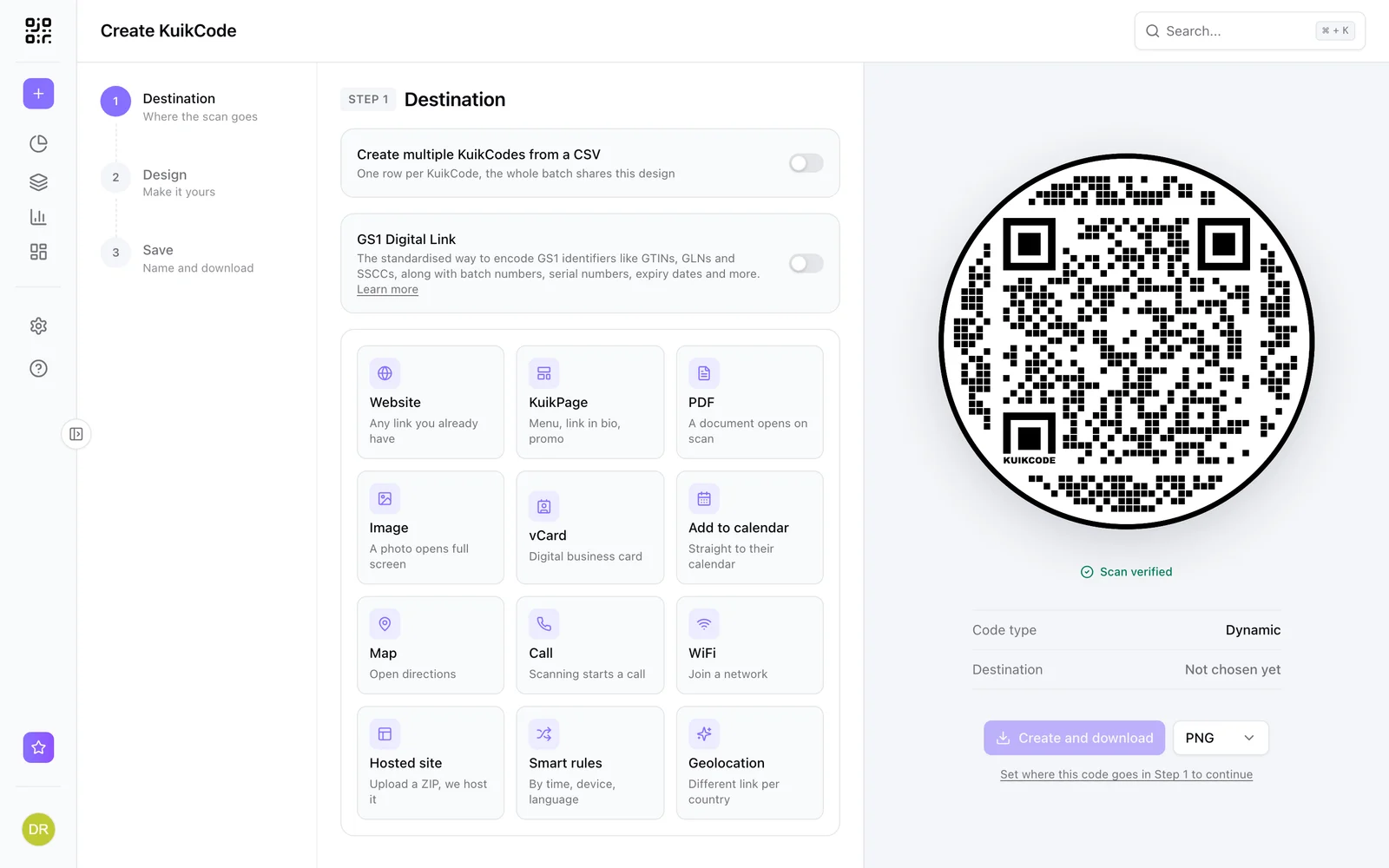
Every guest's photos, in one place
Add a photo drop to your event page. Guests upload from their phone, you review and approve, and download everything as a zip. On PRO and above, uploads can sync to your Google Drive.
- 1 GB on Starter, 10 GB on PRO, 50 GB on Business
- Review before photos appear in the gallery
- Download all photos at once
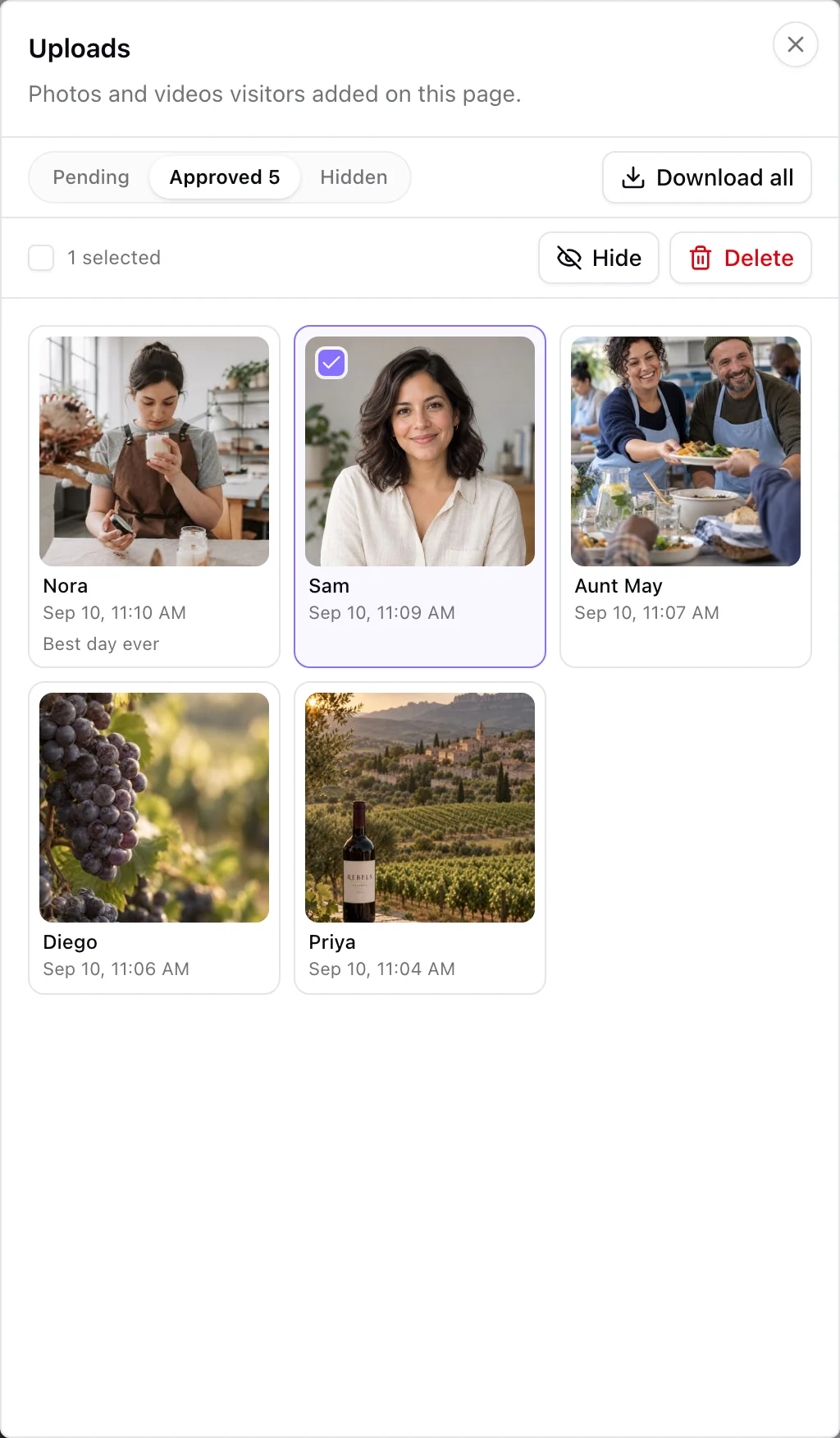
Watch the room fill up
Realtime analytics show scans as they happen, so you can see guests arriving, which signs work and when the photo drop gets busy.
Learn more
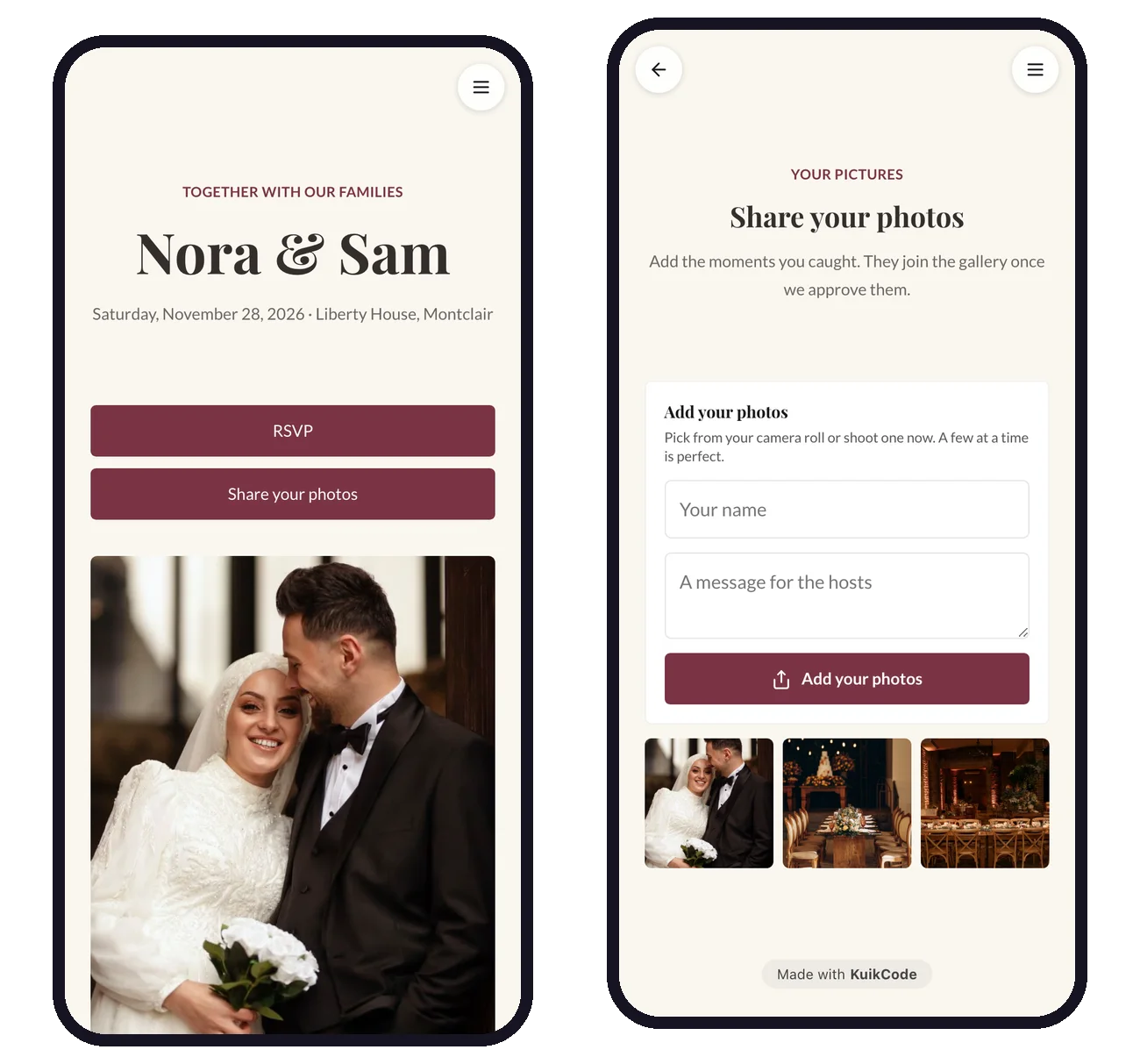
How to collect wedding photos from guests with a QR code
Put one QR code on the tables and let guests add their photos from their phones. No app, no account, and you approve every photo before it shows.
September 25, 2026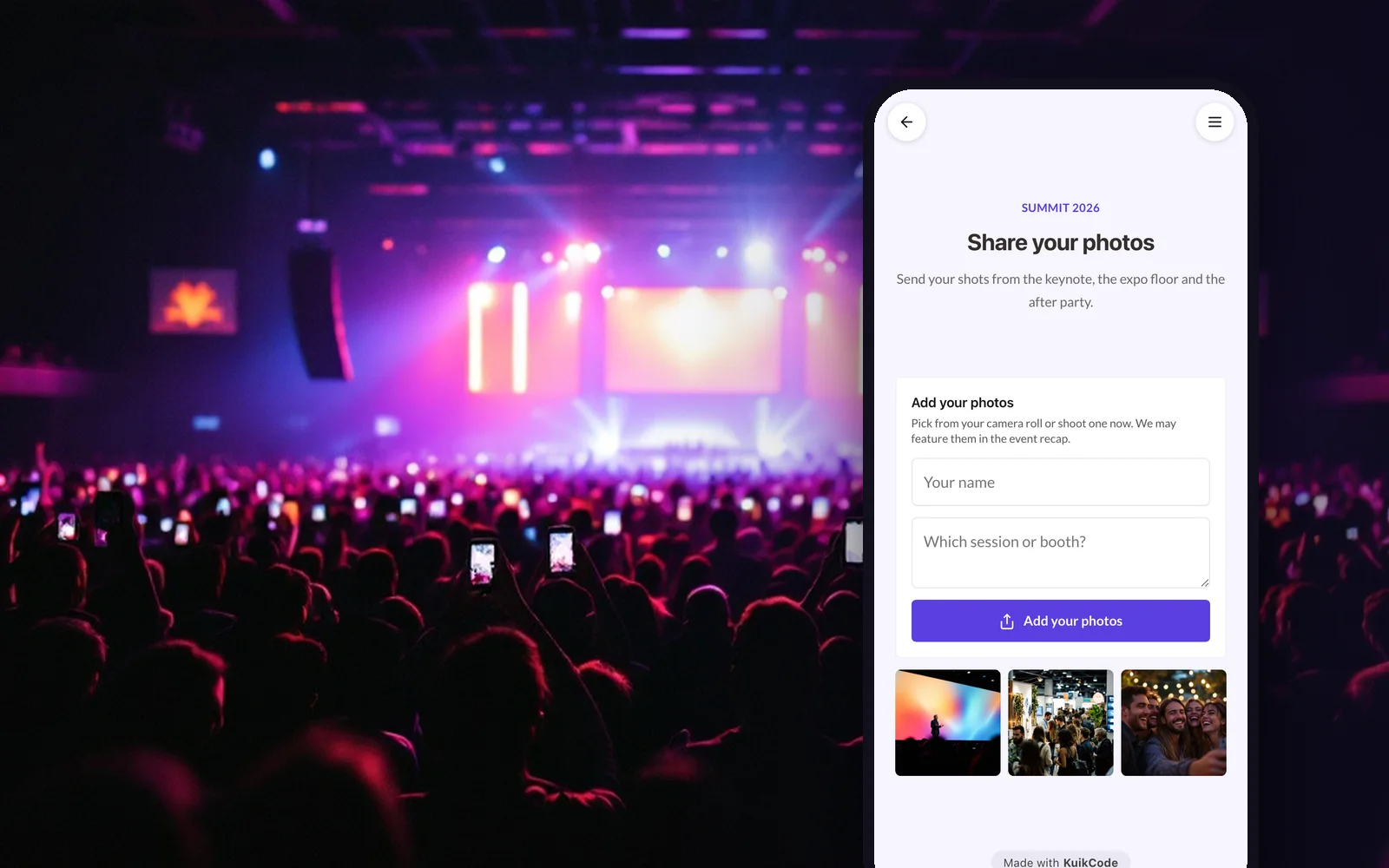
How to collect event photos from attendees with a QR code
Turn every attendee's phone into a camera for your conference, expo or company event. One QR code, photos reviewed before they show, all in one place.
September 25, 2026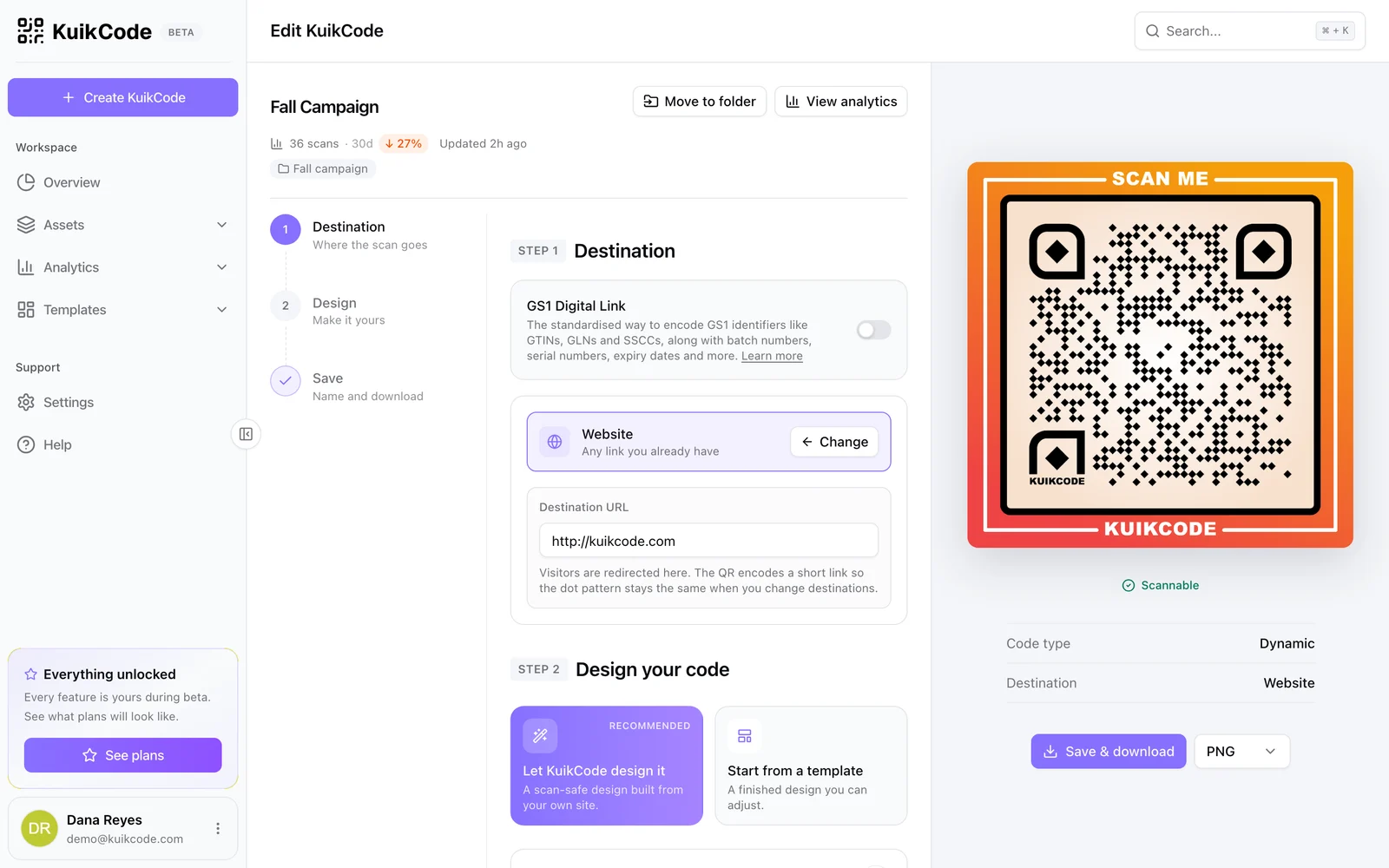
How to change where a QR code goes after it is printed
If your code is dynamic, you can send it to a new page, file or menu without reprinting. Here is how it works and what to do if your code is static.
September 23, 2026Frequently asked questions
01Can guests add the event to their calendar from the QR code?+
Yes. The event page has an Add to calendar button that creates a calendar entry with the date, time, place and description.
02Do guests need an app to upload photos?+
No. Guests scan the code and upload from their phone's browser. You review the photos before they appear.
03What happens if the date or venue changes after the invitations are printed?+
Update the event in KuikCode and every printed code shows the new details within about a minute.
04Can I use one code for the whole event?+
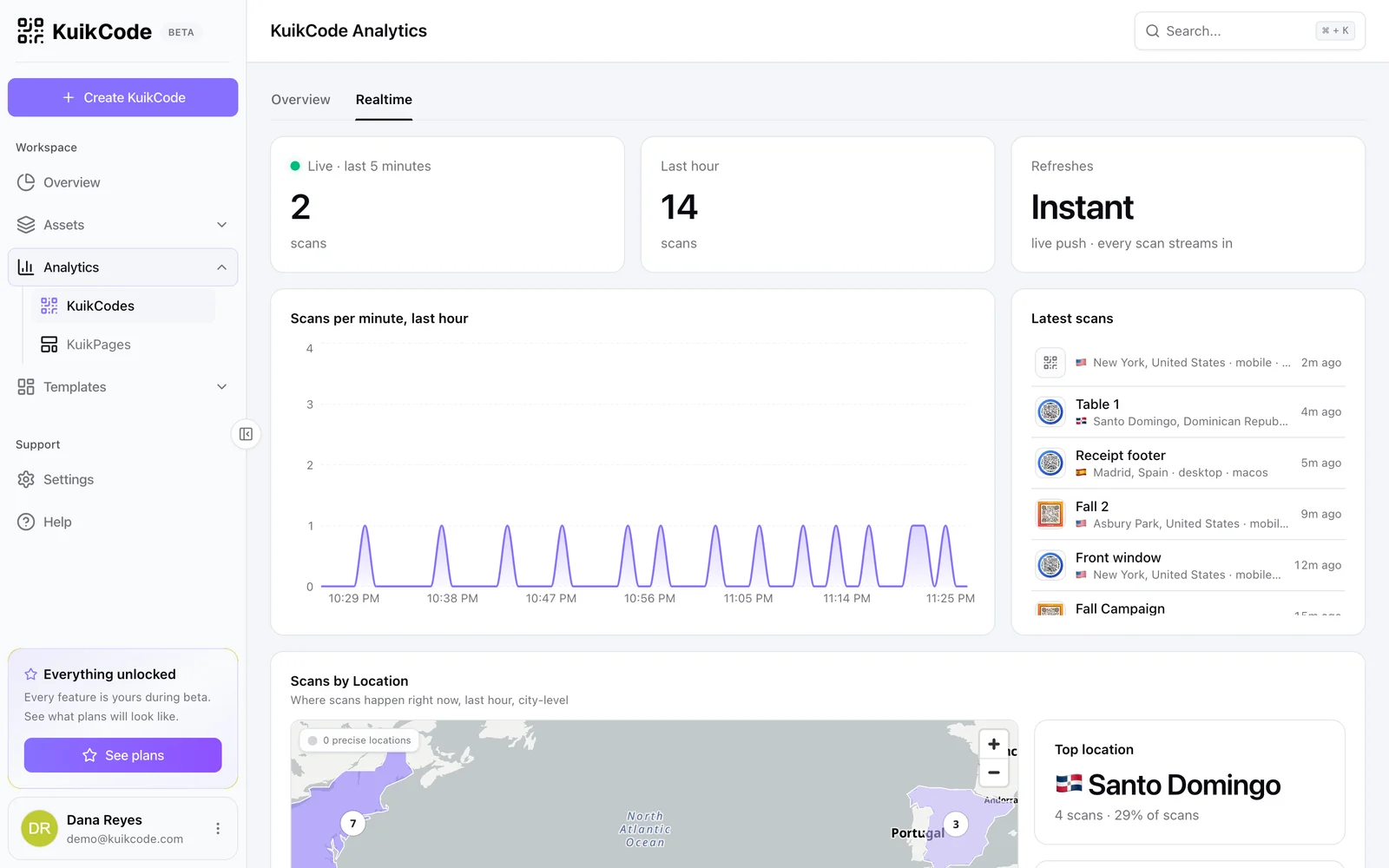
Yes. A multi page KuikPage can hold the schedule, venue, RSVP and photo drop behind one code.

Start with the QR codes you will never need to reprint.
Join the beta for branded design, editable destinations, hosted sites, bulk CSV creation, and live scan analytics.
Request beta access
One email when your workspace is ready. No spam.