

QR codes on product packaging
Packaging codes that open product pages, follow GS1 Digital Link, and can be updated for recalls, promotions or new instructions after the boxes ship.
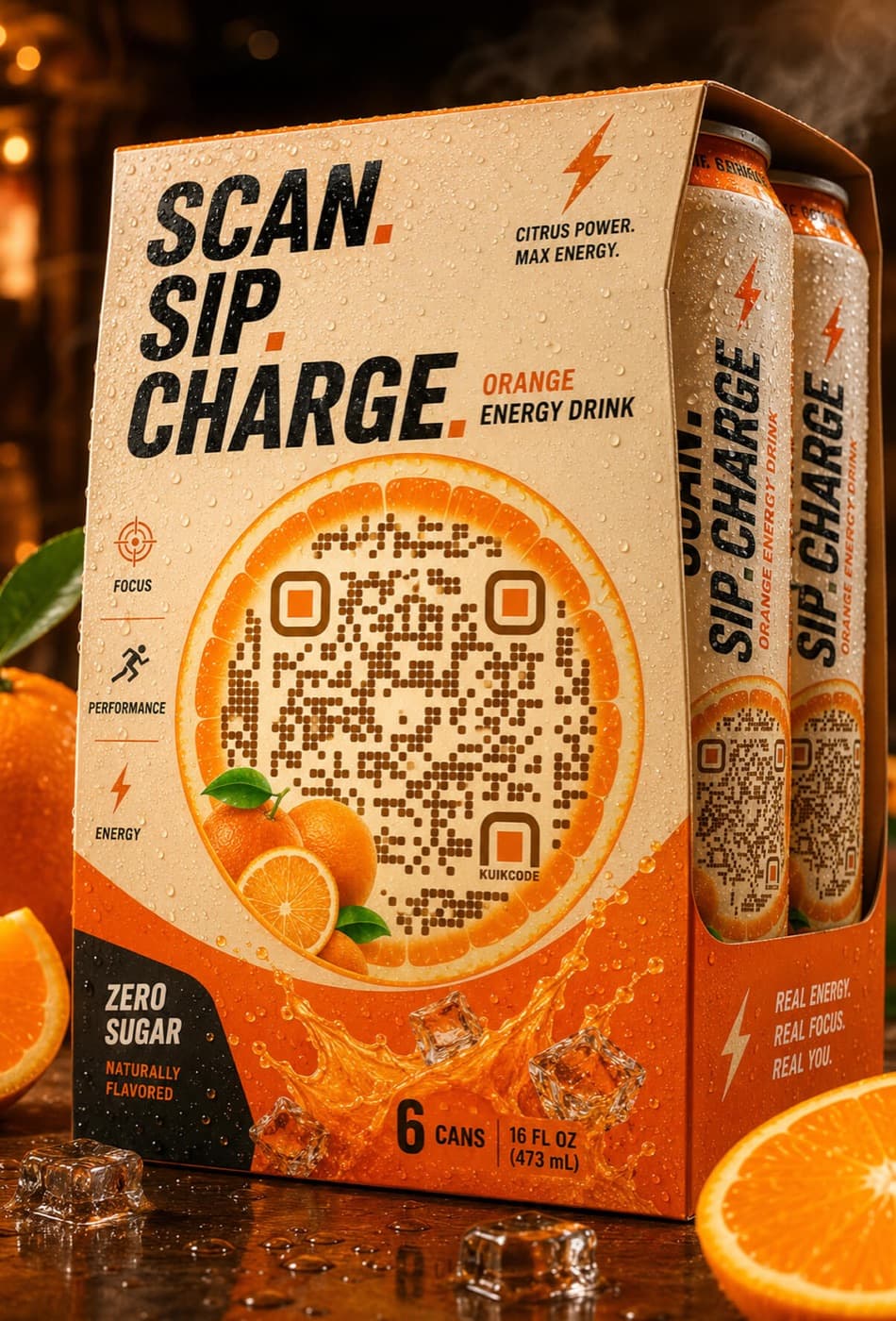
What packaging use KuikCode for
Product information pages
Ingredients, care instructions, origin and certifications on a page that fits the phone in the shopper's hand.
One code for the register and the phone
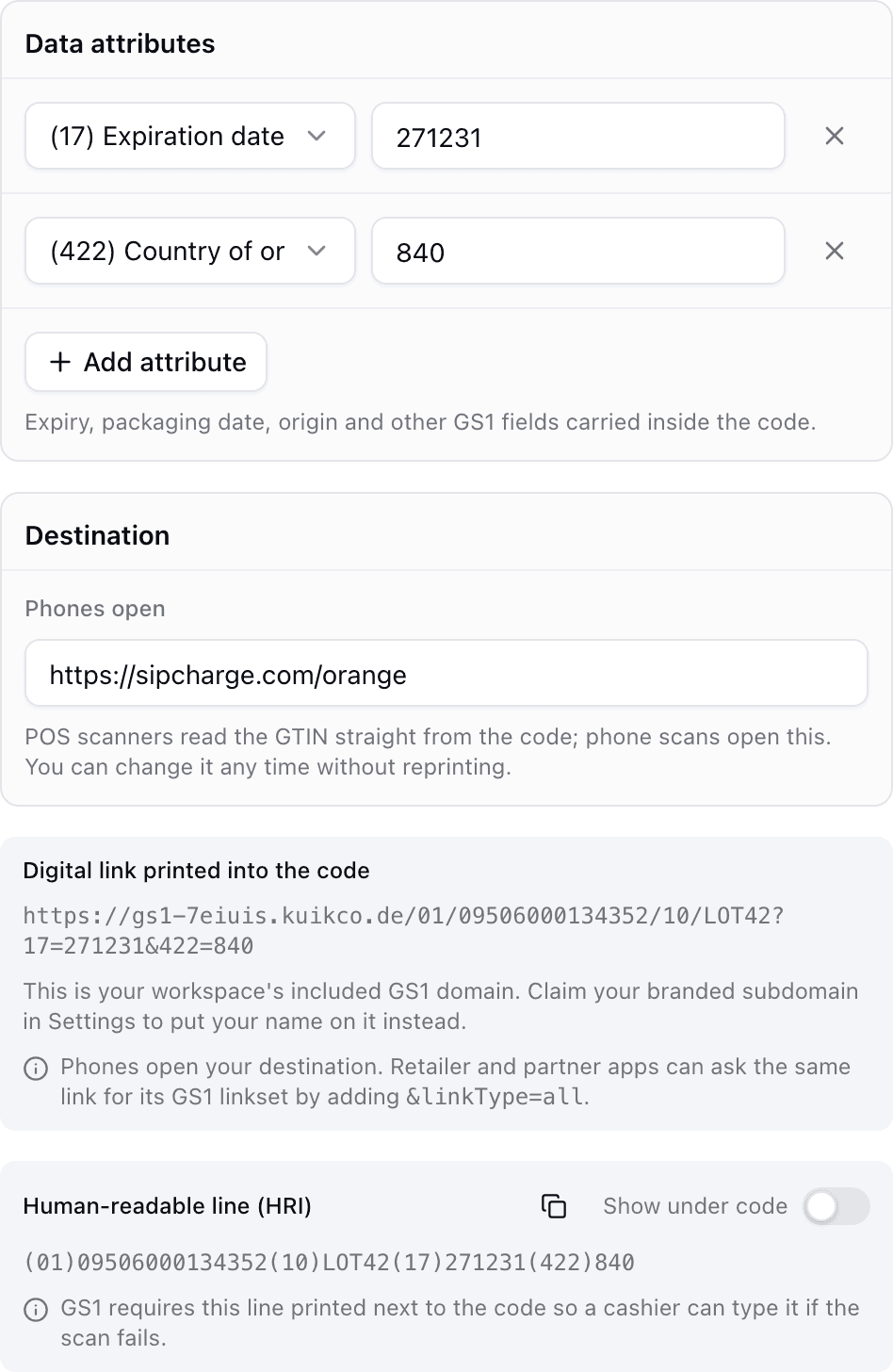
GS1 Digital Link codes identify the product at the checkout and open a page when shoppers scan.
Recalls and updates
Point the printed code at a recall notice or new instructions without touching the packaging.
Different markets, one print
Send shoppers to the page for their country or language from the same printed box.
Ready for 2D at the point of sale
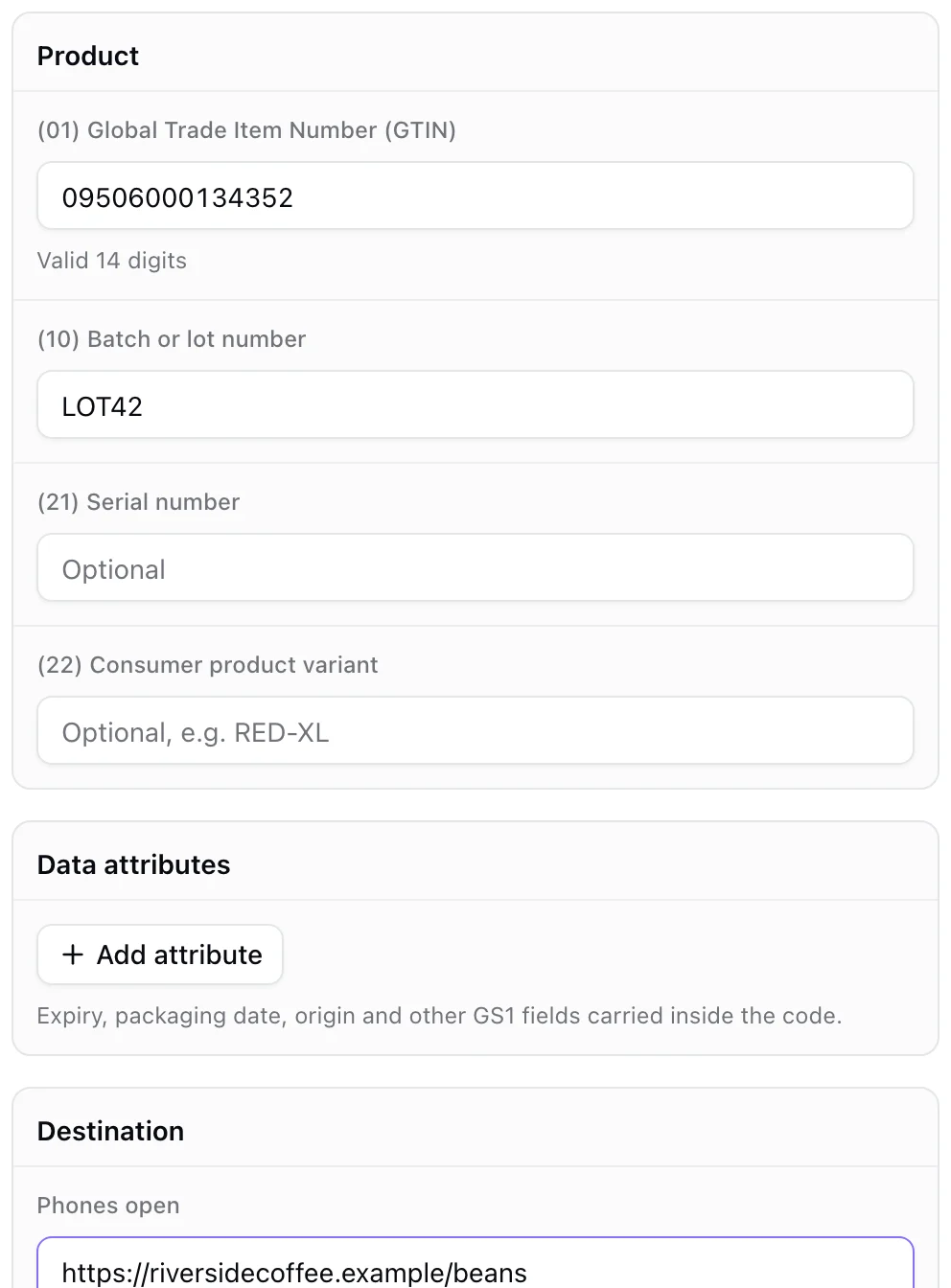
Build GS1 Digital Link QR codes from your GTIN, with batch, serial and expiry data, and print the human readable line under the code. The link is hosted on your own GS1 host or custom domain and stays editable.
- Validated GTINs and Application Identifiers
- EAN-13 and GS1 Data Matrix companions
- Available on the Business plan
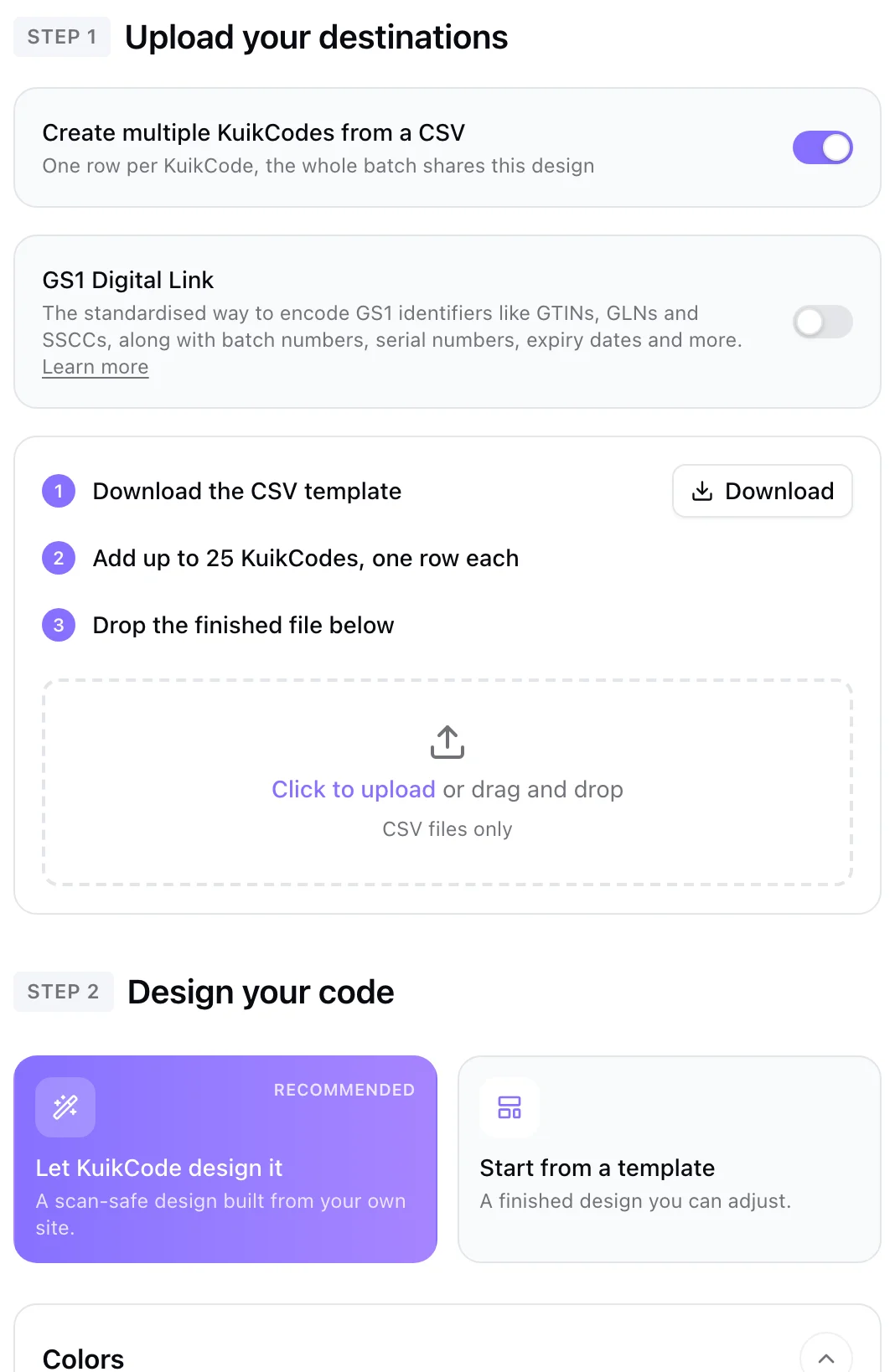
A code for every product from one CSV
Upload a spreadsheet and create a batch of codes in one go, each with its own destination and the shared design of your brand.
- Up to 100 rows per batch on PRO and 500 on Business
- GS1 batches from GTIN columns
- Every code editable afterwards
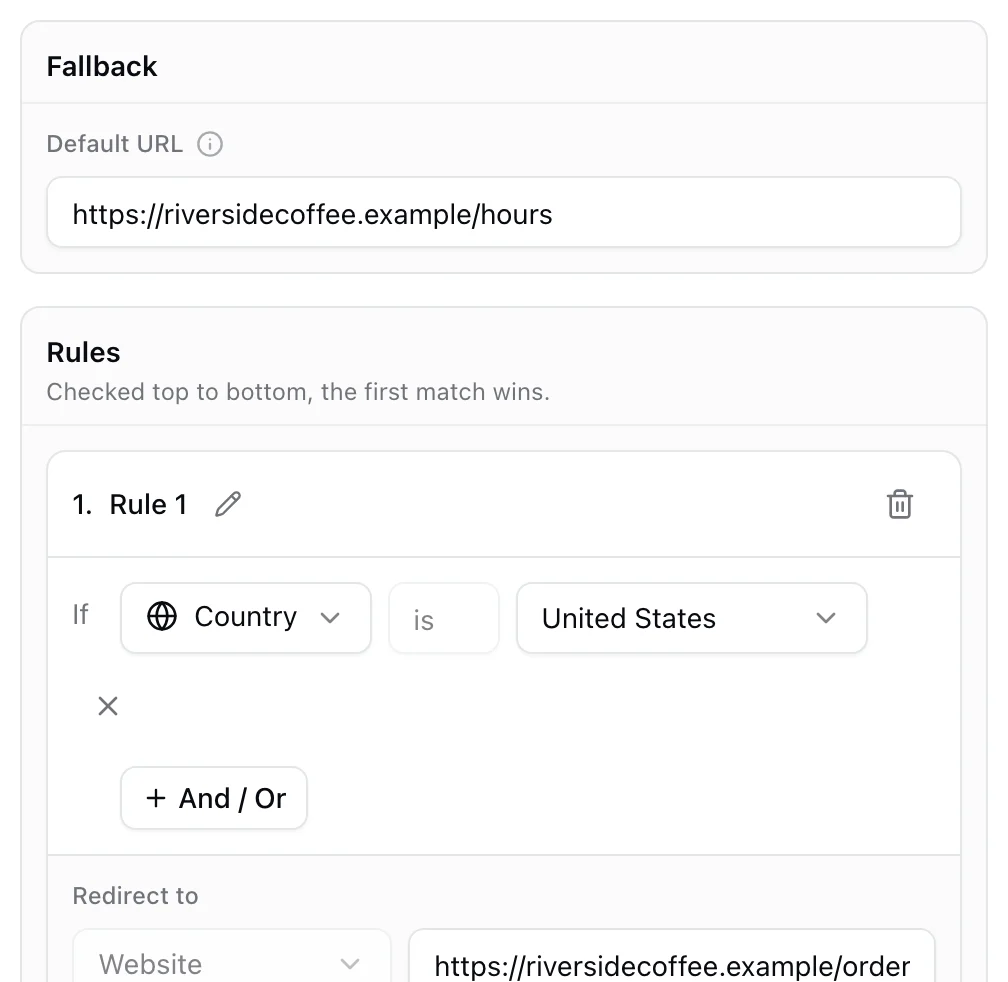
One box, the right page for every shopper
Rules route each scan by country, language or device, so a single packaging run can serve several markets.
Learn more
QR codes on packaging: what GS1 Digital Link is and why it matters
A GS1 Digital Link QR code can ring up at the register and open a product page on a phone. Here is how it works and how to prepare your packaging.
September 23, 2026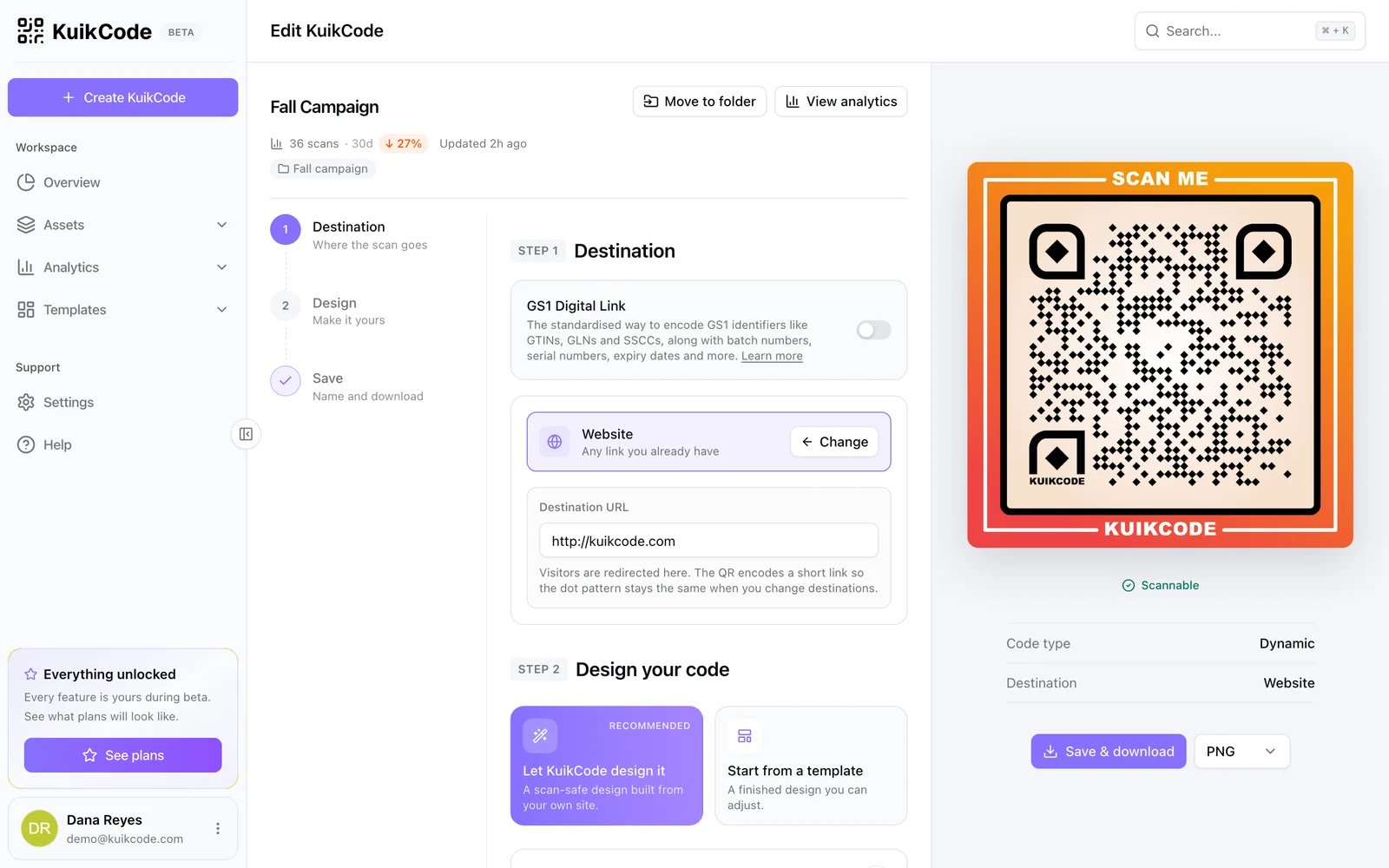
How to change where a QR code goes after it is printed
If your code is dynamic, you can send it to a new page, file or menu without reprinting. Here is how it works and what to do if your code is static.
September 23, 2026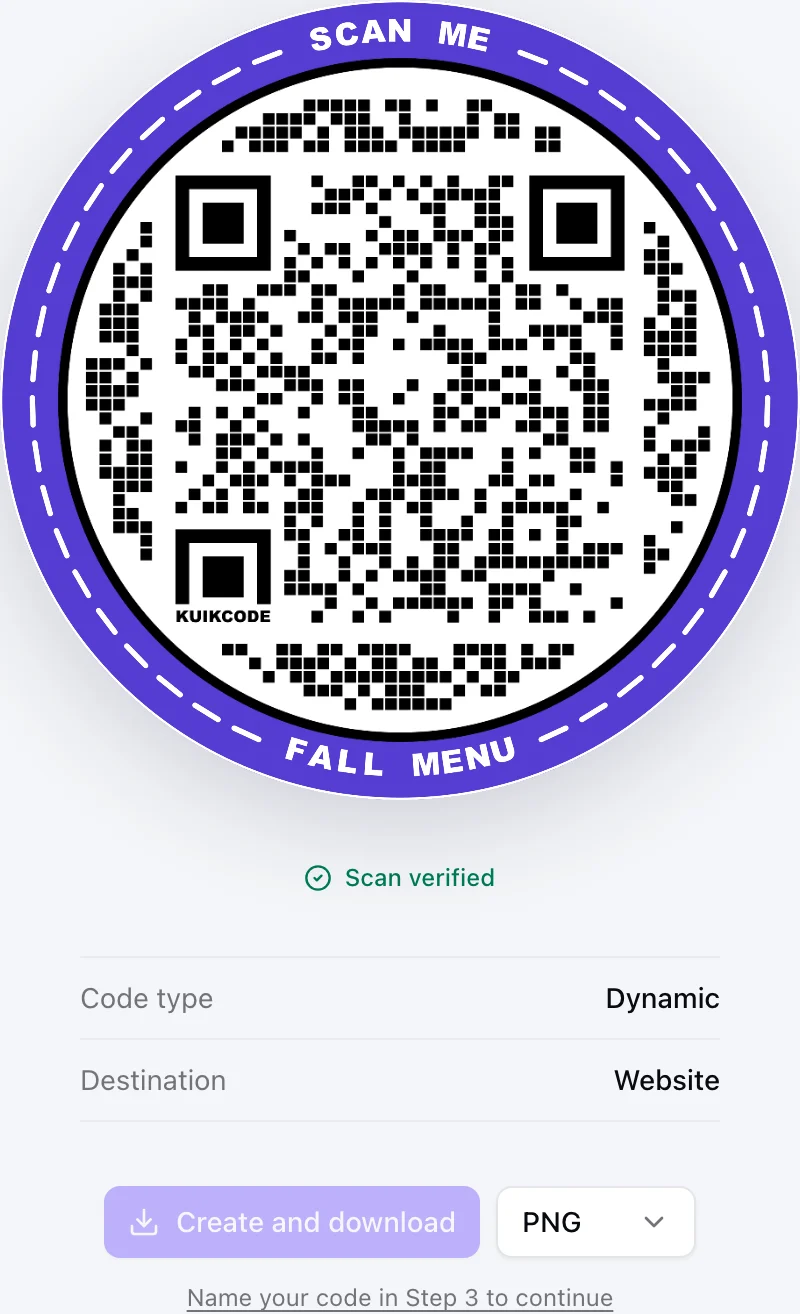
Static vs dynamic QR codes: which one should you print?
Static codes store their content forever, dynamic codes store a link you can change. Here is how to choose for menus, packaging, cards and events.
September 23, 2026Frequently asked questions
01What is a GS1 Digital Link QR code?+
It is a QR code whose link is built from your product's GTIN in a standard format, so retail systems can read the product identity from it and phones can open a product page.
02Can I update the page after the packaging is printed?+
Yes. The destination behind the code stays editable, so you can change the product page, add a recall notice or run a promotion without reprinting.
03Do I need GS1 membership?+
For GS1 Digital Link codes you need valid GTINs, which come from your local GS1 organization. Regular dynamic codes on packaging do not need GS1 membership.
04Can I create codes for many products at once?+
Yes. Bulk creation turns a CSV into a batch of codes, up to 100 rows per batch on PRO and 500 on Business.
KuikCode for larger teams
Rolling out codes across many locations, brands or product lines? Tell us what you need and we will shape a plan around it.
- Custom code and page volumes
- White-label scan pages
- SSO
- Priority SLA
- Onboarding for your team
- Help with your security review
Your next printed code, ready in minutes.
Design it, point it anywhere, change it after printing and watch the scans come in. Try every feature free for 14 days, no credit card.
Start your 14-day free trial
Every feature, no credit card. Plans from $5 a month after.