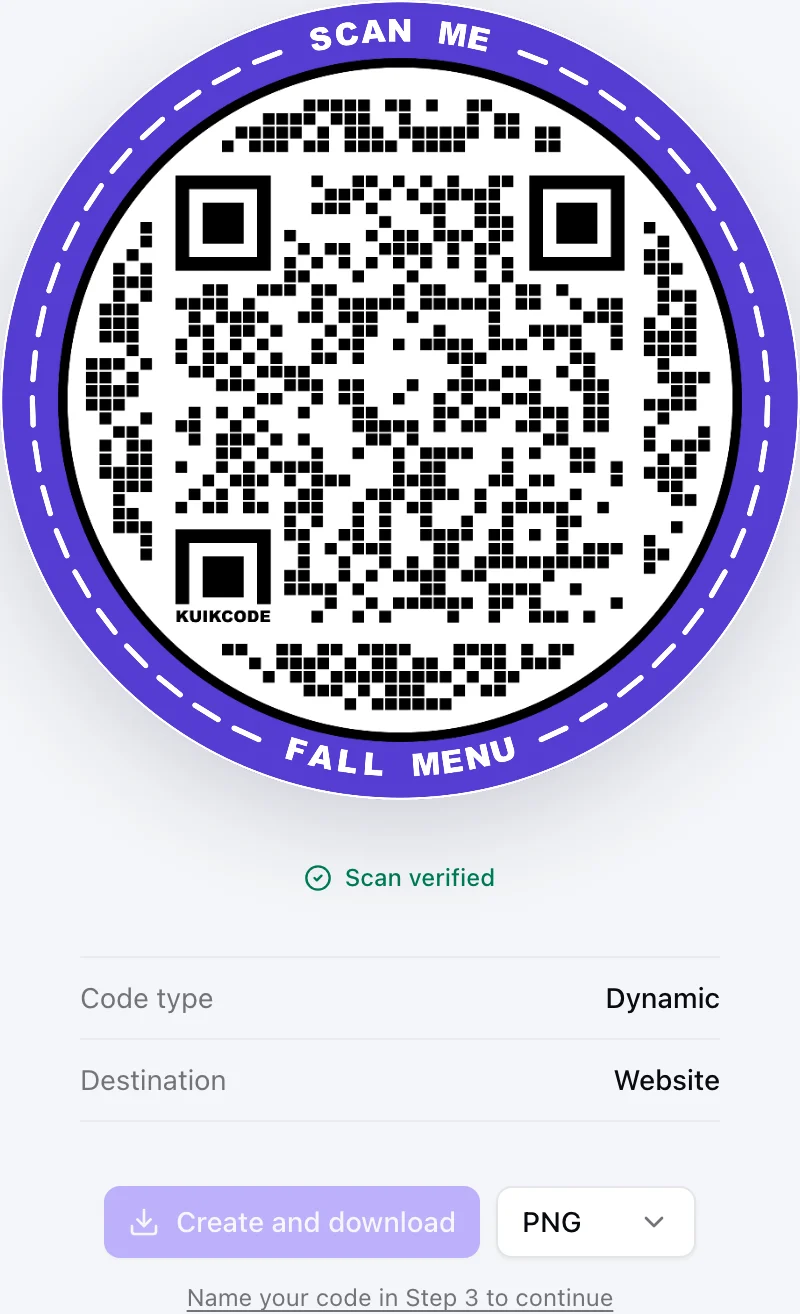
A menu that moved, a campaign that ended, a typo in a web address: sooner or later a printed QR code needs to point somewhere else. Whether you can fix it without reprinting depends on one thing, whether the code is static or dynamic.
First, check what kind of code you have
Scan the code with your phone camera and look at the link it shows before you tap it.
- If you see a short link from a QR service (a KuikCode shows
kuikco.de/p/followed by nine characters), the code is dynamic. You can change where it goes. - If you see the final address itself, or the phone offers to join a WiFi network or save a contact right away, the code is static. Its content is fixed.
Why a dynamic code can change and a static one cannot
A dynamic code stores a permanent short link, and the service decides where that link sends each scan. Changing the destination changes the answer the service gives. The pattern on paper never changes, so every printed copy follows along.
A static code stores its content directly in the pattern. There is no link in between to update.
How to change the destination of a KuikCode
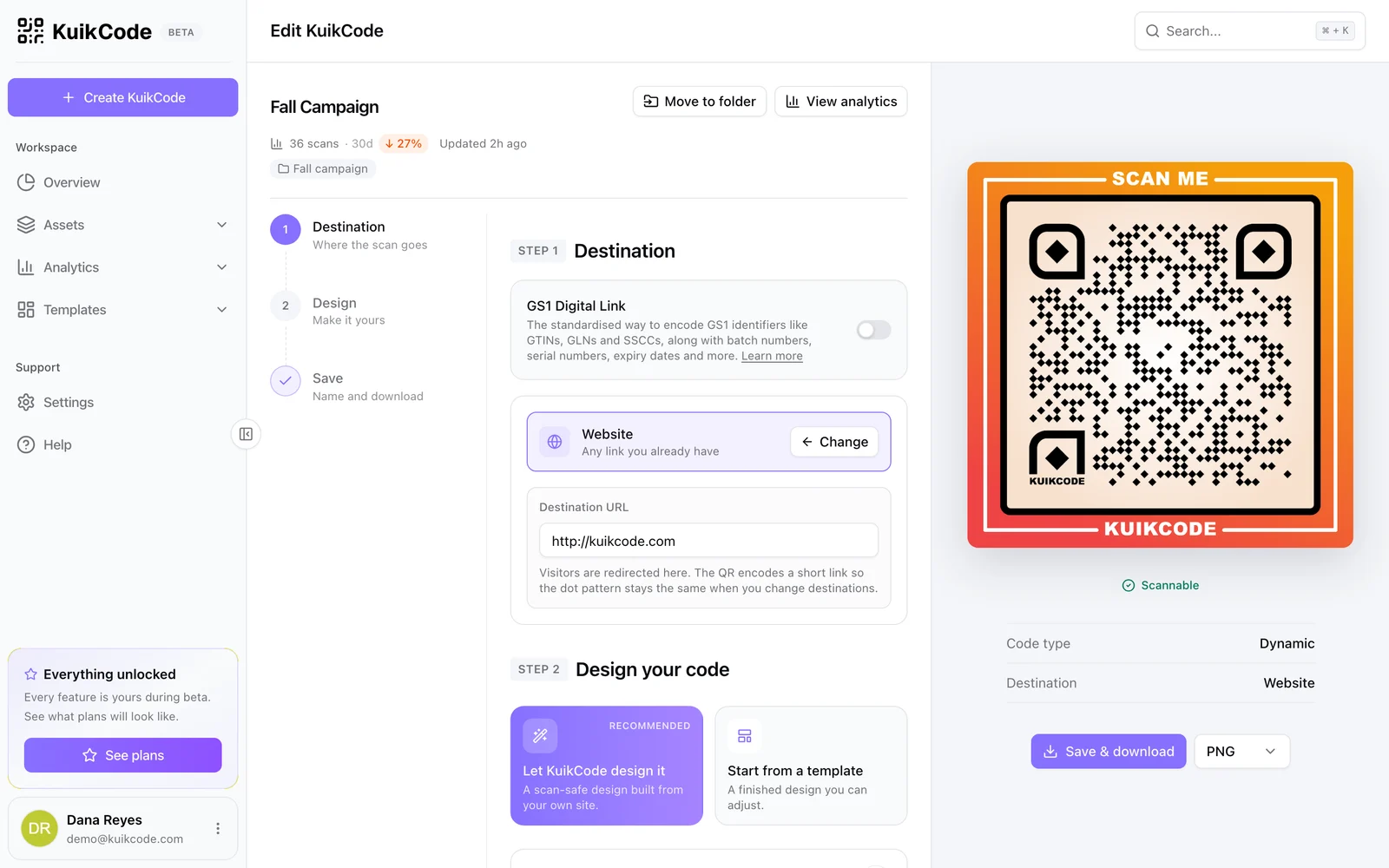
- Open the code. In your workspace, go to Assets, KuikCodes and click the code you want to change.
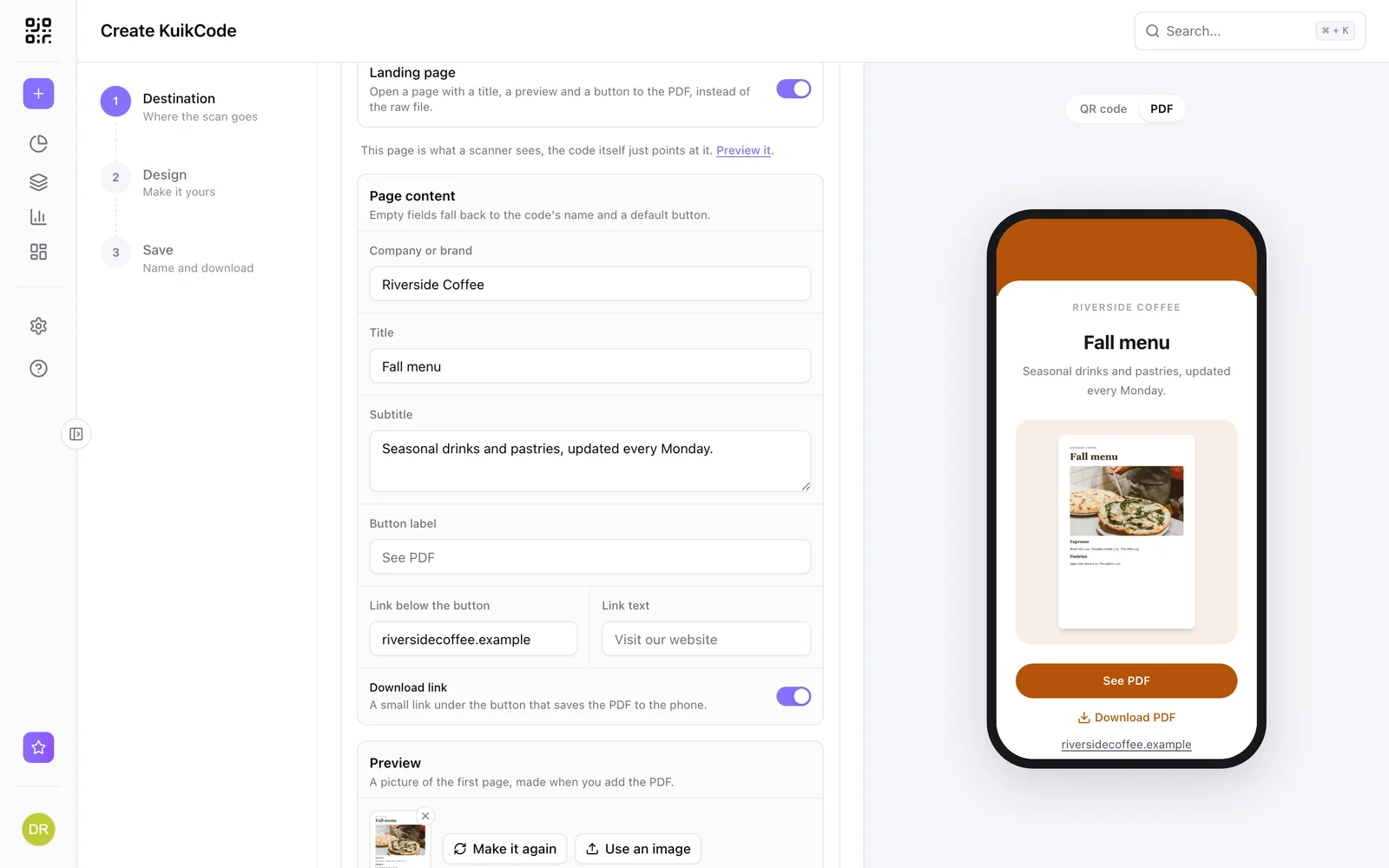
- Change the destination in Step 1. Paste a new web address, upload a new PDF, pick a different KuikPage, or switch to another destination type entirely.
- Save. Click Save & download. You do not need to print the new file, the design has not changed.
- Test. Scan one of the printed copies. It follows the new destination within about a minute.
The editor header also shows the code's scans for the last 30 days, so you can see how much traffic you are about to redirect.
Ideas for repointing a printed code
- Seasonal menus. Upload the new menu PDF behind the same table tents.
- Expired promotions. Send last month's flyer to this month's offer instead of a dead page.
- Out of stock products. Point packaging codes at a waitlist or a replacement product.
- Moved websites. Redirect old campaign codes to the new site structure.
- Different audiences. Instead of one destination, set smart rules that send iPhone and Android users, or different countries, to different places.
What if your code is static?
There is no way to edit a static code. The practical options are:
- Create a dynamic code that points where you want to go, and use it on everything you print from now on.
- Replace the old code where it matters most, with a sticker over the old code on signage or table tents.
- Keep the old destination alive if you control it. If the static code points at your own website, redirect that old page to the new one.
Next time, print dynamic from the start. Our comparison of static and dynamic codes explains when each one makes sense.
Frequently asked questions
01How long does it take for a printed code to follow the new destination?+
With KuikCode, printed codes follow the new destination within about a minute of saving.
02Can I change the type of destination, not just the link?+
Yes. A KuikCode can switch from a website to a PDF, a mobile landing page, a contact card or an event, and the printed code stays the same.
03Will people who already scanned the code see the old page?+
Only if they saved or bookmarked the old page itself. Anyone who scans the printed code again goes to the new destination.
04How do I know if my QR code is dynamic?+
Scan it and look at the link your phone shows before opening it. A dynamic code shows a short link from the service that made it, while a static code shows the final address itself.