On this page
- How a dynamic QR code works
- Static vs dynamic QR codes
- What you can do with a dynamic code
- Fix mistakes after printing
- Reuse the same print for new campaigns
- See how many people scan, and where
- Send different people to different places
- What to check before choosing a dynamic QR code service
- How to create a dynamic QR code
A QR code is a picture of some text. When a phone camera reads it, the phone does whatever that text says: open a website, join a WiFi network, save a contact.
With a static QR code, that text is the final destination itself, for example the full address of your menu. With a dynamic QR code, the text is a short link that belongs to you, and the short link decides where each scan goes.
That one difference changes what you can do with a printed code.
How a dynamic QR code works
When you create a dynamic code, the service gives it a permanent short address. A KuikCode, for example, always encodes a link like kuikco.de/p/ followed by a code of nine characters. That link is what the black and white pattern stores.
When someone scans the code:
- The phone opens the short link.
- The service looks up where that code should go right now.
- It records the scan and sends the visitor on to the destination.
The whole trip takes a fraction of a second. The visitor just sees your page open.
Because the pattern only ever contains the short link, you can point it somewhere new at any time. The code on your table tents, flyers and packaging does not change at all.
Static vs dynamic QR codes
| Static QR code | Dynamic QR code | |
|---|---|---|
| What the pattern stores | The final content | A short link you control |
| Change the destination after printing | No | Yes, as often as you like |
| Scan counts and analytics | No | Yes |
| Different destinations by device, country or time | No | Yes |
| Works without an account or service | Yes | No, it needs the service behind the link |
| Pattern density | Grows with long content | Stays simple, the link is short |
Static codes still have their place. A WiFi code for a guest network, a code on a personal business card or anything that will truly never change is fine as static.
For everything else, dynamic is the safer choice, because printing is the expensive part and you only want to do it once.
What you can do with a dynamic code
Fix mistakes after printing
A typo in the address, a page that moved, a campaign that ended: with a static code, every one of these means reprinting. With a dynamic code, you change the destination and the printed code keeps working.
Reuse the same print for new campaigns
A code on a storefront window or a product box can send people to the summer promotion now and the holiday catalog later. Same print, new destination.
See how many people scan, and where
Every scan passes through the short link, so it can be counted. You can see how many scans a code gets, when they happen, which countries and cities they come from and which devices people use. That turns a printed flyer into something you can measure.
Send different people to different places
Dynamic codes can apply rules before redirecting. A few examples:
- iPhone users go to the App Store, Android users to Google Play.
- Visitors in Spain see the Spanish page, everyone else the English one.
- A restaurant code opens the breakfast menu in the morning and the dinner menu in the evening.
In KuikCode these are called smart rules, and they are set per code with a readable sentence for each rule.
What to check before choosing a dynamic QR code service
A dynamic code is only as reliable as the service behind its short link. Before you print thousands of copies, look for clear answers to these questions:
- What happens to my codes if I change or cancel my plan? Some services switch codes off when a subscription ends. Know this before you print.
- Are there scan limits? Find out whether scans are capped per code or per account, and what a scanner sees when a limit is reached.
- Does the scan show ads or a branding page? Some free plans insert a page before your destination.
- Is anything printed on the code that you did not choose? Mandatory links or logos on the code itself can clash with your design.
- Can you export your data? Scan history belongs to you.
How to create a dynamic QR code
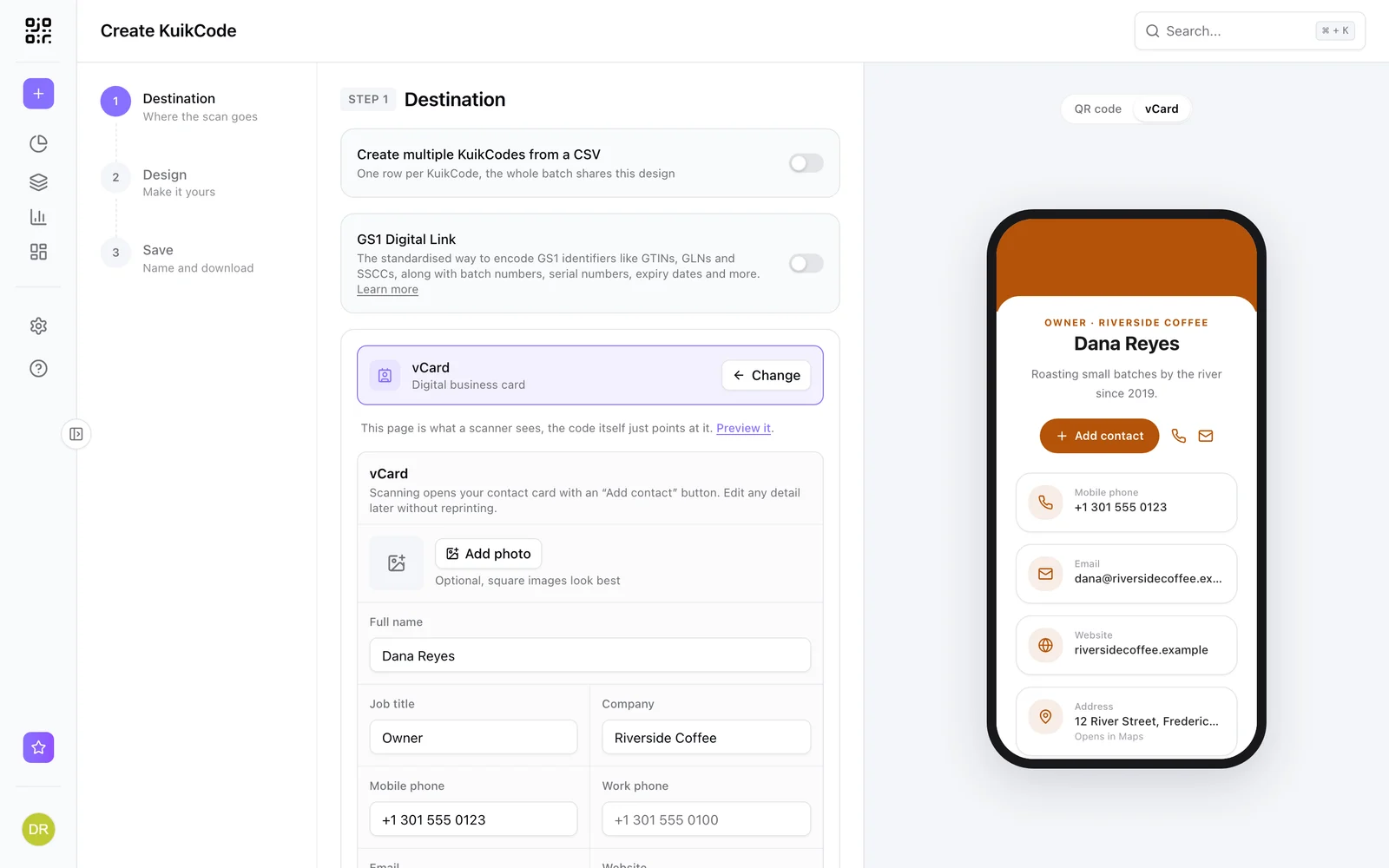
- Choose where the code should go. A website, a PDF, a mobile landing page, a contact card, an event or a map location.
- Design the code. Add your colors, your logo and a frame with a call to action, so people know why they should scan.
- Test it. Scan it with a couple of phones, from the distance people will actually be standing.
- Print it, then keep improving. Watch the scans, and change the destination whenever you need to without touching the print.
With KuikCode, every code you create is dynamic by default, and the editor checks that each design still scans before you download it.
Frequently asked questions
01Can I turn a static QR code into a dynamic one?+
No. A static code has its content baked into the pattern, so the only way to make it editable is to create a new dynamic code and print that instead.
02Does a dynamic QR code expire?+
The pattern itself never expires. What matters is the service behind the short link. As long as that link keeps resolving, the printed code keeps working.
03Do dynamic QR codes work with any phone camera?+
Yes. To the phone, a dynamic code is a normal QR code containing a web link. Every modern camera app can open it without a special scanner.
04Will changing the destination change how the code looks?+
No. The code stores the same short link no matter where it sends people, so the printed pattern stays identical when you change the destination.
05Are dynamic QR codes slower to open?+
The extra step is a single redirect that usually takes a fraction of a second, so people rarely notice any difference.