kuik.sh/Ab3dE9xYz gets someone to the right page, but it says nothing about who sent it. go.yourbrand.com/spring-sale says both: it is yours, and it is about the spring sale. That is a branded short link.
People decide in a second whether to tap a link, and a name they recognize makes that decision easy. A branded link also reads well out loud, on a slide or on a printed flyer, and it keeps your name in front of people every time it is shared.
The three ways to brand a link
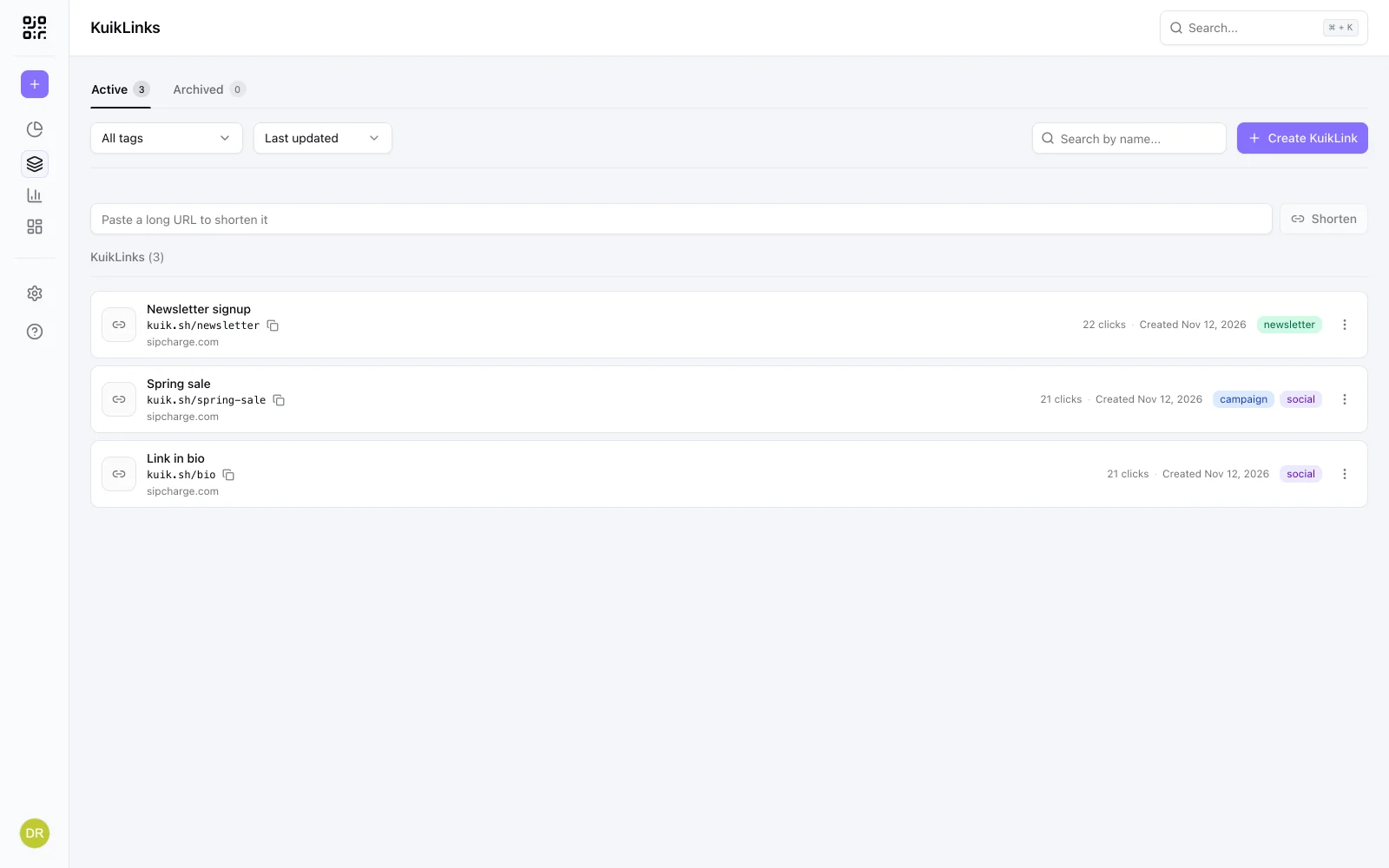
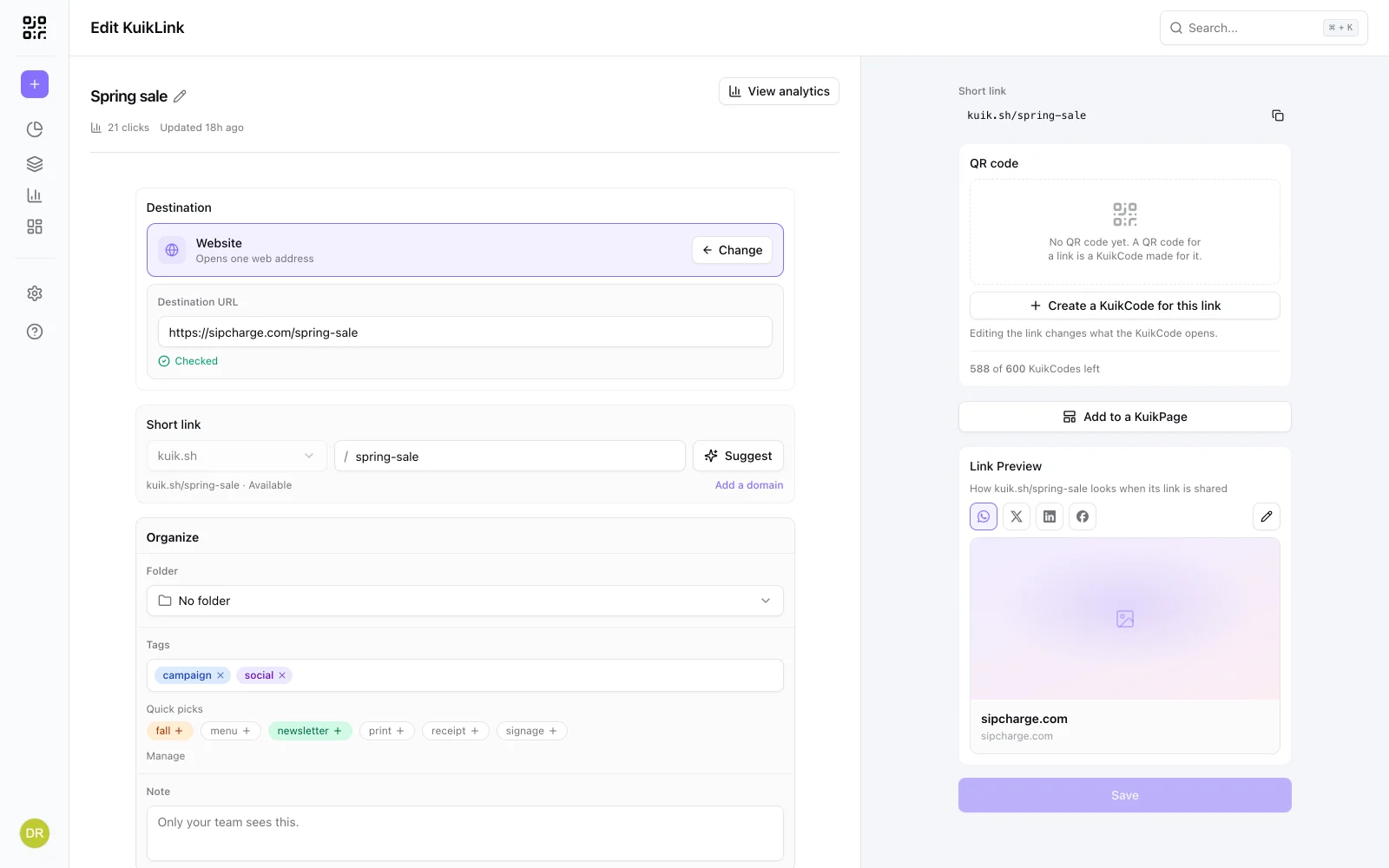
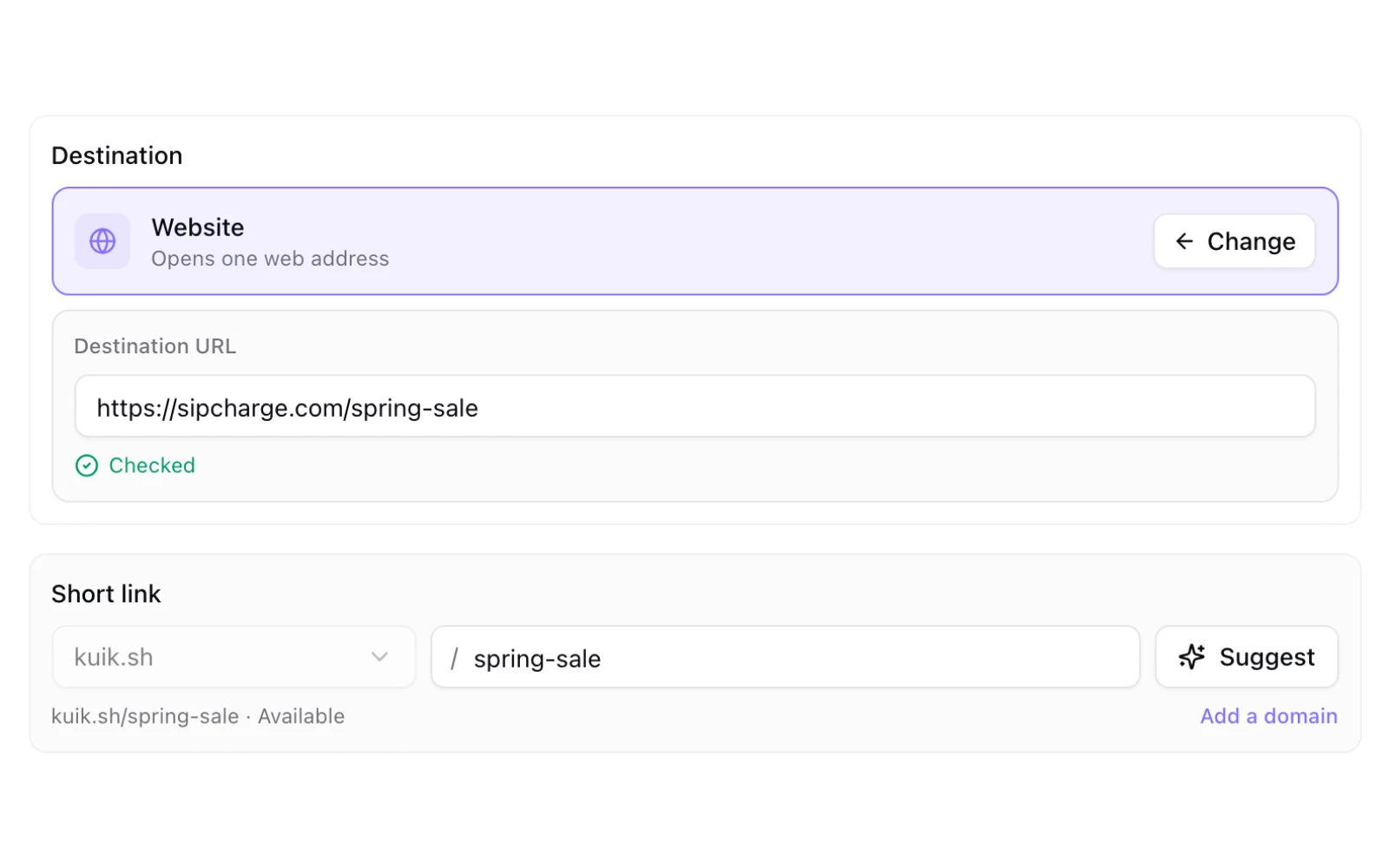
1. A readable ending on a shared domain. kuik.sh/spring-sale. The domain belongs to the service, the ending is yours. It is the quickest step up from a random code: no setup, just type the words you want after the slash. In KuikCode this comes with Core and up, and Suggest fills one in from the page's title.
2. A branded address. yourbrand.kuikco.de/spring-sale. Your name is in the address itself, with nothing to set up on your side. On PRO and up, you claim it once under Settings, Domains. Because the name ends up printed and shared, changing it later is confirmed twice.
3. Your own domain. go.yourbrand.com/spring-sale. The strongest option: the whole link is yours, and it carries the trust of your main domain. PRO includes one custom domain and Business three.
On a branded address or your own domain, readable endings are included with the domain.
How to connect your own domain
- Pick a subdomain.
go.yourbrand.comorlinks.yourbrand.comare common. A subdomain keeps your main website where it is. - Add it in KuikCode. Open Settings, Domains, connect the hostname and set Used for to KuikCodes. The same domain then serves your links and your printed codes.
- Create the two DNS records KuikCode shows you, a TXT record that proves the domain is yours and a CNAME, wherever your domain is managed.
- Wait for it to go live. The card moves through Waiting for DNS and Issuing certificate to live, usually within minutes, and says what it sees if something is missing.
- Pick it for your links. In a link's Short link row, the first menu now lists your domain next to
kuik.sh.
Every link on your domain keeps all the rest: click analytics, UTM, Smart Rules, expiration, and the same safety checks as any other link.
Choosing endings that last
- Short and specific.
spring-salebeatspromobecause you will have another promo next month. - Lowercase words and hyphens. Endings use lowercase letters, numbers and hyphens, so they read the same everywhere.
- Keep them. Changing an ending frees the old one at once: anything you already shared with it stops working, and someone else could take it on a shared domain. If the page changes, change the link's destination instead and keep the ending.
- The id always works. Every link also answers at its nine-character id, like
kuik.sh/Ab3dE9xYz, whatever ending it has.
Branded links and trust
A branded link is easier to trust because people can see whose it is. That is also why scammers like to imitate brands. On the shared kuik.sh domain, endings that look like well-known brands, or words like login and verify, are held for review before they work. On your own domain, only you can make links.
Not sure whether a short link someone sent you is safe? Our guide to checking where a short link goes shows how to look before you open it. New to short links? Start with how to shorten a link.
Frequently asked questions
01What is a branded short link?+
A short link that carries your name, in the domain, the ending or both. For example go.yourbrand.com/spring-sale instead of a random code on a generic shortener.
02How do I make a custom short link?+
Shorten the link, then type the ending you want after the slash. In KuikCode, readable endings on kuik.sh come with Core and up, and Suggest proposes one from the page title. On your own domain, any plan that includes the domain can use them.
03Can I use my own domain for short links?+
Yes. Connect a domain you own, usually a subdomain like go.yourbrand.com, by adding the TXT and CNAME records KuikCode shows you. PRO includes one custom domain and a branded address, and Business includes three custom domains.
04Do I need a separate domain just for links?+
No, a subdomain of the domain you already have works, like go.yourbrand.com or links.yourbrand.com. Your website stays where it is.
05What happens if I change a link's ending?+
The old ending stops working at once and becomes free for someone else, so anything you shared with it breaks. The link's own id address keeps working forever.
06Are branded links safer?+
They are easier to trust, because people can see whose link it is. On a shared domain, endings that look like well-known brands are held for review before they work, so nobody else can borrow a name like yours there.