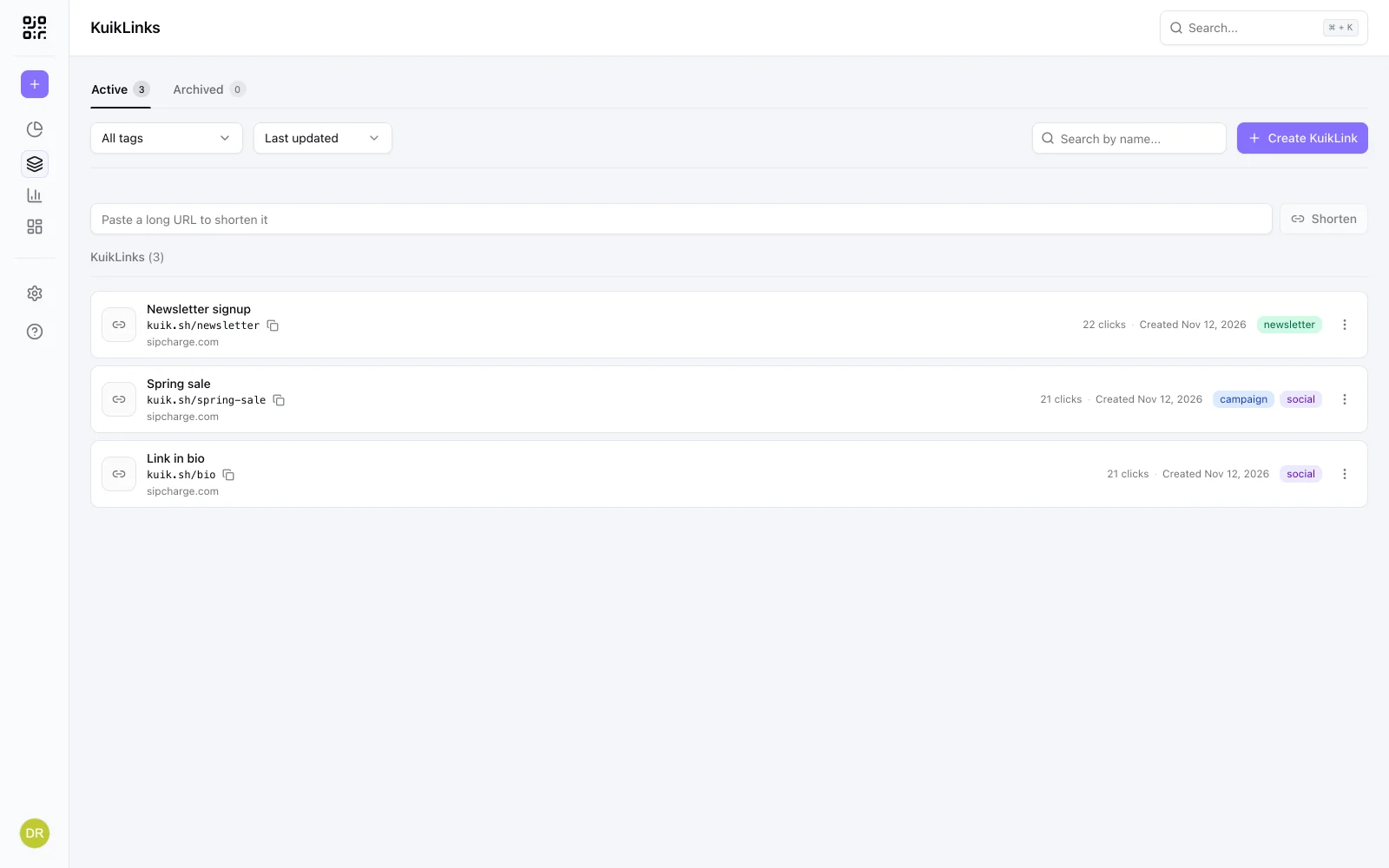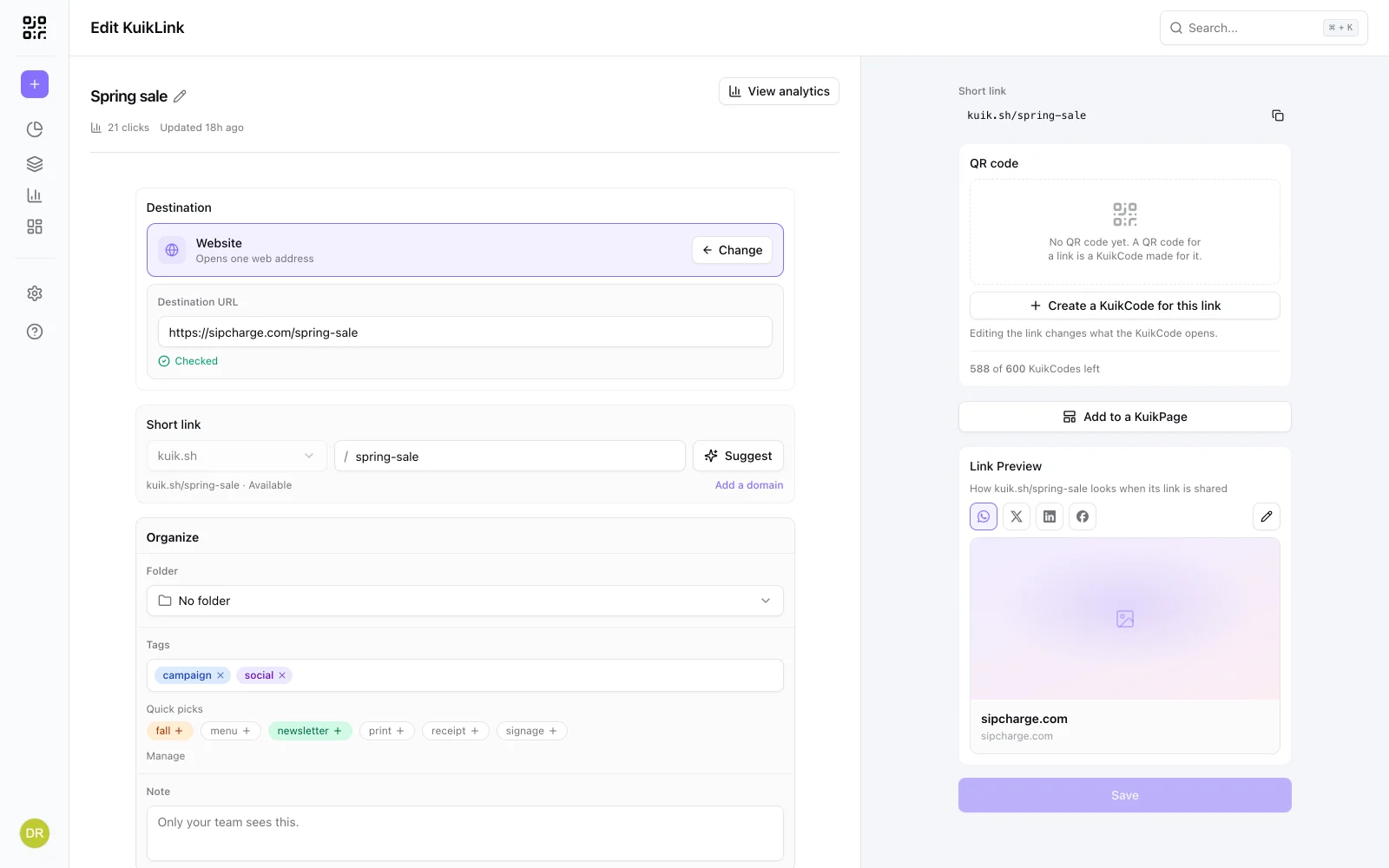
A short link hides where it goes. That is the whole point when a business uses one: kuik.sh/spring-sale is easier to share than a 90 character address. It is also why scams like them, because a short link looks the same whether it leads to a shop or to a fake login page.
The good news: you do not have to choose between opening every link and opening none. You can almost always see where a short link goes first.
Check where it goes before you open it
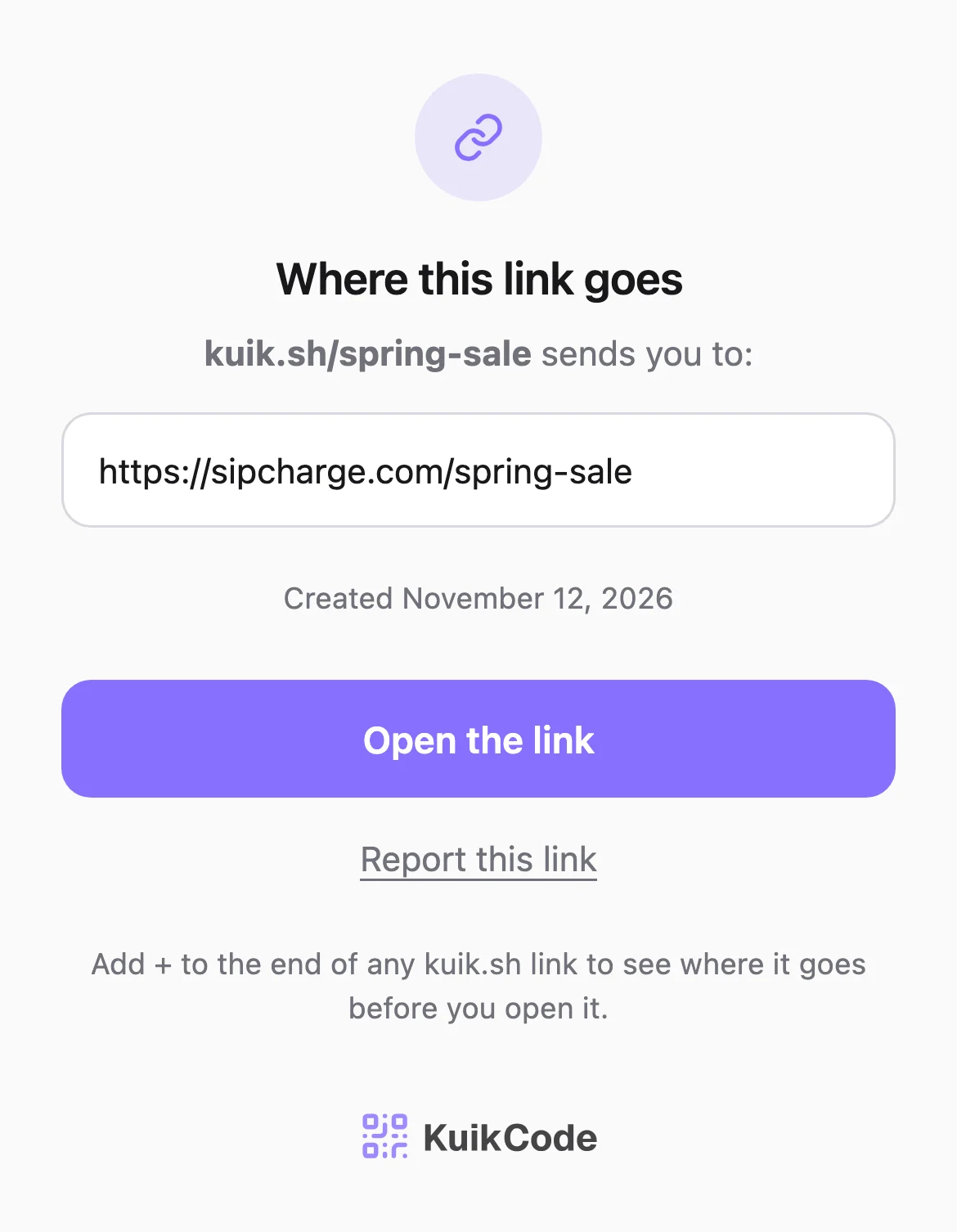
On a kuik.sh link, add a plus sign to the end. kuik.sh/spring-sale becomes kuik.sh/spring-sale+. Instead of forwarding you, the page shows the full destination, the date the link was created, and a button to report it. Opening the plus page does not count as a click and does not take you anywhere. It works on links on a business's own domain made with KuikCode too.
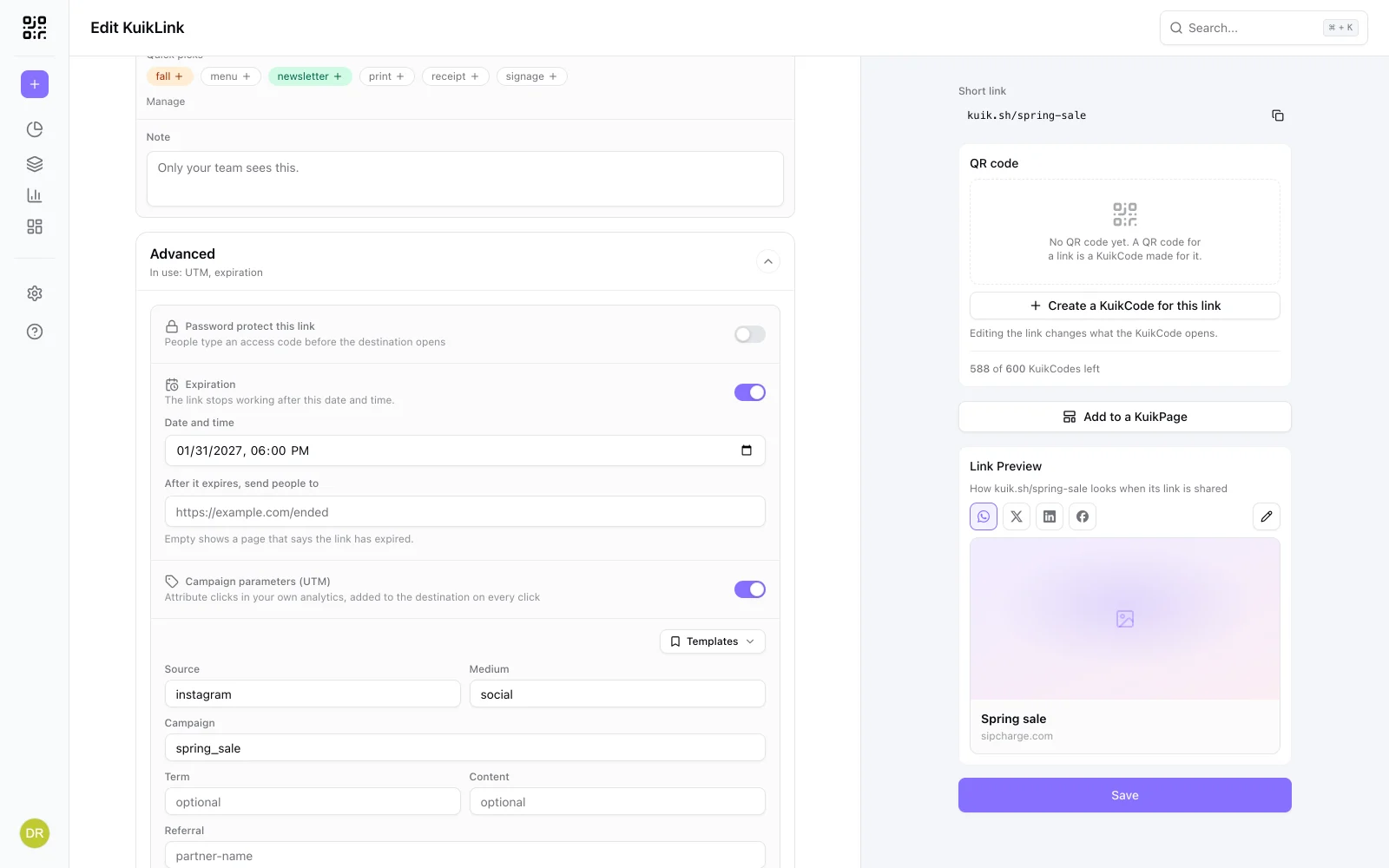
A password protected link keeps its destination private on that page too, since hiding it is the owner's choice. Treat it like any link you did not expect: only enter the password if someone you trust gave it to you.
For other short links:
- Look for the service's own preview. Several link shorteners offer one, often a character added to the link or a preview page. Their help pages say how.
- Long press the link on your phone. Many phones and apps show the address, and sometimes a preview of the page, without opening it.
- Use a link expander. These free tools follow the short link for you and show where it ends up.
The warning signs of a bad link
The address is only part of it. Most bad links come with a story built to rush you:
- A message you did not expect, from a number or address you do not know, or from a friend whose message sounds unlike them.
- Urgency. A parcel on hold, an account about to close, a prize that expires in an hour.
- A request to sign in, pay or confirm details right after the link opens.
- An address that only looks right.
rnybank.comin place ofmybank.com, or a brand's name sitting in front of a different domain, likemybank.secure-login.com. - A download. A page that wants you to install an app or open a file, especially outside your phone's app store.
If the destination is a brand you know, the safest move is to skip the link entirely and type the brand's address yourself or open its app.
Can a short link see my IP address?
Every website you open receives your IP address, because that is how the page gets back to your phone. The service behind a short link sees it too when you click. That is normal, and it is not the same as knowing who you are.
Some tools are built to collect those addresses on purpose, which is why it is worth knowing who runs a link before you open it. KuikCode does not store raw IP addresses for clicks. It keeps a one way scrambled value so a business can count unique people without keeping the address itself.
How KuikCode keeps kuik.sh links safe
A short link service decides what its links are allowed to point to. Here is what we do with every KuikLink:
- Checked when saved. Every destination, including each one inside Smart Rules and A/B Tests, is compared with lists of unsafe sites when the link is created and every time it changes. Where a destination redirects, the page it lands on is checked too.
- Checked again every day. A page can turn bad after a link is made, so every active link is rechecked daily.
- No hiding behind other short links. A KuikLink cannot point to another link shortener, so a destination cannot hide two steps away.
- Suspicious links are held. A link that looks like it imitates a brand, points to a brand new domain, or downloads an app or program is held for review, and opens a warning page that names the destination until we clear it.
- Reports are read by people. Anyone can report a link from its plus page or the report form. Confirmed phishing is blocked.
Read more on our security page, including what kuik.sh and kuikco.de are.
If you already clicked
- Close the page and do not type anything into it.
- Changed nothing? You are most likely fine. Opening a page alone rarely harms an up to date phone.
- Entered a password? Change it on the real site, and anywhere else you use it, then turn on two step verification.
- Entered card details? Call your bank and ask them to block the card.
- Downloaded something? Delete it, and do not open it.
The same habits keep you safe with QR codes, which are short links you scan instead of tap. Our guide to whether QR codes are safe covers the printed side, including stickers placed over real codes.
Frequently asked questions
01Are short links safe?+
Most are. A short link is only a forwarding address, and businesses use them every day for posts, emails and print. The risk is that it hides where it goes, which is why scams use them too. Check the destination before you open a link you did not expect.
02How can I see where a short link goes without clicking it?+
Use the service's preview if it has one. For a kuik.sh link, add a plus sign to the end, like kuik.sh/spring-sale+, and a page shows the full destination and the date the link was created, without opening it. A link expander tool or a long press on the link on your phone can also show the destination.
03Can a short link see my IP address?+
Any website you open receives your IP address, so the service behind a short link does too when you click it. KuikCode does not store raw IP addresses for clicks. It keeps a one way scrambled value to count unique people.
04Can a short link give my phone a virus?+
Opening a page alone rarely does that on an up to date phone. The real risks are pages that ask you to sign in, pay or download an app or file. Never install anything a link asks you to, and keep your phone updated.
05What should I do if I already clicked a suspicious link?+
Close the page and do not type anything into it. If you entered a password, change it on the real site and turn on two step verification. If you entered card details, call your bank. Delete any file you downloaded.
06How do I report a bad kuik.sh link?+
Open the link with a plus sign at the end and choose Report this link, or use the report form on kuikcode.com. We review reports and block confirmed phishing.