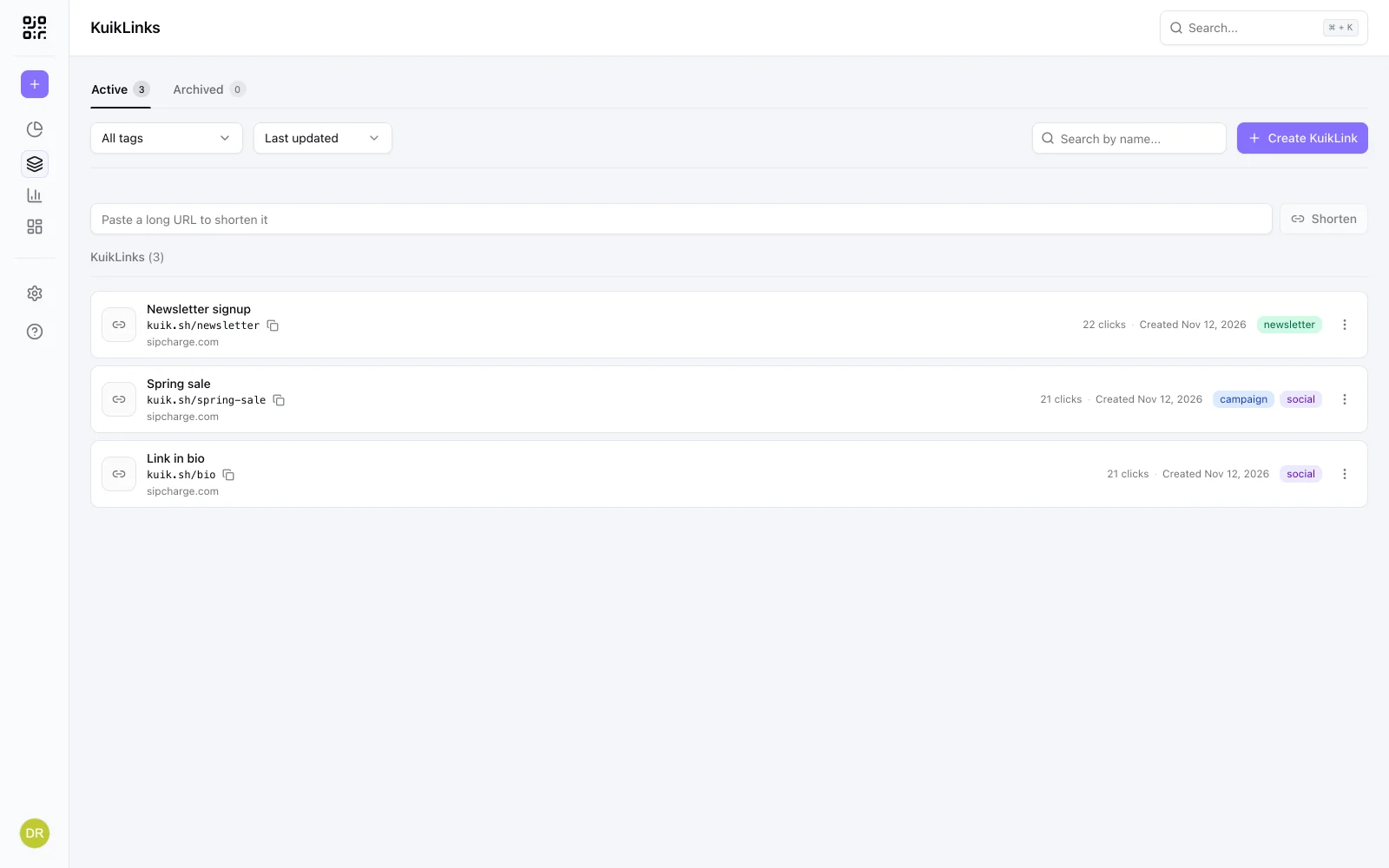
A short link does not carry a date. kuik.sh/spring-sale will look the same in ten years. Whether it still works in ten years depends on one thing: the service that forwards it.
That is the real answer to "do short links expire?": a short link lasts exactly as long as the service behind it keeps it running for you.
What makes a short link stop working
A short link is a row in somebody else's database. Every click asks that service where to send you. The link stops working when the service stops answering, and that happens in a few ways:
- The service shuts down. Every link it ever made goes with it.
- Old or unused links are removed. Some services clean out links nobody has opened in a while.
- The account or plan ends. A link made on a trial or a paid plan can stop forwarding when that plan lapses.
- The link is deleted or taken down, by its owner, or by the service for breaking its rules.
- The destination is gone. The short link still forwards, but to a page that no longer exists, which looks the same to the person who clicked.
None of this shows on the link itself. The flyer, the email or the old post still has it, and the click goes nowhere.
What happened to Google's link shortener
The best known case is Google's own: goo.gl. Google stopped making new goo.gl links in 2019 and kept the old ones forwarding. In July 2024 it announced that every goo.gl link would stop working on August 25, 2025. On August 1, 2025, it changed course: links that were still being used would be kept, and only links with no activity in late 2024 would be switched off.
So some goo.gl links still work and some do not. The way to check one is simply to open it: if it forwards you without a notice, it still works.
The lesson is not about Google. It is that the people who shared those links had no say. Their printed codes, slides and old posts depended on a decision made somewhere else. Before you put a short link anywhere you cannot easily change, pick a service you expect to keep using, and an account you will keep active.
What to check before you rely on a short link
Printing a link, sending it to a big list or putting it on packaging makes it hard to replace. Ask these first:
- Is there a click limit? A link that stops after a number of clicks fails exactly when it does well.
- Do unused links get removed? A link on a yearly event flyer may sit quiet for months.
- What happens if the plan ends? Look for a clear answer about what people see afterwards, and how long the link is kept.
- Can you change the destination? If the page moves, being able to repoint the same link saves the reprint.
When you want a link to expire
Sometimes an end date is the point: a sale that ends on Sunday, an event registration that closes, a download that should not keep circulating. Setting an expiration means you do not have to remember to switch it off.
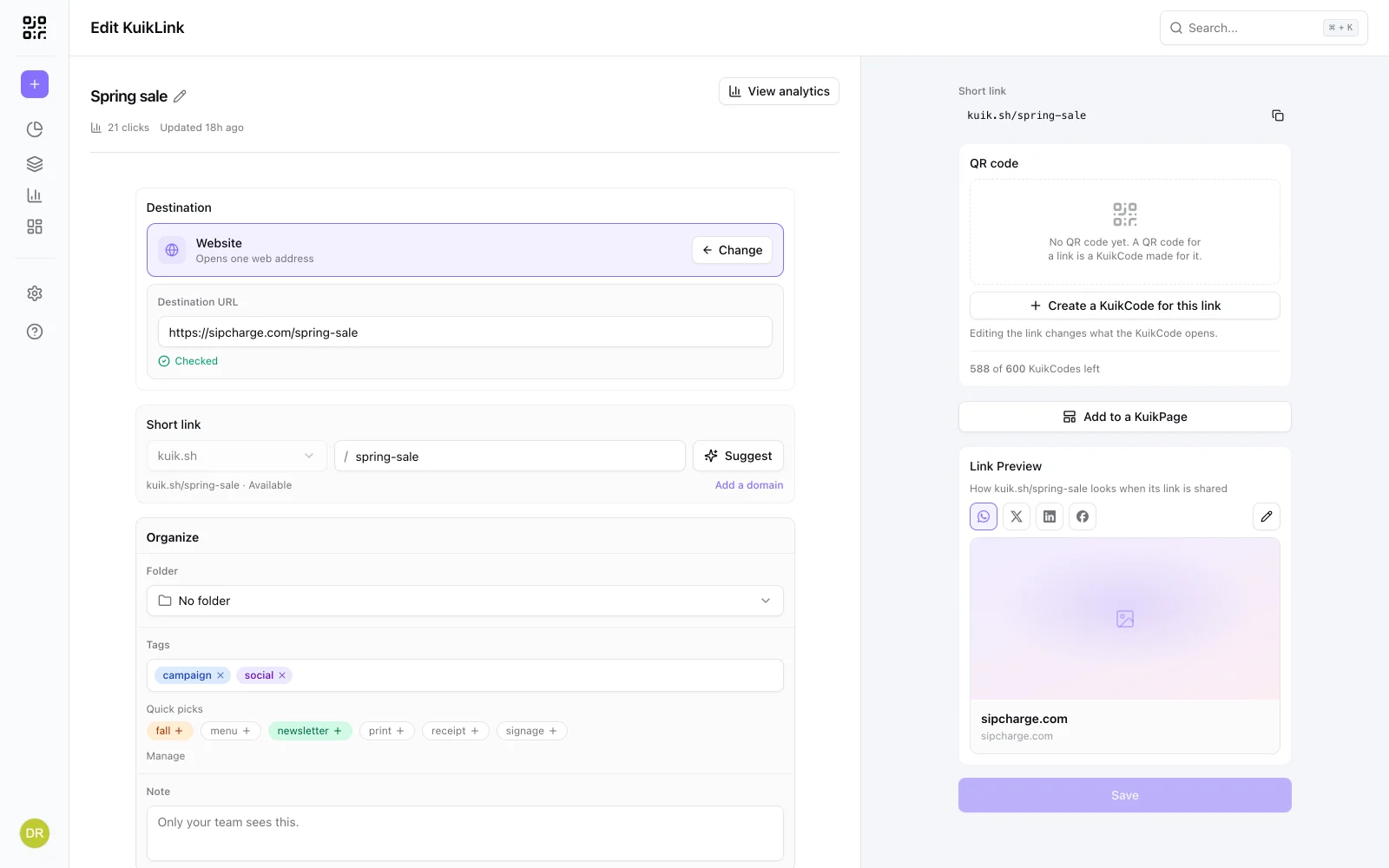
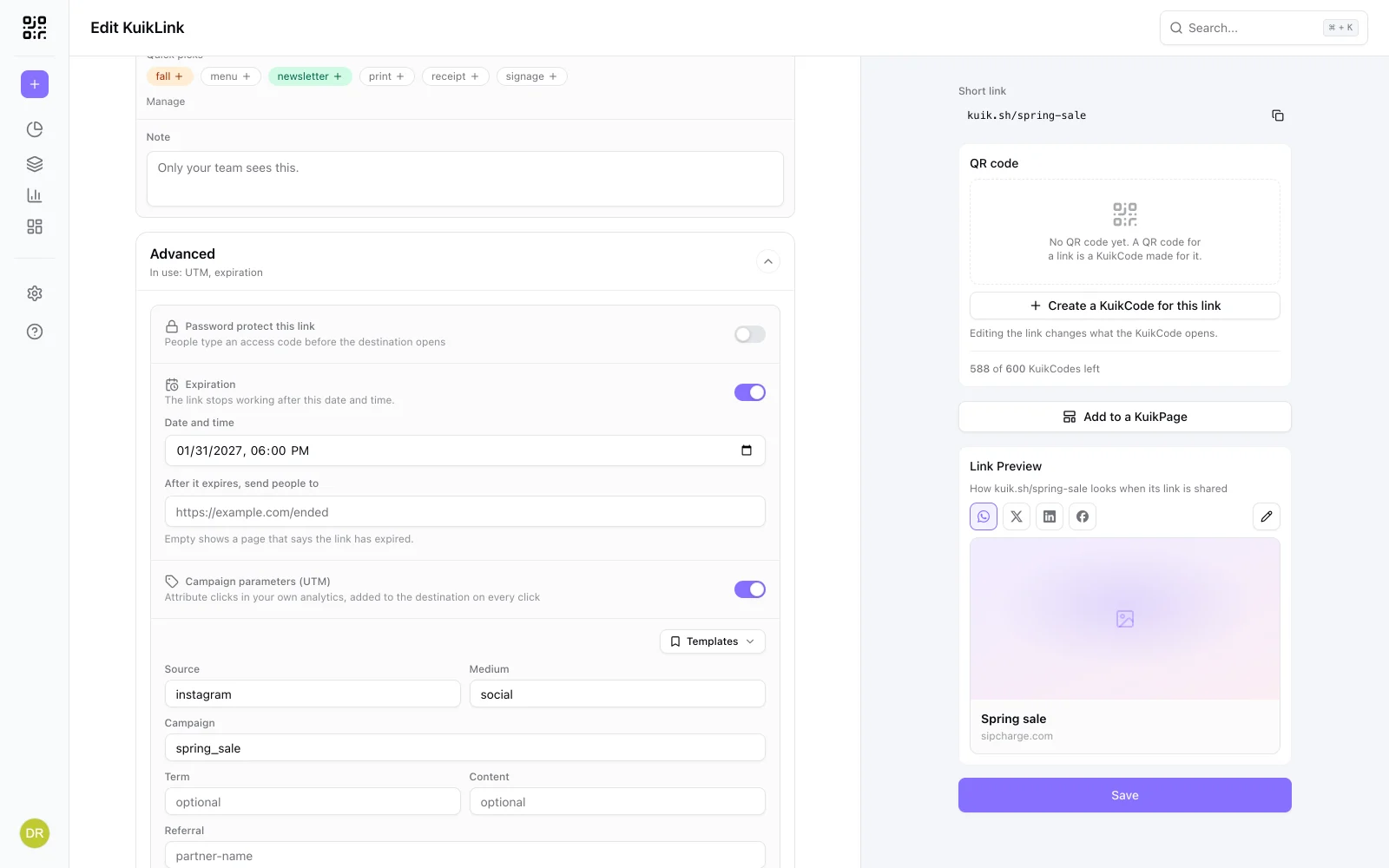
In KuikCode, open the link, turn on Expiration in its Advanced section, and set a date and time. Then choose what happens after:
- Send people somewhere else, like the next sale or your homepage, so a late click still lands well.
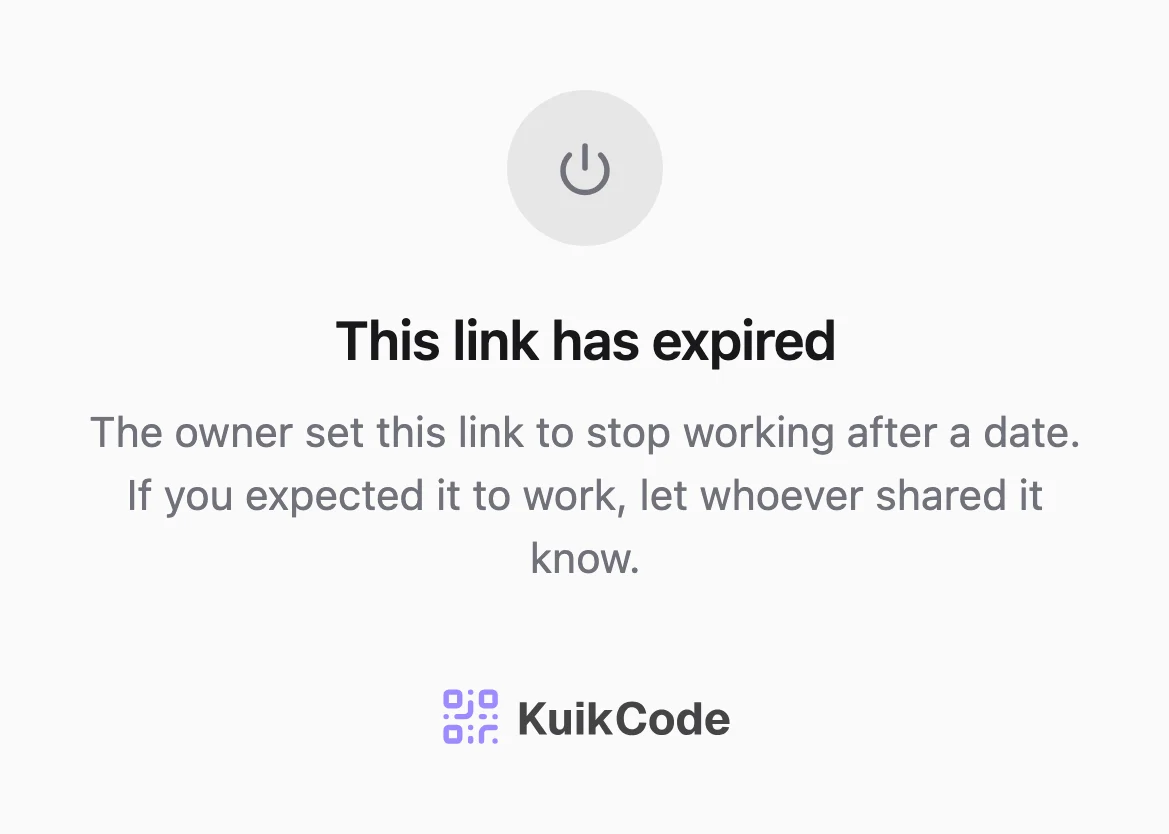
- Or leave it empty, and people see a page that says the link has expired and to let whoever shared it know.
Clicks after the end date are not counted, so the link's stats stop with the campaign. You can move the date or remove it later, and the link comes back to life.
Expiration comes with PRO and up, and it is included in the 14-day trial.
How long KuikLinks last
Without an end date, a KuikLink keeps working as long as your workspace has a plan. There is no click limit on any plan and links are not removed for going quiet. You can change a link's destination any time, and the short link stays the same.
If a plan lapses, the workspace pauses. Its links show a neutral "temporarily unavailable" page, never someone else's content or an ad, and you get an email when someone clicks one. Everything is kept for 90 days, and choosing a plan in that time turns every link back on, unchanged.
Printing the link as a QR code too? The same thinking applies to printed codes. Our guide to whether QR codes expire covers what can stop a code after it is printed.
Frequently asked questions
01Do short links expire?+
Not by themselves. A short link keeps working as long as the service behind it keeps forwarding it. It stops when that service shuts down, deletes the link, or stops serving it because an account or plan ended. You can also give a link an end date on purpose.
02How long does a short link last?+
As long as the service and your account last. Some free services keep links for years, some remove links that go unused, and some stop serving links on a plan that ended. Check the service's terms before you print a short link or send it to a large list.
03Do goo.gl links still work?+
Some do. Google stopped making new goo.gl links in 2019. In 2024 it said every goo.gl link would stop on August 25, 2025, then changed course and kept the links that were still in use. Links that had no activity in late 2024 were switched off. To check one, open it; if it forwards you without a notice, it still works.
04Can I make a short link that expires?+
Yes, with a service that offers it. In KuikCode, open a link, turn on Expiration under Advanced, and set a date and time. After that, people are sent to an address you choose, or see a page that says the link has expired.
05What happens to a KuikLink if I stop paying?+
The workspace pauses and its links show a neutral "temporarily unavailable" page, never someone else's content or an ad. Everything is kept for 90 days, and choosing a plan in that time turns the links back on, unchanged.
06Do KuikLinks have a click limit?+
No. Clicks are unlimited on every plan, so a link that takes off keeps working.