

QR code analytics: track every scan, live
See every scan of your QR codes in realtime, by time, place, device and language, with no cookies and no stored IP addresses. Export, report and forward to GA4.
What the numbers answer
Which placement works
Compare the window sticker with the table tent, or one store with another, with a code per placement.
When people scan
Hourly and daily charts show the busy times, and realtime shows the spike when an ad airs.
Where scans come from
Country, region and city for every scan, and exact pins when people choose to share them.
Who is scanning
Device, operating system, browser and language, so the page behind the code fits the people using it.
Everything that matters, on one screen
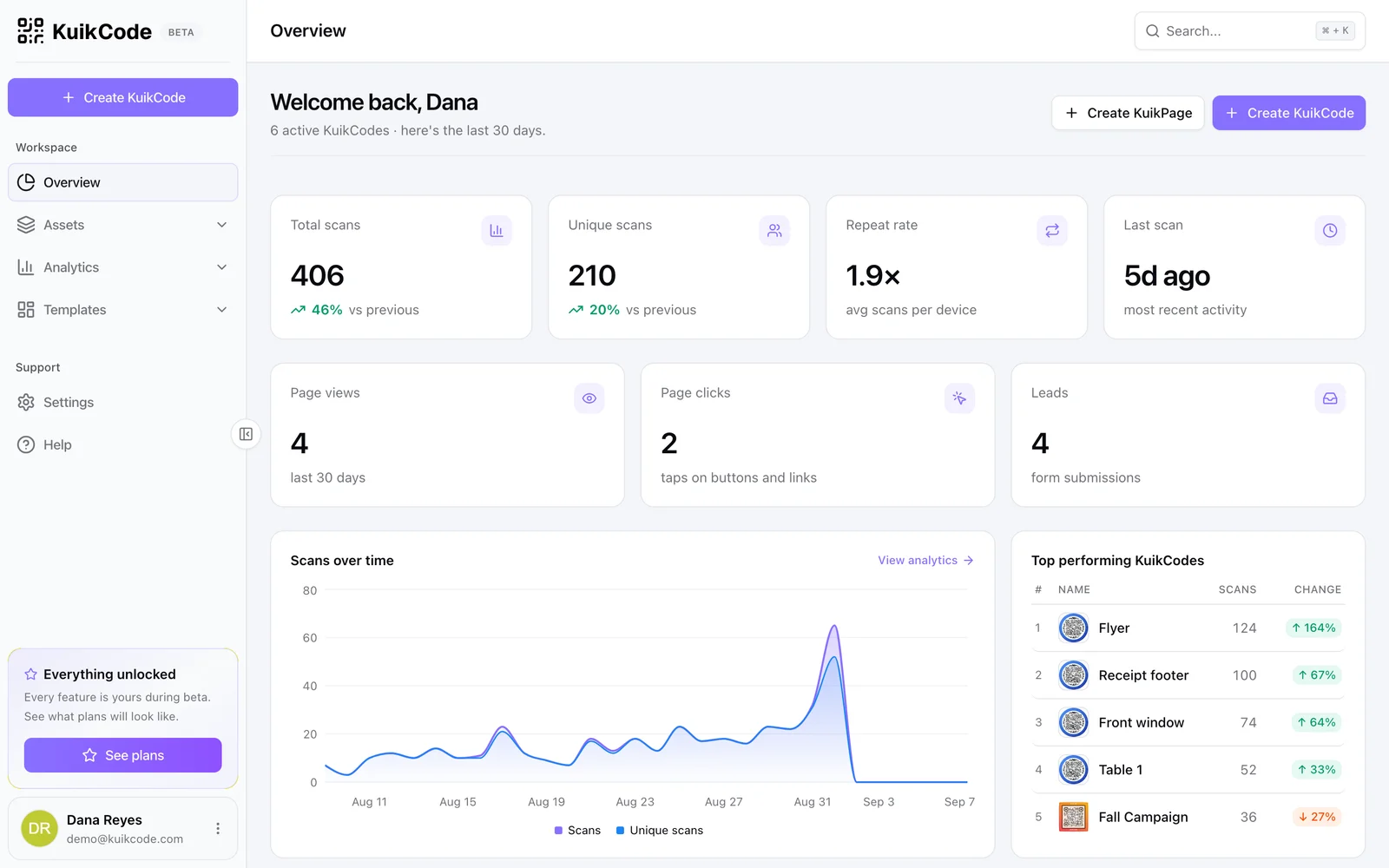
Total scans, unique scans, repeat rate and last scan, each compared with the previous period. Scans over time as bars or a line, your top KuikCodes, top destinations with the smart rule that chose them, and top tags. Filter everything by folder, code, tag or date range.
- Unique scans without storing IP addresses or setting cookies
- Bots and link previews filtered out of your numbers
- Full history on every paid plan, last 30 days on Free
Watch scans as they happen
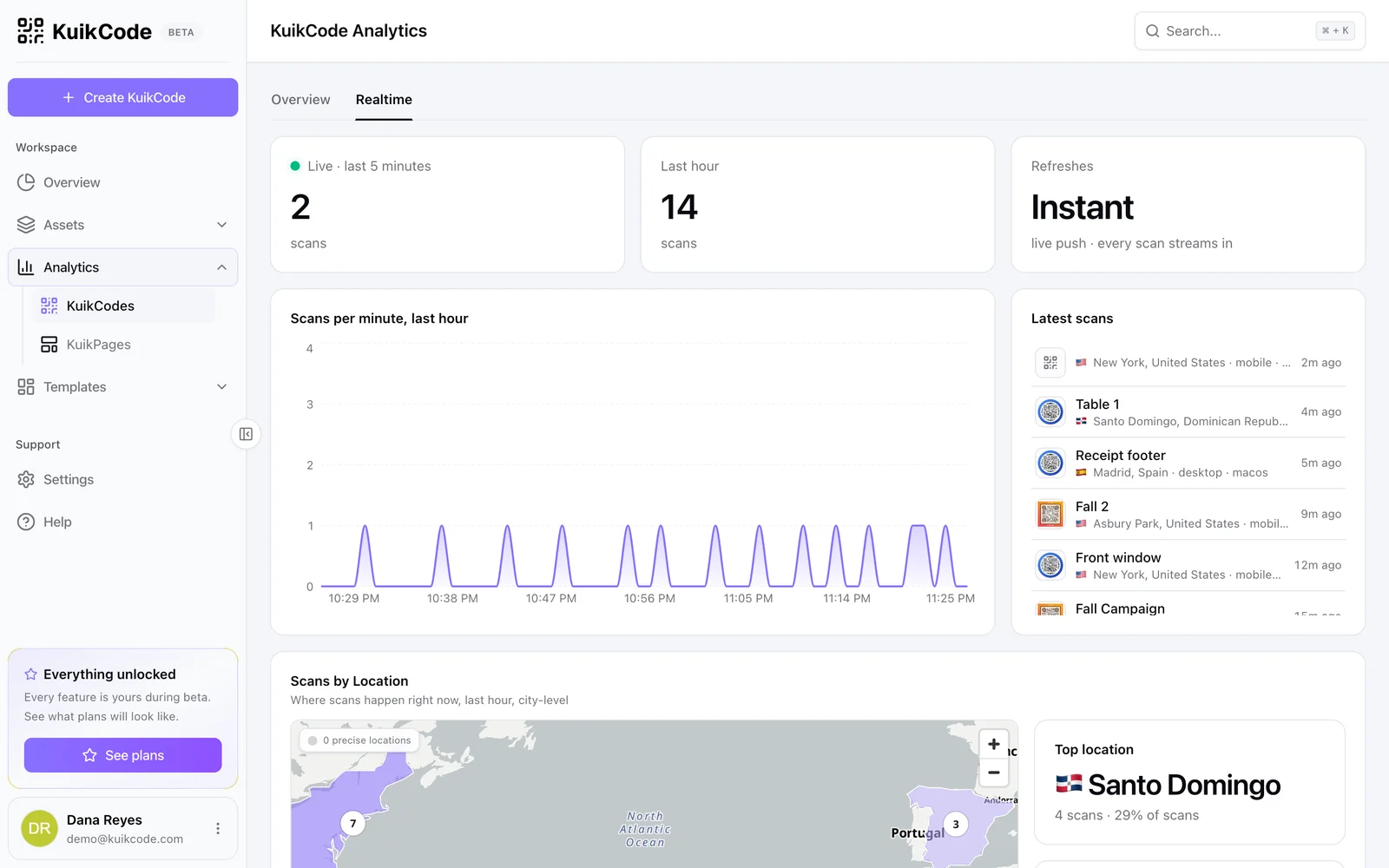
The Realtime tab shows scans from the last five minutes and the last hour, a scans per minute chart, a live map and the latest scans with their city and device. Launch a campaign, air a spot or open the doors, and see it working.
- Live map and latest scans feed
- Scans per minute for the last hour
- Precise locations with the scanner's consent, on PRO
Scans and page visits, side by side
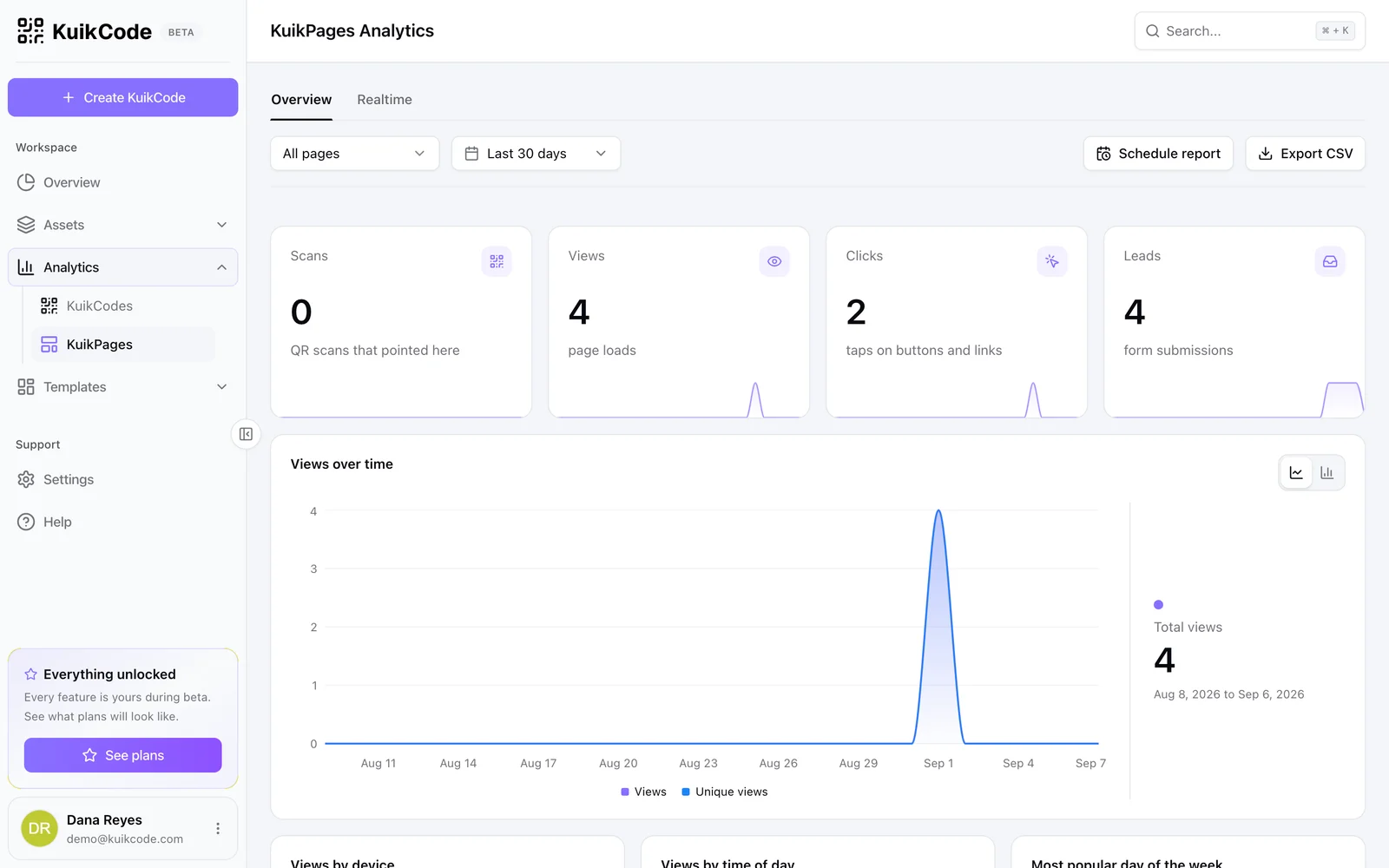
When a code opens a KuikPage, page analytics show views, clicks on buttons and links, and form leads next to the scans that brought people there. You see the whole journey, from the printed code to the tap that counts.
- Views, clicks and leads per page
- Top pages and most clicked buttons
- Same filters and date ranges as your codes
Numbers where your team already looks
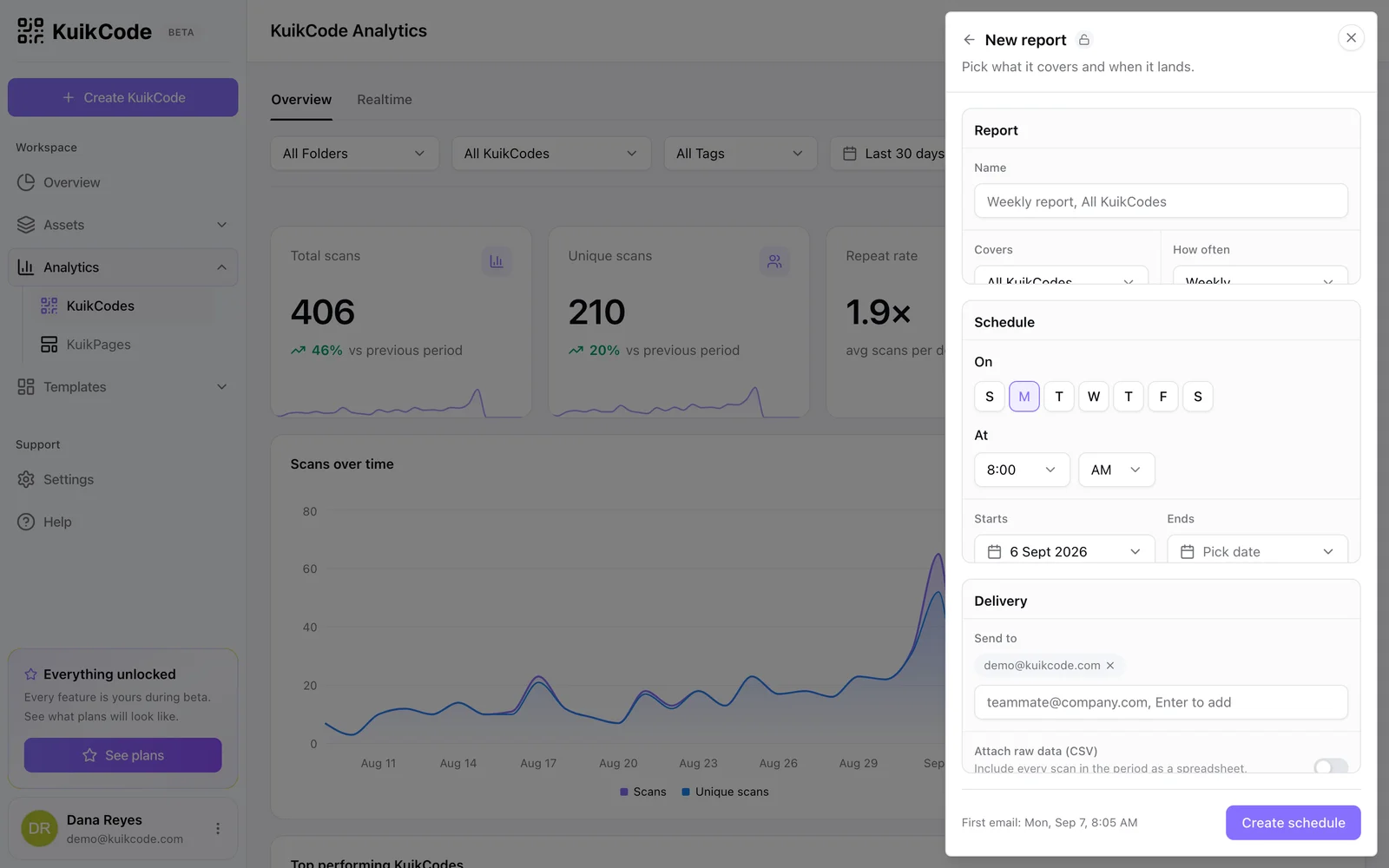
Export any view as a CSV, add UTM tags so scans show up in your web analytics, and forward scans server side to Google Analytics 4 and Meta on PRO. On Business, scheduled reports arrive by email daily, weekly or monthly, and a signed webhook can post every scan to your own systems.
- CSV export of up to 10,000 scans per view, the API for more
- GA4 and Meta scan forwarding on PRO
- Scheduled email reports and scan webhooks on Business
Learn more

How to track QR code scans (and what the numbers mean)
Dynamic QR codes record every scan. Learn which numbers matter, how to read total and unique scans, and how to connect scans to your web analytics.
September 23, 2026
What is a dynamic QR code?
A dynamic QR code points to a short link you control, so you can change where it goes after printing and see every scan. Here is how it works.
September 23, 2026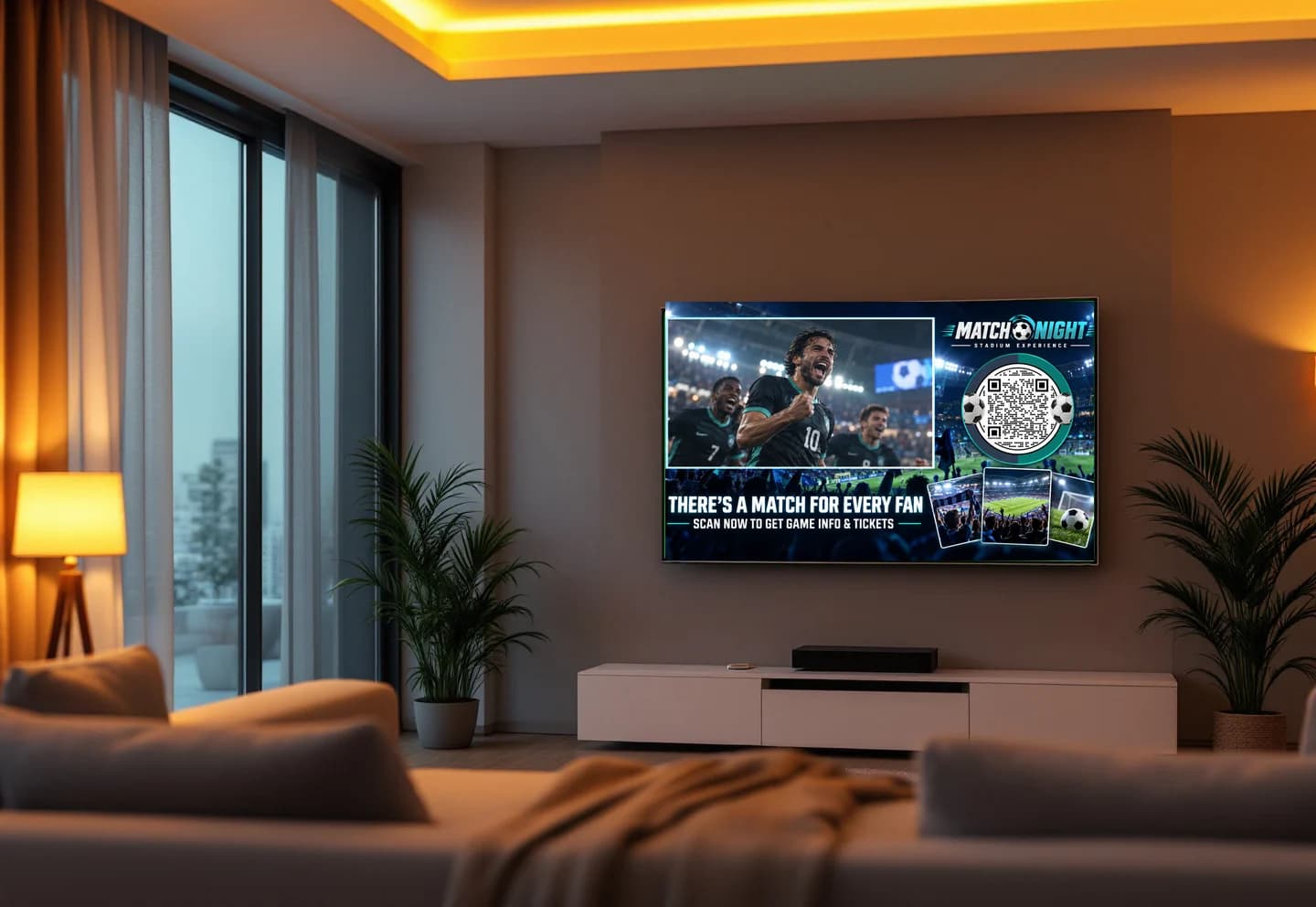
How to put a QR code in a TV ad that people actually scan
Size, placement, timing and design rules for QR codes in connected TV and video ads, plus how to track which airing drove the scans.
September 25, 2026Frequently asked questions
01How do I track QR code scans?+
Use a dynamic QR code. It points to a short link, so every scan passes through the service that records it before sending the person on. Static codes cannot be tracked.
02What does KuikCode record for each scan?+
The time, the country, region and city from the network connection, the device type, operating system, browser and language, the destination served and the smart rule that chose it, and the referrer and time zone when the browser provides them.
03Does QR code tracking use cookies or store IP addresses?+
No. KuikCode sets no tracking cookies on scans and never stores IP addresses. Unique scans are counted with a one way hash that cannot be turned back into an address.
04Can I see exactly where a code was scanned?+
City level for every scan. On PRO you can ask scanners to share their precise location, and those who agree appear as pins on the map.
05Can I send scan data to Google Analytics?+
Yes. Add UTM tags to any code on Starter and up, and on PRO forward every scan server side to Google Analytics 4 and Meta.
06How far back does the history go?+
Every paid plan keeps your full scan history. The Free plan shows the last 30 days and counts the first 600 scans of each code.
07Can I get reports by email?+
On Business, schedule reports daily, weekly or monthly to up to five recipients, with the top codes, countries and devices and an optional CSV of every scan.

Start with the QR codes you will never need to reprint.
Join the beta for branded design, editable destinations, hosted sites, bulk CSV creation, and live scan analytics.
Request beta access
One email when your workspace is ready. No spam.