

QR codes for CTV and video ads
Put a designed, dynamic QR code in your connected TV and video ads, send scans to a page built for phones, and watch scans arrive live with every airing.
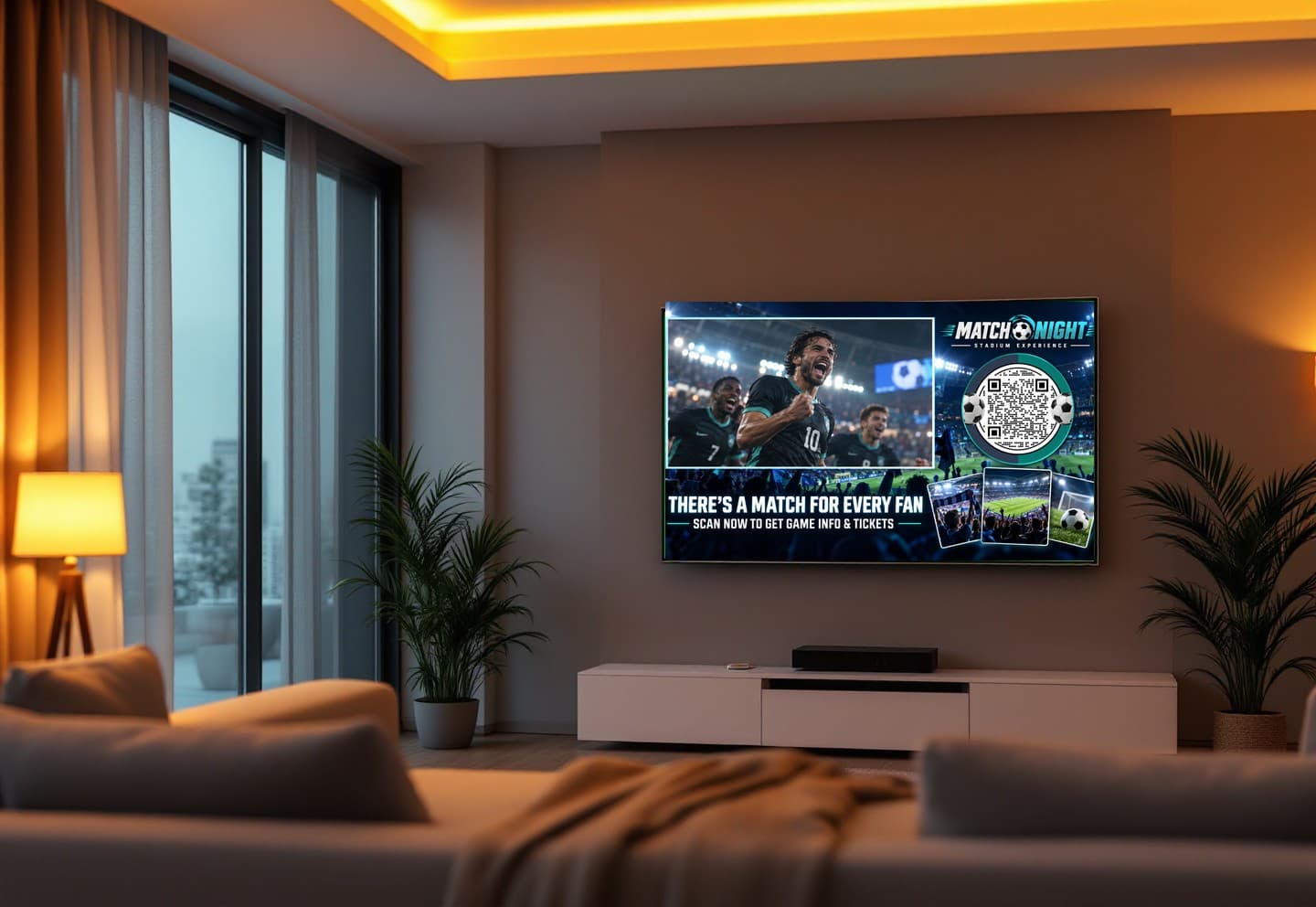
Where CTV and video ads use KuikCode
Connected TV campaigns
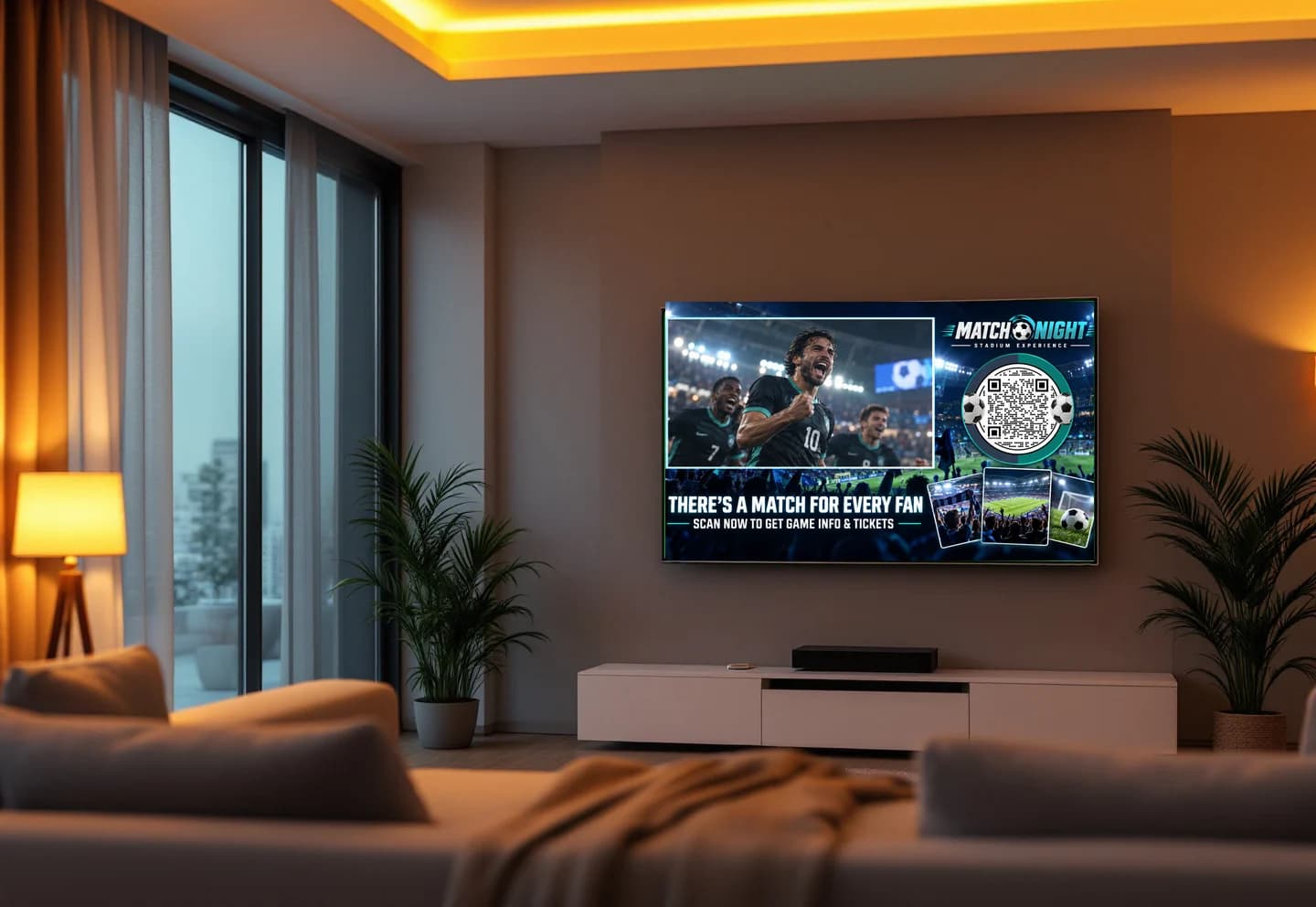
A code on screen turns a 30 second spot into a visit, an offer or a signup, scanned from the sofa.
Online video and social ads
The same code works in pre-roll, streaming and social video, and each placement can get its own code.
Dayparts and flights
Send the same code to different pages by time of day, and change the destination between flights without a new cut.
Attribution you can see
Scans arrive in realtime, so each airing shows up as a spike you can match to the schedule.
A code people can read from the couch
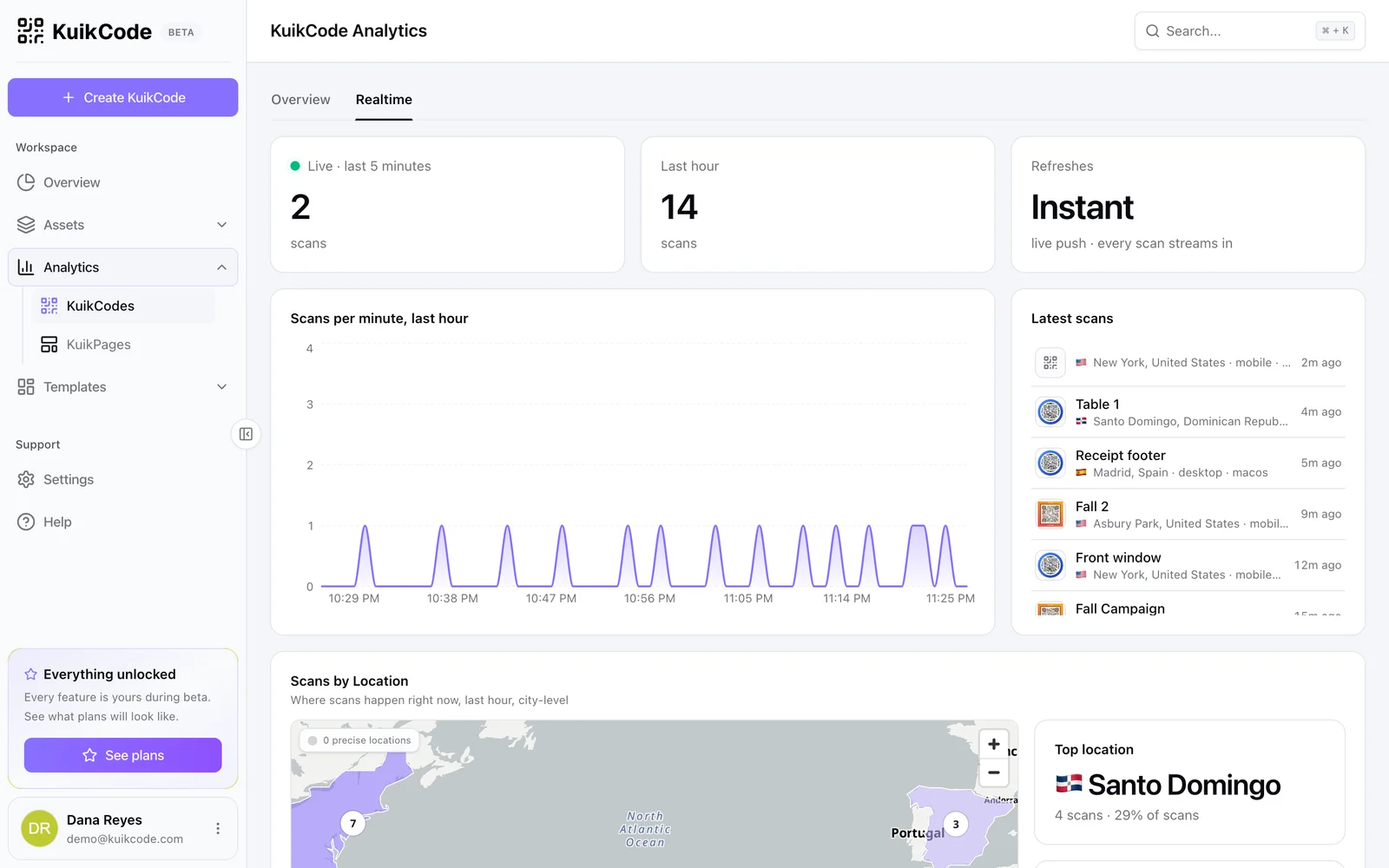
Style the code to match the creative, keep the contrast high, and let KuikCode check the design so it still scans. Export at any size as PNG or SVG for the editor, and reuse the same code across cuts.
- Frames with a call to action like Scan for the offer
- Every design checked before you download it
- PNG, SVG and PDF exports at the size your edit needs
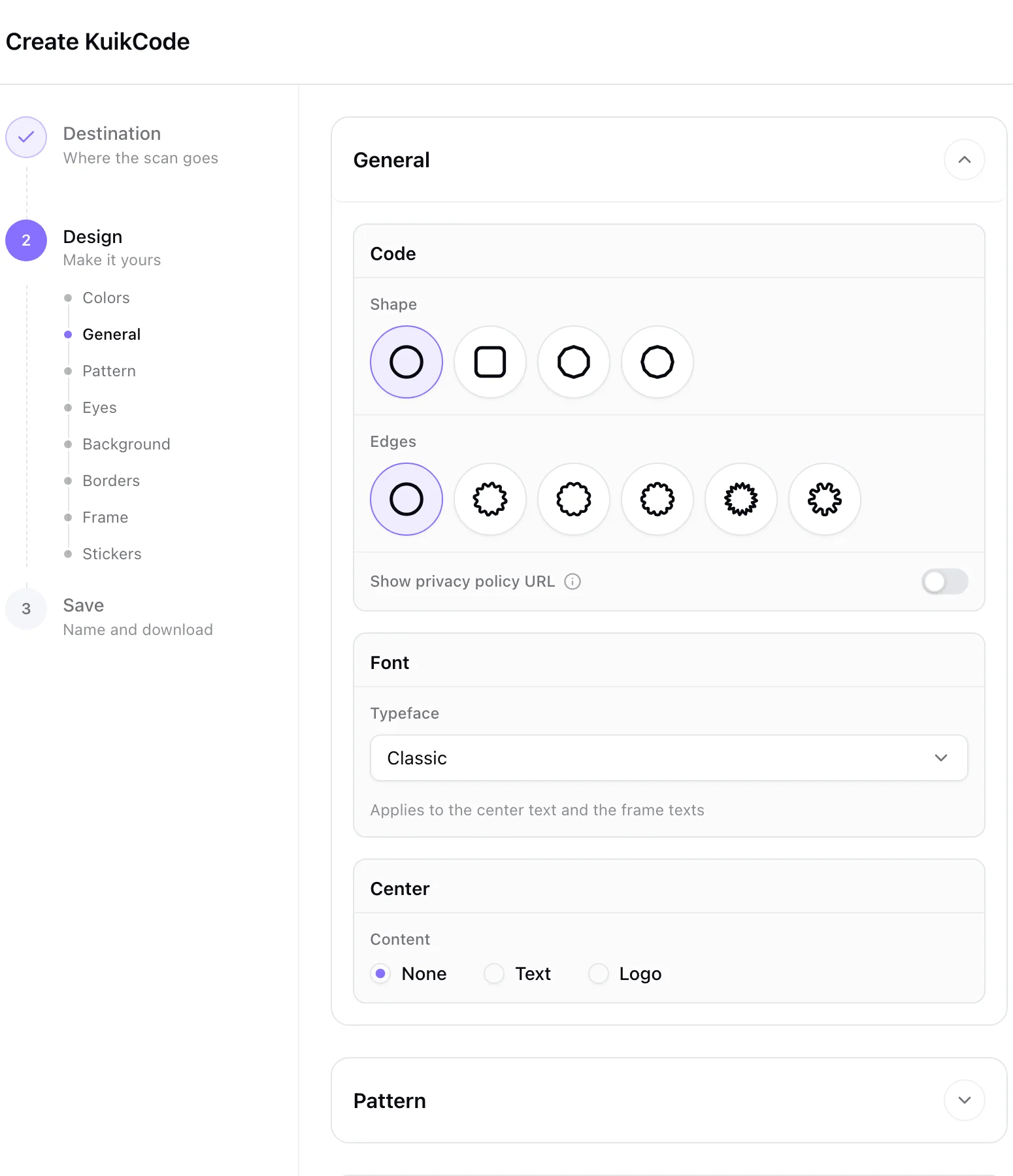
One code, the right page for each airing
On PRO, smart rules send the same code to different destinations by time of day, weekday, date, country or device. Morning news gets the breakfast offer, prime time gets the dinner one, and the ad never changes.
- Route by time, weekday, date, country, language or device
- Change the destination between flights in seconds
- Keep the scan history with the code
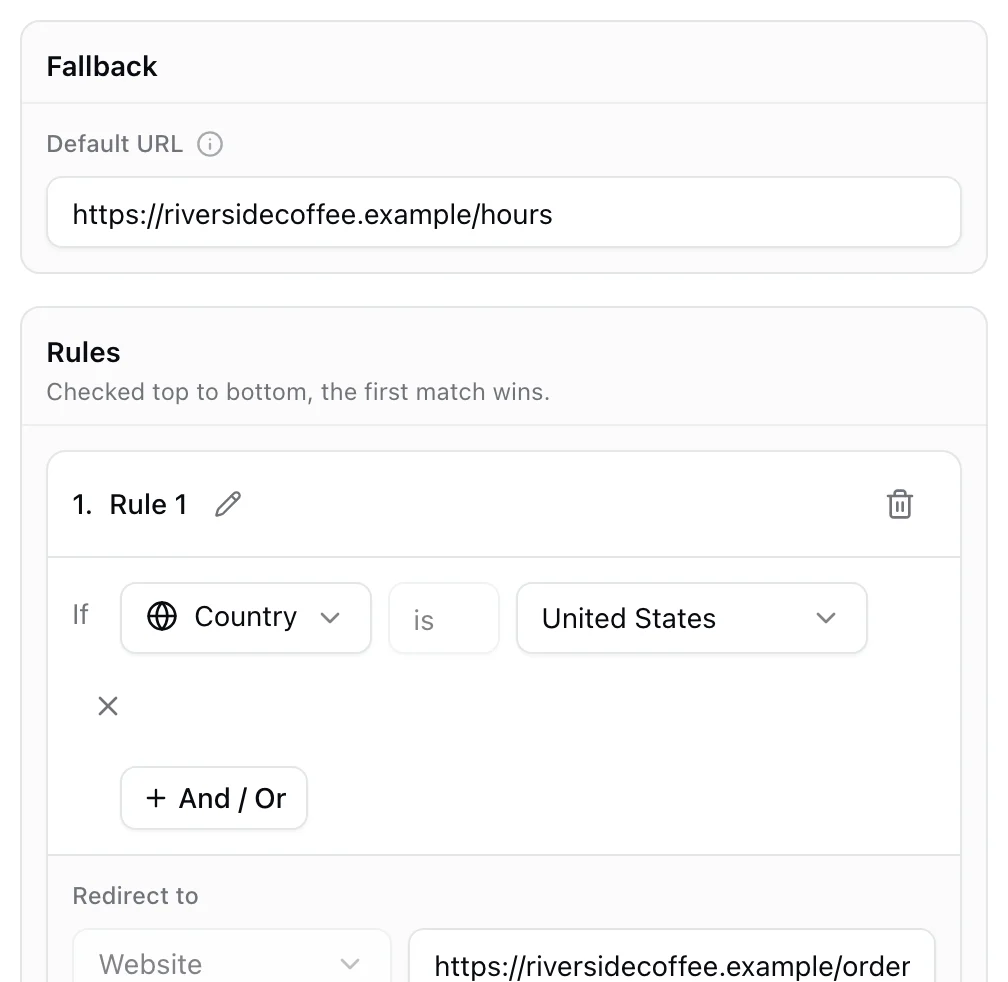
See the spike when the spot airs
Every scan is counted in realtime with the time, city, region, device and language. Give each network, creative or daypart its own code and compare them side by side, and add UTM tags so scans show up in your web analytics too.
- Realtime scan feed and hourly charts
- One code per network, creative or daypart
- UTM parameters added automatically
A phone page, not a desktop site
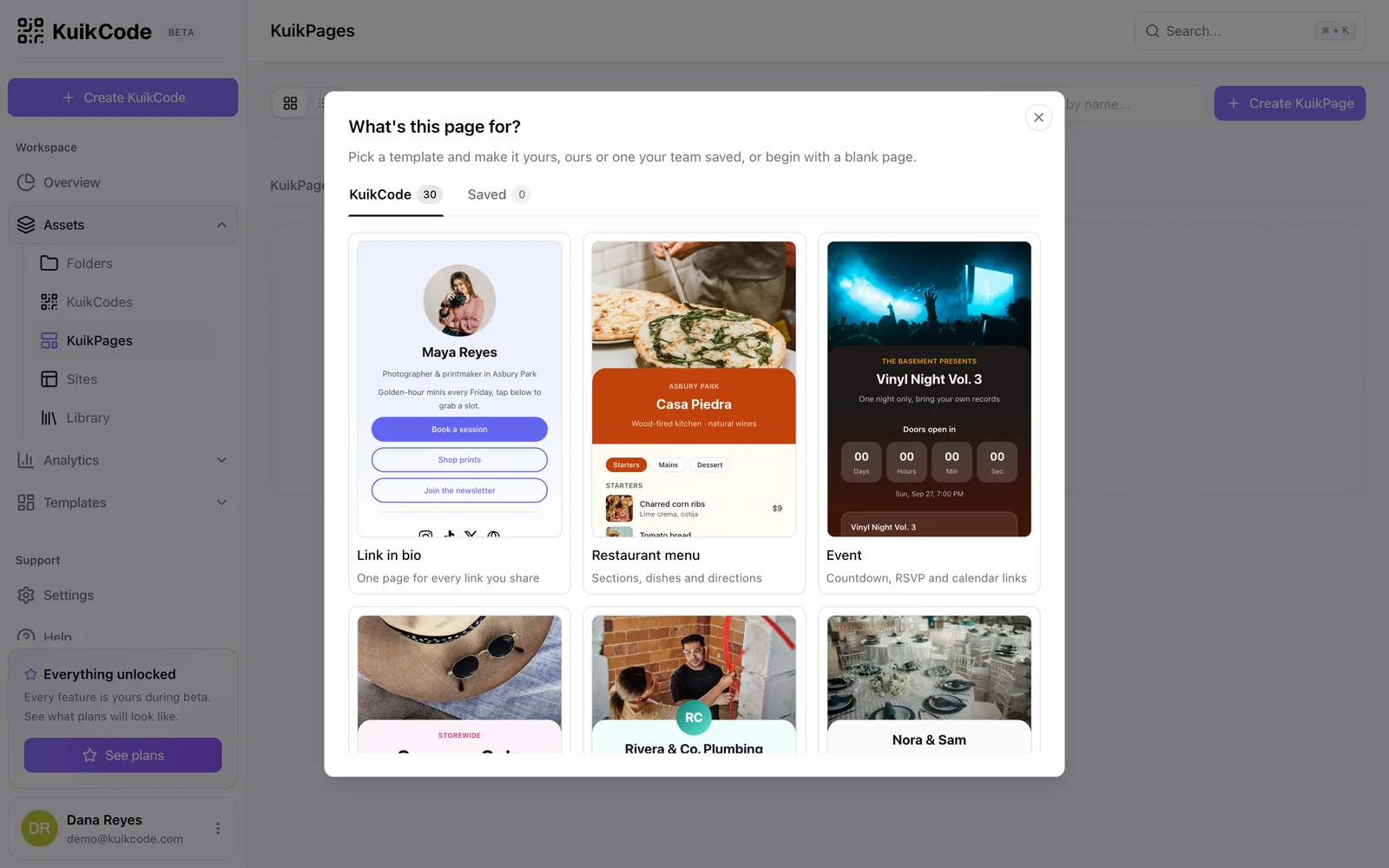
Send viewers to a KuikPage built for the phone in their hand, with the offer, a form or a link to your app. On Business, a Meta Pixel or Google Ads tag can fire on scan, with a consent screen where the law requires it, so you can retarget people who scanned.
- Templates for offers, launches, app downloads and signups
- Retargeting pixels on Business, with consent
- No ads on scans, on any plan
Learn more
How to put a QR code in a TV ad that people actually scan
Size, placement, timing and design rules for QR codes in connected TV and video ads, plus how to track which airing drove the scans.
September 25, 2026
How to track QR code scans (and what the numbers mean)
Dynamic QR codes record every scan. Learn which numbers matter, how to read total and unique scans, and how to connect scans to your web analytics.
September 23, 2026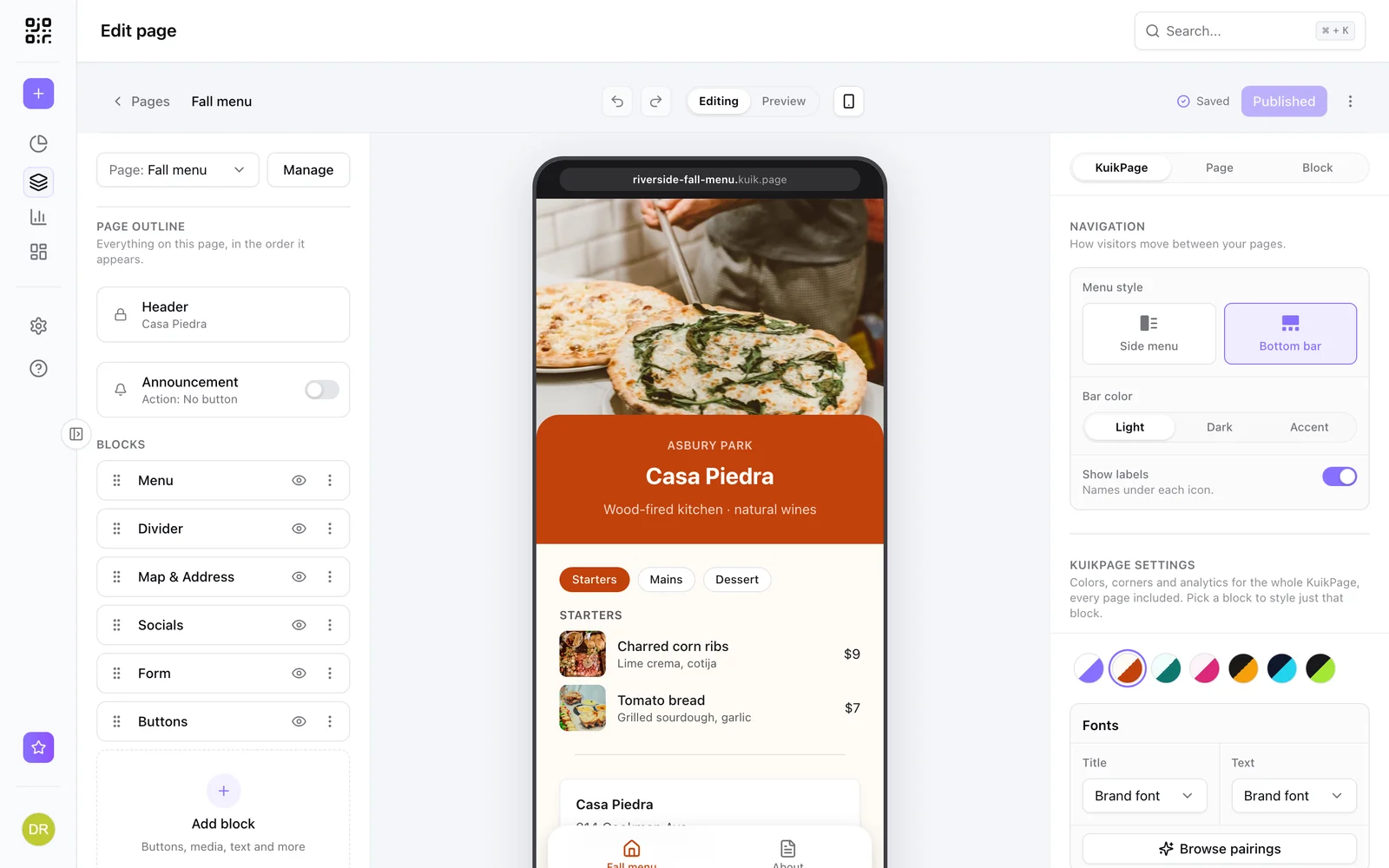
What is a mobile landing page, and when does your QR code need one?
A mobile landing page is a short page built for phones. Learn when a QR code should open one instead of your website, and what to put on it.
September 23, 2026Frequently asked questions
01How big should a QR code be on a TV ad?+
Big enough to scan from a normal viewing distance. Many campaigns use a code around a tenth of the screen height or larger, placed inside the safe area with a clear margin around it. Test the finished spot on a real TV from three meters away before it airs.
02How long should the code stay on screen?+
Long enough for someone to pick up a phone, open the camera and scan. Aim for at least 8 to 10 seconds, and keep the code still while it is on screen.
03Can I change where the code goes after the ad is finished?+
Yes. Every KuikCode is dynamic, so you can change the destination at any time and the ad keeps working. Smart rules on PRO can also send it to different pages by time of day or date.
04How do I know which airing drove the scans?+
Scans are counted in realtime with a timestamp, so each airing shows up as a spike. Use a separate code per network, creative or daypart to compare them, and add UTM tags to see the traffic in your web analytics.
05Do people see ads when they scan?+
No. KuikCode never shows ads to the people who scan, on any plan.
06Can I retarget viewers who scanned?+
On Business, a Meta Pixel or Google Ads tag can fire when someone scans, with a consent screen for visitors in regions that require it.

Start with the QR codes you will never need to reprint.
Join the beta for branded design, editable destinations, hosted sites, bulk CSV creation, and live scan analytics.
Request beta access
One email when your workspace is ready. No spam.