A mobile landing page is a single page built for phones, with one job to do. It is where someone lands after scanning a QR code, tapping a link in a bio or clicking an ad.
It is not a website. A website serves many visitors with many goals. A landing page serves one audience with one goal, and that focus is what makes it work on a small screen.
Why QR codes and landing pages go together
Think about the moment someone scans a code. They are standing at a table, in a store, at an event or in front of a poster. They have a phone in one hand and a few seconds of attention.
Sending them to your homepage asks them to find what they came for. Sending them to a landing page gives it to them right away:
- The menu, not the restaurant's About page.
- The event schedule and RSVP, not the venue's calendar.
- The product's instructions, not the brand's catalog.
When your QR code needs a landing page
A landing page makes sense whenever there is no existing page that does the job well:
- There is no page for it yet. Menus, event pages, product inserts and wedding invitations often have no home on a website.
- Your website is slow or hard to use on a phone. A light, phone first page is faster for people standing in a line.
- You want one clear action. Book a table, claim a coupon, save a contact, join a waitlist.
- You do not have a website at all. Many small businesses and creators do not, and a landing page is enough.
If your website already has a great mobile page for exactly this purpose, point the code straight at it.
What to put on a QR code landing page
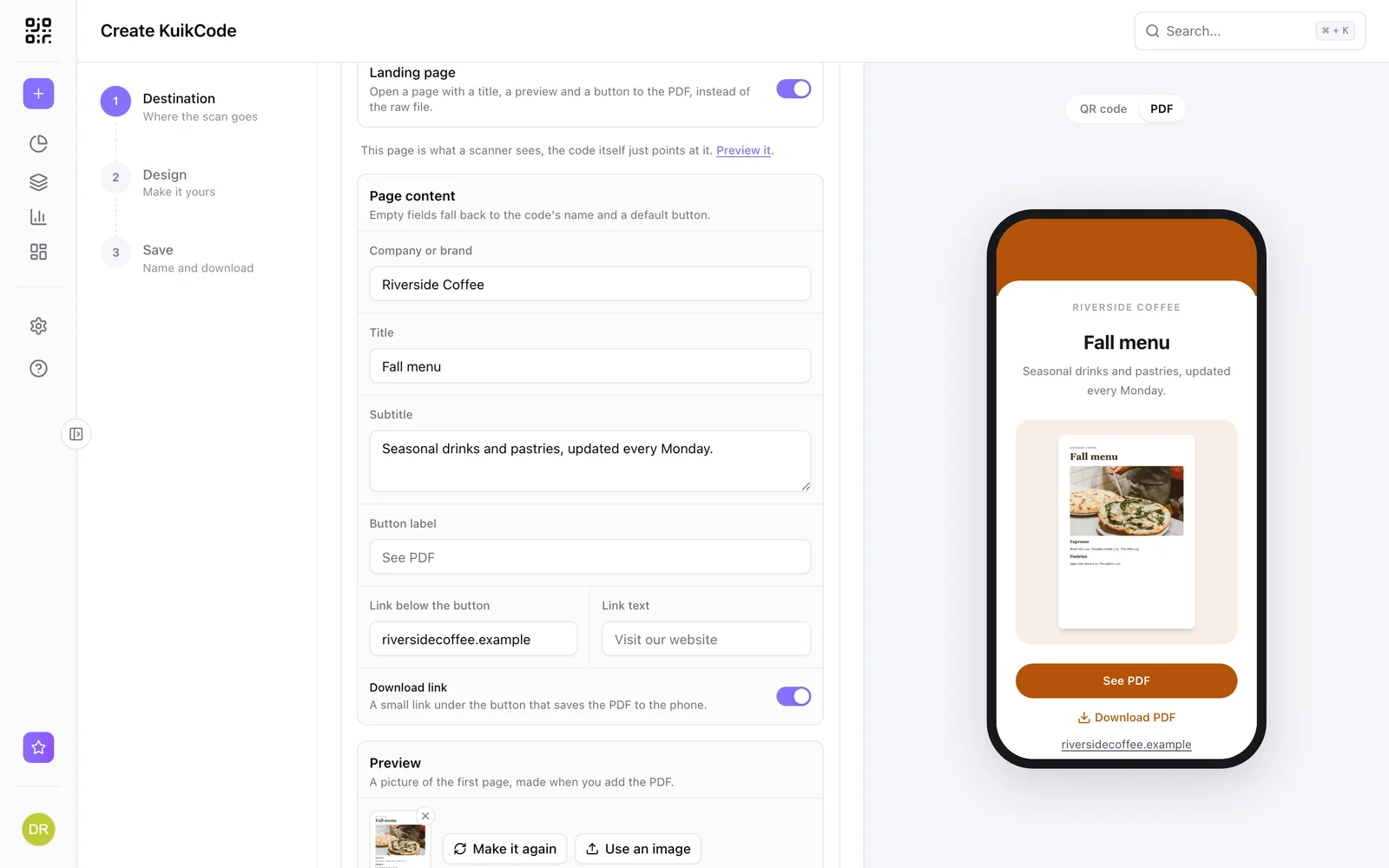
- A title that matches the print. If the poster says Fall menu, the page should say Fall menu.
- The information people came for, first and above the fold.
- One main action, as a clear button. Secondary links can sit lower.
- Your brand, so people know they are in the right place: logo, colors and name.
- Practical details, like opening hours, a map, contact buttons or FAQs.
Keep it light. Compress photos and avoid heavy scripts, because many scans happen on mobile data.
Landing pages that change with you
The best part of pairing a landing page with a dynamic QR code is that both stay editable. You can update the page when the menu changes, and point the code at a different page when the campaign changes. The printed code never moves.
Building one with KuikPages
In KuikCode, landing pages are called KuikPages:
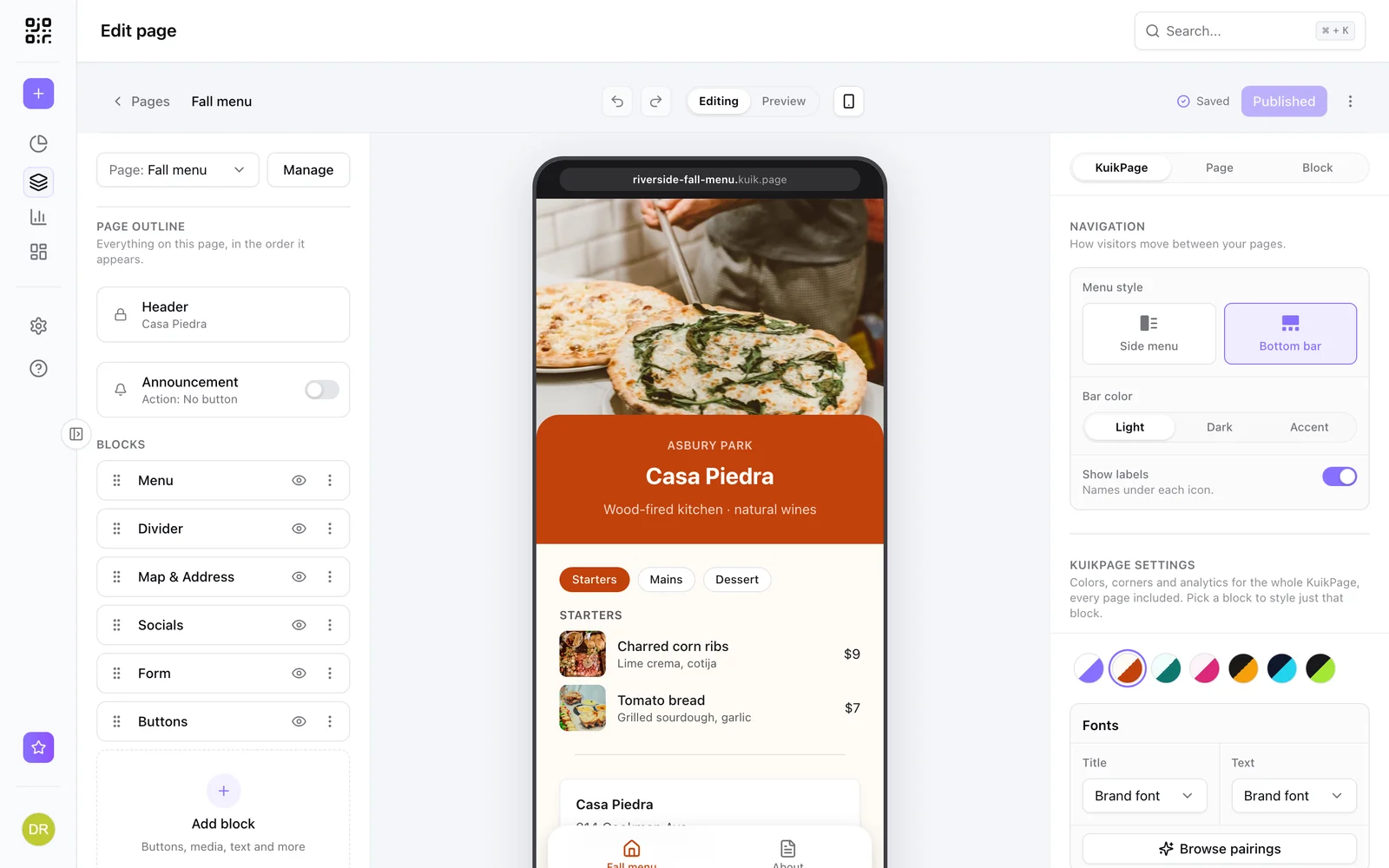
- 40 templates for creators, shops, food and venues, events and business, each with real example content.
- 30 blocks like buttons, galleries, video, menus with prices, maps, countdowns, coupons and FAQs.
- Multi page KuikPages with a side menu or a bottom bar, on PRO and Business.
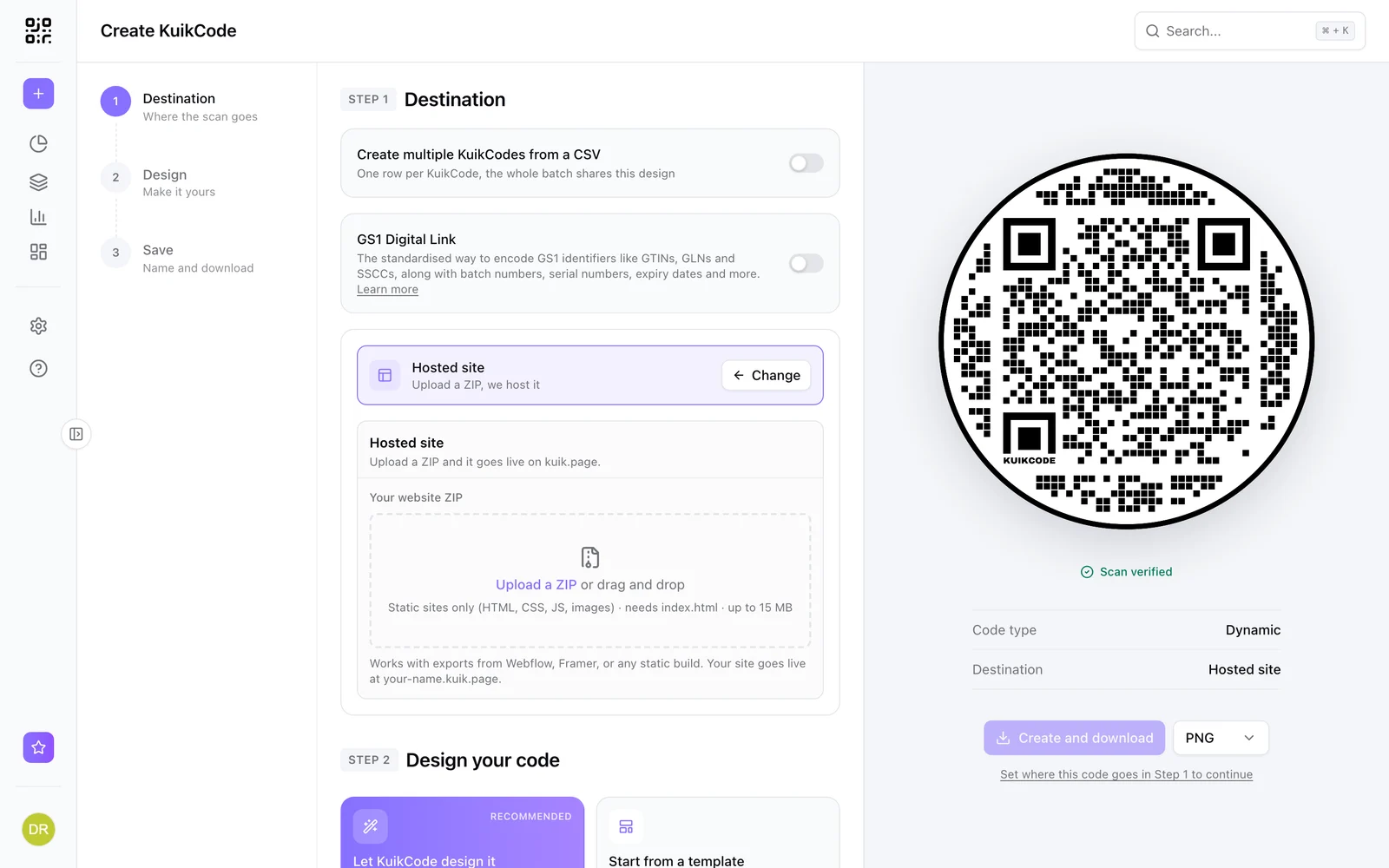
- Your own address at yourname.kuik.page, published in one click.
- Analytics for visits and button taps, next to the scans of your codes.
KuikPages are included from the Starter plan. See KuikPages for the full tour.
Frequently asked questions
01What is the difference between a landing page and a website?+
A website has many pages for many visitors and goals. A landing page is one focused page for one audience and one action, which is exactly what someone scanning a QR code needs.
02Do I need a website to have a mobile landing page?+
No. Tools like KuikPages host the page for you on its own address, so you can publish a landing page without any website or hosting.
03What should a QR code landing page include?+
A clear title that matches what was printed, the information people came for, and one main action like viewing the menu, booking, buying or saving a contact.
04Can I change a landing page after the QR code is printed?+
Yes, as long as the page is editable and the code points at it. Editing and publishing the page updates what every printed code opens.