Sometimes the page you want behind a QR code already exists as files: an export from a site builder, a microsite a designer handed you, an interactive brochure or a portfolio you coded yourself. You do not need to buy hosting to put it online.
What counts as a static website
A static website is a folder of files that a browser can open directly:
- HTML pages, with an
index.htmlas the home page. - CSS for styling and JavaScript for interactivity.
- Images, fonts, video and PDFs.
What it does not have is a server running code or a database. That rules out a live WordPress or online store, but it covers a huge range of pages: campaign microsites, landing pages, brochures, menus, portfolios and many site builder exports.
Step 1: Prepare your files
- Make sure the home page is called
index.htmland sits at the top of the folder, not inside a subfolder. - Use relative links between pages and assets, like
images/logo.png, so everything still works on the new address. - Open the
index.htmlfile in your browser to check the pages, images and links work. - Zip the contents of the folder.
Keep the site light. Compress large images, because most people will open it on a phone.
Step 2: Upload the ZIP
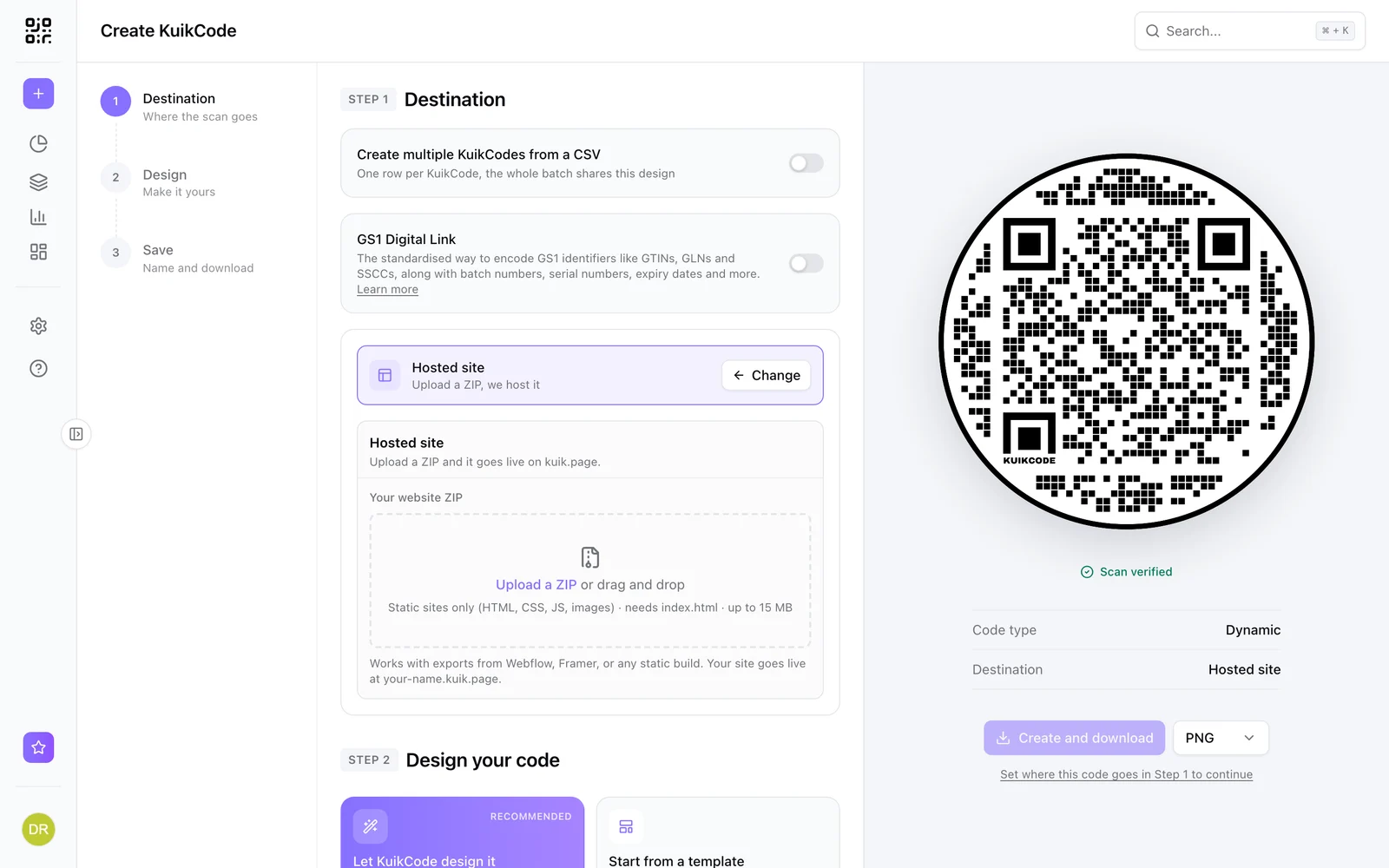
In KuikCode, create a new code and choose Hosted site as the destination. Drop your ZIP and pick a name for the address.
KuikCode checks the files before the site goes live:
- Up to 15 MB and 300 files per site.
- HTML, CSS, JavaScript, JSON, images, fonts, MP4, WebM, MP3 and PDF are served.
- System files like
.DS_Store,__MACOSX,.gitandnode_modulesare ignored.
The site goes live at your-name.kuik.page, and the code points at it.
Step 3: Design and print the code
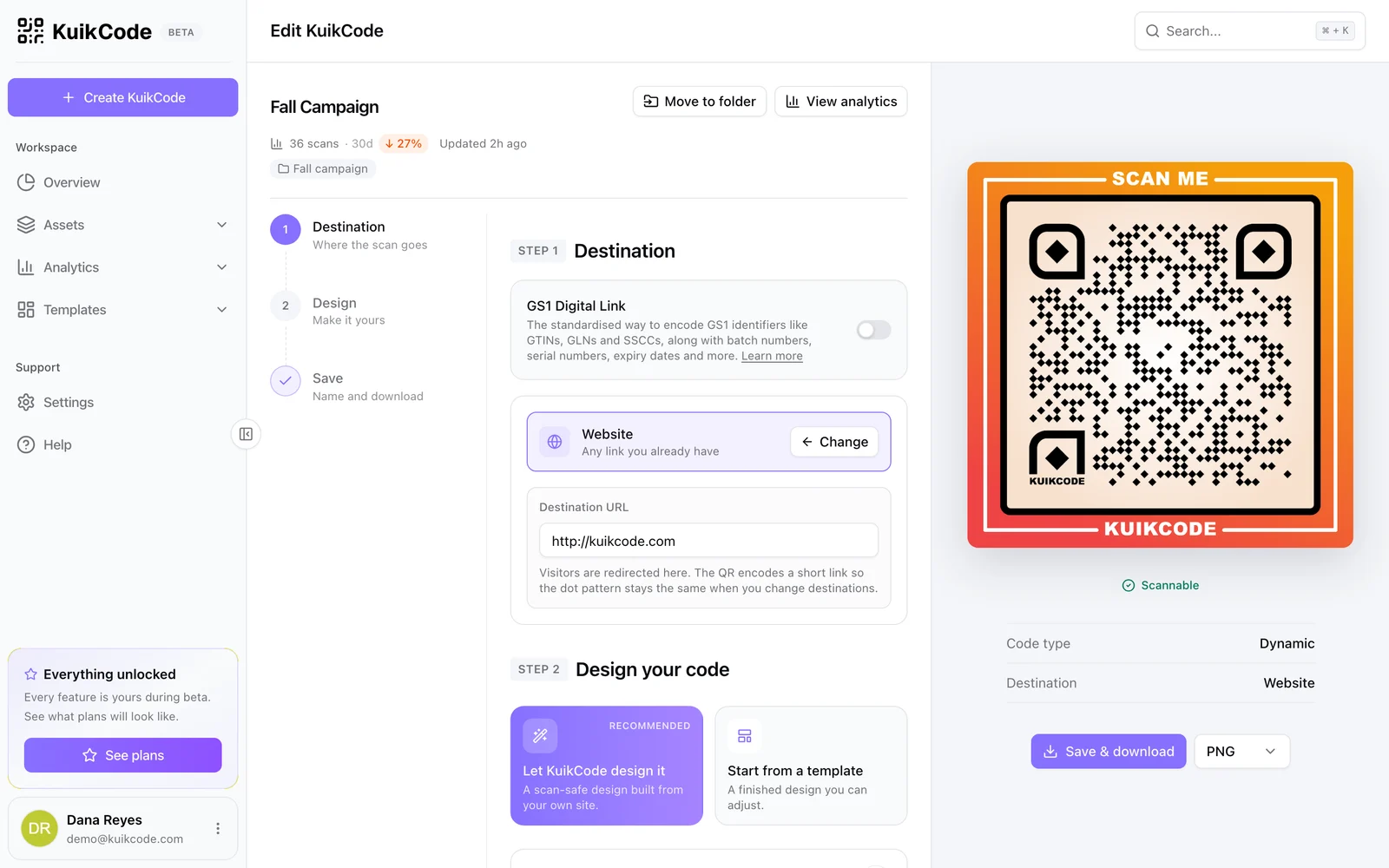
Design the code with your colors, logo and a call to action like Scan to explore, then download it for print. Test it with a couple of phones before printing a large run.
Step 4: Update without reprinting
When the site changes, open Assets, Sites and Redeploy a new ZIP to the same address. Every printed code opens the new version, because the address never changed.
You can also rename a site's address, and point the code at something else entirely, like a KuikPage, if the campaign changes.
Hosted site or KuikPage?
- Choose a hosted site when the page already exists as files, or you need full control of the code and design.
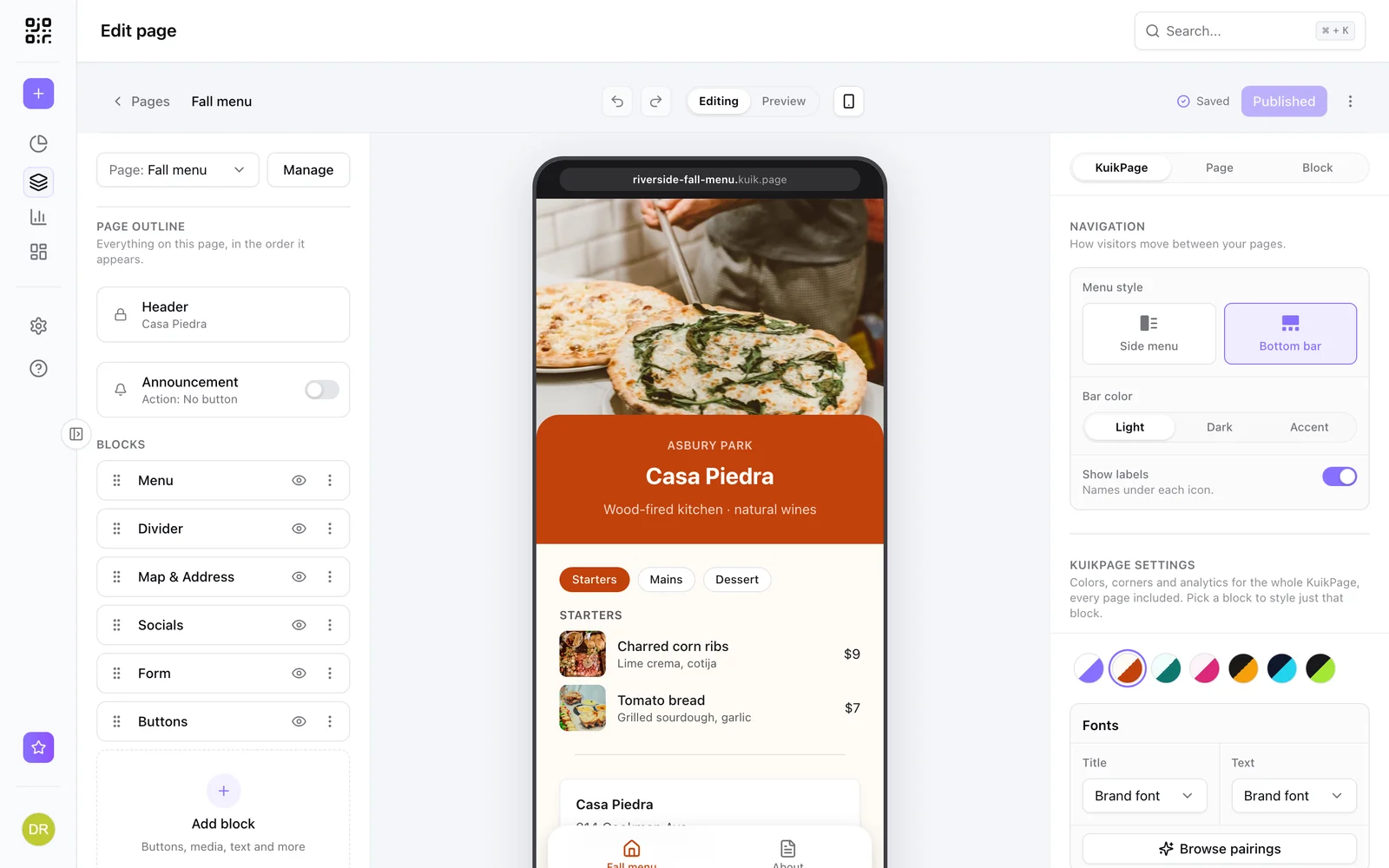
- Choose a KuikPage when you want to build the page without code, from templates and blocks, and edit it from your phone. See what a mobile landing page is.
Hosted sites are included from the Starter plan with one site, five on PRO and twenty on Business. See Hosted sites for more.
Frequently asked questions
01What is a static website?+
A static website is a set of files, like HTML, CSS, JavaScript, images and fonts, that a browser can open directly. It does not need a server running code or a database behind it.
02Can I host a site exported from a site builder?+
Yes, as long as the export is static files with an index.html at the root. Upload the ZIP and it goes live as it is.
03Can I host a WordPress site this way?+
Not a live WordPress site, because it needs a server and a database. A static export of the site's pages can work if the export includes every file it needs.
04How do I update a hosted site after printing the QR code?+
Upload a new ZIP to the same site. The address stays the same, so every printed code opens the new version.