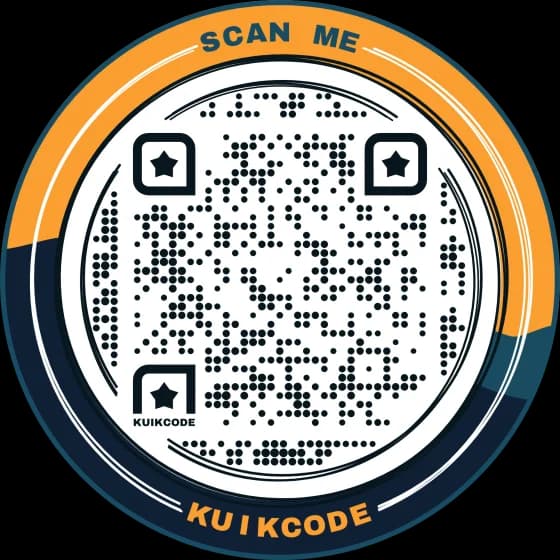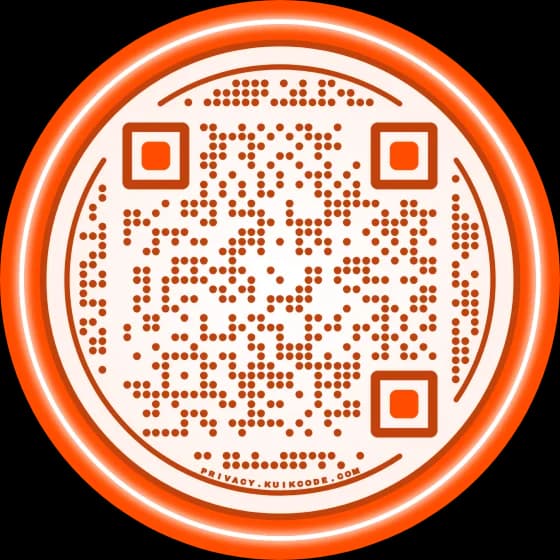
Yes, you can make a QR code without a website. A QR code needs something to open, not a website. A QR tool can host that something for you: a mobile page with your buttons and info, a PDF like a menu or price list, a photo, a contact card, an event, a map location, a phone call or your WiFi. Make the code dynamic, so you can change what it opens later, including a real website if you ever build one.
What a QR code can open without a website
| Destination | What a scan does | Good for |
|---|---|---|
| KuikPage | Opens a mobile page with your buttons, photos, hours and links | Most businesses, creators, events and anyone who needs "a site" |
| Show a PDF | Opens a short page with a preview and a button to the file | Menus, price lists, brochures, manuals |
| Show an Image | Opens the photo, or a swipe gallery | Flyers, posters, a portfolio, a floor plan |
| vCard | Shows a contact card with a button to save it | Business cards, name badges |
| Event | Shows the event and adds it to the phone's calendar | Invitations, classes, open houses |
| Map Location | Opens directions in Google Maps | Signs, flyers, invitations |
| Call a Number | Starts a phone call | Vans, yard signs, emergencies |
| WiFi | Joins your network | Cafés, rentals, offices |
None of these needs a website, a domain or hosting, and on KuikCode every one of them works on every plan. What changes by plan is how much page you can build, more on that below. WiFi is the one static code in the list, because the network login has to live inside the code.
The best replacement for a website: one mobile page
If people would scan to learn about you, they need more than a single file. They need what a small website gives them, on a phone: who you are, what you offer, and buttons to call, book, buy, get directions or follow you.
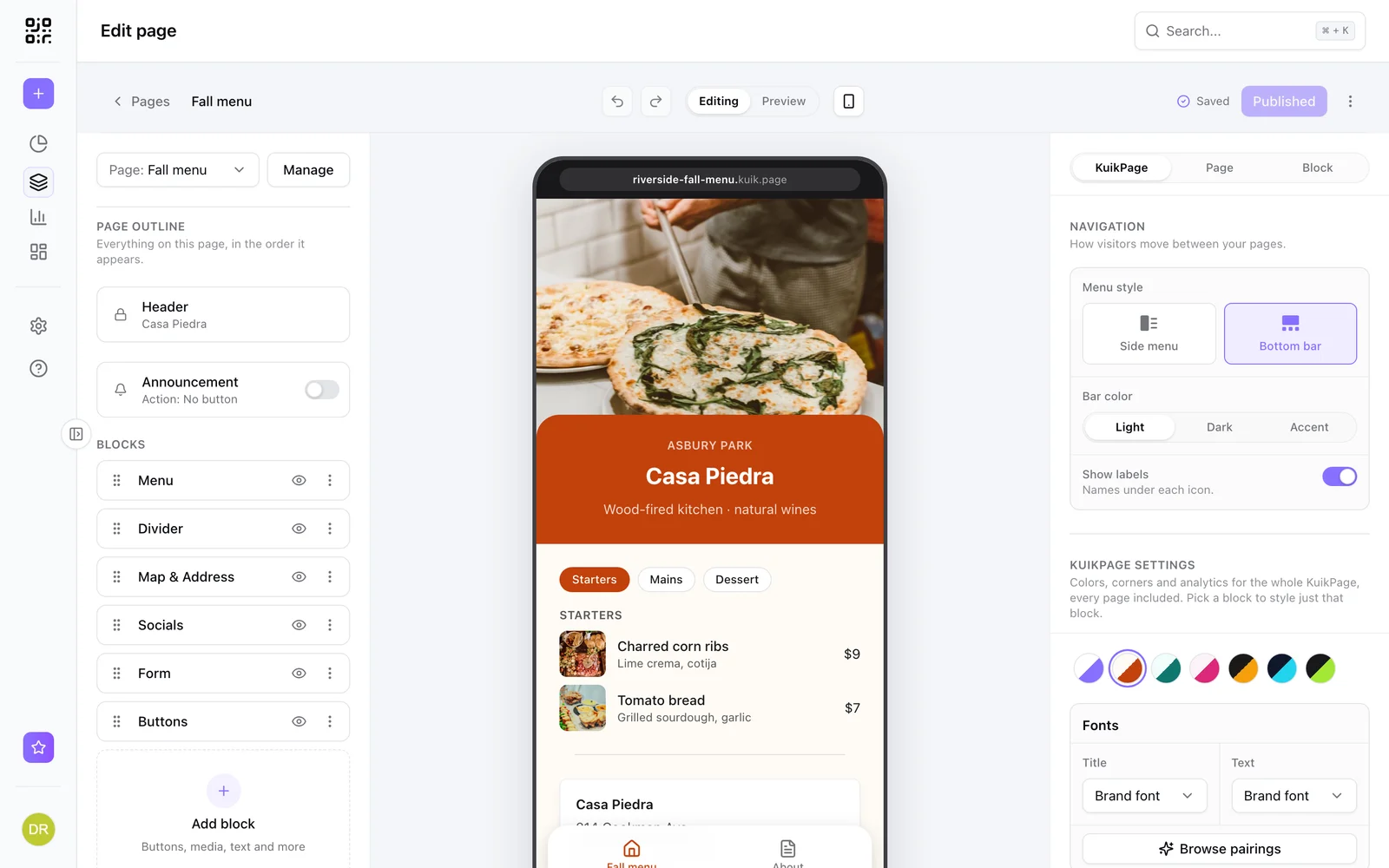
That's a KuikPage. You pick a template made for your kind of business, swap in your words and photos, and publish it on your own address at yourname.kuik.page. No website builder, no domain, no hosting.
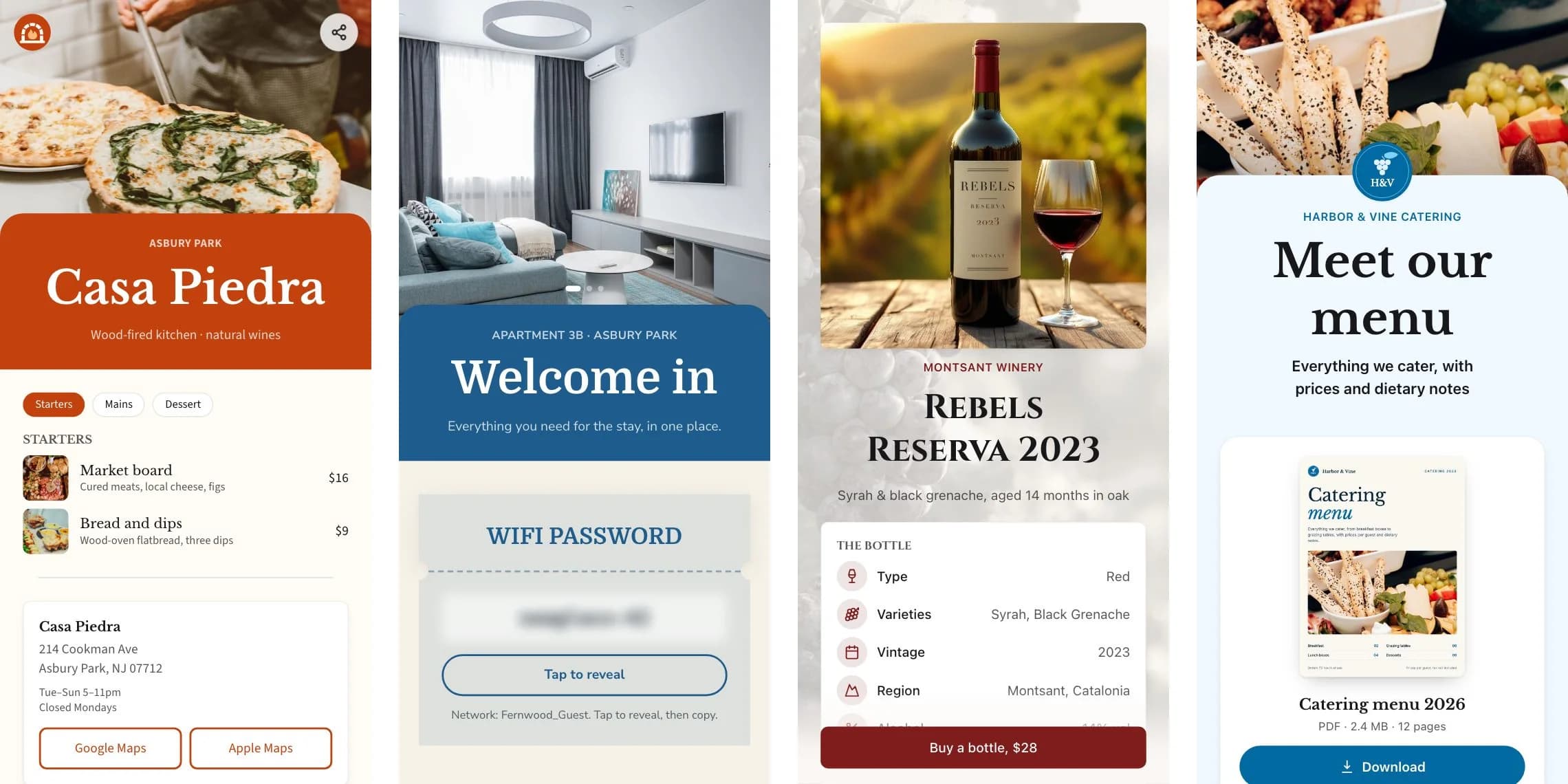
A KuikPage holds blocks like buttons, social icons, photos, galleries, video, menus with prices, opening hours, a map, a contact form, coupons and FAQs, and the page is made for phones from the start. What is a mobile landing page covers what to put on one.
How much page you get depends on the plan:
- Basic includes a link in bio KuikPage: your photo, a few lines, buttons and social icons.
- Core includes one full KuikPage with every block: menus, galleries, forms, coupons and maps.
- PRO includes five KuikPages with up to five pages each behind a menu, like Home, Services, Reviews and Contact, and you can connect your own domain.
When a single file or card is enough
Not every code needs a page. If there's one thing to show, link that thing directly:
- A menu or price list. Upload the PDF. The scan opens a short page with your name, a preview of the first page and a button to the file, which reads better on a phone than a raw PDF. Replace the file whenever prices change. See QR code for a PDF menu.
- A photo or poster. Show an Image shows it full screen, and on PRO up to 10 images in a swipe gallery.
- Your contact details. A vCard QR code shows a card with your photo, numbers, email, address and social links, and saves it to the phone in one tap.
- An event. The Event destination shows the date, place and an RSVP link, and puts the event in the person's calendar.
- Directions or a phone call. Map Location and Call a Number do one thing, fast. See QR code for a Google Maps location and QR code for a phone number.
You can also point a code at something you already have somewhere else: your Instagram profile, your Google review link, a Google Form or a shared Google Drive folder. Any link works as a destination.
Already have a site somewhere? Host it on kuik.page
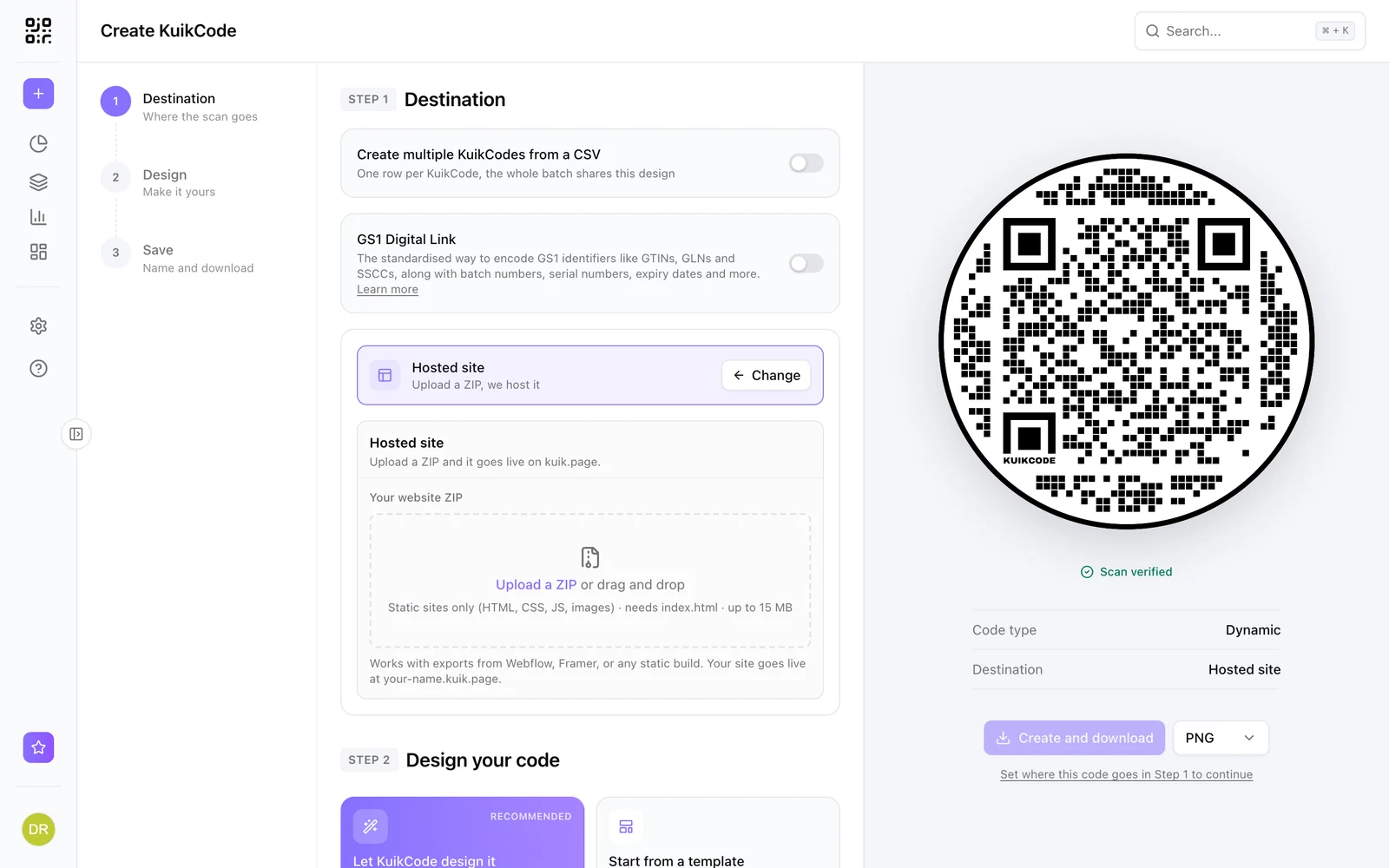
If someone built you a simple site, or you made one with an AI tool, but you have nowhere to put it, upload it as a ZIP. A Hosted Site goes live on yourname.kuik.page, up to 15 MB and 300 files, and you point a code at it like any other destination. Hosted sites start on Core. See host a website behind a QR code.
Free vs paid: what you can do without paying
A static QR code is free and needs no account. It can hold a link to something you already have, a phone number, an email, a text message, plain text or a WiFi login. Our free QR code generator makes those.
What a static code can't do is hold a page, a PDF or a photo, because those have to be hosted somewhere, and it can never be changed after printing. Pages, files and cards you can edit need a dynamic code. On KuikCode, Basic is $5 a month billed yearly for 3 codes and a link in bio KuikPage, Core is $9 a month yearly or $12 monthly for 20 codes and a full KuikPage, and PRO is $29 a month yearly or $39 monthly for 150 codes and five KuikPages. Scans are unlimited on every plan, and every workspace starts with a 14-day free trial with no card. See pricing.
If you build a website later
Keep the code dynamic and you lose nothing. Open the code, change its destination from the KuikPage or PDF to your new website, and every code you already printed opens the website from the next scan. Or keep the KuikPage as your mobile page and link the website from one of its buttons.
Frequently asked questions
01Can I make a QR code without a website?+
Yes. A QR code can open a mobile page you build from a template, a PDF, an image, a digital business card, an event, directions on a map, a phone call or your WiFi. The QR tool hosts all of these for you, so you don't need a website, a domain or hosting.
02What can a QR code link to if I don't have a website?+
The most useful options are a mobile page with your buttons and info, a PDF such as a menu or price list, a photo or gallery, a contact card that saves to the phone, an event that adds itself to the calendar, a map location, a phone number and a WiFi network. You can also link a page you already have on another service, like your Instagram profile, a Google review form or a Google Form.
03How do I make a free QR code without a website?+
A static QR code is free and can hold text, a phone number, an email, a WiFi login or a link to a profile you already have. It can't hold a page or a file, because those need hosting, and it can never be changed. Pages, files and contact cards that you can edit need a dynamic code, which is a subscription.
04Is a KuikPage a website?+
It's a mobile web page, hosted for you on your own address at yourname.kuik.page. It has no menus to set up and no hosting to pay for separately. On PRO a KuikPage can have up to five pages behind a menu, which is enough for many small businesses to skip a full website.
05Can I use my own domain without a website?+
Yes. From PRO you can connect a domain you own to a KuikPage, so the page opens on your own address instead of kuik.page. Business connects up to three domains.
06What if I build a website later?+
If the code is dynamic, you change its destination to the new website and every printed code opens it from the next scan. Nothing needs to be reprinted.