Yes. A QR code can hold your phone number, and scanning it opens the phone's dialer with the number already typed. The person checks the number and taps Call. No typing, no wrong digits, and no squinting at small print on a sign.
Below: how these codes work, how to make one for free, how to make one you can change after printing, and when a text message or WhatsApp code is the better choice.
To open a ready to send email or text instead, see QR codes for email and SMS.
Want people to join a chat instead of calling? Make a QR code for a WhatsApp group.
How a phone number QR code works
A call QR code stores a short instruction instead of a web address: tel: followed by the number, like tel:+12025550143. Every phone camera knows this format. When it reads one, it offers to call the number, and the dialer opens with the digits filled in.
The call never starts by itself. iPhones and Android phones always show the number and wait for a tap, so a code can't run up someone's phone bill without asking. That also means people see exactly who they are about to call, which helps them trust the code.
How to make a QR code for a phone number, free
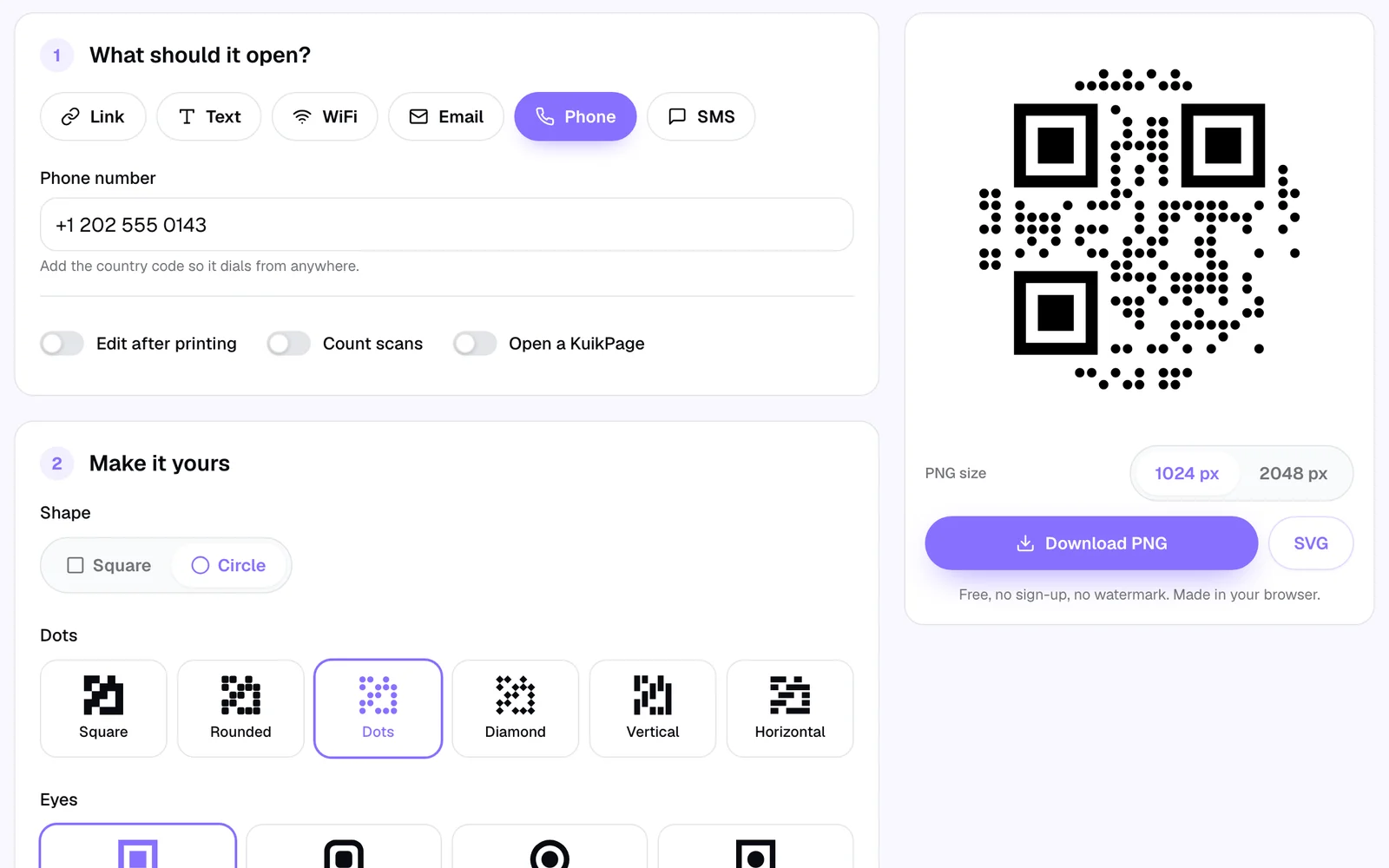
The free QR code generator makes a call code in under a minute, with no sign up and no watermark:
- Choose Phone under What should it open?
- Type the number with its country code, starting with
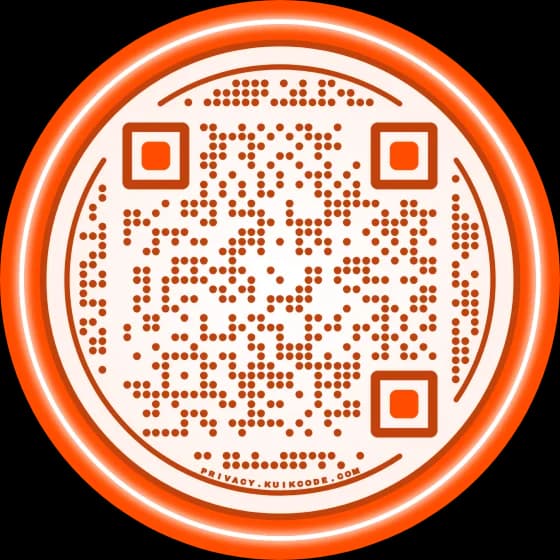
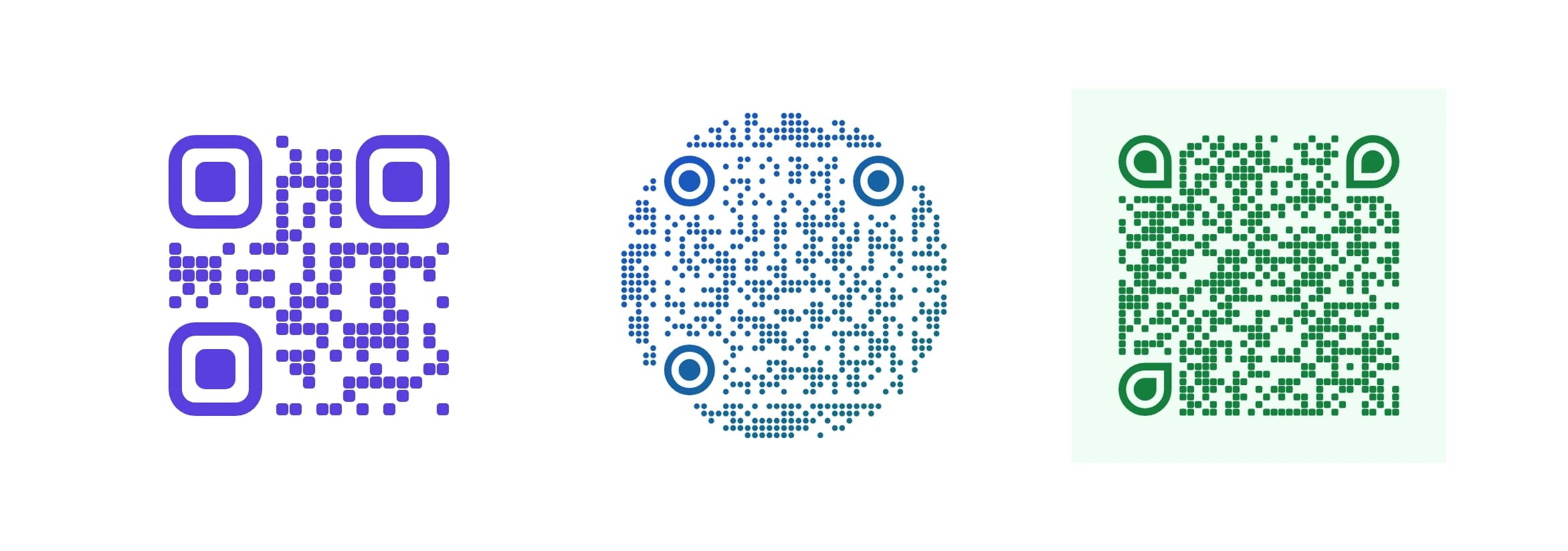
+. Spaces and dashes are fine; the generator cleans them up. - Make it yours. Pick a shape, dot style, corner squares and colors. Keep the dots clearly darker than the background so it still scans.
- Download a PNG for screens and documents, or an SVG for print.
This is a static code: the number lives inside the pattern. It works forever and needs no service behind it, but it can never change. If the number changes, every printed copy has to be replaced. The difference is explained in static vs dynamic QR codes.
How to make a call QR code you can change later
Numbers change more often than signs. A shop moves its line to a new provider, an agent leaves, a support hotline gets a new number. For anything printed in quantity, a dynamic code is the safer choice.
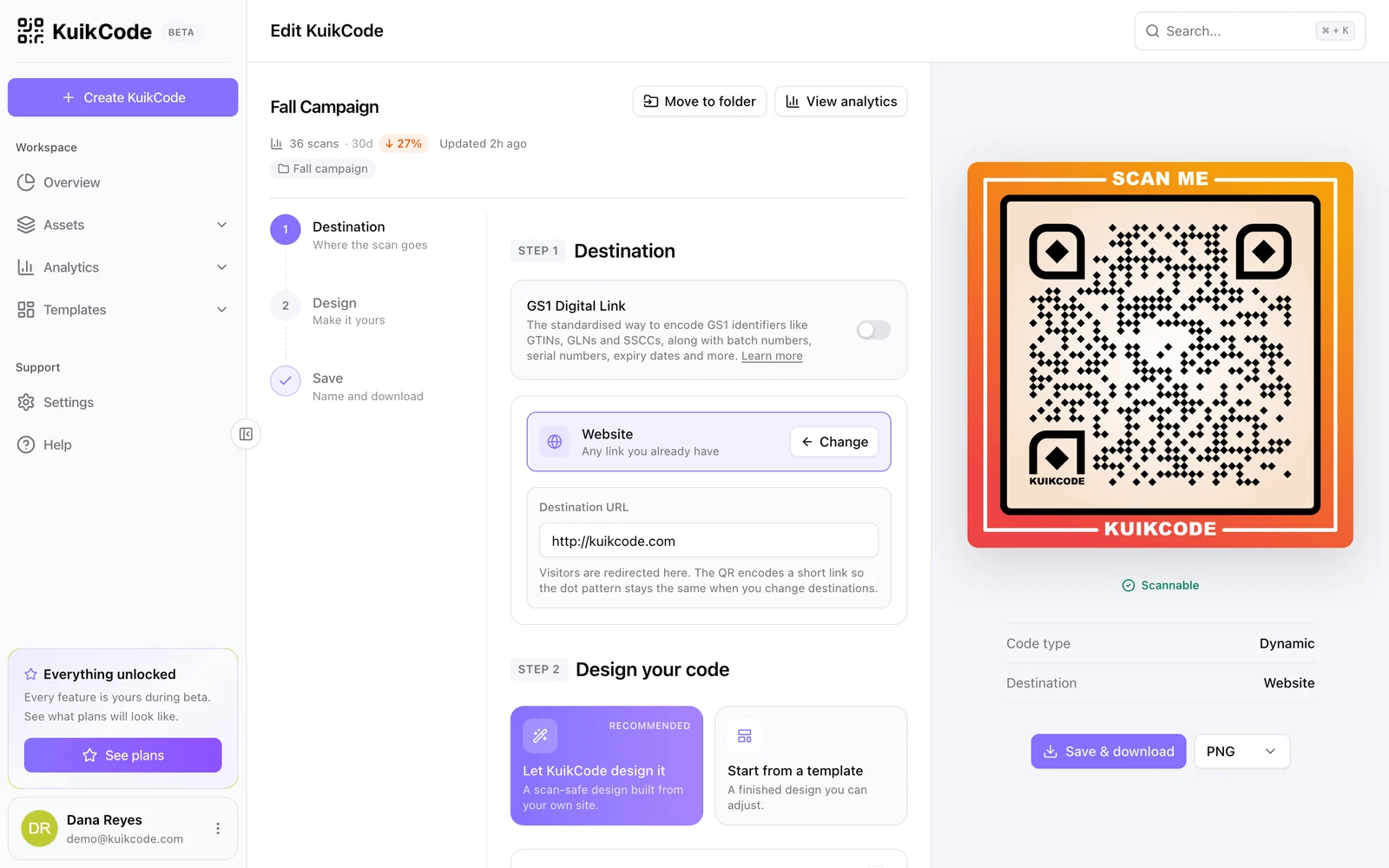
A KuikCode stores a short link instead of the number itself. When someone scans, the link sends their phone to whatever number you set today. To make one:
- In KuikCode, create a new code and pick Call.
- Type the number with the country code.
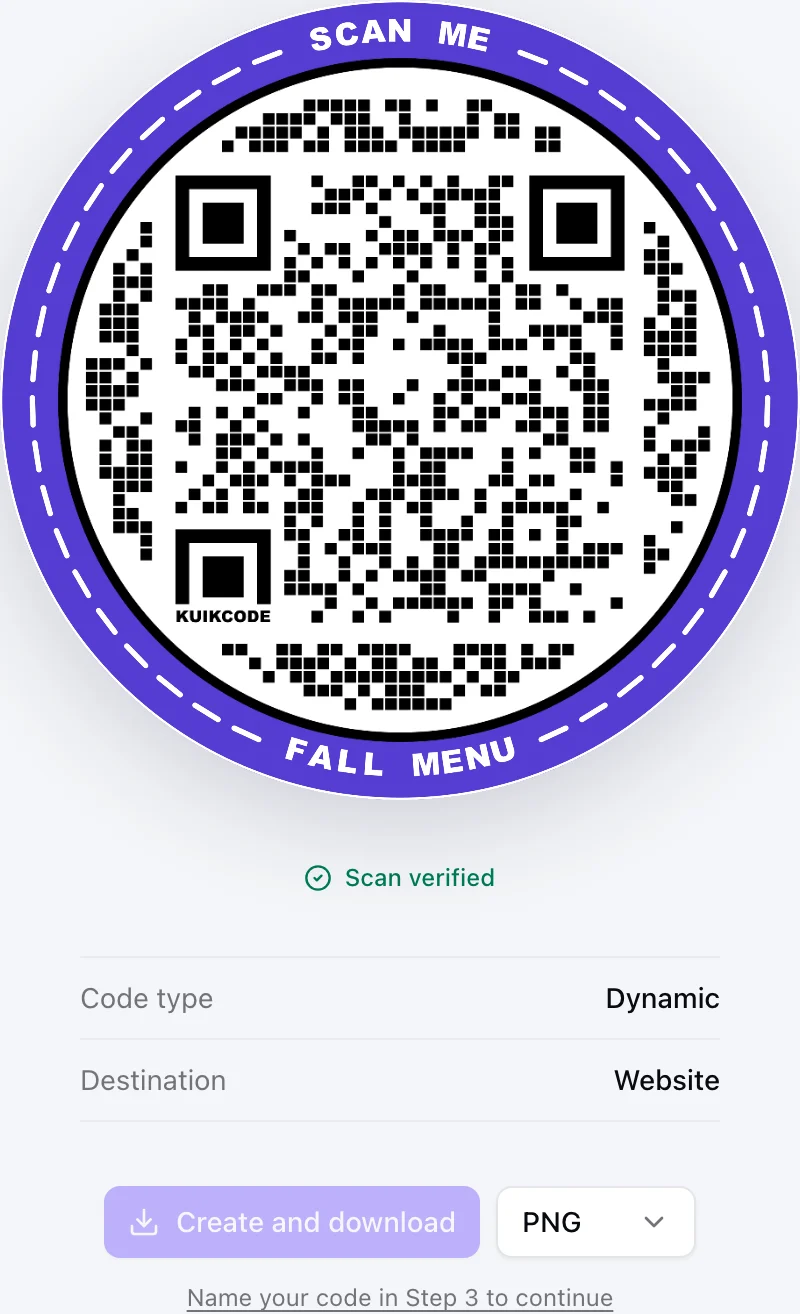
- Design the code, add a frame with a line like Call us, and download it.
When the number changes, open the code, type the new one and save. Every printed copy calls the new number from the next scan, with no reprint. Each scan is also counted with the time, city and device, so you can see which sign or flyer actually makes the phone ring. The call QR code page shows the destination in the editor.
Call, text or WhatsApp: which code should you use?
A call isn't always what people want. Some would rather send a message they can write at their own pace, and in many countries WhatsApp is how businesses take orders.
| Code | What scanning does | Best for |
|---|---|---|
| Call | Opens the dialer with your number | Urgent help, bookings by phone, real estate signs |
| SMS | Opens Messages with your number and a message already written | Quick requests, waitlists, "text us your order" |
| Opens a WhatsApp chat with your number, with an optional first message | Orders and questions where WhatsApp is the norm | |
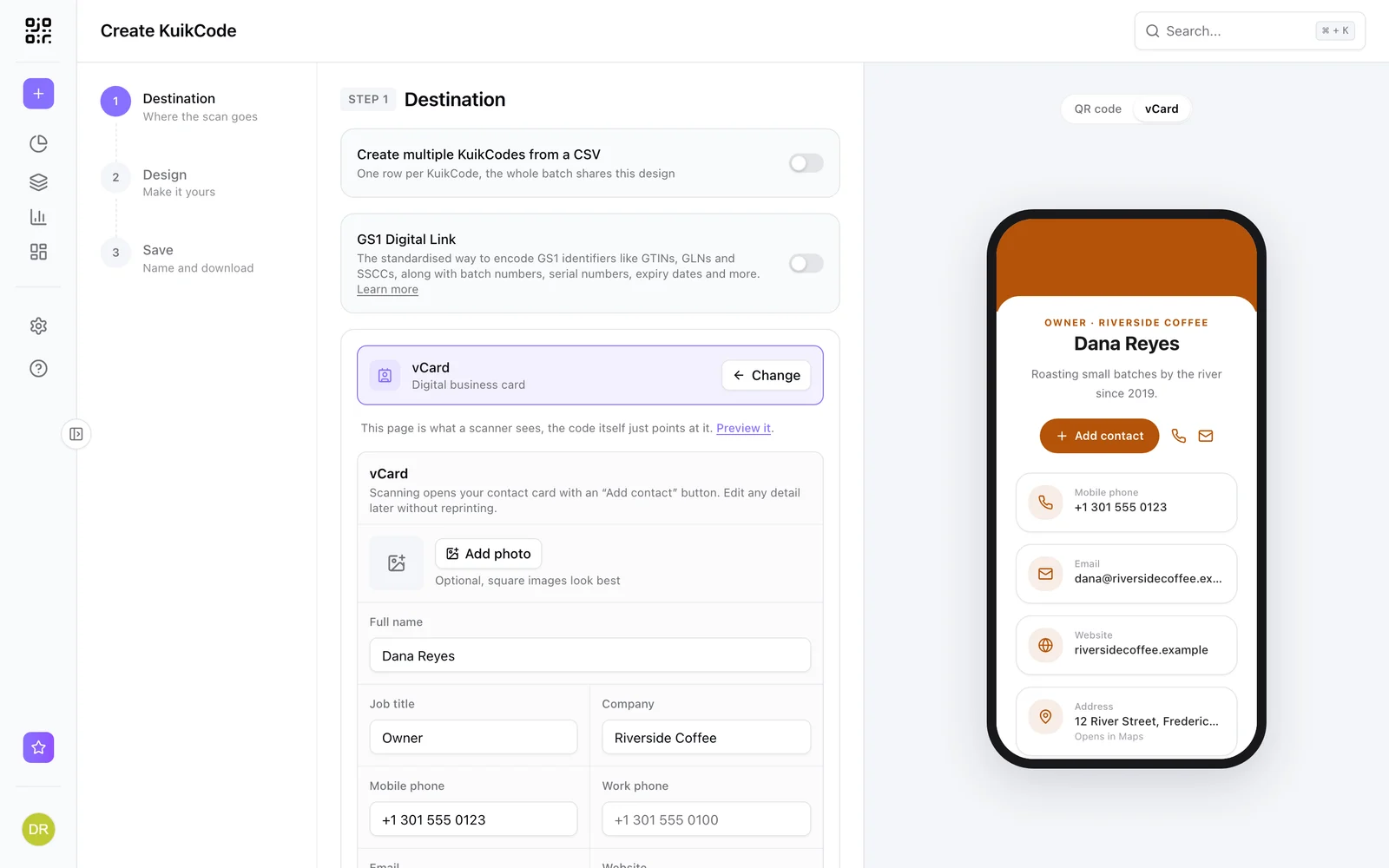
| vCard | Offers to save your name, number, email and website | Business cards and name badges |
- SMS: the free generator's SMS type takes a number and a message. The scanner's Messages app opens with both filled in, and they tap send.
- WhatsApp: a WhatsApp chat link looks like
https://wa.me/12025550143(the number with its country code, no+and no spaces). Add?text=and a message to prefill it. Paste the link into the free generator's Link type, or into a KuikCode's Website destination to keep it dynamic. More on the WhatsApp QR code page. - vCard: a vCard QR code saves a whole contact card, which is what people expect from a business card QR code.
Format the number so it dials from anywhere
Most call codes that fail don't fail because of the code. They fail because of the number inside it.
- Always add the country code. A local number like
(202) 555-0143works only for phones in the same country.+1 202 555 0143works for everyone, including tourists and roaming phones. - Drop the local leading zero. In countries where local numbers start with 0, the international form leaves it out after the country code.
- Test from a phone that isn't yours. Call the number from the code on a friend's phone before you print.
- Say what happens. A line next to the code such as Scan to call tells people a call is coming, so nobody is surprised by the dialer.
Where a call QR code works well
- Shop doors and windows: "Closed? Scan to call for an appointment."
- Real estate signs: the agent's line, readable from the sidewalk.
- Equipment and machines: the right service hotline on the label.
- Takeout menus and boxes: one scan to reorder.
- Vehicles and job sites: a contractor's number that people can't mistype.
Test before you print
Scan the printed proof with two phones, one iPhone and one Android if you can, and check that the dialer shows the right number. Print it big enough to scan from where people will stand: our guide on QR code size for print has the numbers. And if it doesn't scan, the usual suspects are contrast, size and a missing quiet zone, all covered in why a QR code is not scanning.
Frequently asked questions
01Can a QR code call a phone number?+
Yes. A QR code can hold a tel: link with your number. When someone scans it, the phone opens the dialer with the number filled in, and they tap Call to start the call.
02Does scanning the code start the call automatically?+
No. Phones always show the number first and wait for the person to tap Call. That protects people from codes that would dial a number without asking.
03How do I make a QR code for my phone number for free?+
Open the free KuikCode QR code generator, choose Phone, type your number with the country code, adjust the colors and shape if you like, and download the PNG or SVG. No sign up and no watermark.
04Can I change the phone number after printing the QR code?+
Only if the code is dynamic. A static code stores the number itself, so a new number needs a new code. A KuikCode with the Call destination stores a short link instead, so you change the number in your dashboard and every printed code calls the new one.
05What format should the phone number be in?+
Use the international format: a plus sign, the country code and the number, for example +1 202 555 0143. Spaces are fine. Drop the leading zero some countries use for local calls.
06Should I use a call QR code or a vCard QR code?+
Use a call code when you want people to phone you right away, like on a door sign or a repair label. Use a vCard when you want them to save your name, number, email and website in their contacts, like on a business card.