A QR code that is too small is the most common reason a print fails to scan. The good news is that size is easy to get right once you know two numbers: the minimum for things held in the hand, and a simple rule for things read from a distance.
The minimum: about 2 cm
For anything scanned up close, like a business card, a product label or a table tent, print the code at at least 2 x 2 cm (0.8 x 0.8 in). Going below that works for some phones and fails for others, and you never know which phone your customer has.
Bigger is always safer. If you have the room, 2.5 to 3 cm on a card costs nothing and removes the doubt.
The distance rule: about one tenth
For anything people scan from further away, use the 10 to 1 rule: the code should be about one tenth of the distance it will be scanned from.
| Where it goes | Typical scanning distance | Code size (about) |
|---|---|---|
| Business card, label, receipt | 15 to 25 cm | 2 to 2.5 cm |
| Flyer, menu, table tent | 30 to 40 cm | 3 to 4 cm |
| Poster on a wall | 1 to 2 m | 10 to 20 cm |
| Window or storefront sign | 2 to 3 m | 20 to 30 cm |
| Banner, trade show booth | 4 to 5 m | 40 to 50 cm |
| Billboard or stadium screen | 10 m and more | 1 m and more |
Treat these as a floor, not a target. Low light, glass in front of the code, a curved surface or a moving viewer all call for more room.
What makes a code need more space
The size a code needs also depends on what is inside it.
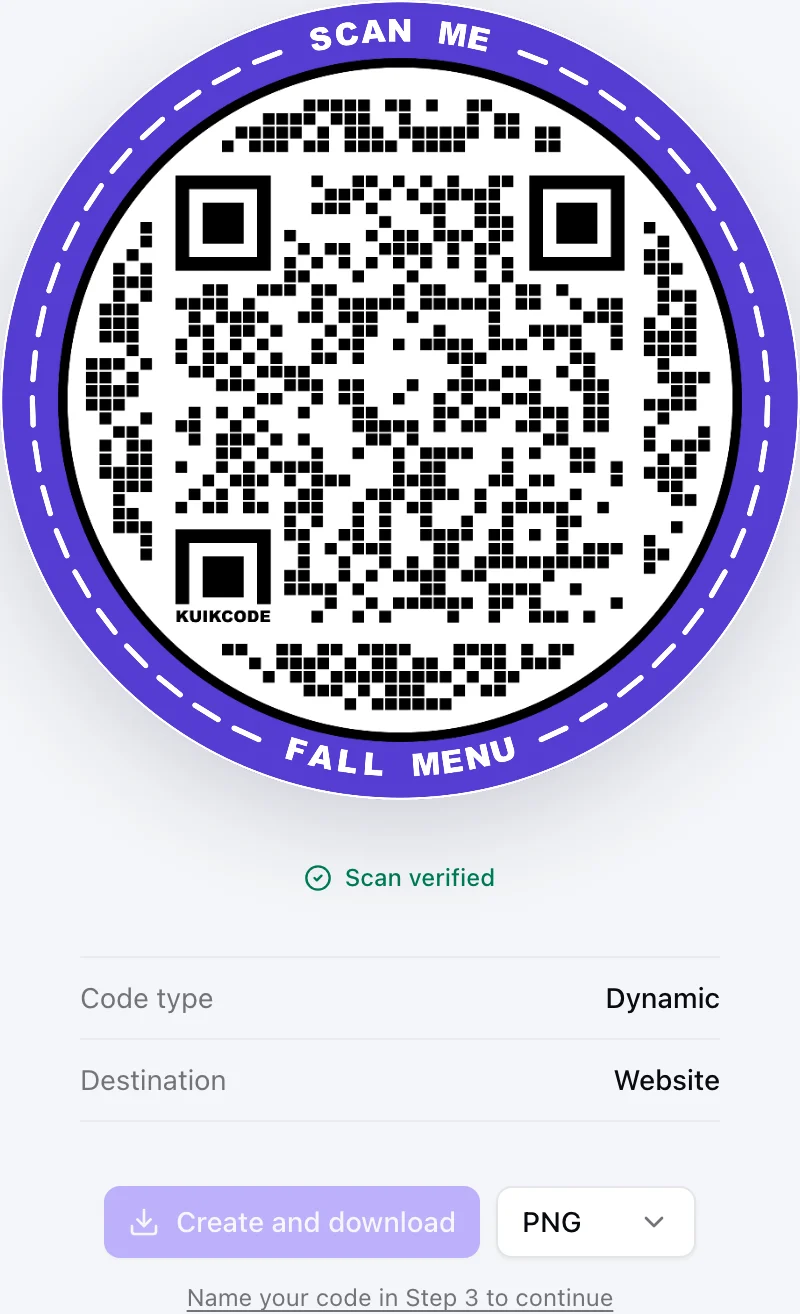
- Long content. A QR code grows denser as you put more characters in it. A static code holding a long web address with tracking parameters ends up with tiny squares that need a bigger print. A dynamic code only holds its short link, so the pattern stays open, which is one reason dynamic codes scan better at small sizes.
- A logo in the middle. The logo covers part of the pattern. QR codes carry spare data to recover from that damage, and every KuikCode is made with the highest recovery level, but a code with a logo still deserves a little extra size.
- Low contrast. Light codes on light backgrounds, or light squares on a dark background, are harder for many cameras. The KuikCode editor checks contrast as you design and tells you which color to change if a code gets hard to read.
Leave a quiet zone
Scanners find a code by its edges, so give it a clear margin on every side, about four modules wide (a module is one of the small squares in the pattern). Text, borders, photos and busy patterns that run right up to the code make it harder to find, even when the code itself is big enough.
Choose the right file
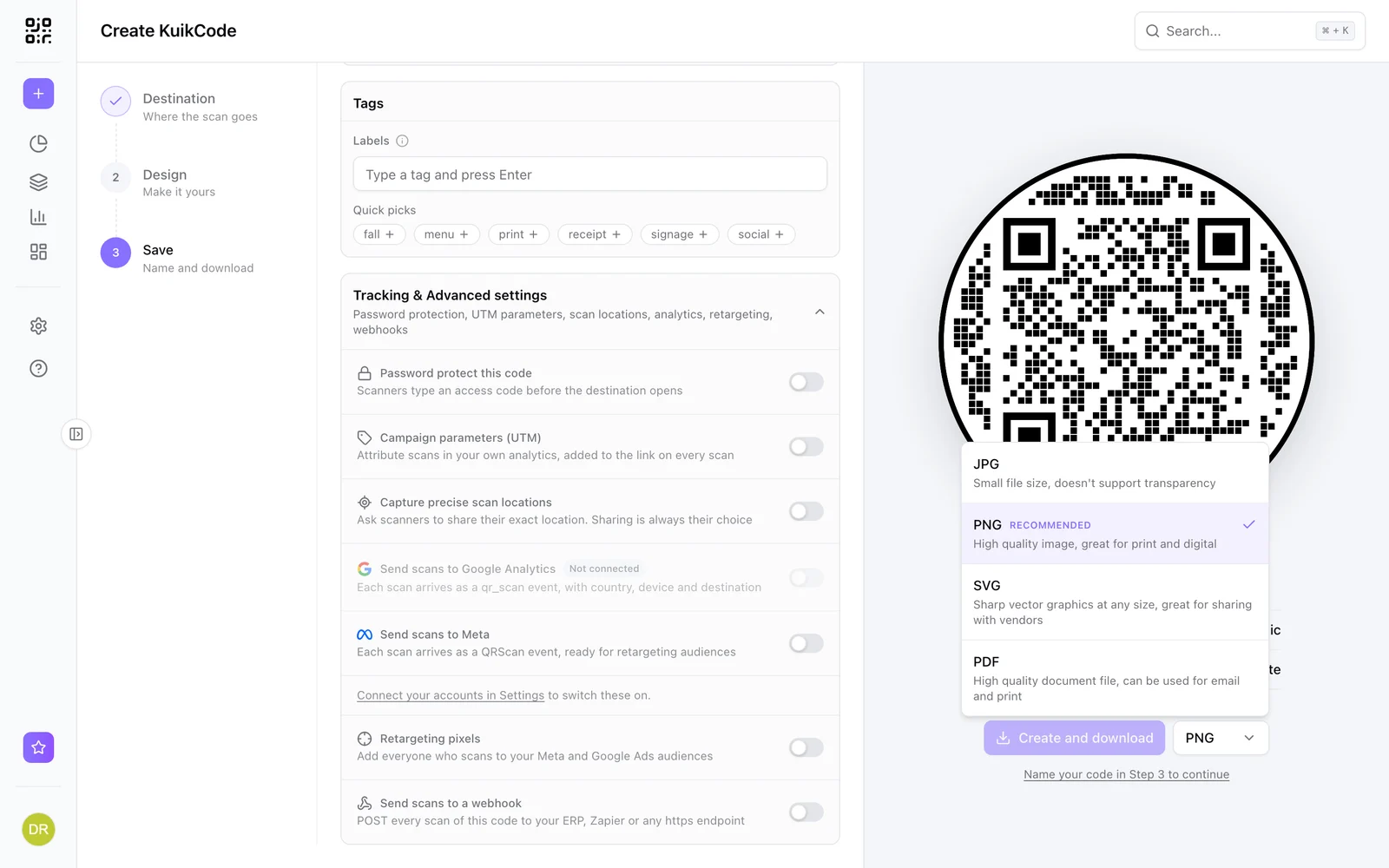
- SVG or PDF for anything large or professionally printed. Vector files stay sharp at any size, from a sticker to a banner, and printers prefer them.
- PNG for small prints, documents and screens. KuikCode exports PNG and JPG at 2000 pixels, enough for a sharp print up to about 17 cm at 300 dpi.
- JPG when file size matters more than a transparent background.
Test before the whole run
Always print one sample at the real size, put it where it will live, and scan it with two different phones from the distance your customers will stand. Five minutes of testing is cheaper than reprinting a thousand flyers.
And if you print a dynamic code, you can still change where it points after the run is done, as long as it scans. Our guide to changing a QR code's destination after printing shows how.
Frequently asked questions
01What is the minimum size for a QR code?+
About 2 x 2 cm (0.8 x 0.8 in) for something scanned up close, like a business card or a product label. Below that, many phones struggle, especially if the code holds a long link or has a logo in the middle.
02How big should a QR code be on a poster?+
Divide the distance people will scan from by ten. A poster read from 2 meters away needs a code of about 20 cm. From across a room, go bigger.
03What file format should I use for printing a QR code?+
A vector format such as SVG or PDF for anything large or professionally printed, because it stays sharp at any size. A high resolution PNG is fine for small prints and digital use.
04Does a logo in the middle make a QR code harder to scan?+
It can, because the logo covers part of the pattern. QR codes carry spare data to recover from that, and KuikCodes always use the highest recovery level, but a code with a logo still benefits from being printed a little larger.
05How much white space does a QR code need?+
A clear margin of about four modules, the small squares in the pattern, on every side. Text, borders and busy backgrounds that run into the code make it harder to find.