

QR codes for real estate
Sign rider and flyer codes that open the listing, the agent's contact card and showing times, and move to the next property when this one sells.
What real estate use KuikCode for
Listings on signs and flyers
One scan opens photos, specs and showing times for the property in front of the buyer.
Agent contact cards
Buyers save your details to their phone with one tap from the sign, card or brochure.
Reuse signs for the next listing
When a property sells, point the same sign rider at your next listing or your agency page.
Know which signs get scanned
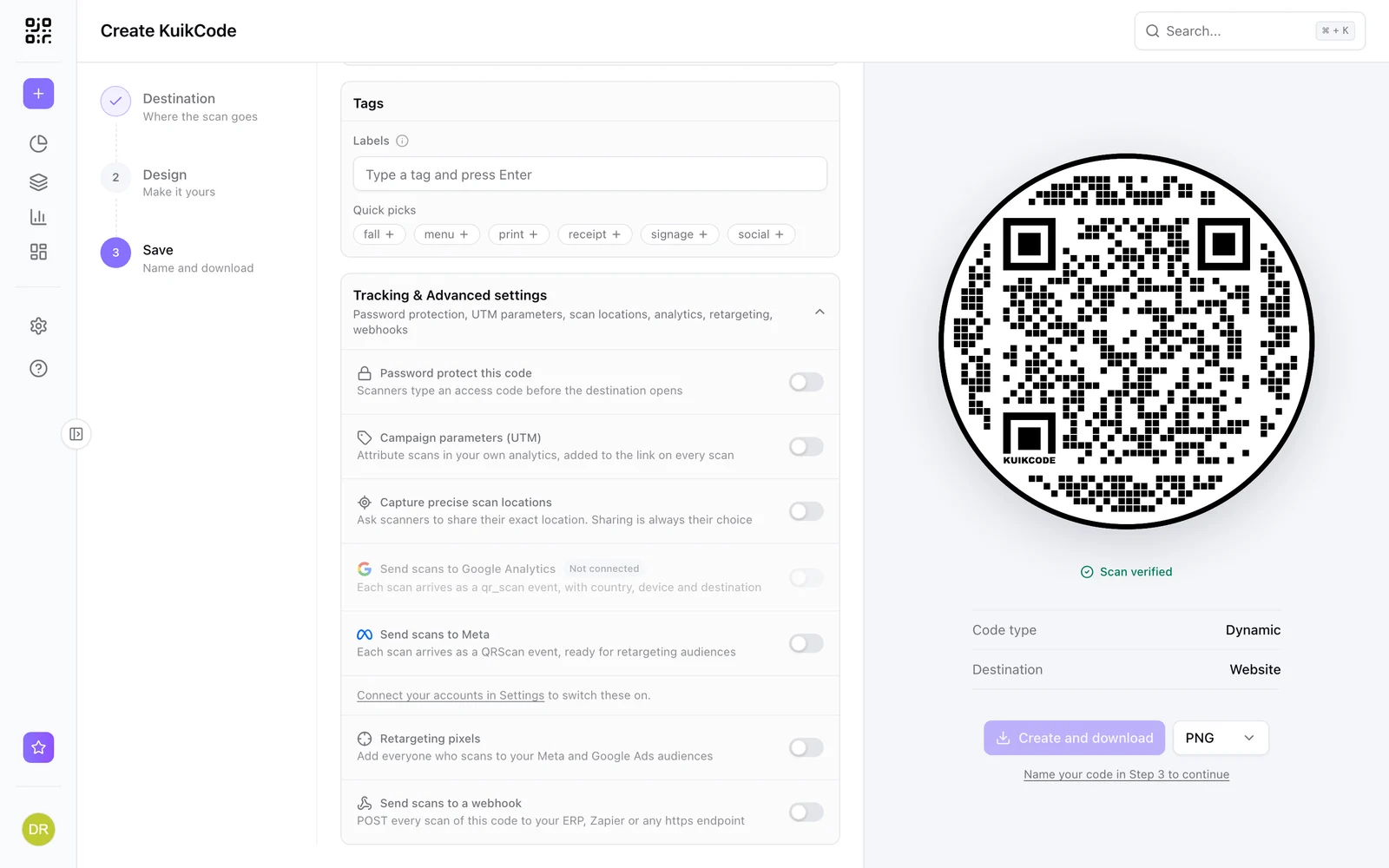
See scans per sign, and with the scanner's consent, exactly where each scan happened.
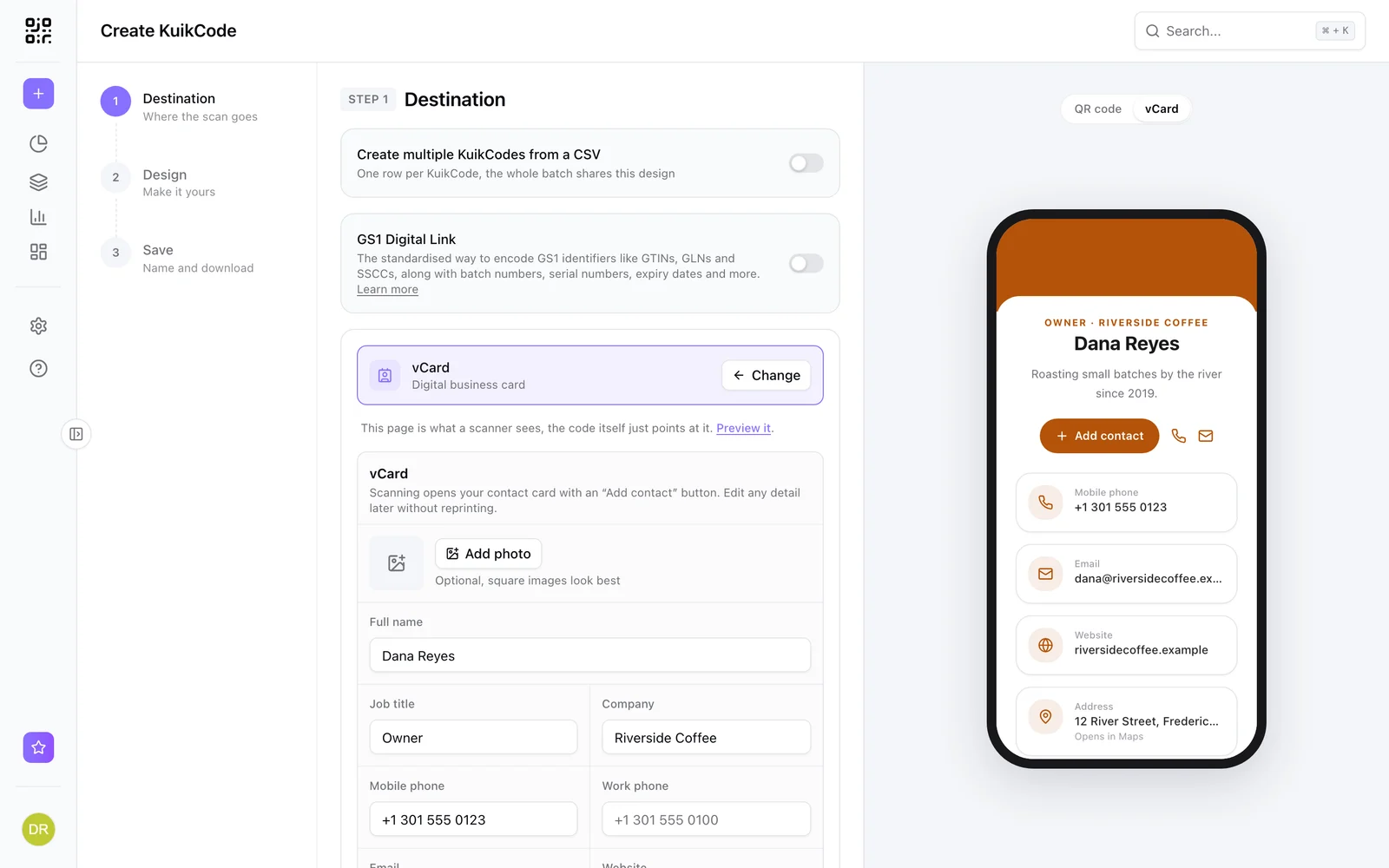
Your details, saved in one tap
The vCard destination opens a clean contact card with your photo, phone, email, website and social links, plus a button that saves you to the buyer's contacts.
- Update your details after the cards are printed
- Your photo, colors and social links
- Works on every plan
One sign rider, many listings
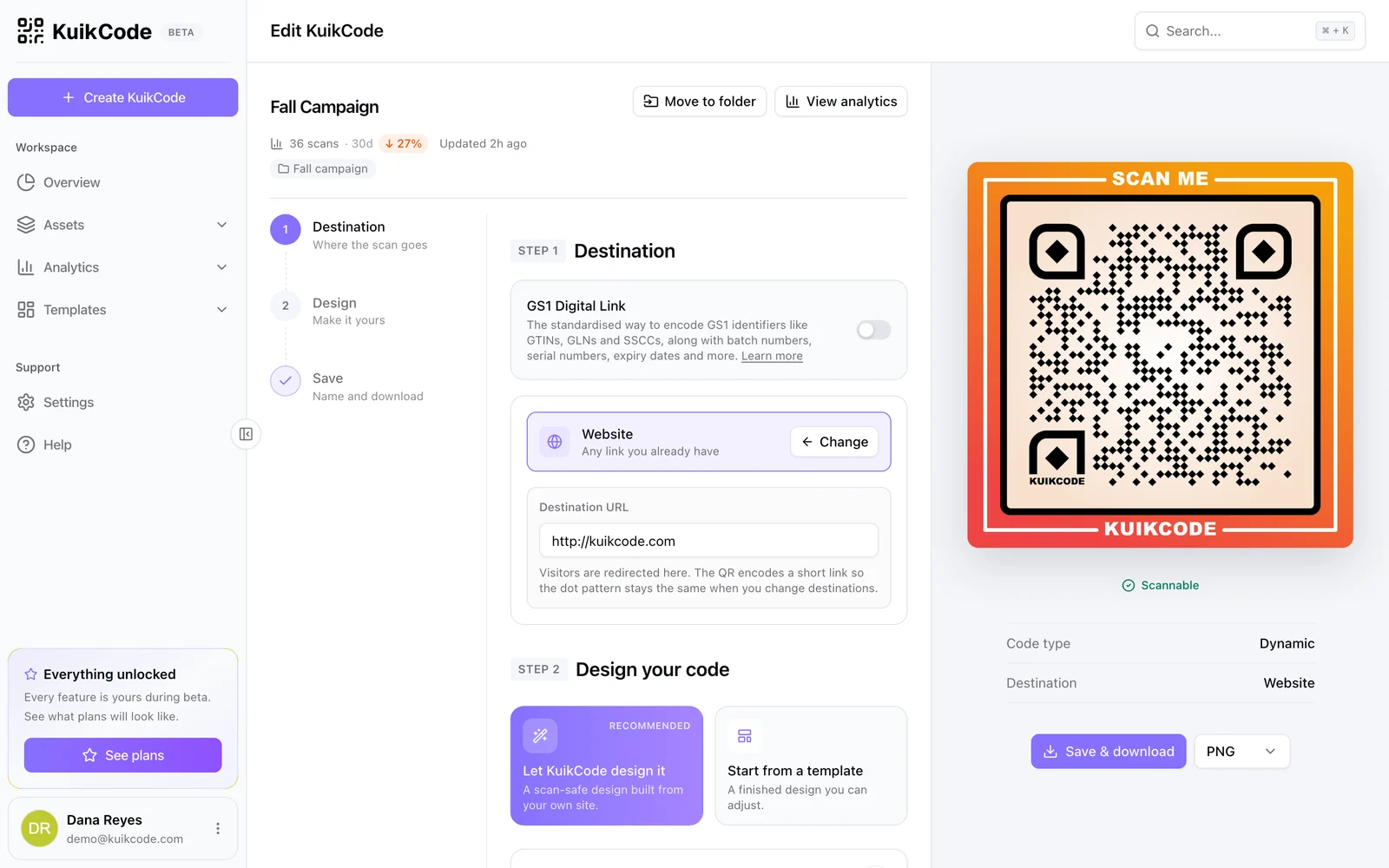
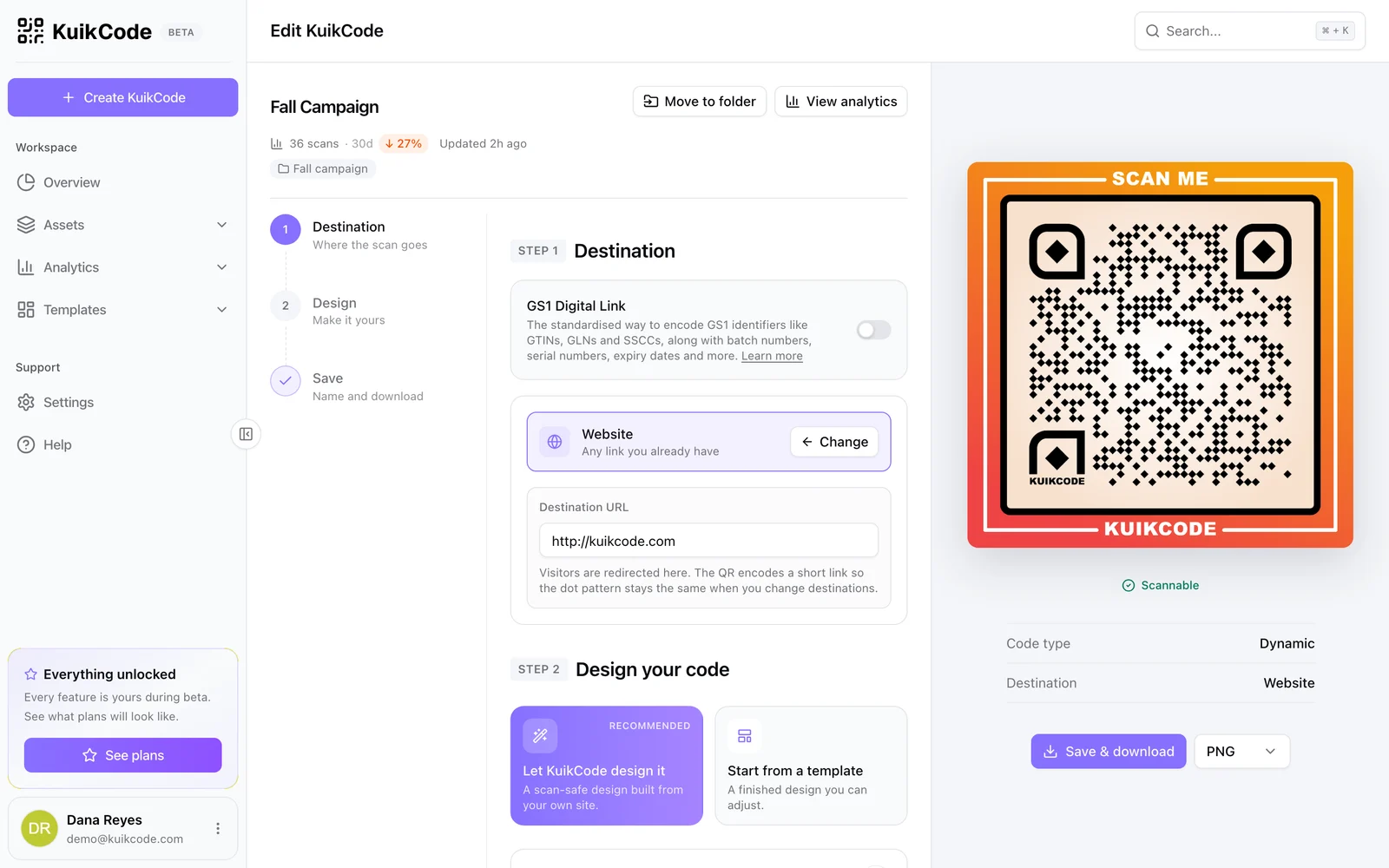
Open the code, point it at the next property and save. The rider on the sign follows within about a minute, and the scan history stays with the code.
See which signs work, and where
Scan analytics show where people scan by city. With precise scan locations on the PRO plan, buyers can choose to share their exact location, so you can compare signs street by street.
Learn more
How to change where a QR code goes after it is printed
If your code is dynamic, you can send it to a new page, file or menu without reprinting. Here is how it works and what to do if your code is static.
September 23, 2026
How to track QR code scans (and what the numbers mean)
Dynamic QR codes record every scan. Learn which numbers matter, how to read total and unique scans, and how to connect scans to your web analytics.
September 23, 2026
What is a dynamic QR code?
A dynamic QR code points to a short link you control, so you can change where it goes after printing and see every scan. Here is how it works.
September 23, 2026Frequently asked questions
01Can I reuse a sign rider QR code for another property?+
Yes. Change the code's destination to the next listing and the printed rider follows within about a minute.
02Can buyers save my contact details from the QR code?+
Yes. The contact card destination has a button that saves your details to the buyer's phone contacts.
03Can I see how many people scanned each sign?+
Yes. Each code has its own scan analytics with time, city and device, and precise locations when buyers choose to share them on the PRO plan.
04Can I collect leads from a listing page?+
Yes, on the PRO plan. KuikPages include a form block, so a listing page can collect showing requests that arrive in your workspace and your inbox.

Start with the QR codes you will never need to reprint.
Join the beta for branded design, editable destinations, hosted sites, bulk CSV creation, and live scan analytics.
Request beta access
One email when your workspace is ready. No spam.