Buyers drive past your signs every day, often outside showing hours. A QR code on the rider turns that moment into a listing view on their phone: photos, price, details and a way to reach you, right there at the curb.
What the code should open
The best destination is a listing page for that property, not your brokerage homepage. A buyer standing in front of the house wants to see inside it. Include:
- Photos, the rooms people ask about first.
- Price and key facts, bedrooms, bathrooms, size, lot and year built.
- Showing times or open house dates.
- Your contact, with a way to call, email or request a showing.
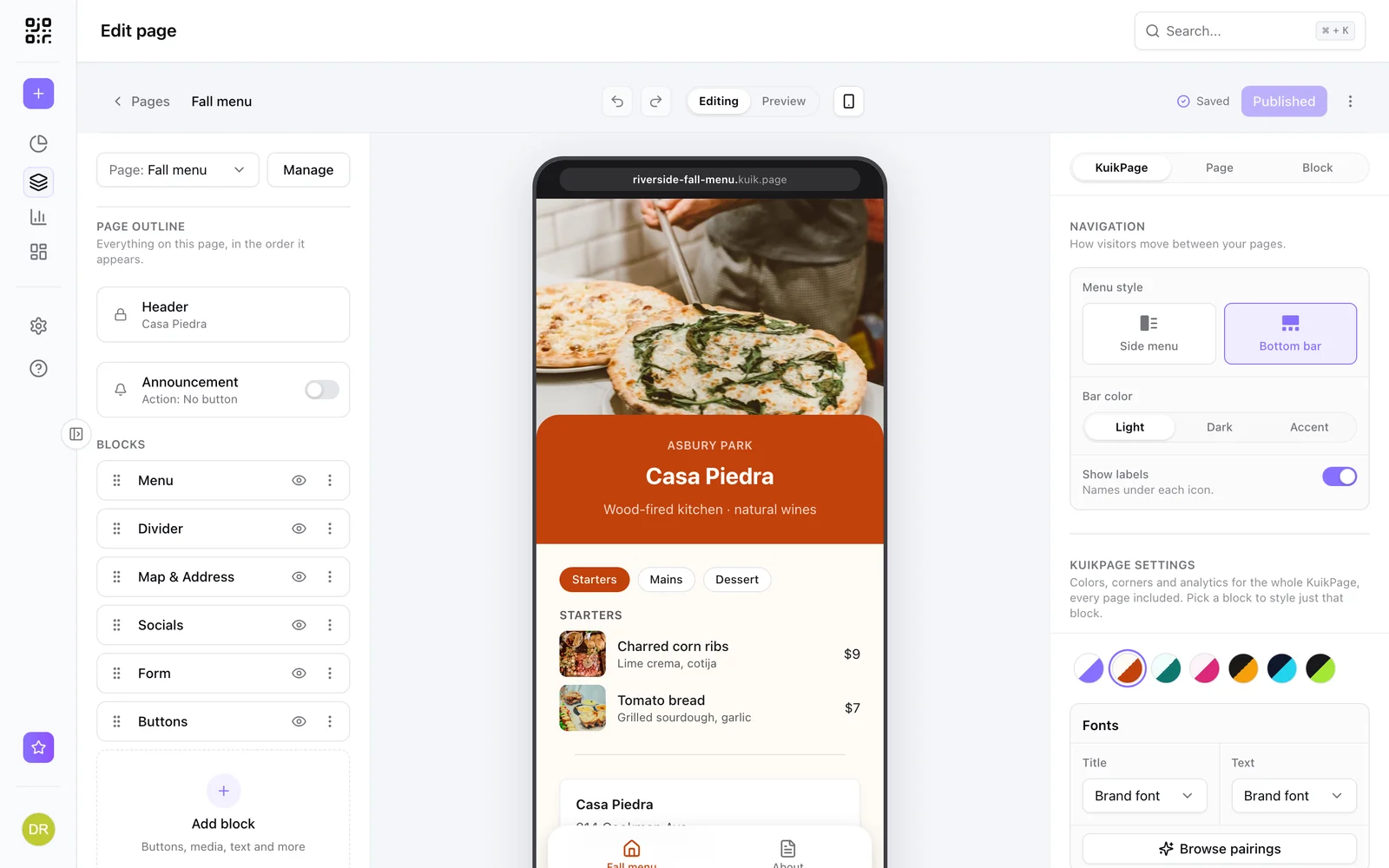
KuikPages has a Property Listing template with a photo carousel, specs, testimonials and a contact button. Replace the details with the property's, publish, and point the sign's code at it. On PRO, a form block can collect showing requests that arrive in your workspace and your inbox.
Use one rider for many listings
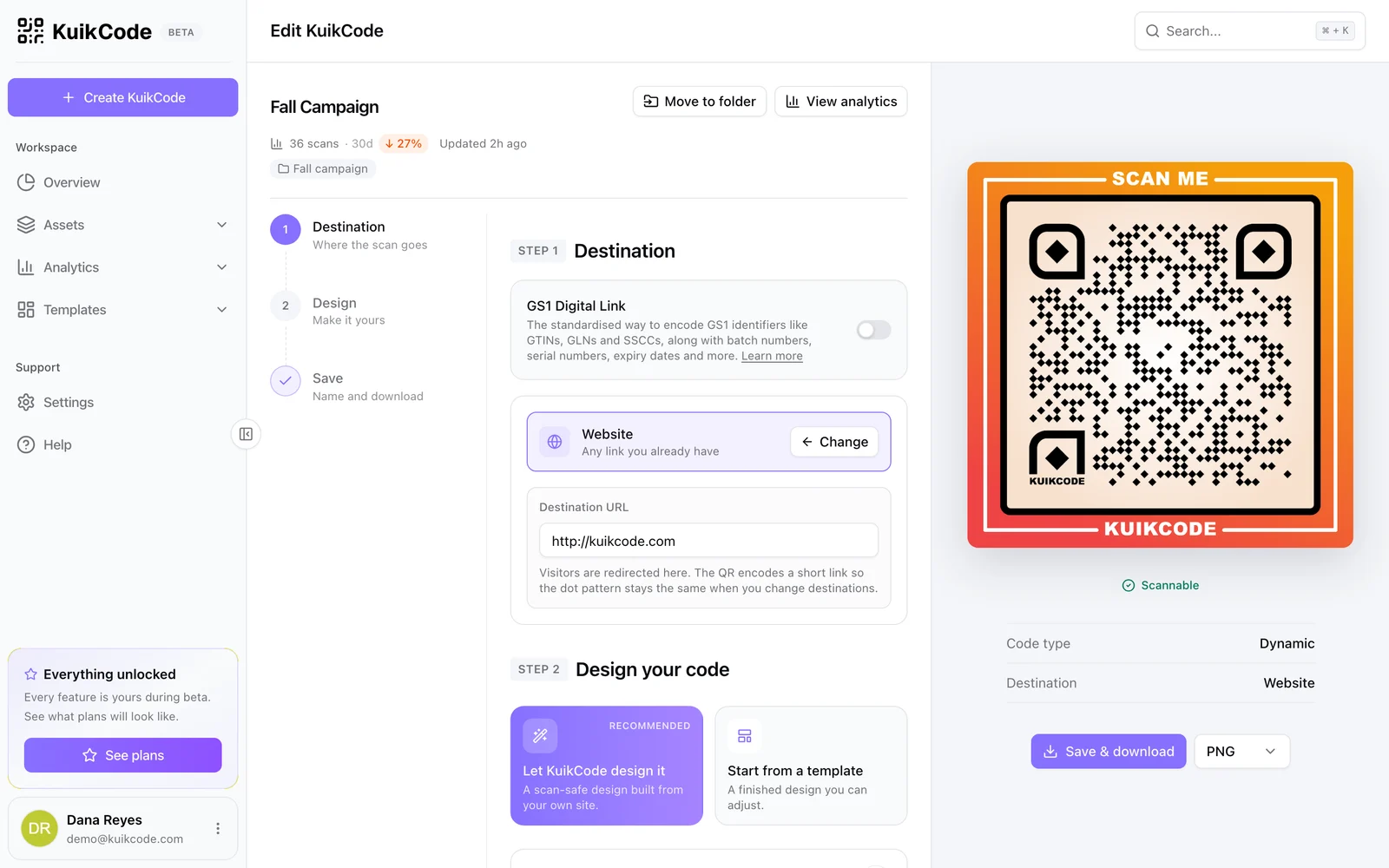
This is the biggest win for agents. A dynamic code points to a short link, so when a property sells you open the code, point it at your next listing and save. The rider on the sign follows within about a minute, and its scan history stays with the code. No new riders for every listing.
Put your contact card on everything else
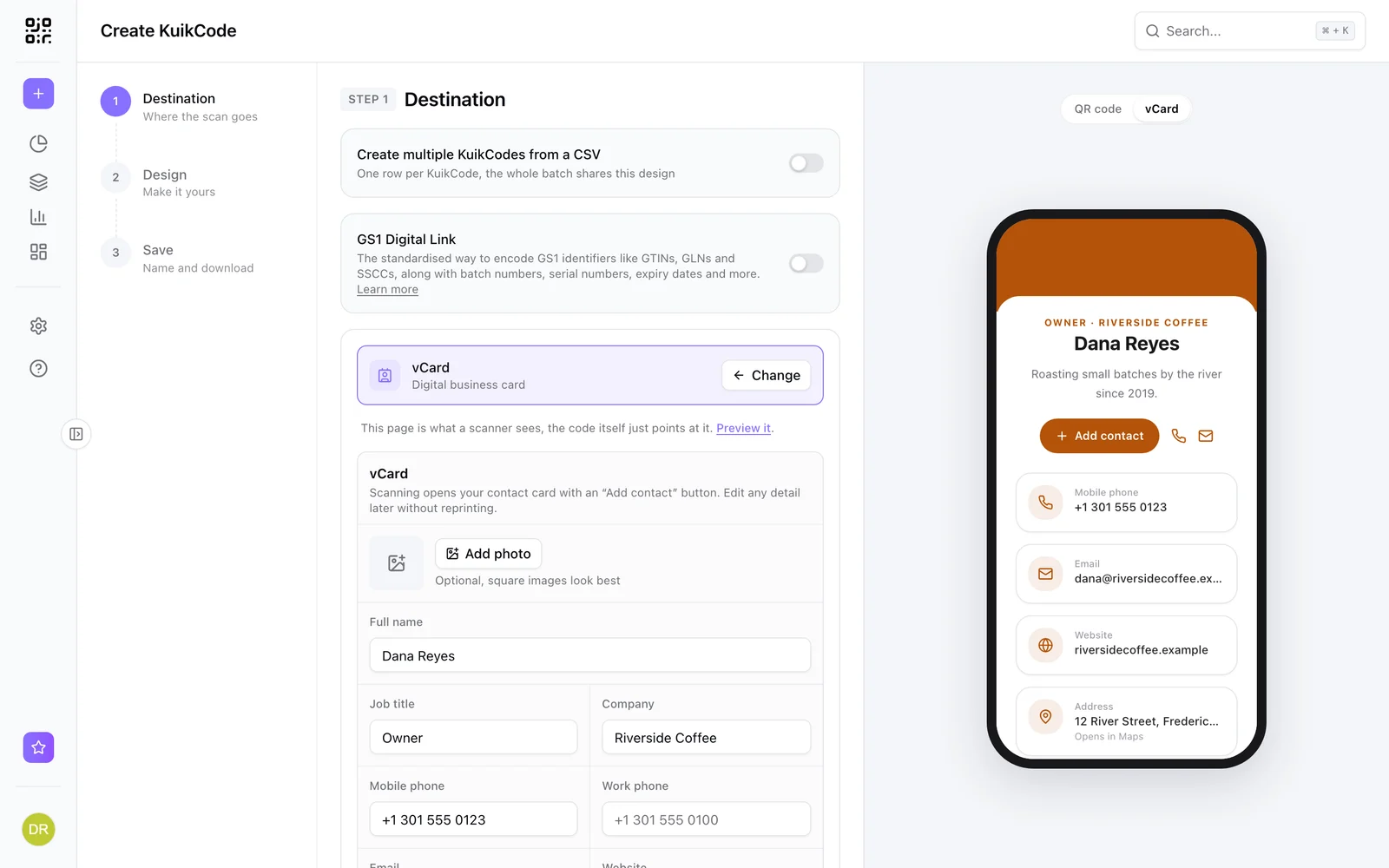
Business cards, brochures and open house sheets can carry a code that opens your contact card, with your photo, phone, email, website and social links and a button that saves you to the buyer's phone. Read how to put a QR code on your business card.
Size and placement
- Size. Around 15 to 20 cm (6 to 8 inches) across on a yard sign rider, bigger for signs read from a car.
- Height. Place it where someone can scan it standing on the sidewalk.
- Contrast. A dark code on a light panel scans best in daylight and at dusk.
- Say what it opens. Scan for photos and price beats a bare code.
- Test from the curb. Scan the printed sign from where a buyer would stand.
Know which signs work
Every scan is counted with its time, city and device, so you can see which listings draw attention and when people are looking. With precise scan locations on the PRO plan, buyers can choose to share their exact location, so you can compare signs street by street. Learn more in how to track QR code scans.
Find more ideas on our page for QR codes for real estate.
Frequently asked questions
01What should a real estate sign QR code link to?+
A mobile listing page with photos, price, key specs, showing times and a way to contact you. A page built for that one property converts far better than a brokerage homepage.
02Can I reuse the QR code on a sign rider for another property?+
Yes, with a dynamic code. When the property sells, point the code at your next listing and the rider on the sign follows within about a minute.
03How big should a QR code be on a yard sign?+
Big enough to scan from the sidewalk. A code around 15 to 20 cm (6 to 8 inches) across on the rider or panel works for most signs, and bigger if people read it from a car.
04Can buyers save my contact details from the sign?+
Yes. Point a code at a contact card, or add your details and a save to contacts button to the listing page.
05Can I see how many people scanned each sign?+
Yes. Every code has its own analytics with time, city and device. On the PRO plan buyers can choose to share their exact location, so you can compare signs street by street.