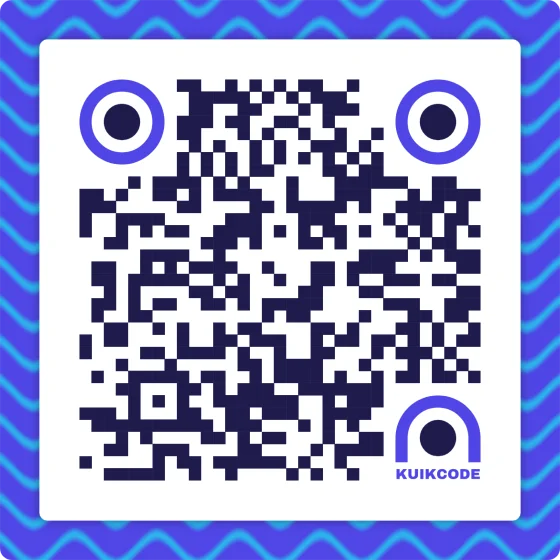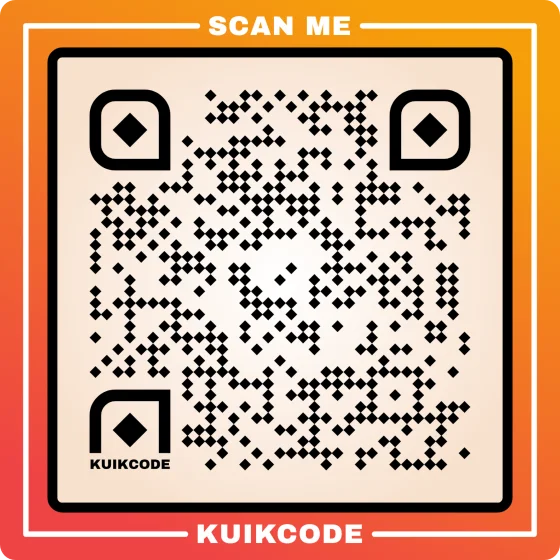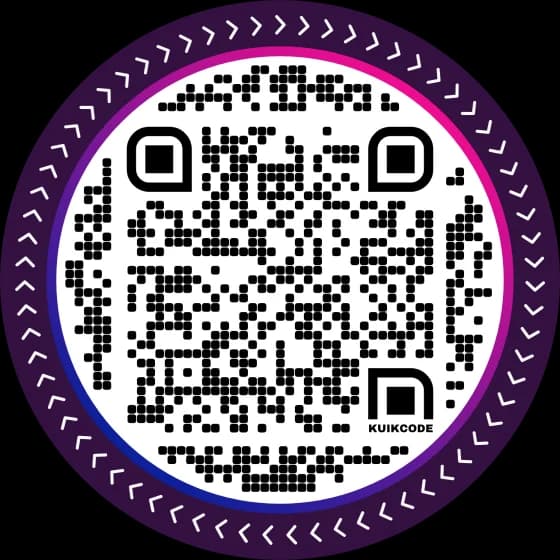
To make a QR code for a location, open the place in Google Maps, tap Share, copy the link and turn it into a QR code. Scanning opens the place in Google Maps with a button for directions. It works for a shop, a venue, a house or any point you drop a pin on, and it takes about two minutes.
Step 1: get the link from Google Maps
On a phone (Google Maps app):
- Search the place by name or address, or touch and hold the map to drop a pin on any spot.
- Open the place's panel at the bottom of the screen.
- Tap Share, then Copy link (on some phones you pick Copy from the share sheet).
On a computer (google.com/maps):
- Search the place, or click a spot on the map.
- In the panel on the left, click Share.
- On the Send a link tab, click Copy link.
The link looks like https://maps.app.goo.gl/.... Paste it into a private browser window to check it opens the right place before you go on.
Step 2: pin the spot where people should arrive
An address puts the pin in the middle of the building. That's fine for a small shop, and wrong for a lot of real places:
- A venue with several doors: pin the entrance guests should use.
- An office park or a plant: pin visitor parking, or the loading dock for deliveries.
- A park, a beach or a field: pin the meeting point. There's no address to search.
- A new building that maps don't know yet.
To pin an exact spot, touch and hold it in the app, or right click it on a computer: the latitude and longitude show at the top of the menu, and clicking them copies them. Then share that dropped pin instead of the address.
If you have a business listing, share the listing itself (search your business name and share it). The code then opens your page on Google Maps with your hours, photos and reviews.
Step 3: turn the link into a QR code
The free QR code generator makes the code with no sign up and no watermark:
- Choose Link under What should it open? and paste the Google Maps link.
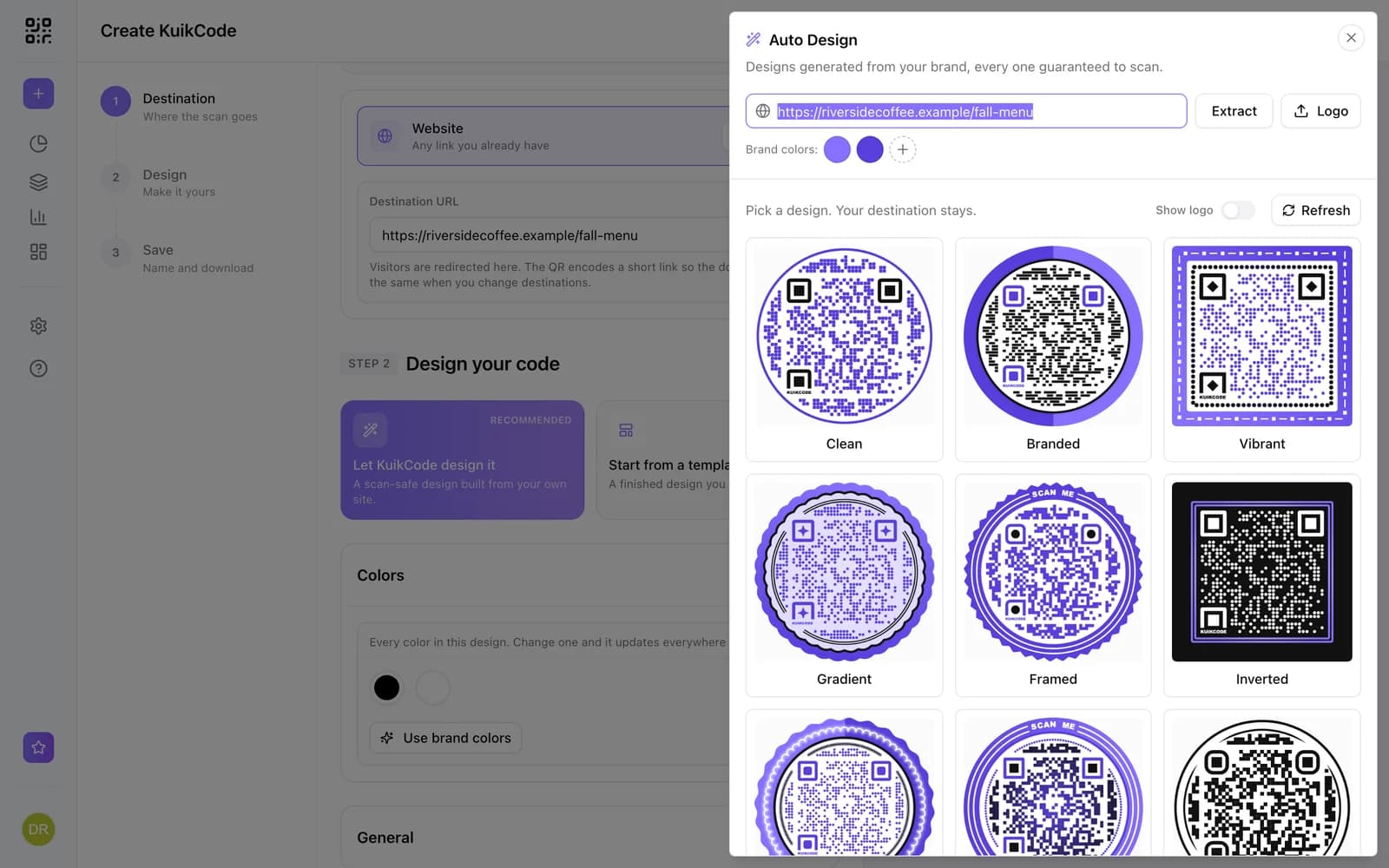
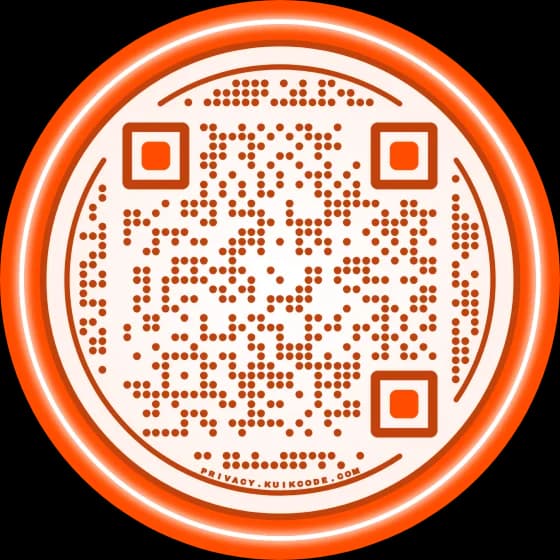
- Make it yours. Colors, shape, dots and corner squares. Keep the dots much darker than the background.
- Add a frame that says what happens: Get directions, Find us, Parking here.
- Download a PNG for screens or an SVG for print.
That gives you a static code: the link lives inside the pattern and can't change. If the place moves, or you pinned the wrong door, you print again.
A location code you can move after printing
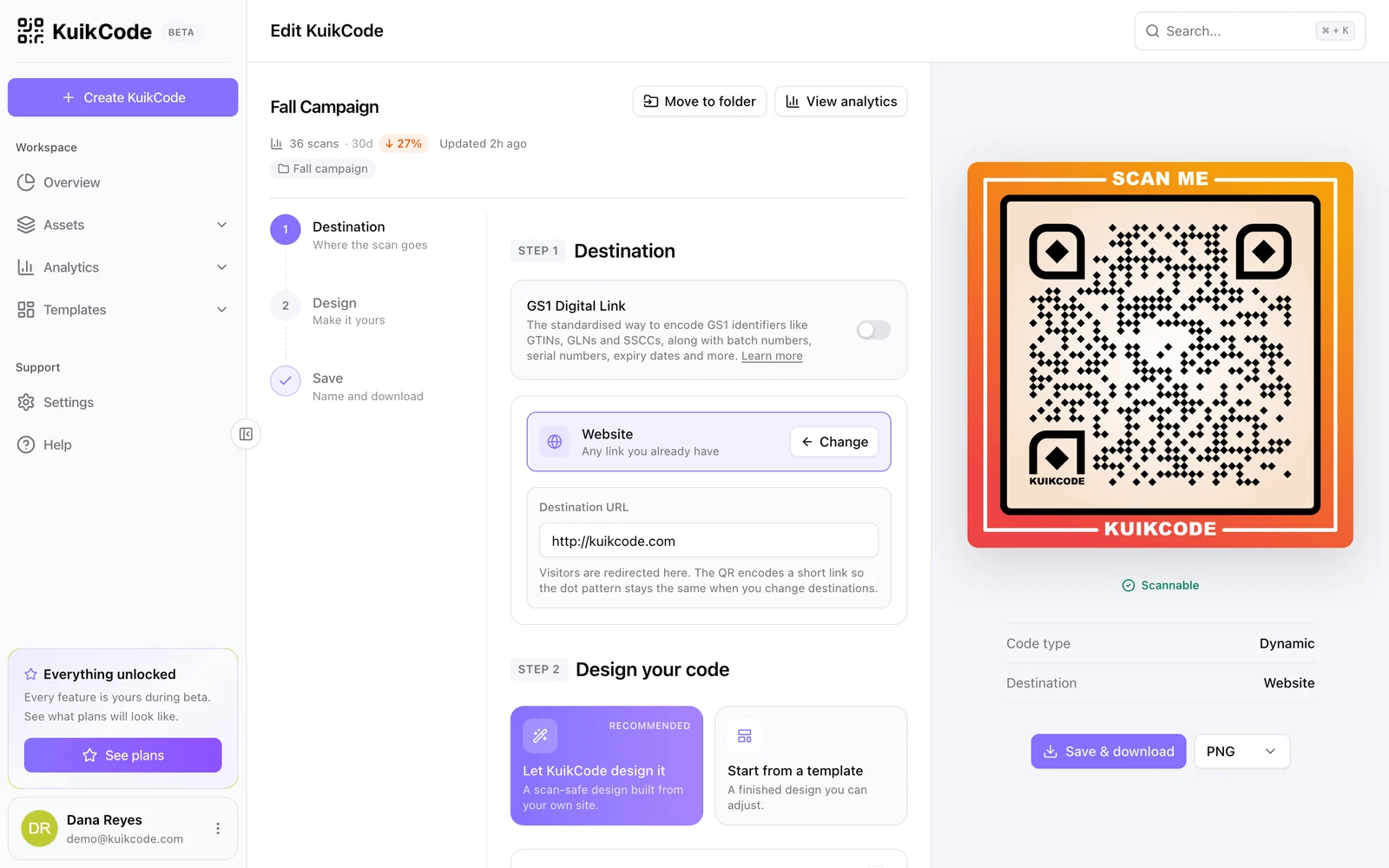
Venues change, events move to a rain location, a store opens a second door, a sign goes up before the address is final. A KuikCode stores a short link you control, so the printed code stays and the place behind it changes.
Create a KuikCode and choose the Map destination. Type an address or a place name, or enter a latitude and longitude, and check the spot on the map. Scanning opens that point in Google Maps, ready for directions. You don't need to copy a link from Google Maps at all.
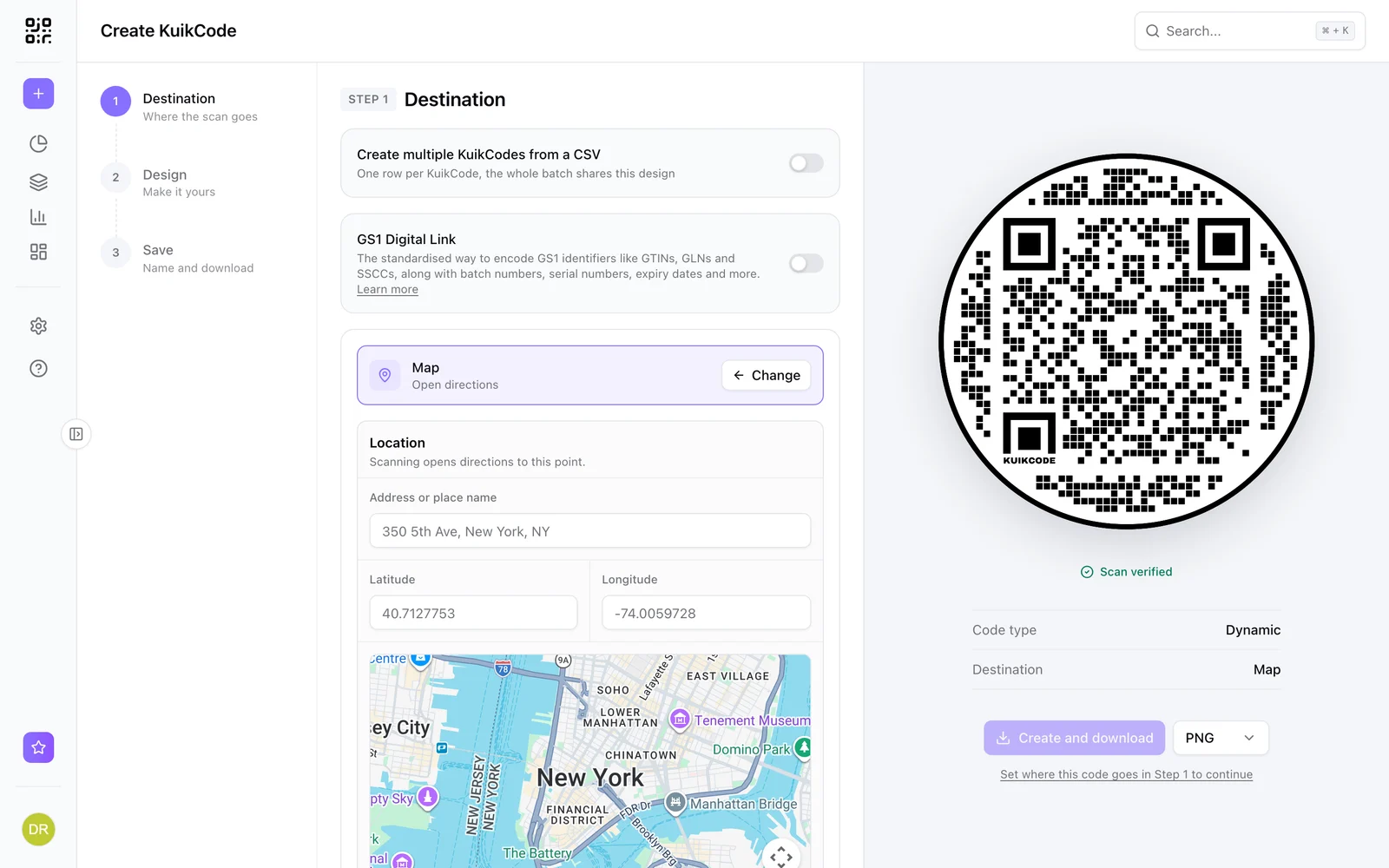
When the place changes, edit the location and save; every printed copy opens the new spot from the next scan. You also see every scan with its time, city and device, so you know which flyer or sign brought people in. The location QR code page shows the destination, and changing what a printed QR code opens explains how it works.
Directions plus everything else: a page with a map
Sometimes directions aren't enough. Guests want the time and the dress code, customers want your hours, visitors want to know where to park. A KuikPage is a phone page behind the code, and its Map & Address block shows the place, the address and your hours with buttons for Google Maps and Apple Maps. Richer looks add Waze, a copy address button, a call button when you add a phone number, short details like Parking or Accessible, and whether you're open right now.
That also settles the iPhone question: people pick their own maps app instead of being sent to Google's. The block is on every plan.
Where location codes earn their place
- Business cards and flyers: the code opens your door, not a search.
- Event invitations: weddings, parties and conferences, with the venue pinned at the guest entrance. The event QR code page covers the rest of the invite.
- Open house signs: directions to the listing from the street sign. See QR codes for real estate.
- Deliveries and visitors: a code on the quote or the order confirmation that opens the right gate, dock or reception.
- Rentals and check in: the building entrance and parking for guests arriving at night.
- Packaging and receipts: the store where people can return or refill.
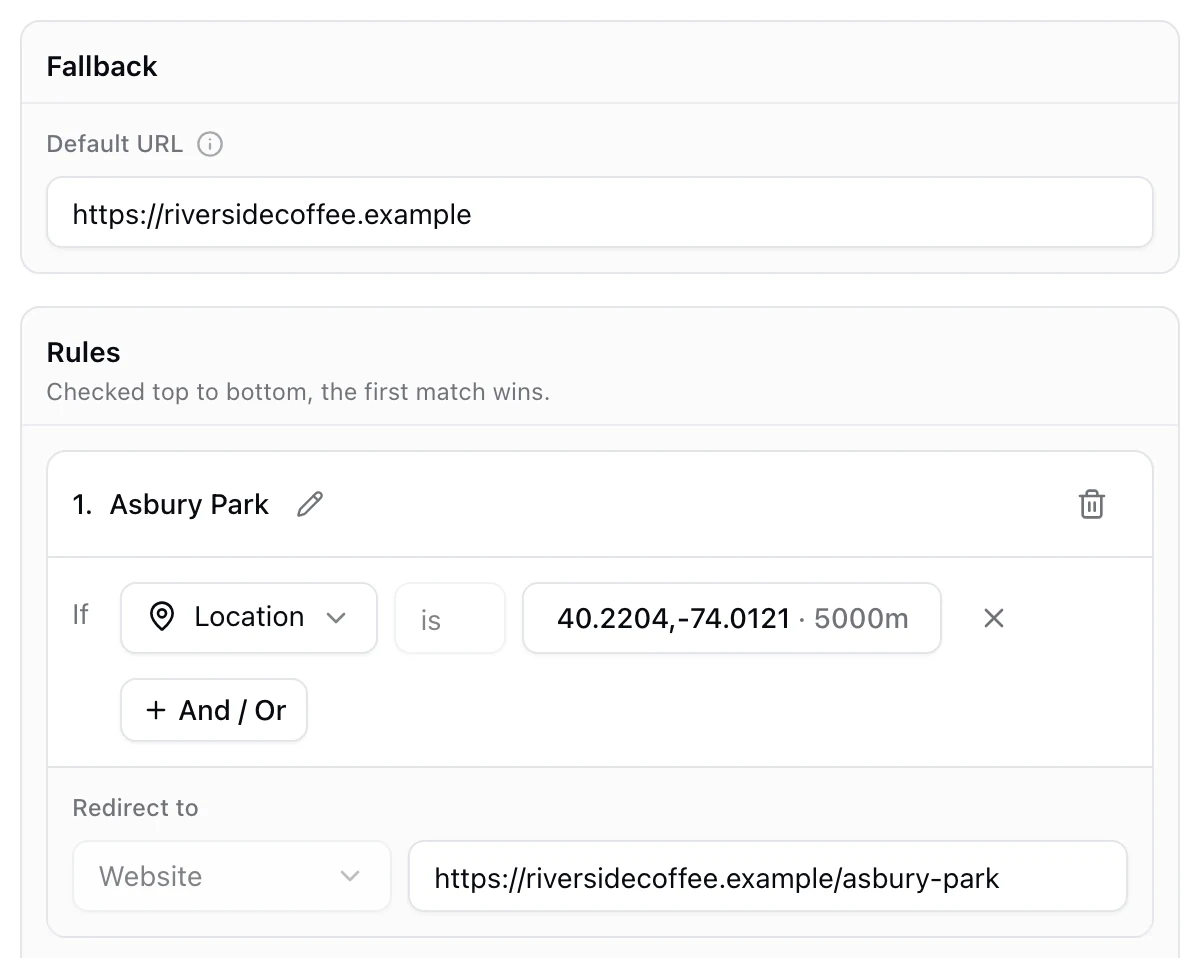
If you have many locations and want each scan to open the nearest one, that's a location rule, not a map pin: see how a QR code can show a different page by location.
Test before you print
Scan the printed proof with an iPhone and an Android phone, one with the Google Maps app and one without, and tap directions. Check that the pin lands where people should arrive. Print the code big enough for where people will stand, especially on signs read from a car or across a parking lot: QR code size for print has the numbers. If it won't scan, check contrast, size and the quiet zone in why a QR code is not scanning.
Frequently asked questions
01How do I make a QR code for a location?+
Open Google Maps, search the place or touch and hold the map to drop a pin, tap Share and copy the link. Paste the link into a QR code generator as a link, design the code and download it. Scanning opens the place in Google Maps with a button for directions.
02Can I make a QR code from an address without a Google Maps link?+
Yes. A dynamic KuikCode with the Map destination takes an address or place name, or a latitude and longitude, and picks the spot on a map for you. You don't need to copy a link from Google Maps first.
03Does a location QR code work on iPhone?+
Yes. A Google Maps link opens in the Google Maps app when it's installed and in Safari when it's not, with the place, the address and a directions button. People who prefer Apple Maps can open it from there, or you can point the code at a page with both buttons.
04How do I share the exact spot of an entrance or a gate?+
Drop a pin instead of searching the address. In the Google Maps app, touch and hold the exact spot; on a computer, right click it and pick the coordinates at the top of the menu. Share that pin and the code opens that point, not the building's center.
05Can I change the location after printing the QR code?+
Not with a static code, because the link is stored in the pattern. A dynamic KuikCode stores a short link you control, so you move the pin in the editor and every printed copy opens directions to the new place from the next scan.
06Can a QR code open a different location depending on where it's scanned?+
Yes, with a dynamic code and location rules: a code can open the nearest store or a page for each country. That's a different job from opening one place; see how a QR code can show a different page by location.