

Event QR code: add to calendar in one scan
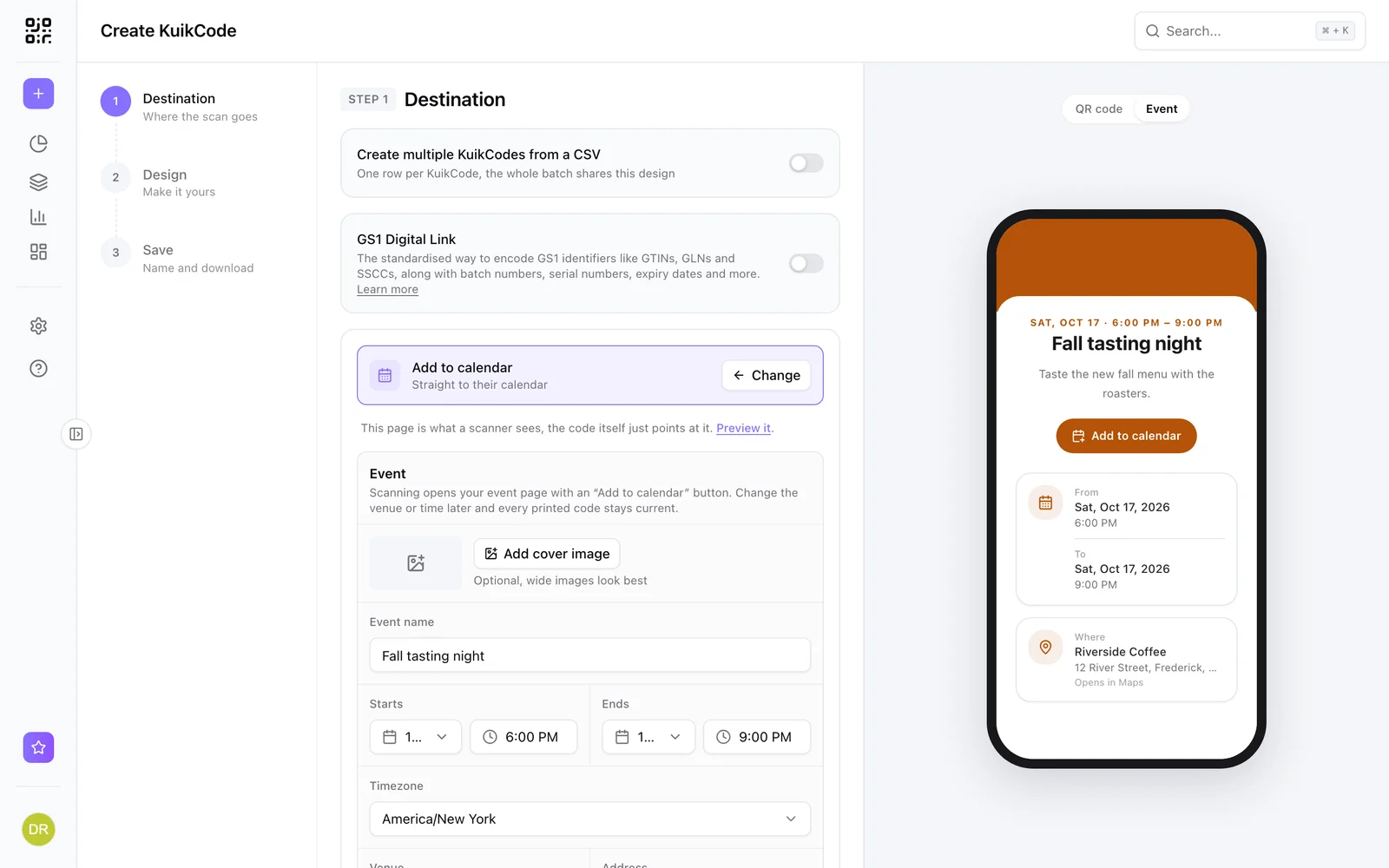
An event page with date, time, venue and an Add to calendar button that works on iPhone and Android. Move the date and every invitation follows.
Where people use it
Invitations
Guests add the event to their calendar from the card.
Tickets and RSVPs
Link the RSVP or ticket page from the same page.
Posters and flyers
Everyone who walks past can save the date.
Weddings
Save the dates, schedule and venue on one page.
Everything guests need, one tap to save
The event page shows the name, date, time in the event's timezone, venue with a link to maps, a description and an optional RSVP button.
- Add to calendar for iPhone and Android
- Optional cover photo
- Change the date after printing
Learn more
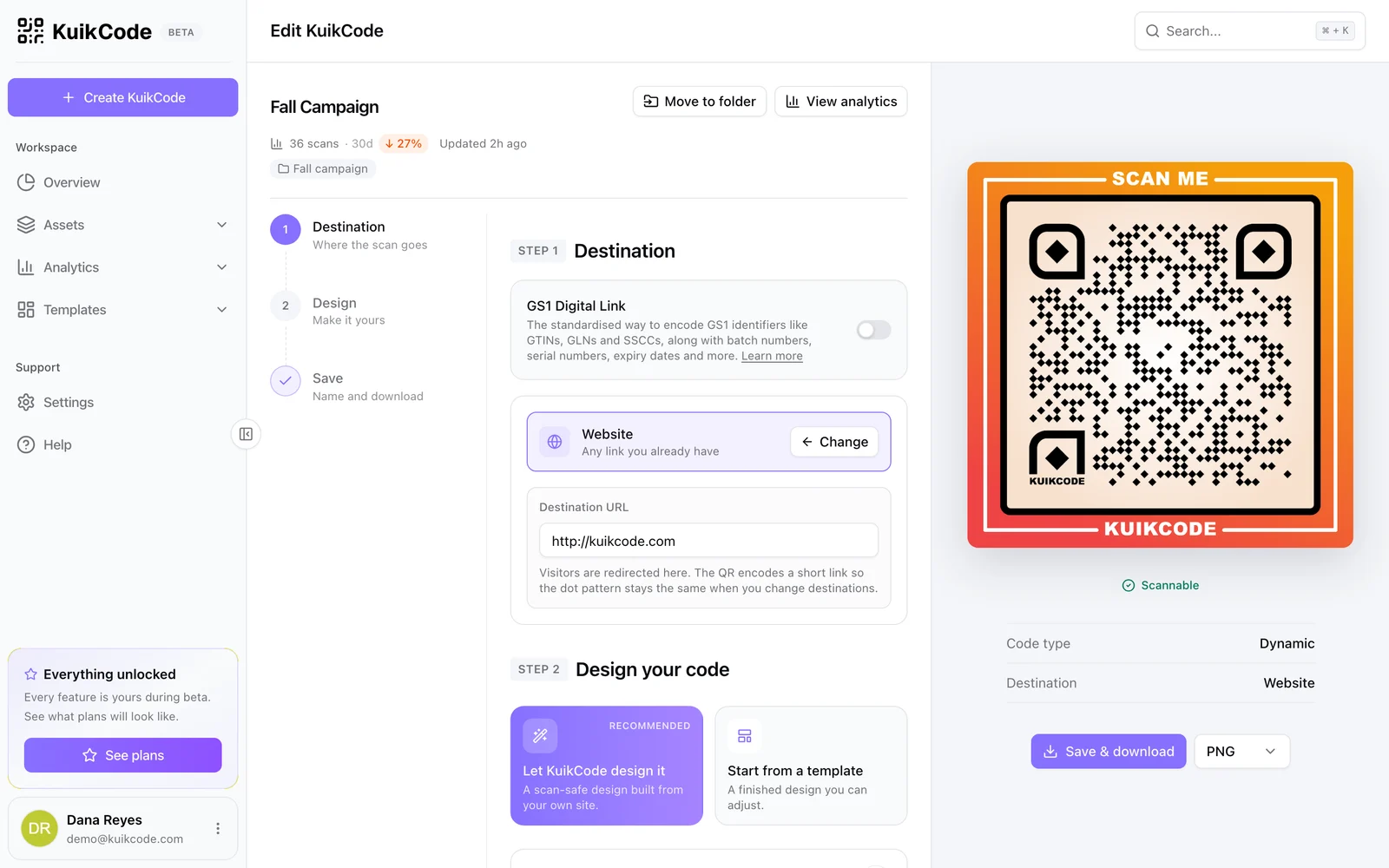
How to change where a QR code goes after it is printed
If your code is dynamic, you can send it to a new page, file or menu without reprinting. Here is how it works and what to do if your code is static.
September 23, 2026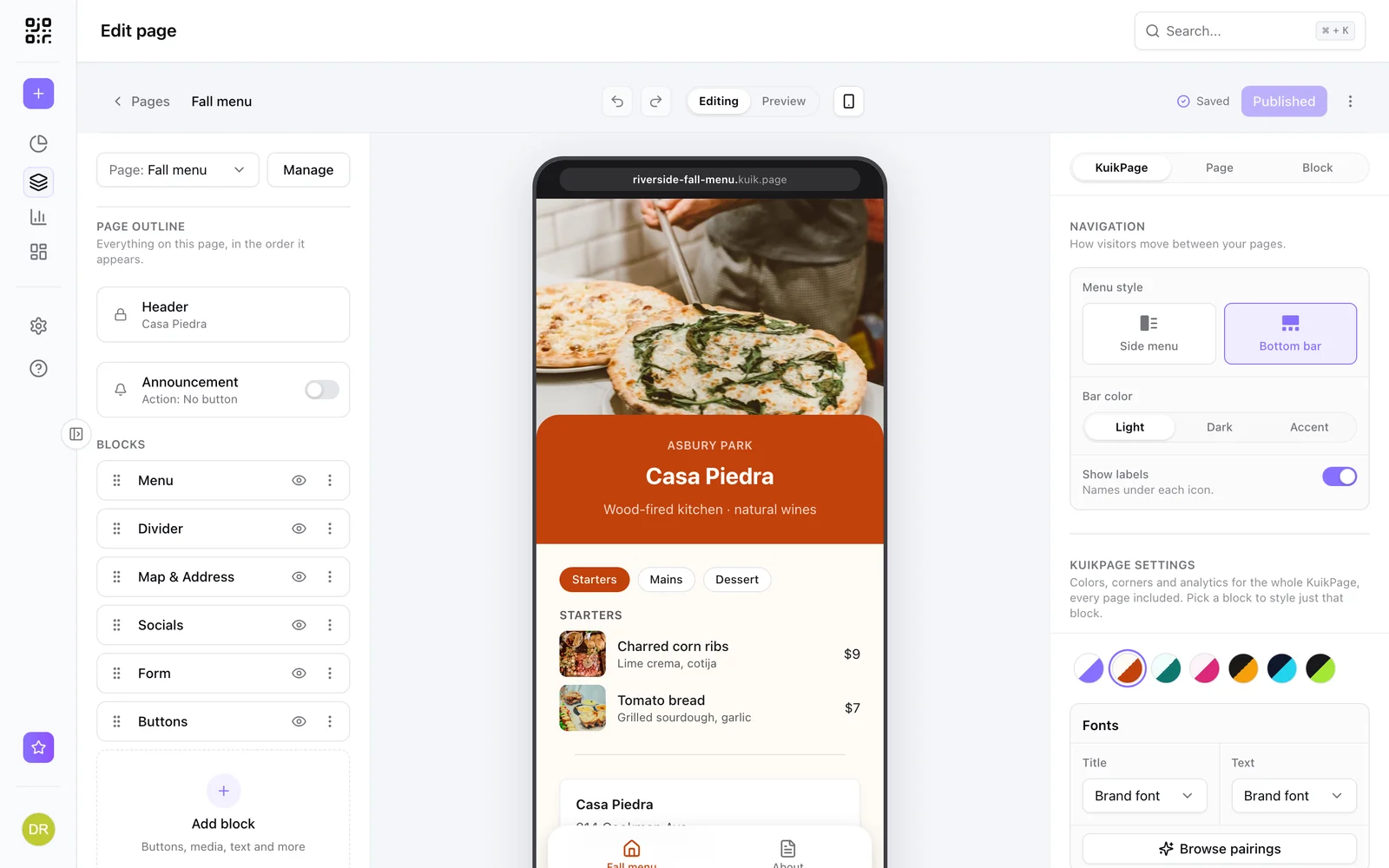
What is a mobile landing page, and when does your QR code need one?
A mobile landing page is a short page built for phones. Learn when a QR code should open one instead of your website, and what to put on it.
September 23, 2026
What is a dynamic QR code?
A dynamic QR code points to a short link you control, so you can change where it goes after printing and see every scan. Here is how it works.
September 23, 2026Frequently asked questions
01How does an event QR code add to the calendar?+
The page has an Add to calendar button that creates an entry with the date, time, place and description on the guest's phone.
02What if the event date changes?+
Update the event in KuikCode and every printed code shows the new date and time.
03Can I add an RSVP link?+
Yes. Add your RSVP or ticketing link and it appears as a button on the event page.

Start with the QR codes you will never need to reprint.
Join the beta for branded design, editable destinations, hosted sites, bulk CSV creation, and live scan analytics.
Request beta access
One email when your workspace is ready. No spam.