

Location QR code: open directions with one scan
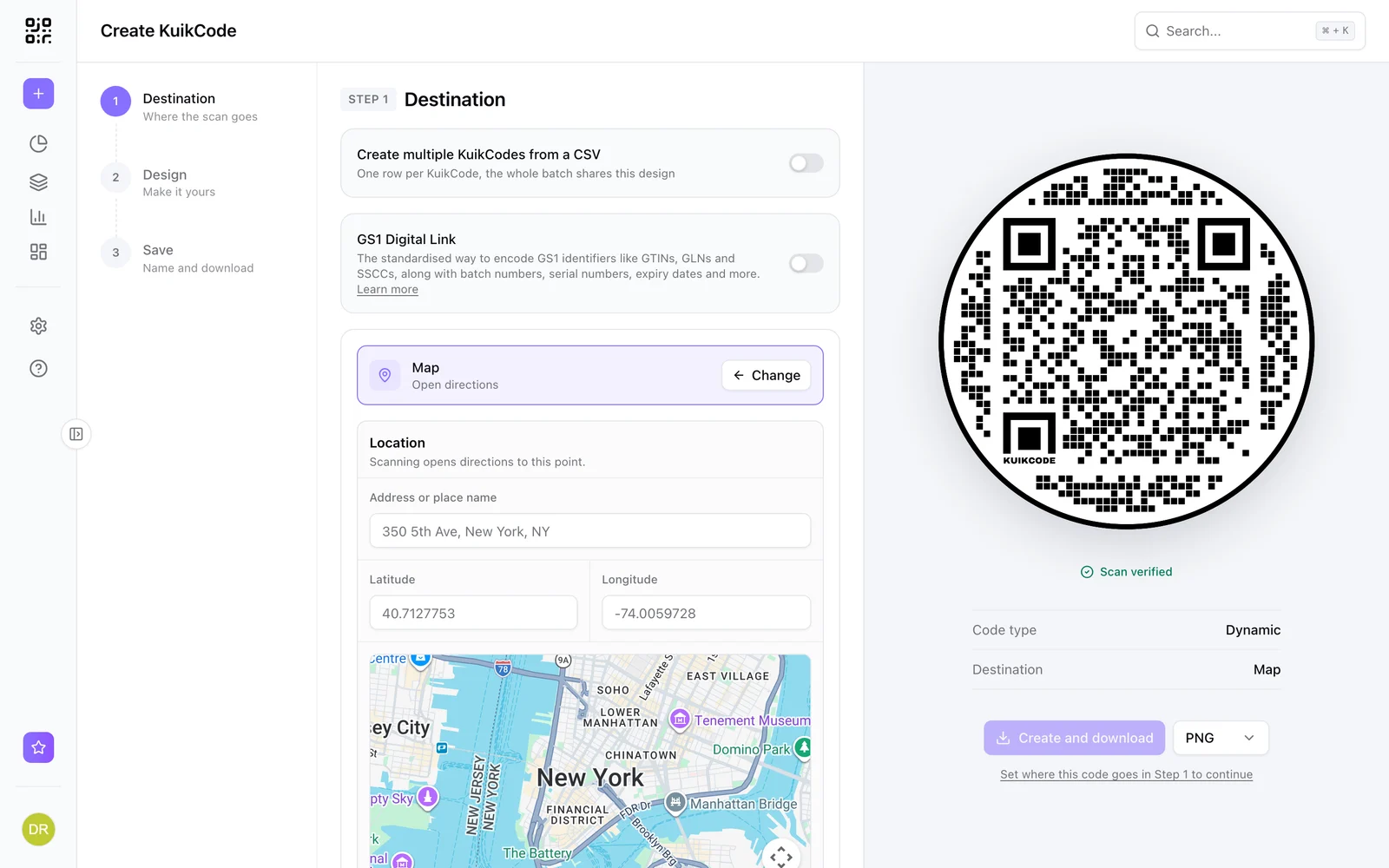
A QR code that opens directions to your place. Pick the spot on a map, and change it later if you move, without reprinting.
Where people use it
Stores and venues
Directions from a flyer or a business card.
Events
Get guests to the right entrance or parking.
Open houses
Directions from the listing flyer.
Signs and billboards
Turn a sign into turn by turn directions.
Pick the exact spot
Search an address or place, or drop the pin on the map. Scanning opens directions on the phone.
- Address search or latitude and longitude
- Change the location after printing
- Scans counted like any KuikCode
Learn more
How do you make a QR code for a Google Maps location?
Copy the place's share link from Google Maps and turn it into a QR code. The steps on a phone and a computer, how to pin an exact entrance and how to move it later.
October 24, 2026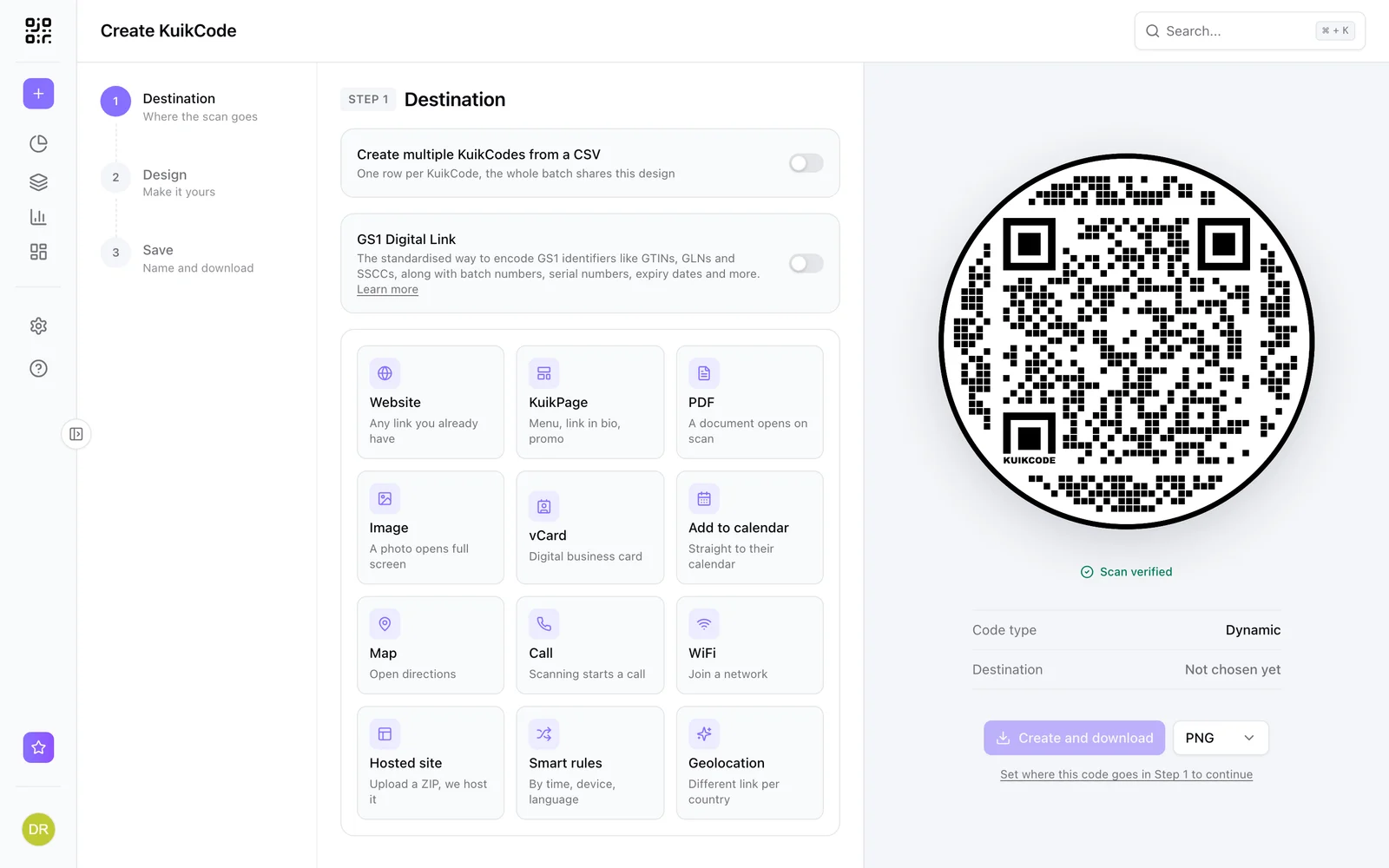
What is a dynamic QR code?
A dynamic QR code points to a short link you control, so you can change where it goes after printing and see every scan. Here is how it works.
September 23, 2026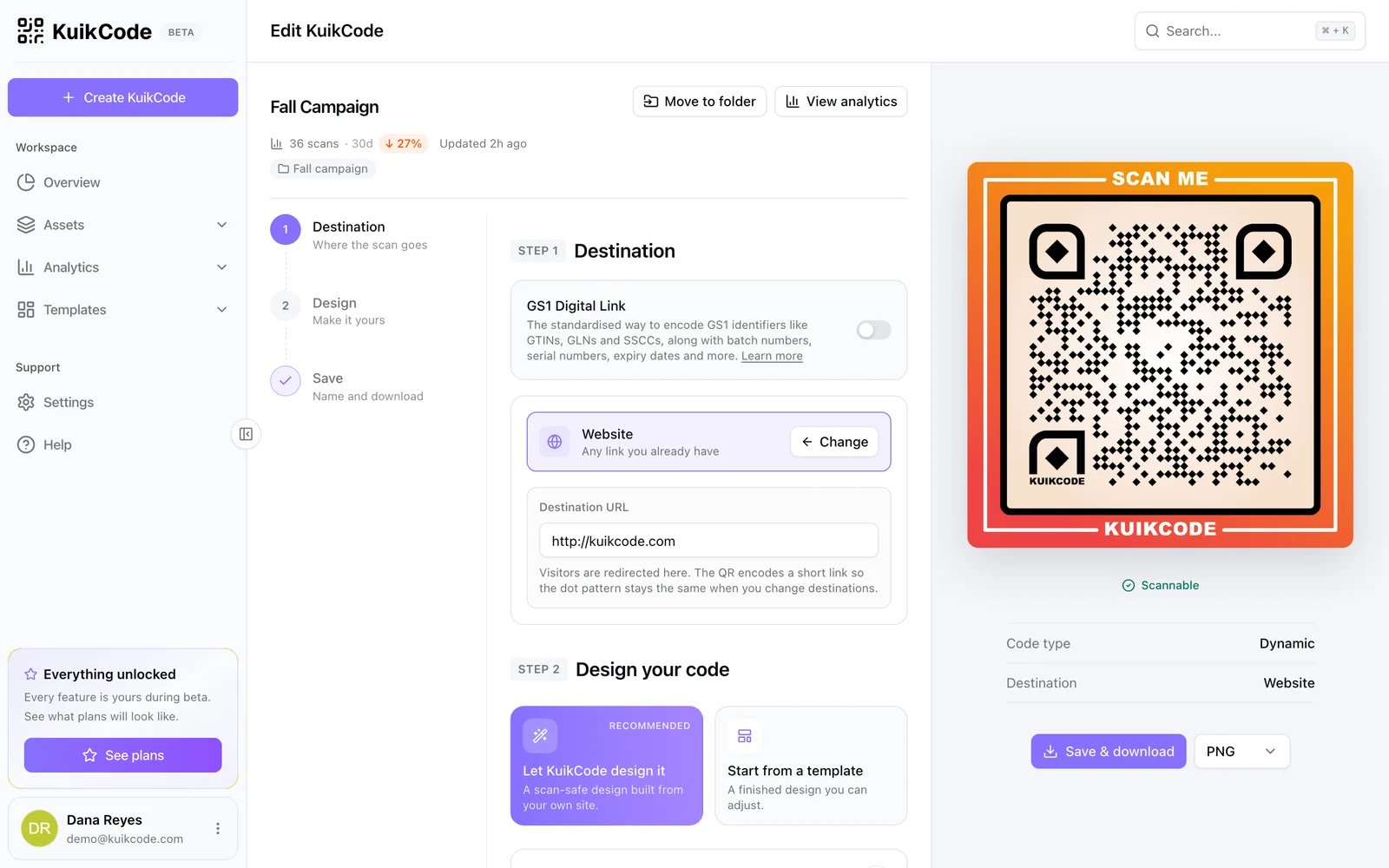
How to change where a QR code goes after it is printed
If your code is dynamic, you can send it to a new page, file or menu without reprinting. Here is how it works and what to do if your code is static.
September 23, 2026Frequently asked questions
01How do I make a QR code for a location?+
Create a KuikCode, choose Map, search the address or drop the pin, and download the code.
02Which maps app opens?+
The code opens the place in Google Maps: in the app when the phone has it, otherwise in the browser, with a button for directions.
03Can I change the location later?+
Yes. Move the pin and every printed code opens directions to the new place.
Your next printed code, ready in minutes.
Design it, point it anywhere, change it after printing and watch the scans come in. Try every feature free for 14 days, no credit card.
Start your 14-day free trial
Every feature, no credit card. Plans from $5 a month after.