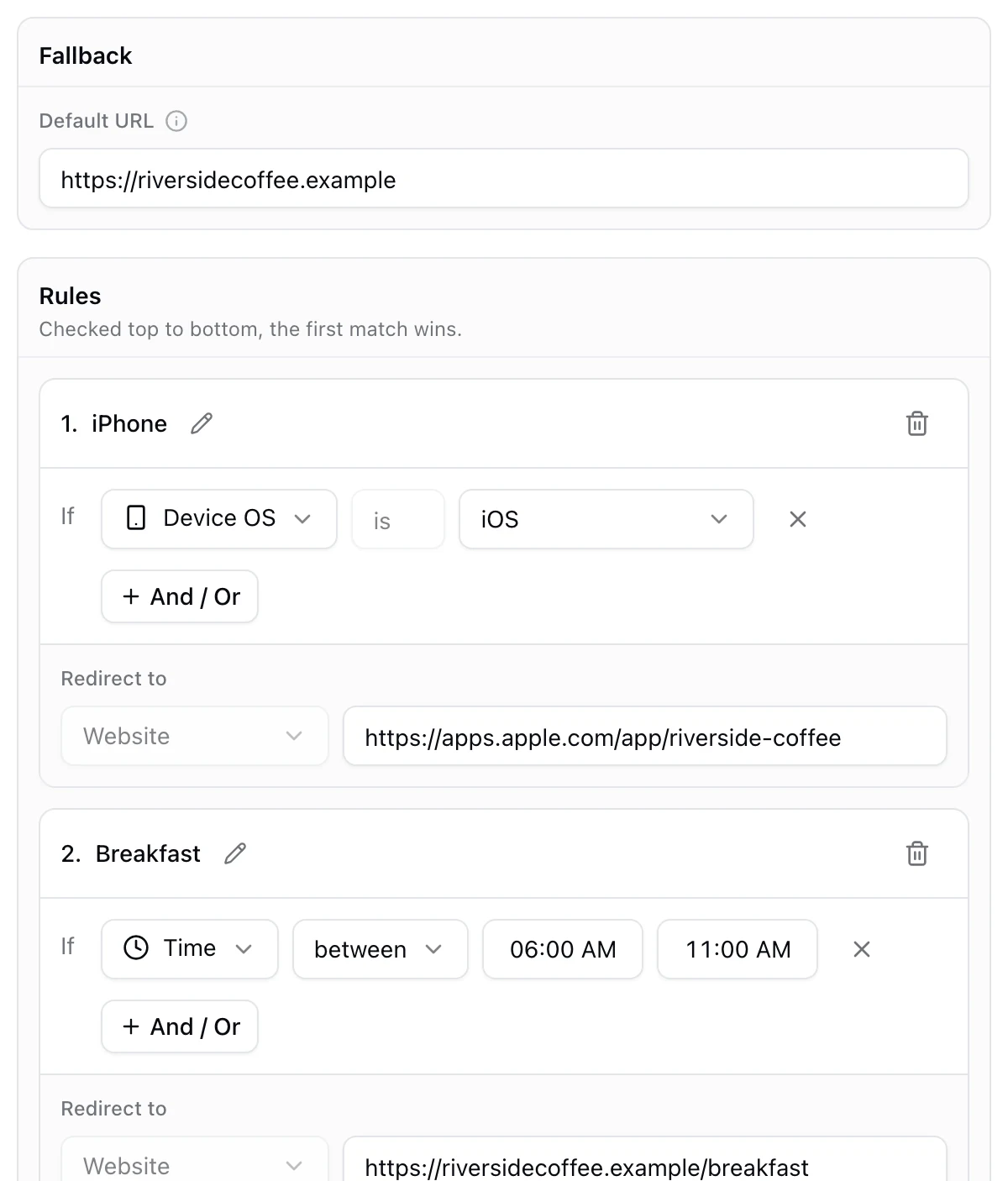
Yes. A dynamic QR code can open a different page depending on where it is scanned. The same poster can open the Chicago page in Chicago and the Miami page in Miami, and the same box can open the right store in every country. The printed code is identical everywhere; the decision happens at the moment of the scan.
Three ways to route by location
| Rule | Best for | Example |
|---|---|---|
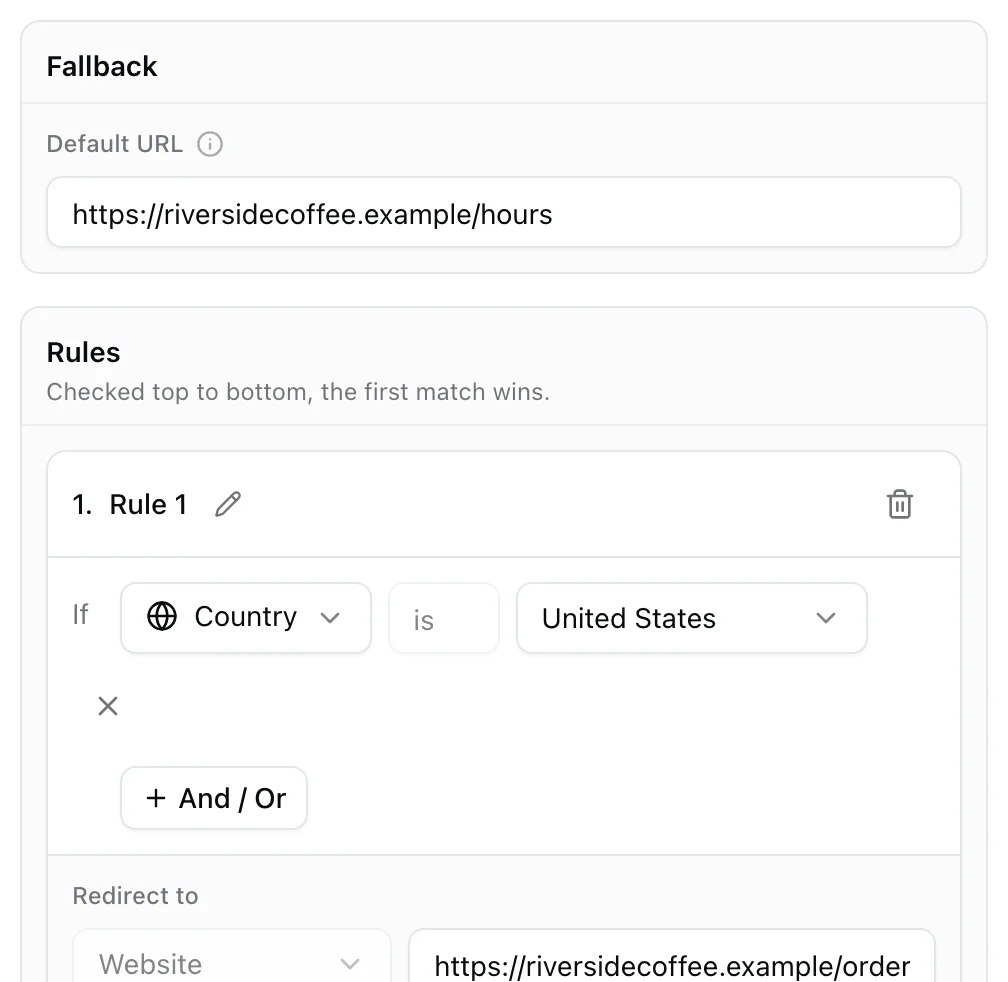
| Country | Packaging and campaigns in several markets | The Canadian store for scans in Canada |
| US state | Regional offers and state specific pages | A Texas page for scans in Texas |
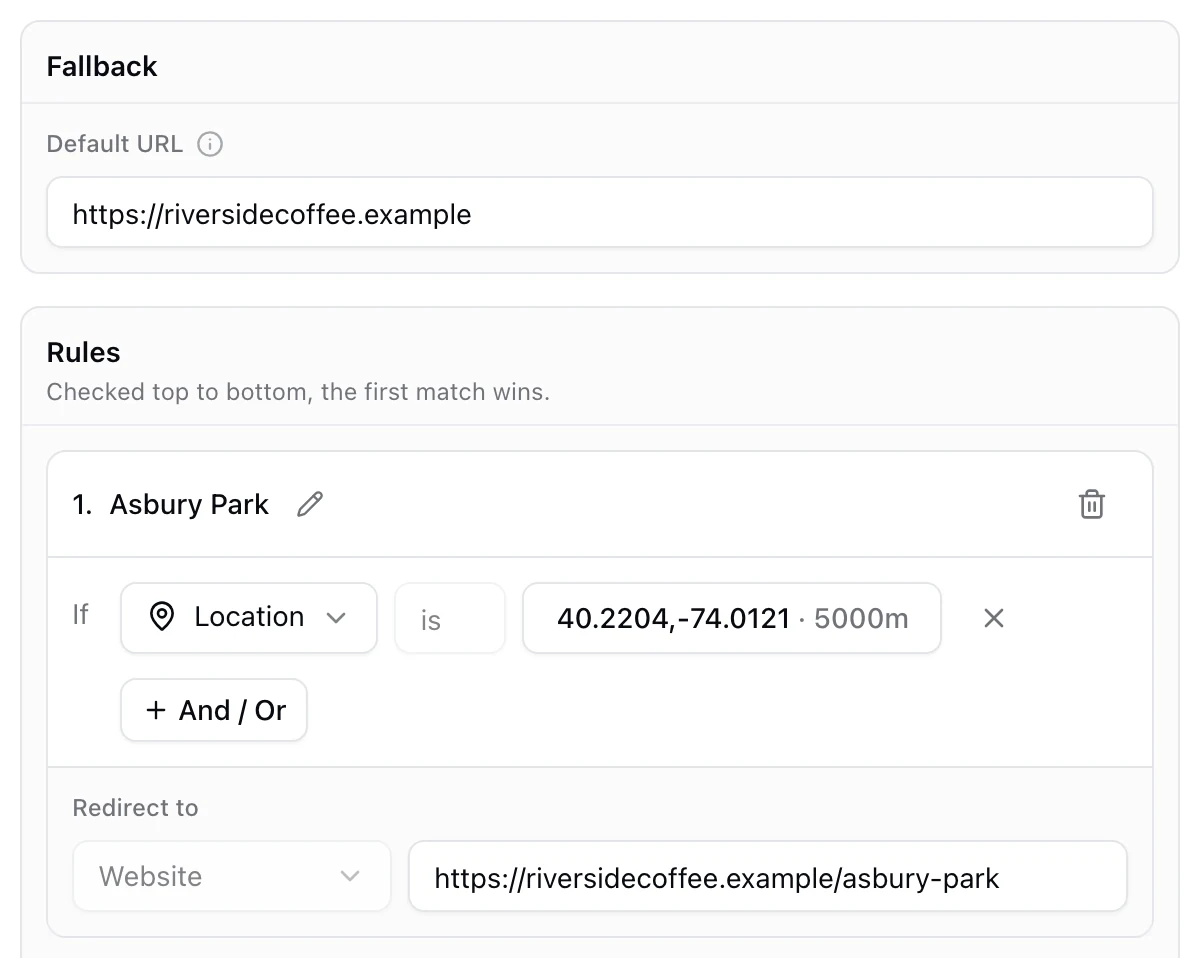
| Distance from a point | City and area pages | The Asbury Park page for scans within 5 km |
Country and state lists live in KuikCode's Geolocation destination. Distance from a point is the Location condition in Smart Rules, where it can be combined with any other rule.
How accurate is it?
This is the part worth knowing before you print. The location comes from the phone's network connection, the same way a website can tell which country you are in. It is not GPS.
- Country: reliable.
- City: usually right.
- Street or building: no. On mobile data the connection can appear a few kilometers away, sometimes more.
So set radiuses in kilometers, not meters: around 5 km for a town, more for a large city or a metro area. And because the rule only uses what the connection already shows, nobody is asked for permission and nothing personal is collected.
Set it up step by step
- Make a page for each area, plus one general page, such as a store finder, for everyone else.
- Create a KuikCode and choose Smart Rules as the destination.
- Set the fallback to the general page.
- Add a rule per area. Choose Location, click Add location, search the address or type the coordinates, set the range in meters (5000 for 5 km), and paste the area's page.
- Order the rules from smallest to largest. A city rule must sit above a country rule, or the country rule would catch everyone first.
- Test from where you can. Scan on Wi-Fi and on mobile data, and check your analytics to see which rule matched.
What location rules are good for
- A national campaign with local pages. One poster design across the country, each scan opening the nearest location.
- A chain with several stores. One rule per city pointing at that store's page with its hours and offers.
- Packaging for several markets. A link per country for the right language, store and regulations. See how to send one QR code to different links by country or device.
- Events that travel. A tour poster that opens the tickets for the nearest city.
What not to use it for
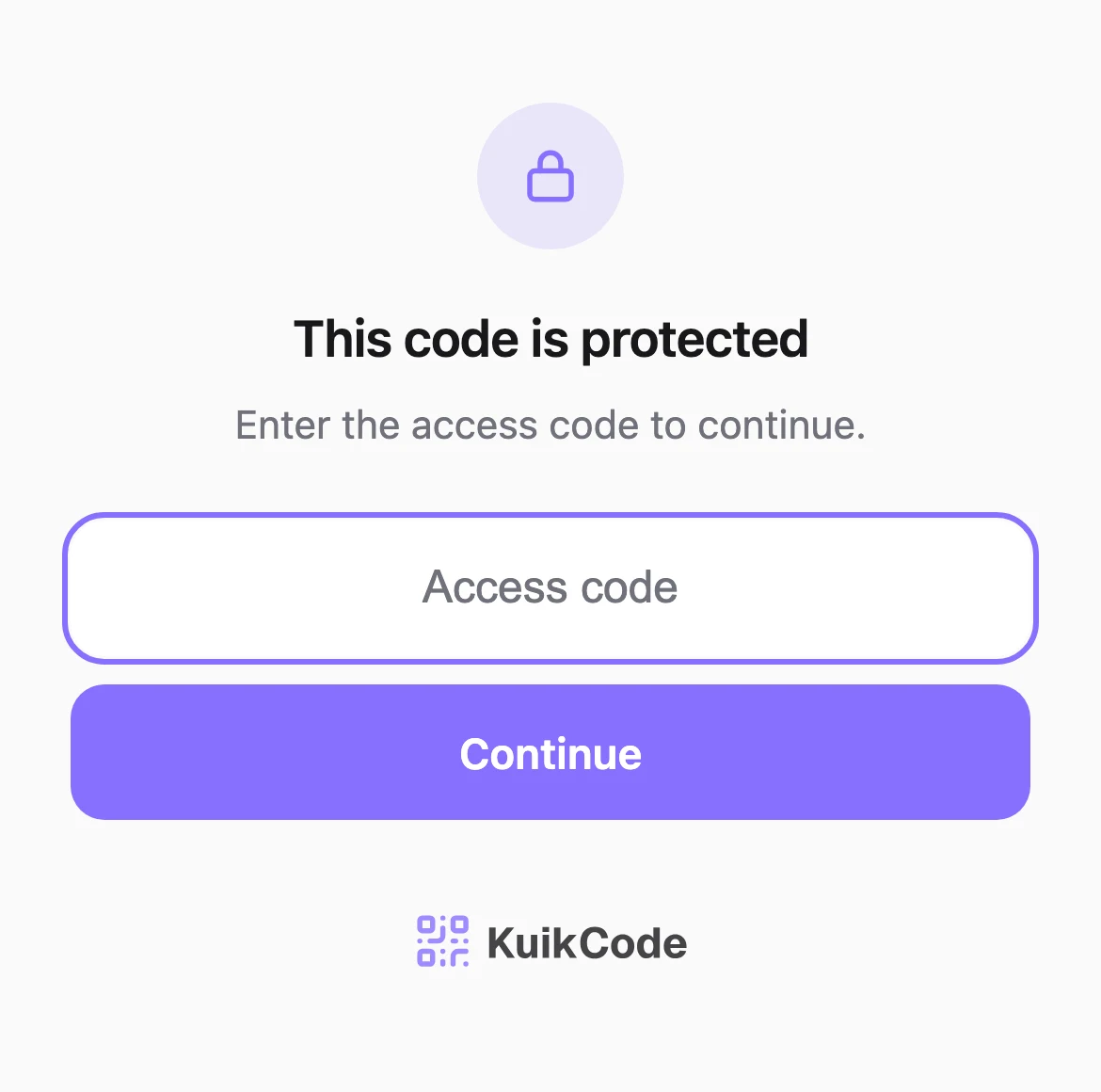
Location rules cannot tell whether someone is inside your shop. For an offer that must only work on site, print the code only there, or protect the page with an access code you show at the counter. How to password protect a QR code shows how. For the other kinds of rules a code can check, see what a smart QR code is.
Frequently asked questions
01Can a QR code change depending on location?+
Yes, if it is dynamic. At each scan the code checks the approximate location of the phone's connection and opens the page for that country, state or area, with a fallback for everyone else.
02How accurate is a location based QR code?+
The location comes from the network connection, not GPS. It is reliable at the country level, usually right for the city, and can be off by a few kilometers, more on mobile data. Rules work best with a radius of a few kilometers.
03Does the person scanning have to share their location?+
No. Location rules use what the connection already shows, so there is no permission prompt and no personal data. KuikCode only asks for precise location if you turn on precise scan locations for your analytics, and sharing it is optional.
04Can I make a QR code that only works inside my store?+
Not reliably with location, because network location is not precise enough for a single building. Print the code only in the store, or protect the page with an access code you show at the counter.
05Can one QR code send people to different store pages by city?+
Yes. Add one location rule per city, each with a point in that city, a radius of a few kilometers and the city's page, plus a store finder as the fallback.
06Which KuikCode plan includes location rules?+
Location rules and the Geolocation destination are included from the PRO plan.