A smart QR code is a QR code that decides where to send each person at the moment they scan it. One printed code can open the App Store on an iPhone, a Spanish page on a phone set to Spanish, the breakfast menu in the morning and a giveaway for the first 100 people, all from the same square on the same poster.
How a smart QR code works
A smart code is always a dynamic code. Its pattern does not hold your link. It holds a short link, and when someone scans it, that short link is resolved on the spot. That is the moment a smart code checks its rules.
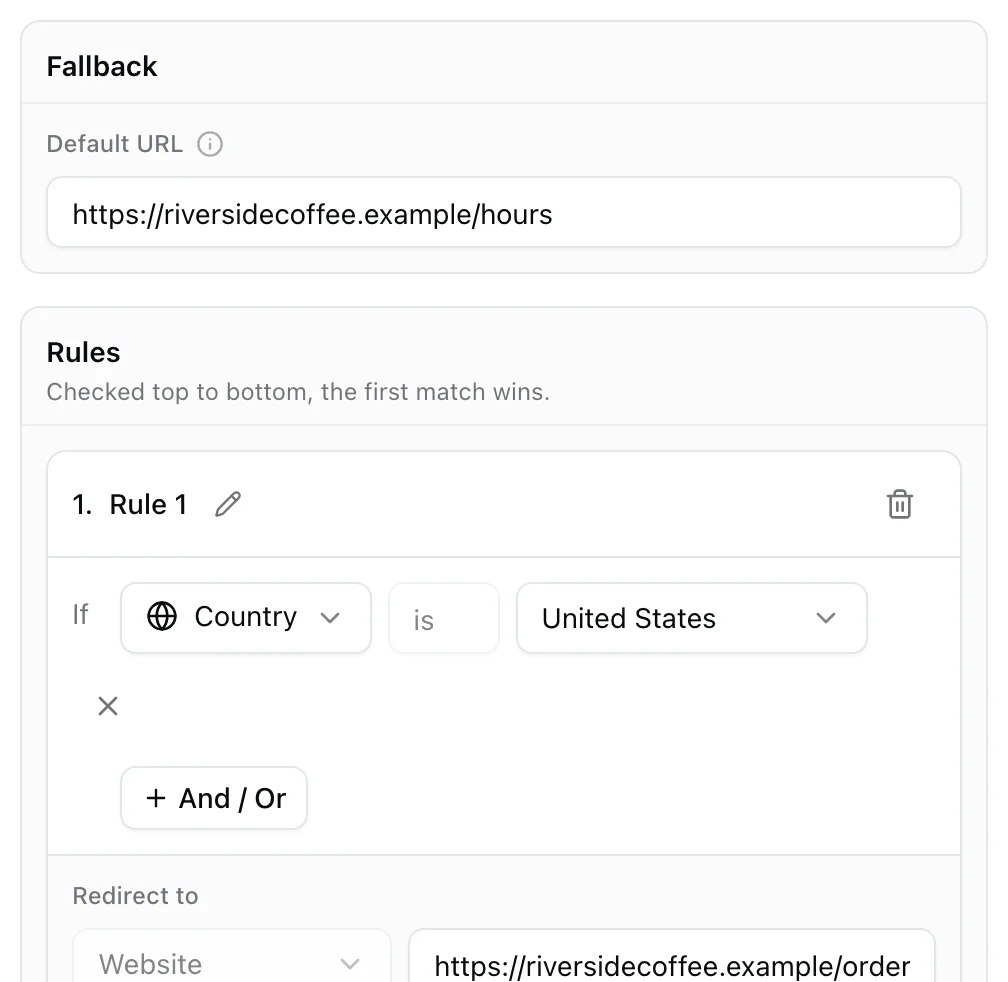
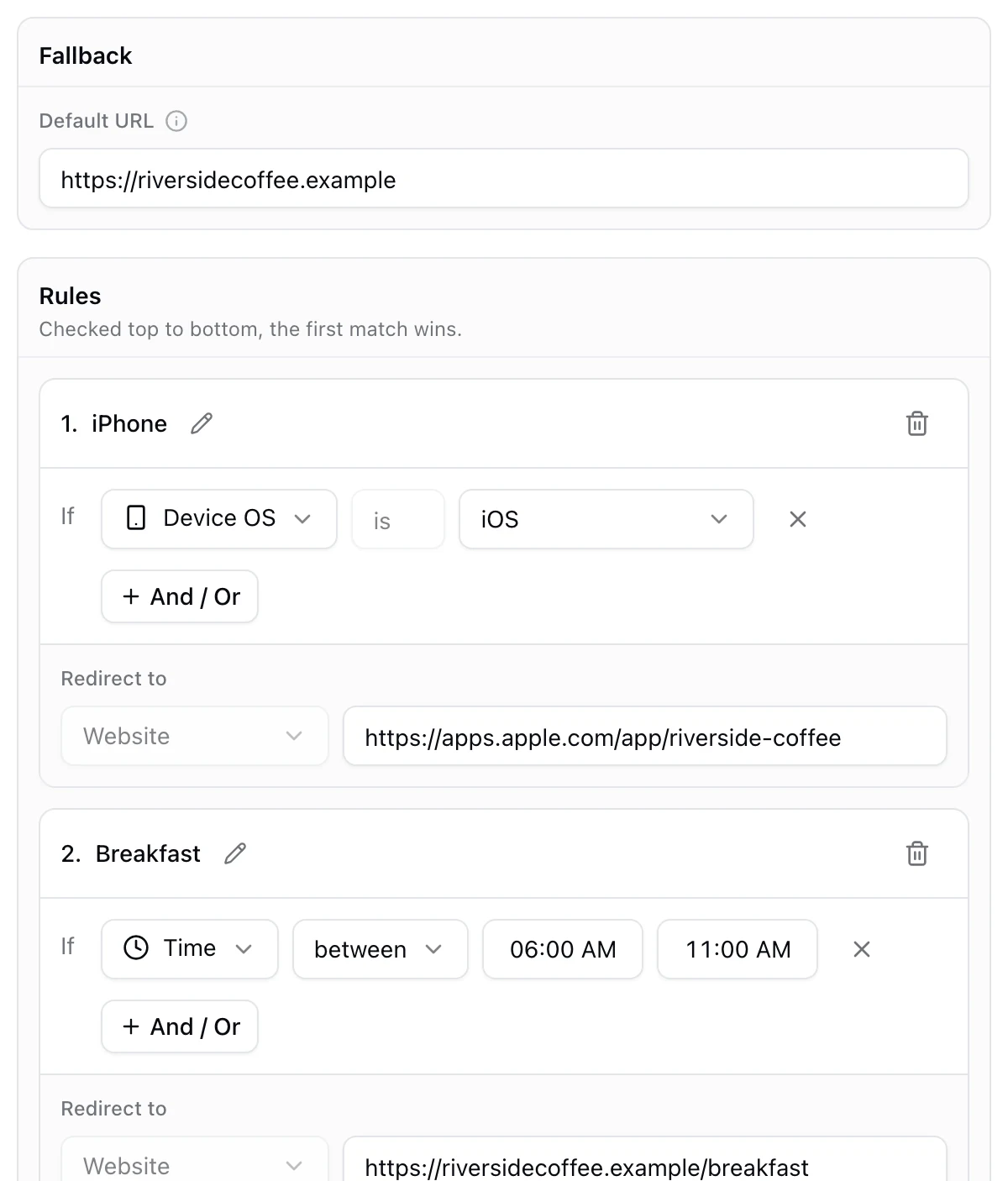
Each rule pairs one or more conditions with a link. The rules are checked from the top, and the first rule that matches wins. Anyone who matches none of them lands on the fallback link. Because all of this happens at scan time, you can change the rules after printing and the code on the wall never knows.
If you are new to the difference between static and dynamic codes, start with what a dynamic QR code is.
What a smart QR code can check
| Rule | What it looks at | Example |
|---|---|---|
| Device OS | The phone's operating system | iPhones to the App Store, Android to Google Play |
| Device language | The language the phone is set to | Phones in French get the French menu |
| Time | The local time where the scan happens | Breakfast menu from 6 AM to 11 AM |
| Day | The day of the week | The brunch page on Saturdays and Sundays |
| Date | A calendar date | A launch page that turns on by itself |
| Country | Where the phone's connection is | The Canadian store for scans in Canada |
| Location | Distance from a point on the map | A city page for scans within 5 km |
| Total user scans | How many times the code has been scanned | A prize for the first 100 scans |
| Unique user scans | How many different phones have scanned it | An early bird offer for the first 500 people |
Conditions combine with And and Or inside one rule, so "Day is Saturday or Sunday, and Time between 9 AM and 2 PM" is a single brunch rule.
Smart QR code ideas that work
- A menu that follows the clock. One table code that opens breakfast, lunch and dinner at the right hours. See how to show a different menu by time of day.
- One code in every language. Packaging, signs and menus that open in the scanner's own language. See how to make a QR code that opens in the scanner's language.
- A local page in every city. A national poster that opens the nearest location's page. See whether a QR code can show a different page by location.
- A prize for the first scanners. The first 100 people get the giveaway, everyone after gets a thank you. See how to reward only the first 100 people who scan.
- One code for your app. iPhones to the App Store, Android phones to Google Play. See the app store QR code page.
- One code for every market. A link per country on packaging that ships worldwide. See how to send one QR code to different links by country or device.
How to make a smart QR code in KuikCode
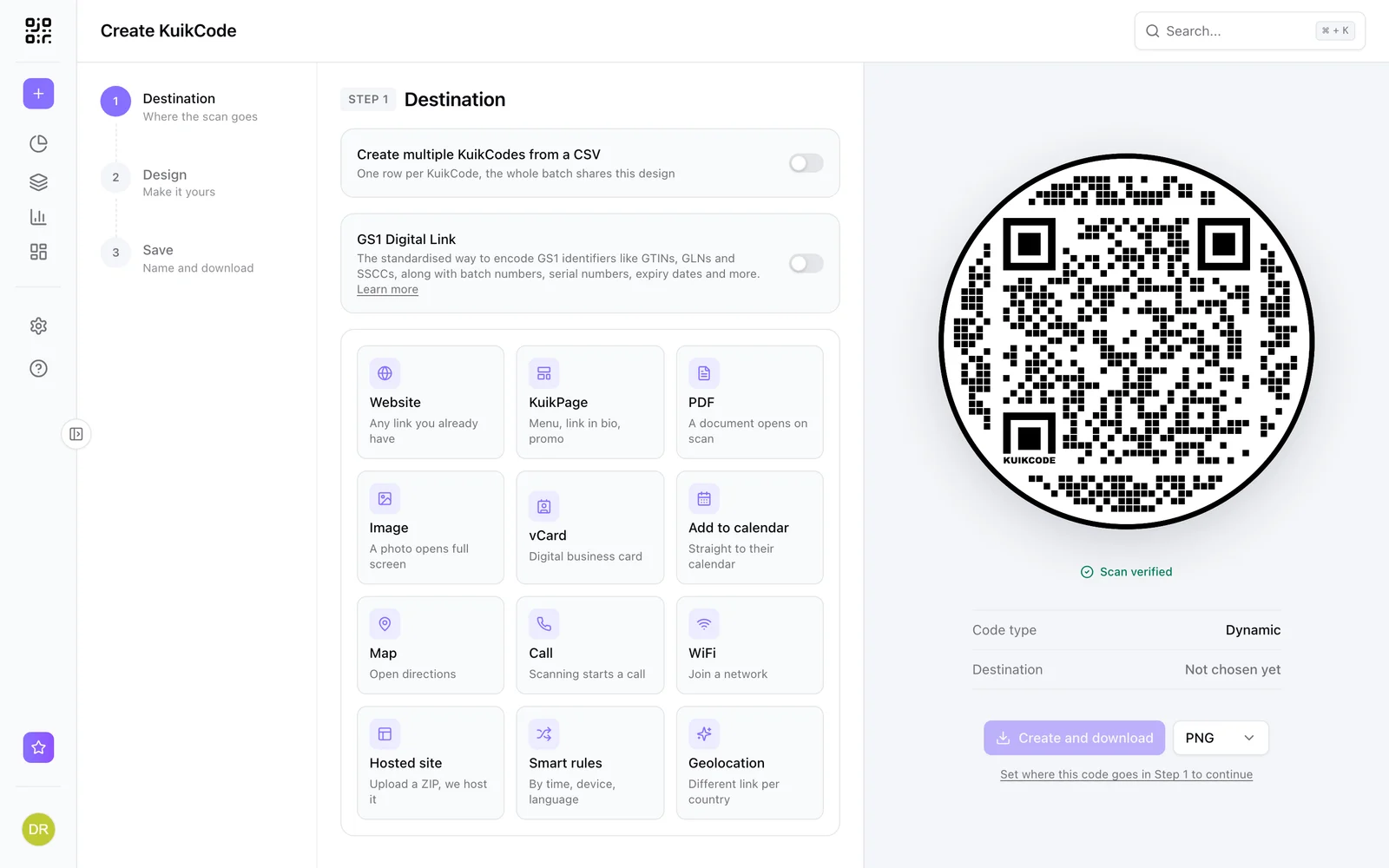
- Create a KuikCode and choose Smart Rules as the destination.
- Fill in the fallback link. Most people who match no rule will see it, so make it a page that works for everyone.
- Click Add new rule, name it, add a condition such as Device OS is iOS, and paste the link it should open. A rule can open any web page, including a KuikPage you built here.
- Add a rule for every case and drag them into order. Put the most specific rules first.
- Design the code, save it and test each branch before you print.
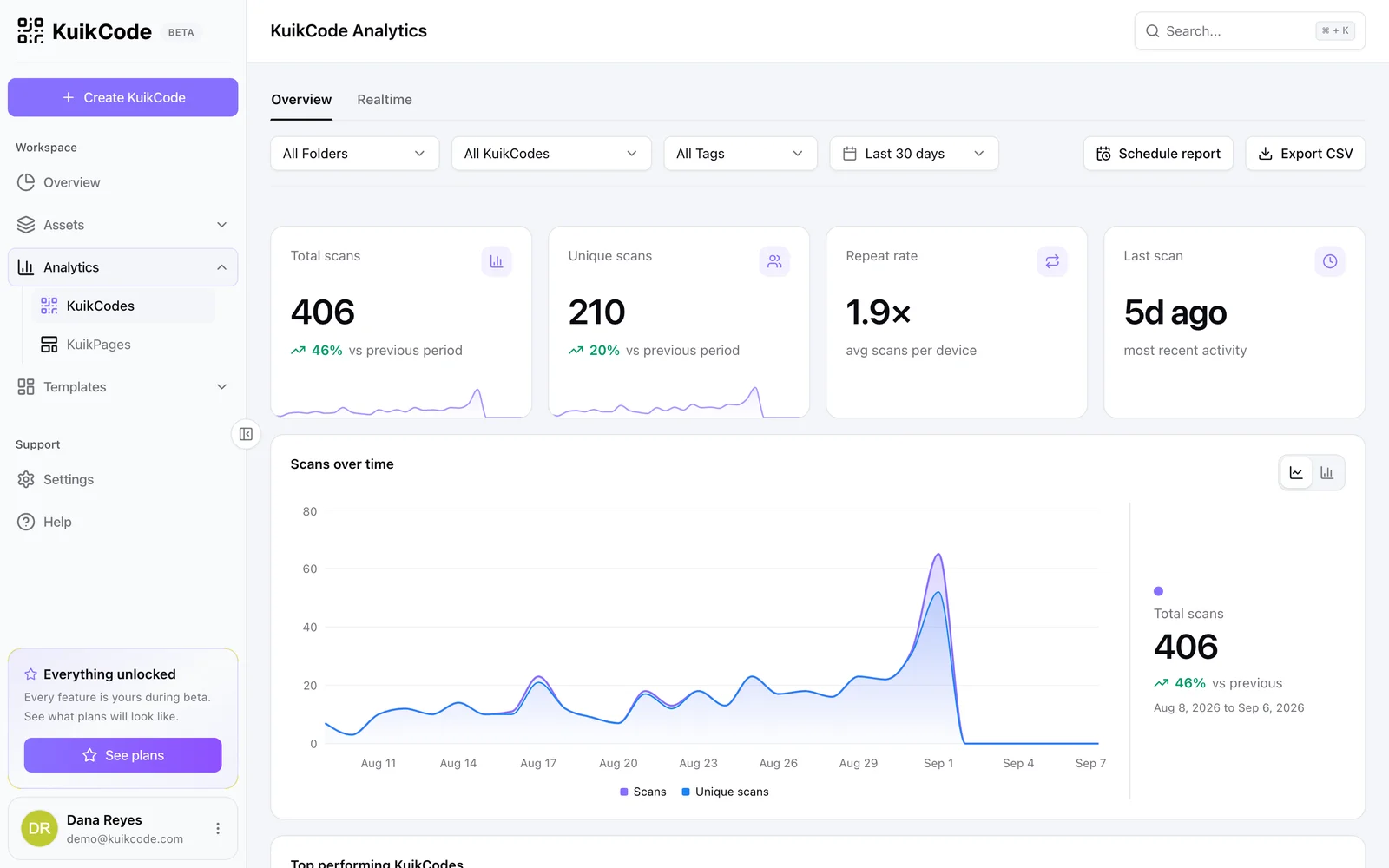
Every scan records which rule sent it where, so your scan analytics show how many people saw each version. The full list of conditions and operators is in the Smart Rules docs.
What a smart QR code cannot do
- It cannot read minds. Rules only see what the scan carries: the phone, its language, the time and the approximate place. A rule cannot know who the person is.
- Location is approximate. It comes from the network connection, not GPS, so it is reliable for countries and usually right for the city. It is not precise enough to tell whether someone is inside your shop.
- The fallback matters. A scan that matches nothing still needs a good page, so never leave the fallback as an afterthought.
Frequently asked questions
01What is a smart QR code?+
A smart QR code is a dynamic QR code that chooses its destination at the moment of each scan. Rules check things like the phone type, its language, the local time or the country, and send each person to the link that fits.
02What is the difference between a smart QR code and a dynamic QR code?+
Every smart QR code is dynamic, but not every dynamic code is smart. A dynamic code sends every scan to the same link, which you can change at any time. A smart code adds rules, so different scans can open different links at the same moment.
03Can a static QR code be smart?+
No. A static code stores the link in the pattern itself, so it opens the same thing for everyone, forever. Rules need a short link that is checked on each scan, which only a dynamic code has.
04Does a smart QR code collect personal data?+
No personal data is needed. The rules use what every web request already carries, such as the phone's language, its operating system and the approximate location of the network connection.
05How do I make a smart QR code?+
Create a KuikCode, choose Smart Rules as the destination, set a fallback link, then add a rule for each case, such as Device OS is iOS, with the link it should open. Rules are checked from the top, and you can change them after printing.
06Which KuikCode plan includes smart rules?+
Smart Rules are included from the PRO plan. You can build and test your rules on any plan; saving the code is the step that asks for PRO.