A giveaway for the first 100 people, an early bird price for the first 500, a free drink for the first 50 through the door: one QR code can count its own scans and switch pages when the number runs out. The first scans open the prize, every scan after opens a thank you page, and nobody has to watch a counter or change a link at the right moment.
How a scan count rule works
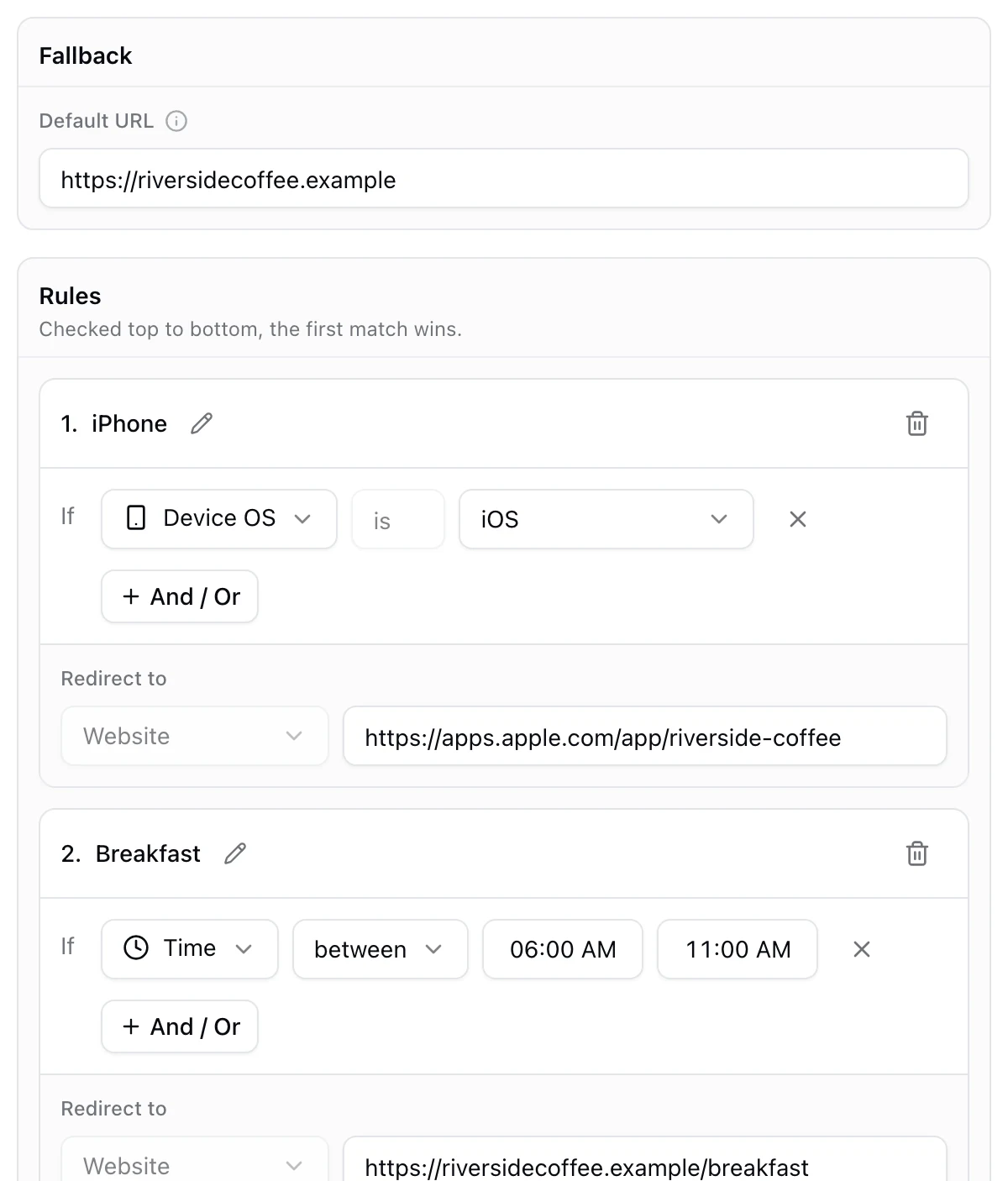
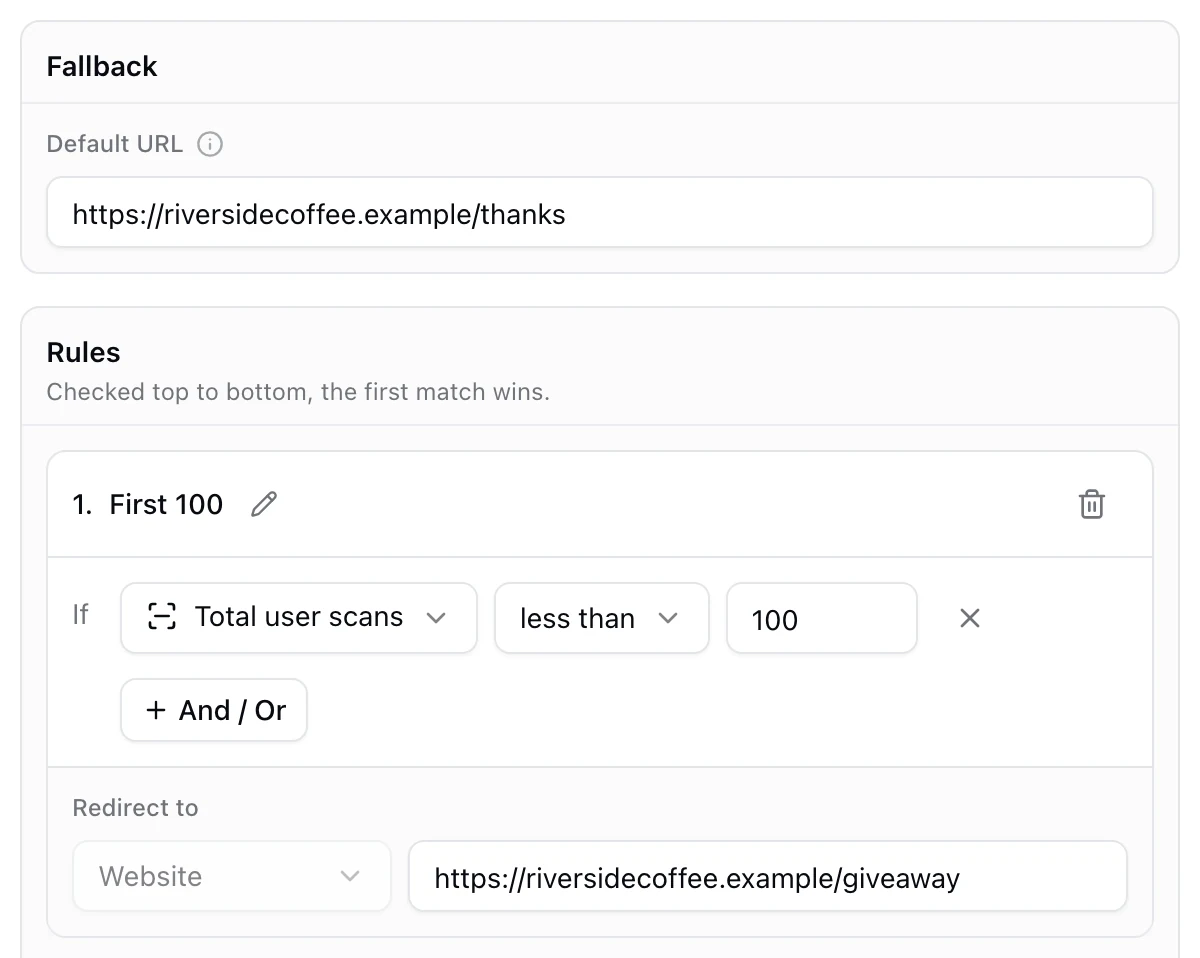
A scan count rule compares the number of scans the code has already received with the number you set. With Total user scans less than 100, the rule matches while fewer than 100 scans have come before, which is exactly the first 100 scans. From the 101st on, the rule no longer matches and people land on the fallback page.
Like every rule, this needs a dynamic code: the count is checked at the moment of each scan, long after the code was printed.
Total or unique scans?
- Total user scans counts every scan. One person scanning three times uses three. It is the right choice when the prize is per scan, or when repeat scans do not matter.
- Unique user scans counts different phones, so the same phone scanning again does not use up another place. It is closer to counting people, and the better choice for "the first 100 people".
Set it up step by step
- Make two pages: the prize page, and a thank you page for everyone after, ideally with something useful such as your next event or your newsletter.
- Create a KuikCode and choose Smart Rules as the destination.
- Set the fallback to the thank you page.
- Add a rule called First 100. Choose Unique user scans or Total user scans, choose less than, type 100, and paste the prize page link.
- Test with a copy of the code, not the one you print. Every scan of the real code counts, yours included.
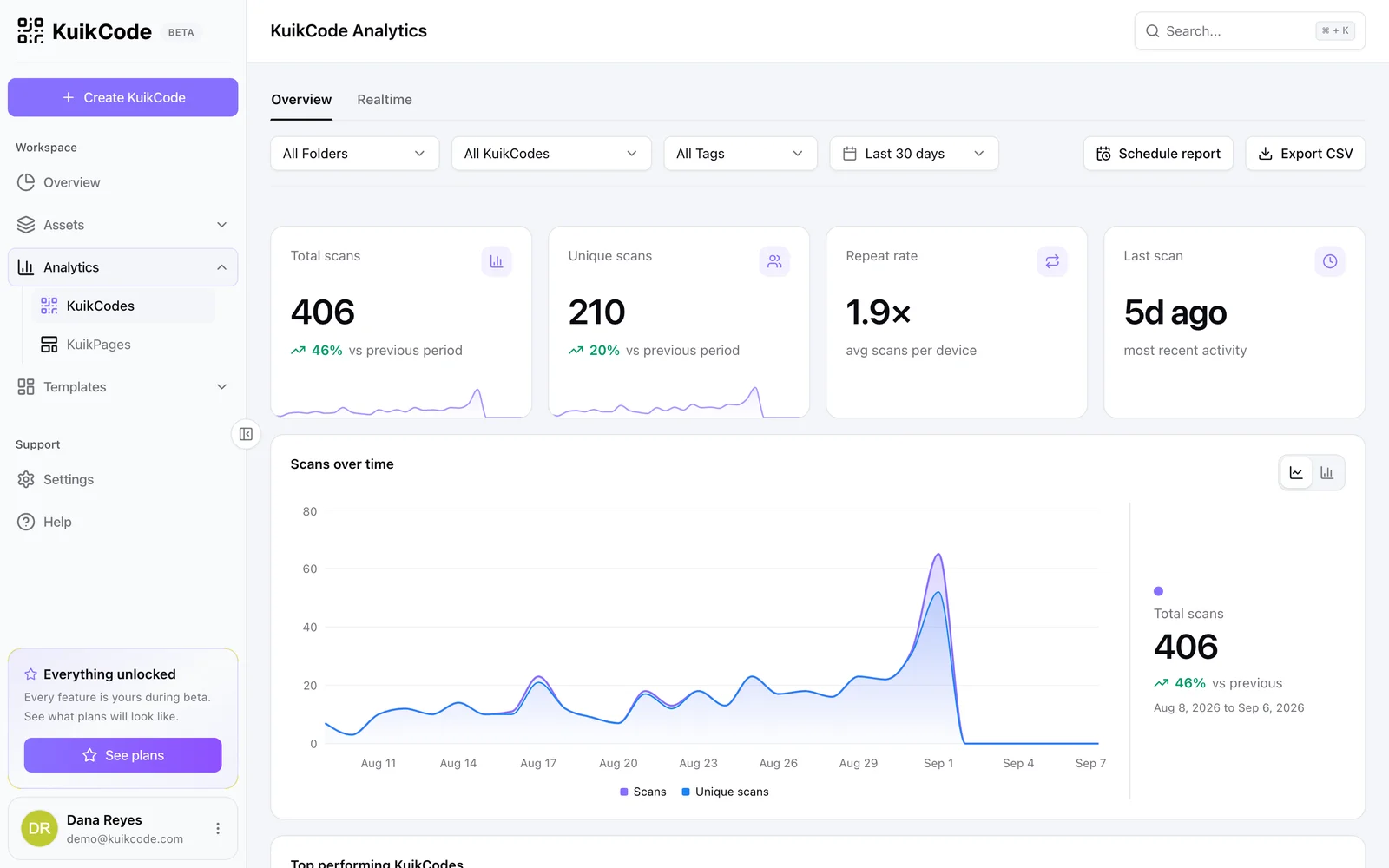
- Print and watch your analytics. Every scan records whether it matched First 100 or the fallback.
The limits to know
- Busy moments. Each scan sees the count of the scans recorded before it. When many people scan in the same instant, two of them can see the same number, so one or two extra may get the prize. For a strict cap, let the prize page handle it, for example by collecting names with a form and stopping at 100.
- A rule picks a page, not a person. Someone who reaches the prize page can share its link. If that matters, put the reward behind a form or a code that staff check.
- The fallback is most people's page. At a popular event, most scans land after the prize is gone, so make that page worth opening.
More ideas with scan counts
- Limited drops. The first 500 scans open the release page, everyone after the waitlist.
- Early birds. The first 200 people get the discount page, the rest the regular price.
- Combine with a date. Add Date on your launch day with And, so the prize only runs that day and the count rule does the rest.
For time, language, location and the other rules a code can check, see what a smart QR code is, and how to track QR code scans for reading the numbers afterwards.
Frequently asked questions
01Can a QR code stop working after a number of scans?+
A dynamic code can switch pages after a number of scans instead of stopping. A scan count rule sends the first scans to one page and everyone after to the fallback, such as a page that says the offer is gone.
02How do I give a prize to the first 100 people who scan?+
Create a dynamic code with Smart Rules, add a rule with Total user scans less than 100 or Unique user scans less than 100 pointing at the prize page, and set the fallback to a thank you page for everyone after.
03What is the difference between total and unique scans?+
Total scans count every scan, so one person scanning three times uses three. Unique scans count different phones, so repeat scans from the same phone count once. For people, unique is the better choice.
04Do my own test scans count?+
Yes. Every scan of the code counts, including yours. Test with a copy of the code, or add your test scans to the limit.
05Is the limit exact?+
Very close. Each scan sees the count of the scans recorded before it, so scans that arrive in the same instant can see the same number and one or two extra may get through at a busy moment. For a strict limit, cap the prize on the page itself.
06Which KuikCode plan includes scan count rules?+
Scan count rules are part of Smart Rules, included from the PRO plan.