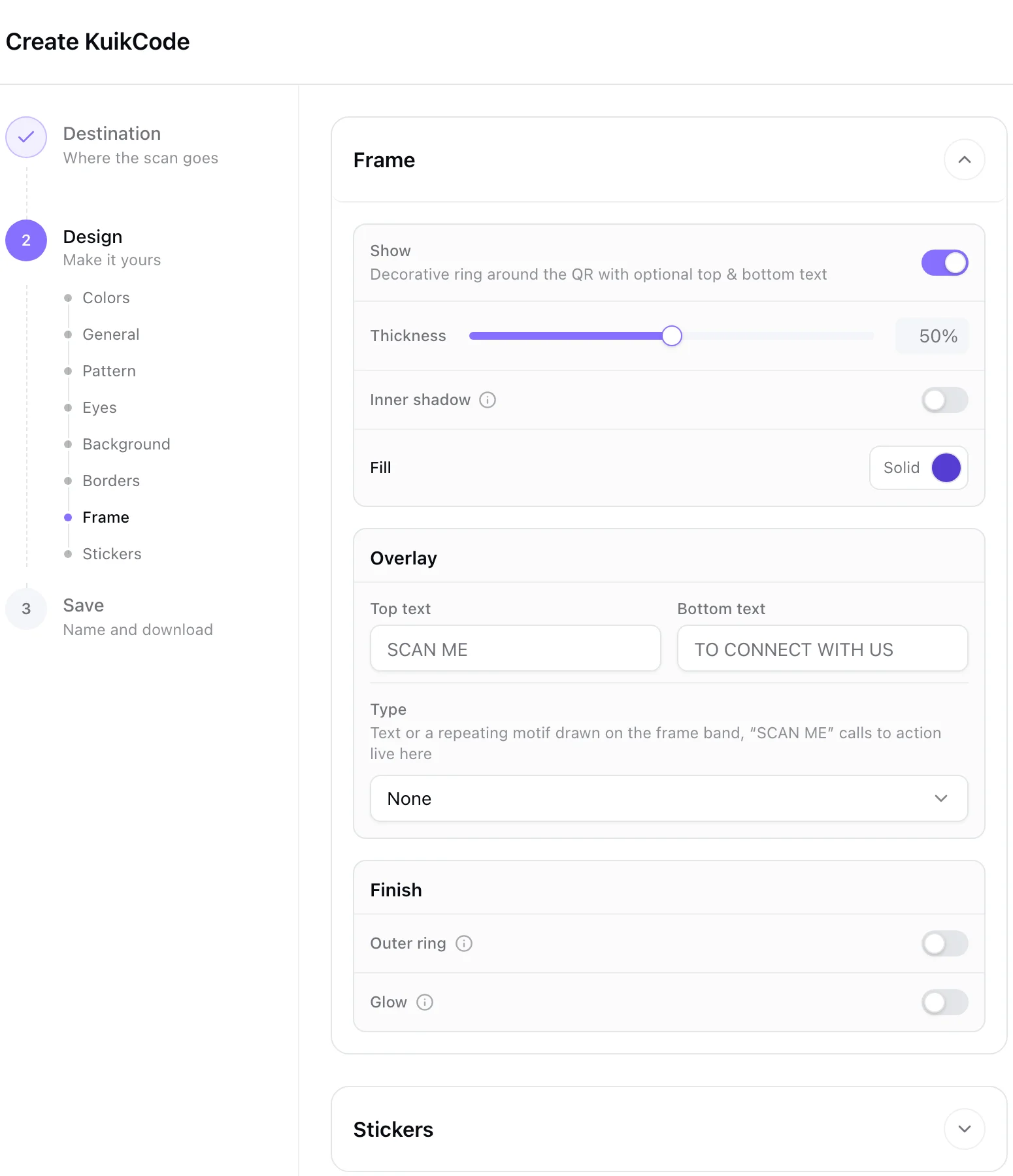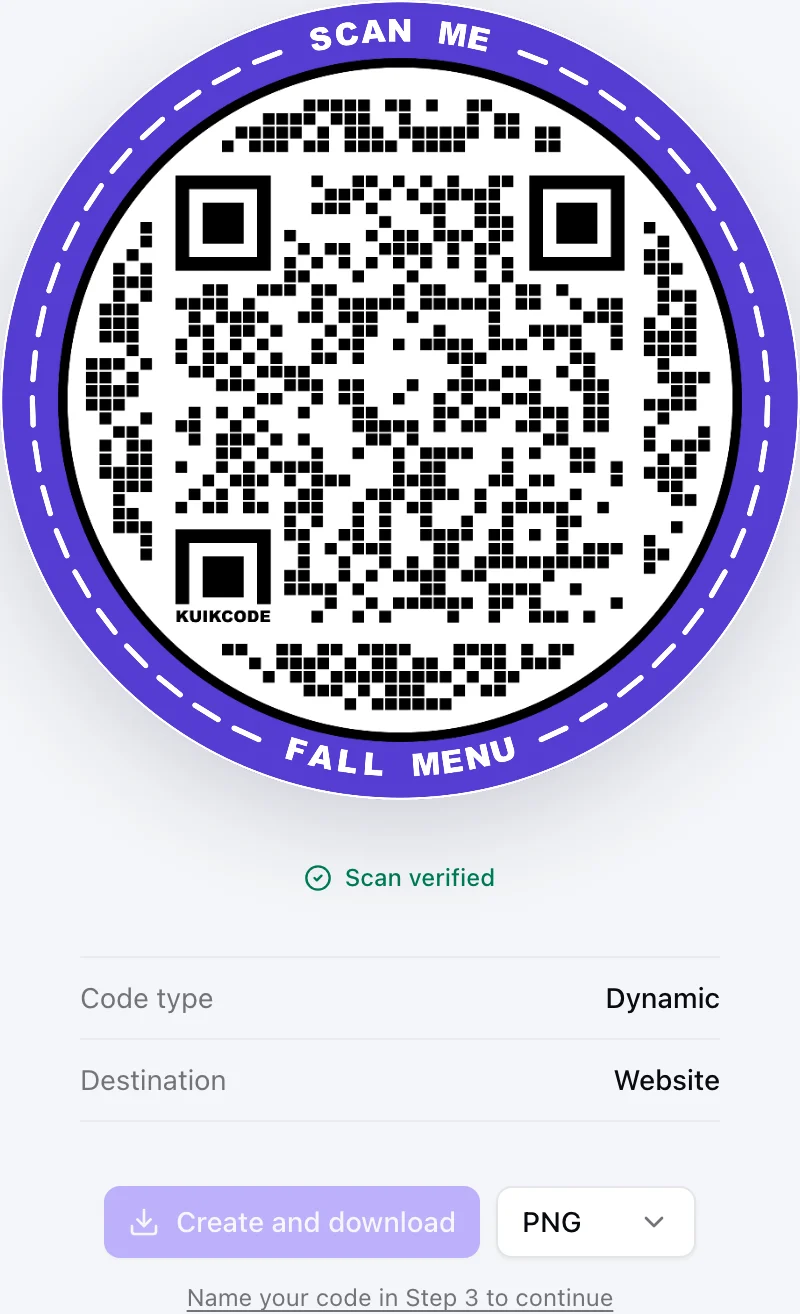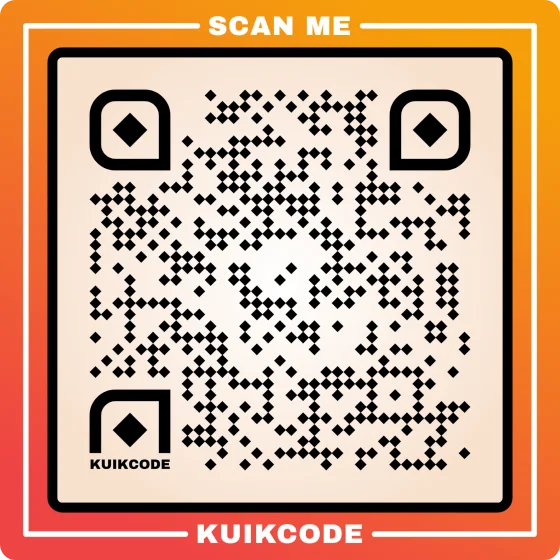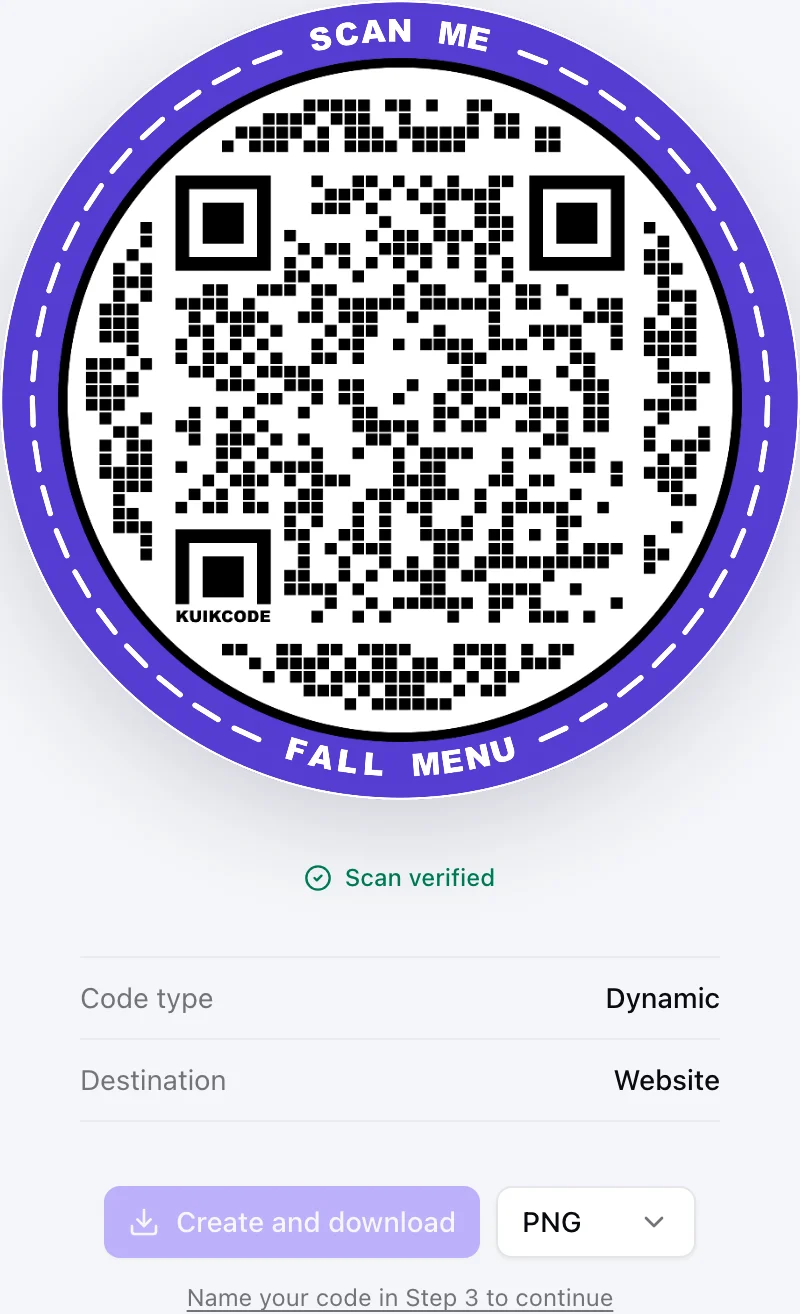
"Scan me" is the most common text next to a QR code, and one of the weakest. It tells people how to use the code, but not why they should. The words around your code are the biggest single reason it gets scanned or ignored.
A simple formula
Most strong calls to action have the same three parts:
- A verb. Scan, see, get, book, join, watch.
- The benefit. What they get: the menu, the discount, the video, the tickets.
- The effort, when it is small. "In 30 seconds", "no app needed", "one tap".
Put together: "Scan to book a table in 30 seconds." You will not always need all three, but the benefit is never optional.
Examples by goal
Restaurants and cafes
- Scan for today's menu
- Scan to order from your table
- Scan to leave us a review
- Scan for the WiFi
Retail and promotions
- Scan for 20% off today
- Scan to see it in other colors
- Scan to find your size
- Scan to join and get your first coffee free
Events
- Scan for the schedule
- Scan to register, it takes 30 seconds
- Scan to add it to your calendar
- Scan to share your photos
Products and packaging
- Scan for setup in 3 steps
- Scan to watch how it works
- Scan to register your warranty
- Scan for ingredients and origin
Real estate and services
- Scan for photos and price
- Scan to book a viewing
- Scan to call us now
- Scan to save our contact card
Feedback and reviews
- Tell us how we did, scan here
- Scan to rate your visit
- Scan to help us improve, one minute
Make the words readable
- Big enough to read before the code. The text is what makes someone stop, so it should be the first thing they can read.
- On a frame or right beside the code, so the promise and the code read as one unit.
- Short on the frame, details below. Keep the frame to a few words and put deadlines or fine print underneath.
- Match the page. If the frame says "20% off", the page opens on the offer, not your home page.
Test two versions
You do not have to guess. Print two versions with two separate dynamic codes, place them in similar spots, and compare the scan counts after a week or two. The winner goes on the next print run. Because the codes are dynamic, you can keep both pointing at the same page, so the only thing you are testing is the words.
Common mistakes
- No call to action at all. A bare code on a busy flyer gets skipped.
- A promise the page breaks. "Scan for 20% off" that opens the home page loses trust fast.
- Text too small to read from where people stand.
- Covering the code. Words and graphics that run into the code make it harder to scan. Leave a clear margin.
For size and placement, see our guides to QR code size for print and putting a QR code on a flyer.
Frequently asked questions
01What should I write next to a QR code?+
What the person gets by scanning, in a few words, such as "Scan for the menu", "Scan to book" or "Scan for 20% off". A specific benefit beats a generic "Scan me".
02Is "Scan me" a good call to action?+
It tells people how, not why. It is better than nothing, but naming the reward, like the menu, the discount or the video, gets more scans.
03How long should a QR code call to action be?+
Short enough to read at a glance, usually two to six words. Put any extra detail, like a deadline, in smaller text below.
04Where should the call to action go?+
On a frame around the code or directly beside it, so the words and the code read as one thing. Above or below the code both work.
05How can I test which call to action works best?+
Print two versions with two separate dynamic codes, place them in similar spots, and compare the scan counts after a week or two.