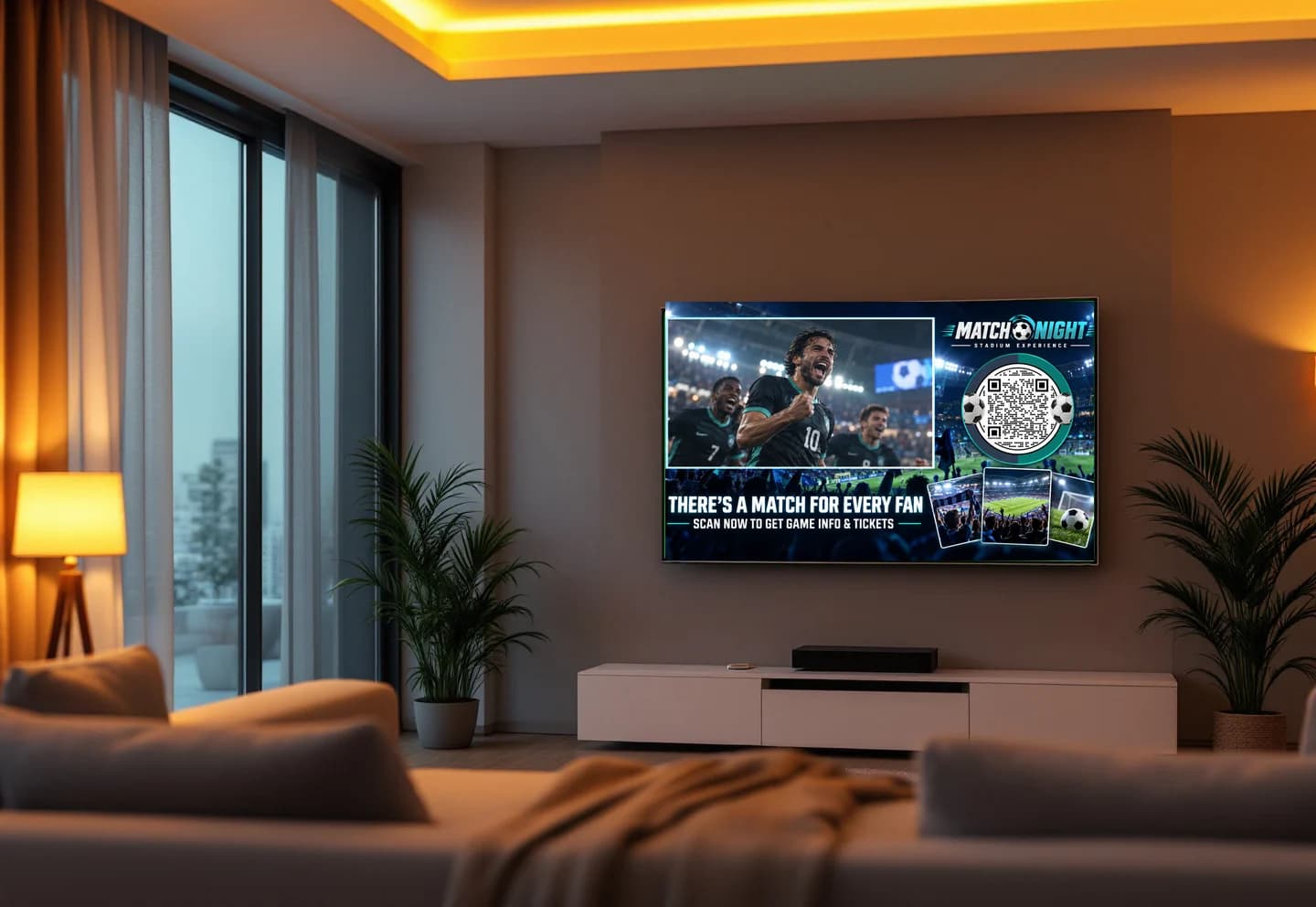
A QR code turns a TV spot into something a viewer can act on right now, with the phone already in their hand. It also turns TV into a channel you can measure by the minute. Both only happen if the code is easy to scan from the sofa and lands somewhere worth the effort. Here is how to get both right.
Make the code scannable from the couch
The camera is three meters away, the screen is bright and the code is on for a few seconds. Design for that.
- Size. Many campaigns use a code around a tenth of the screen height or larger. Bigger scans faster, and it costs you nothing.
- Contrast. A dark code on a light, plain background is the most reliable. If the creative is dark, put the code on a light card.
- Quiet zone. Keep a clear margin around the code so the camera can find its edges.
- Safe area. TVs crop the edges differently. Keep the code inside the safe area so nothing is cut off.
- Keep it still. Do not animate, rotate or fade the code while it is on screen. Transitions break scans.
- Time on screen. At least 8 to 10 seconds. The end card is the natural place, and it can hold the code longer.
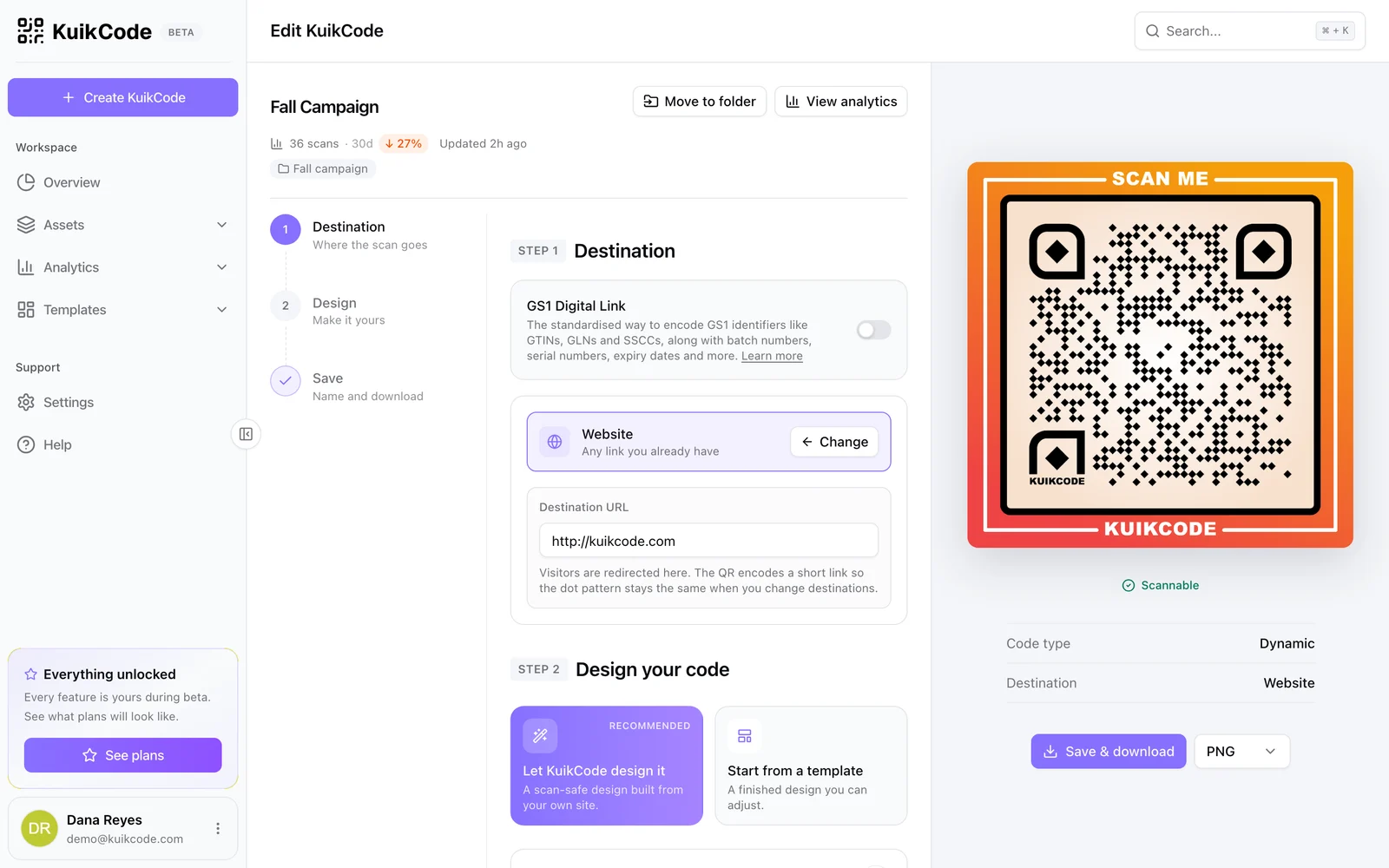
- A designed code still scans. Match the code to the creative, with your colors and a frame, and check the design before it goes into the edit. KuikCode checks every design and exports PNG, SVG and PDF at any size.
Say why to scan
A bare code gets ignored. A few words next to it make the offer clear: Scan for 20% off, Scan to get the app, Scan to book a test drive. Put the same promise on the landing page, so the viewer sees they arrived in the right place.
Land on a page built for phones
The viewer is on a phone, in the middle of a show. The page should load fast, show the offer first and ask for one thing: claim the code, install the app, join the list, book. A desktop homepage with a menu and a hero video loses them.
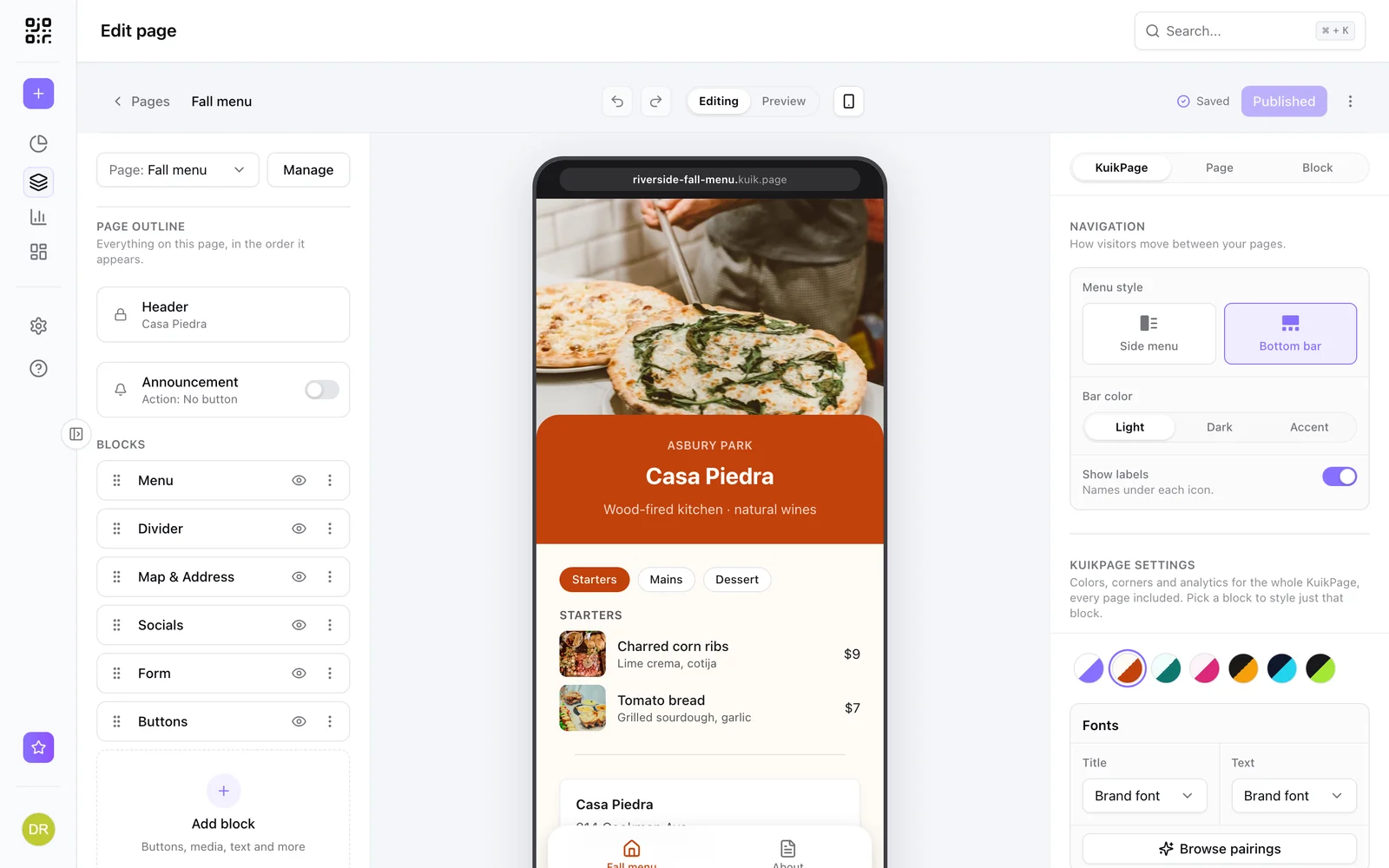
A KuikPage built from a template does this in minutes. The Launch / Waitlist template covers a signup with a countdown, Promotion and Retail Offer cover a coupon people can redeem, and App Download covers store badges and highlights.
Test on a real TV
Before the spot airs, put the finished cut on a real TV and scan it from the sofa with a couple of different phones, in a lit room and a dim one. It takes five minutes and catches the problems, a code too small, a crop, a busy background, that a preview on a laptop never shows.
Measure every airing
Print and broadcast have always been hard to attribute. A dynamic QR code fixes that for TV:
- Realtime scans. Every scan is counted with its time, city, region, device and language. Each airing shows up as a spike you can match to the schedule.
- One code per network, creative or daypart. Codes are cheap. Give each placement its own, and compare them side by side instead of guessing.
- UTM tags. Add campaign parameters to the destination automatically, so scans show up as a source in your web analytics next to your other channels.
- Retargeting. On Business, a Meta Pixel or Google Ads tag can fire on scan, with a consent screen where the law requires it, so you can follow up with people who scanned.
Our guide to tracking QR code scans covers what the numbers mean.
Change the destination without a new cut
Ad production is slow and expensive. The destination behind a dynamic code is not. Move the offer, extend the deadline or point last flight's code at this flight's page, and the spot that is already delivered keeps working. On PRO, smart rules can send the same code to different pages by time of day, weekday, date or country, so the morning airing and the prime time airing land in different places.
See more on our page for QR codes for CTV and video ads.
Frequently asked questions
01What size should a QR code be in a TV ad?+
Large enough to scan from the sofa. Many campaigns use a code around a tenth of the screen height or larger, with a clear margin around it, placed inside the safe area so no TV crops it. Test the finished spot on a real TV from about three meters.
02How long does a QR code need to stay on screen?+
Give viewers time to find their phone, open the camera and scan. At least 8 to 10 seconds works, and longer is better. Keep the code still for the whole time; motion and transitions break scans.
03Where should the QR code go on screen?+
In a corner or along the bottom, inside the safe area, on a plain background with high contrast. Keep it away from busy footage and moving elements.
04Can I measure which airing drove scans?+
Yes, with a dynamic code. Every scan is counted in realtime with a timestamp, so each airing shows as a spike. Use one code per network, creative or daypart to compare them, and add UTM tags to see the traffic in your web analytics.
05Do I need a special QR code for CTV?+
No. A dynamic QR code exported at high resolution works in any video. What matters is the design, size, timing and the page it opens.
06Can I change the destination after the ad is delivered?+
Yes. The code points to a short link, so you can change where it goes at any time without touching the ad. Smart rules can also route by time of day or date.