Most flyer QR codes fail for the same few reasons: too small, no reason to scan, placed on a fold, or opening a page that does not work on a phone. Each one is easy to fix before you print.
Give people a reason to scan
A code on its own is a question mark. People scan when they know what is on the other side. Put a short promise right next to the code, as big as you can afford:
- "Scan for the full menu"
- "Scan to book a table"
- "Scan for 20% off your first visit"
- "Scan to register, it takes 30 seconds"
A promise works because it answers the only question a passerby has: what do I get? Our list of QR code call to action examples has more.
Get the size right
For a flyer held in the hand, print the code at at least 3 to 4 cm (about 1.2 to 1.6 in). For a flyer pinned to a board and read from a step away, go bigger. A simple rule: make the code about one tenth of the distance people will scan from. Our guide to QR code size for print has the full table.
Leave a clear margin around the code, about four of its small squares wide, and keep strong contrast: a dark code on a light background.
Place it where the eye ends up
- Next to the offer, so the promise and the code read as one thing.
- In the lower right, where people finish reading a page, if the offer sits above.
- Never on a fold, a trim edge or a staple. A crease across the corner squares can make a code unreadable.
- Away from busy photos. A code sitting on an image or pattern is harder to find and to scan.
Make the design match the flyer
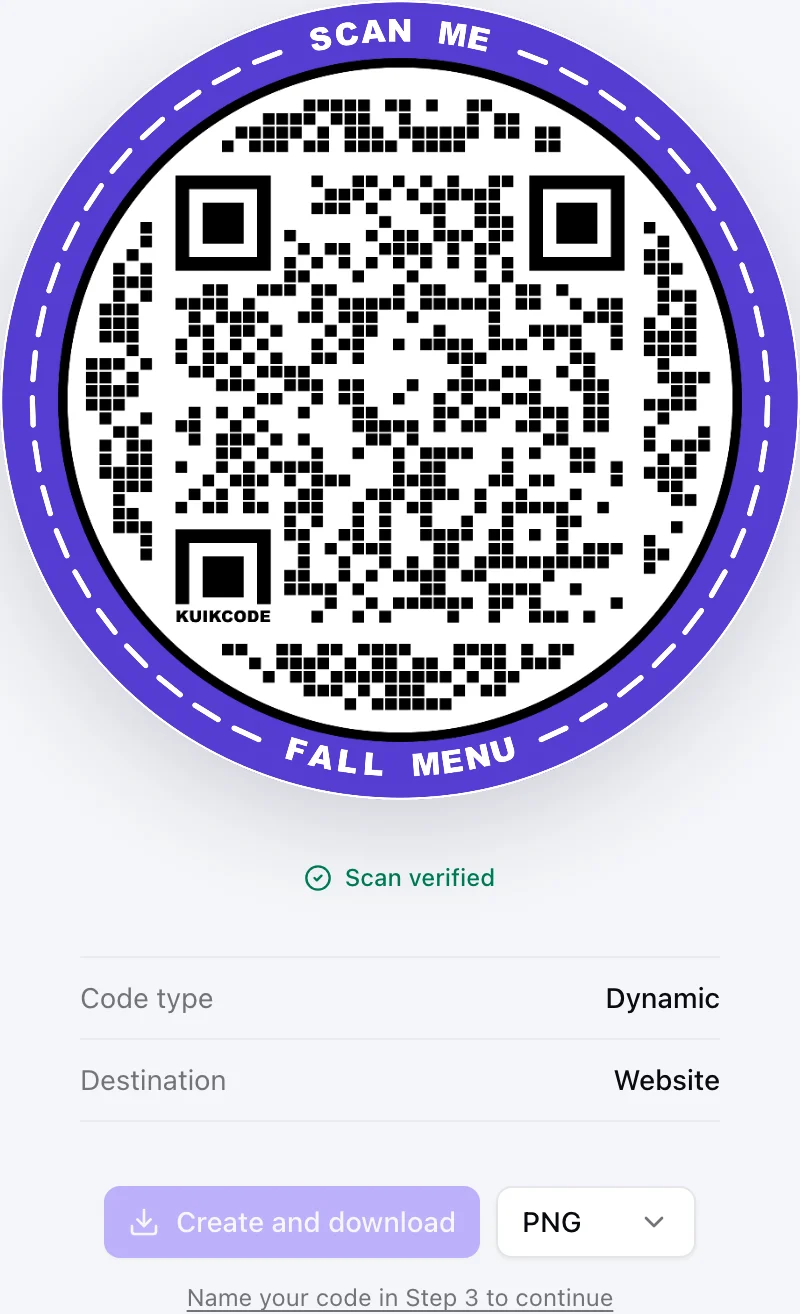
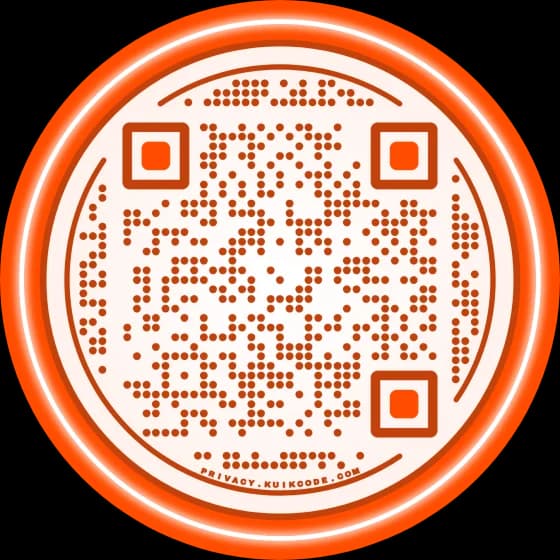
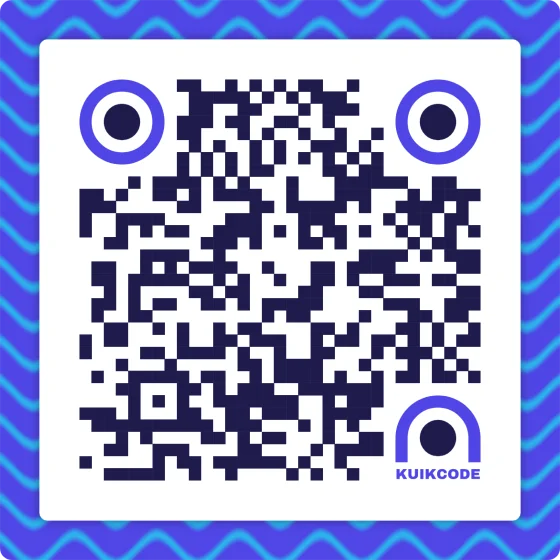
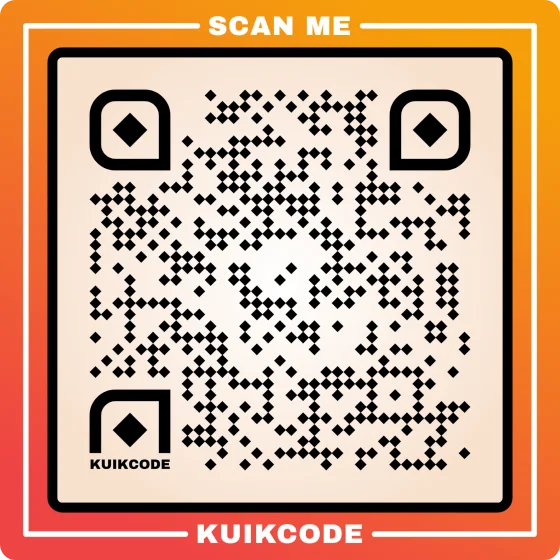
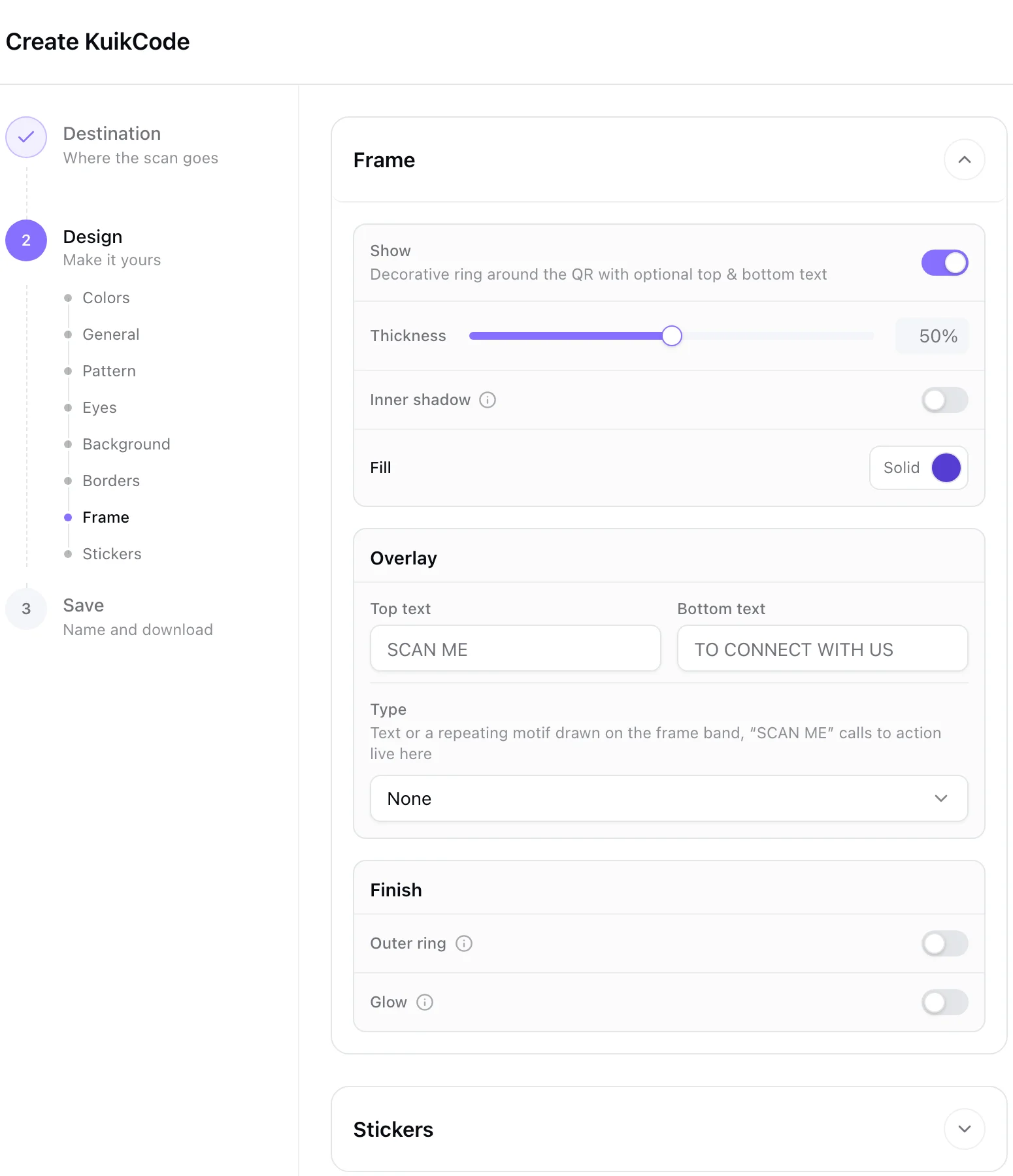
A plain black square can look like an afterthought. A code in your brand colors, with your logo in the middle and a frame that carries the promise, looks like part of the design, and people trust it more. Keep enough contrast to scan, and test it.
Send them somewhere worth the scan
The page matters as much as the print:
- It must deliver the promise. If the flyer says 20% off, the page shows the offer first, not your home page.
- It must work on a phone. Fast, readable without zooming, with one clear next step.
- It must still work next month. Flyers stay up long after a campaign ends, so plan what the code shows then.
A short mobile landing page is often better than your full website, because it can say exactly one thing.
Measure it
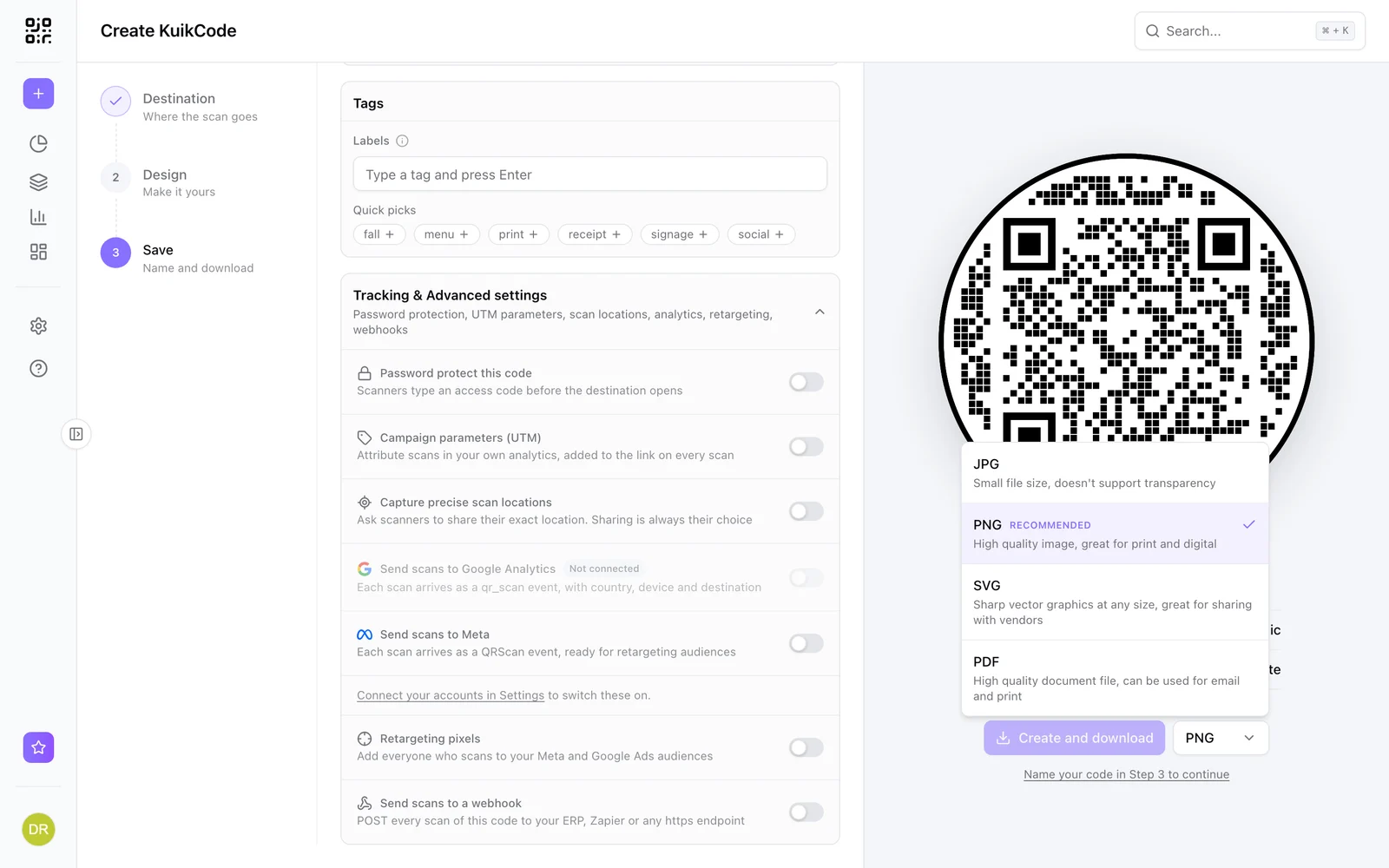
A dynamic code counts every scan, with the time, the city and the device, so you know whether the flyer worked. To compare versions or places, like the coffee shop board against the gym, give each its own code or its own campaign tag, and see which one people actually scan.
And because a dynamic code stores a short link, you can repoint it after printing when the event moves, the offer changes or the campaign ends.
A quick checklist before printing
- A clear promise next to the code.
- At least 3 to 4 cm, with a clean margin.
- Not on a fold, edge or photo.
- A dynamic code, so you can change and measure it.
- A fast mobile page that matches the promise.
- One test print, scanned with two phones.
Frequently asked questions
01What size should a QR code be on a flyer?+
At least 3 to 4 cm (about 1.2 to 1.6 in) for a flyer held in the hand. For a flyer pinned to a wall and read from a step away, go bigger, about one tenth of the scanning distance.
02Where should a QR code go on a flyer?+
Near the offer or at the end of the reading path, usually the lower right corner. Keep it away from folds, edges that get trimmed, and busy backgrounds.
03What should the text next to a QR code say?+
What people get by scanning, in a few words. "Scan for the menu", "Scan to book a table" or "Scan for 20% off" works far better than "Scan me".
04How do I know how many people scanned my flyer?+
Use a dynamic code, which counts every scan with the time, city and device. For several flyer versions or locations, give each its own code or tag, so you can see which one works.
05Can I change the QR code after the flyers are printed?+
Yes, if it is a dynamic code. You can repoint it to a new page anytime, which is useful when an event moves or an offer ends.