You put a QR code on ten thousand flyers. A week later you open Google Analytics and see a small bump in direct traffic, and nothing labeled flyer. The campaign worked, but your analytics cannot tell. UTM parameters fix that.
What UTM parameters are
UTM parameters are tags added to the end of a link. They look like this:
https://example.com/spring?utm_source=flyer&utm_medium=print&utm_campaign=spring-sale
When someone opens that link, Google Analytics and most other tools read the tags and file the visit under that source, medium and campaign. There are five:
| Tag | What it answers | Example |
|---|---|---|
utm_source | Where exactly | flyer, menu, packaging |
utm_medium | What kind of channel | print, qr, signage |
utm_campaign | Which campaign | spring-sale |
utm_content | Which version or placement | front-window, table-3 |
utm_term | A keyword, mostly for ads | rarely needed for QR codes |
Why QR code visits need them
A phone camera opens your link with no referring website. Analytics has nothing to credit the visit to, so it lands in direct, next to people who typed your address. Your print work disappears into the noise. Tagging the link lets you name the source yourself.
A naming scheme that stays useful
Tags are only useful if they are consistent. A few rules keep reports clean:
- Lowercase everything.
Flyerandflyershow up as two sources. - Use hyphens, not spaces.
spring-sale, notspring sale. - Keep medium broad. Use
printorqrfor every printed code, and put the detail in source and content. - Tag each placement. The front window and the counter card deserve different
utm_contentvalues, so you can see which one works. - Write it down. A short shared list of approved names saves you from
qr,QRandqr-codein the same report.
Static codes make tagging harder
On a static code, the tags are part of the link inside the pattern. A longer link means a denser code with smaller squares, which is harder to scan from a distance. And once it is printed, you can never fix a typo in a tag.
A dynamic code only holds its short link. The tags are added when someone scans, so the pattern stays open, and you can correct or change the tags after printing.
Counting every scan, not just every visit
UTM tags only count visitors whose page loads and runs your analytics. People on slow connections, people who turn back, and pages that block analytics all go uncounted.
A scan event sent by the QR code service itself closes that gap: it arrives in Google Analytics for every scan, with details like the country, the device and where the scan was sent. Comparing scans with tagged visits also tells you how many people drop off before your page loads.
Setting it up in KuikCode
In the editor, open Tracking & Advanced settings and turn on Campaign parameters (UTM). Fill in source, medium, campaign and, if you like, content and term. KuikCode adds them to the destination on every scan. On Starter and up.
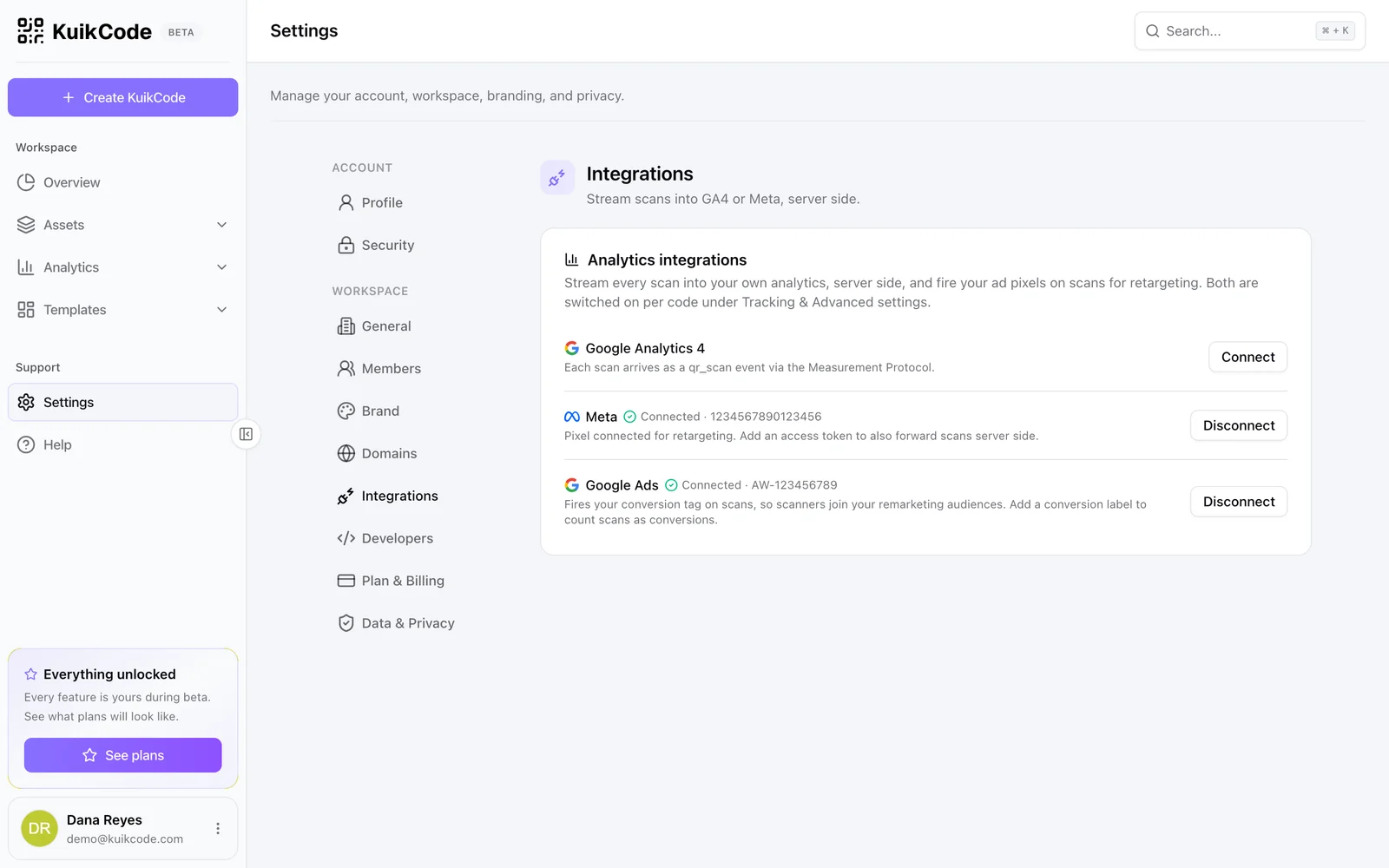
To send each scan to Google Analytics as a qr_scan event, or to Meta as a QRScan event, connect your accounts in Settings, Integrations, then switch them on per code. Scan forwarding is included from the PRO plan.
KuikCode also keeps its own scan analytics for every code, so you see scans even without any setup.
Frequently asked questions
01What are UTM parameters?+
Short tags added to the end of a link, such as utm_source, utm_medium and utm_campaign. Analytics tools read them to tell you which campaign, channel and placement a visit came from.
02Why do my QR code visits show up as direct traffic?+
A phone camera opens the link without a referring website, so analytics has nothing to credit the visit to. UTM tags on the link fix that by naming the source yourself.
03Do UTM parameters make a QR code harder to scan?+
On a static code, yes, because the longer link makes the pattern denser. On a dynamic code, no, because the printed code only holds its short link and the tags are added when someone scans.
04Can I see QR code scans in Google Analytics even if people leave right away?+
UTM tags only count people whose visit reaches your site and loads your analytics. A scan event sent from the QR code service itself counts every scan, even when the page is slow or the visitor turns back.
05Which KuikCode plans include UTM parameters and Google Analytics?+
UTM parameters are included from the Starter plan. Sending scans to Google Analytics and Meta is included from the PRO plan.