

App store QR code: one scan to the right store
One QR code that sends iPhone users to the App Store and Android users to Google Play, with smart rules. Or a page with both badges.
Where people use it
App launches
One code on every ad, the right store for every phone.
In store signage
Get shoppers into your loyalty app at the counter.
Packaging
The companion app from the box.
Events
The event app from the badge or the screen.
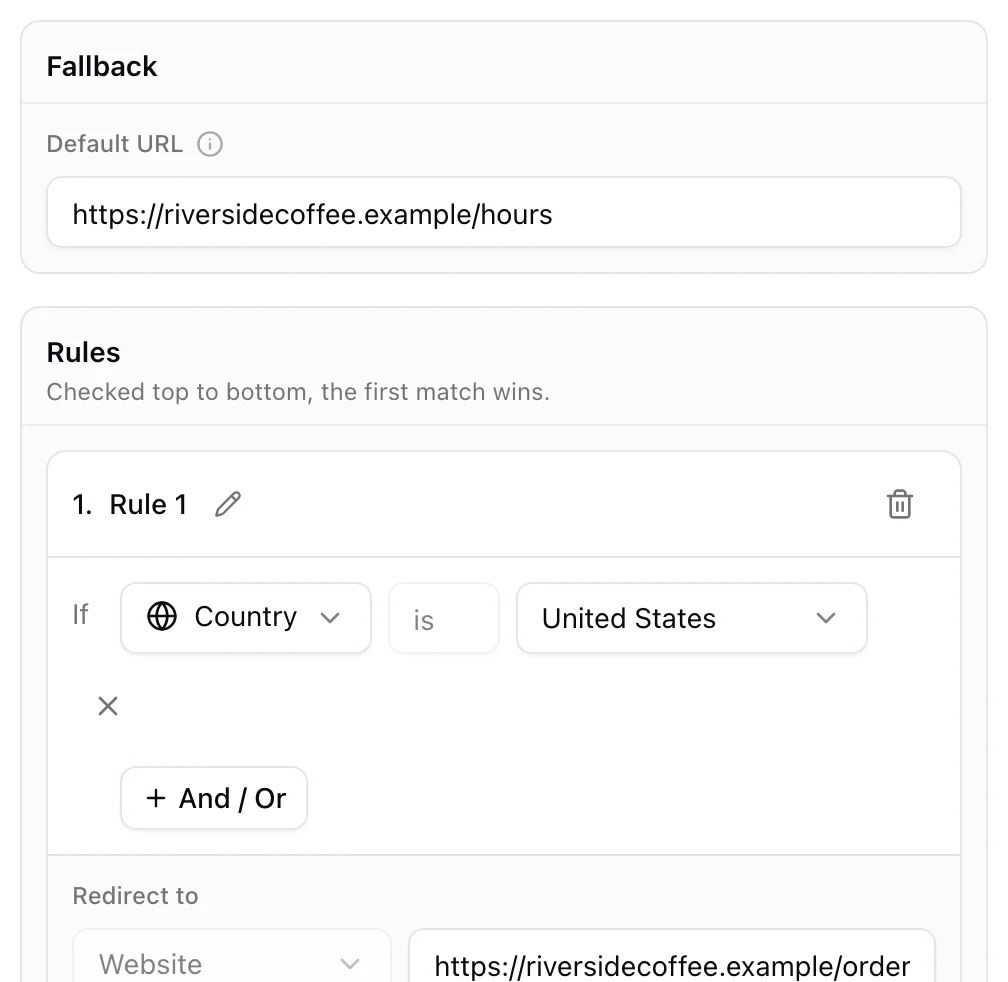
iPhone to the App Store, Android to Google Play
Add a rule for each operating system and a fallback for everyone else. One printed code, the right store every time. Smart rules are on PRO.
- Rules by device, country, language and time
- A fallback destination
- Change the links after printing
Learn more
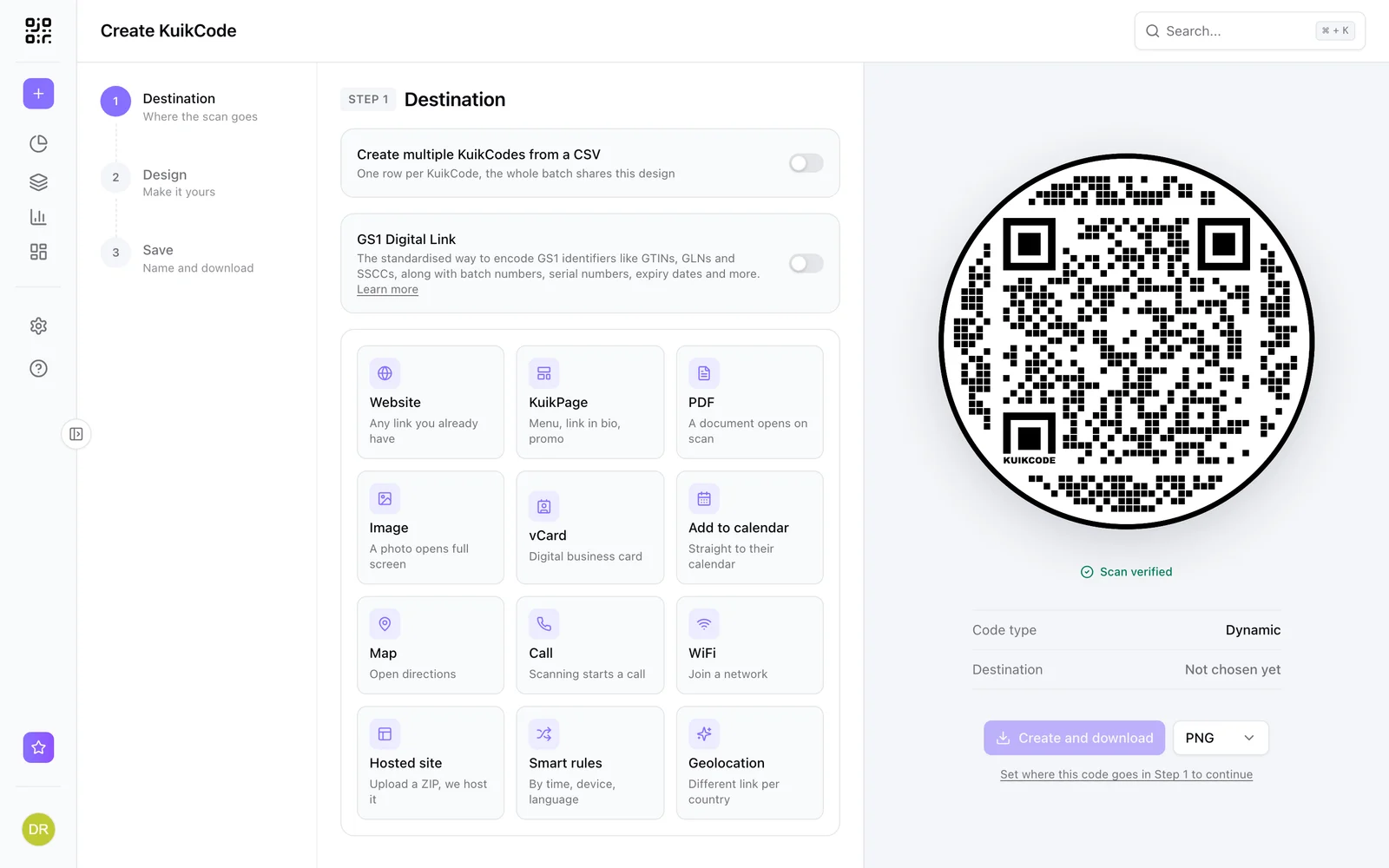
What is a dynamic QR code?
A dynamic QR code points to a short link you control, so you can change where it goes after printing and see every scan. Here is how it works.
September 23, 2026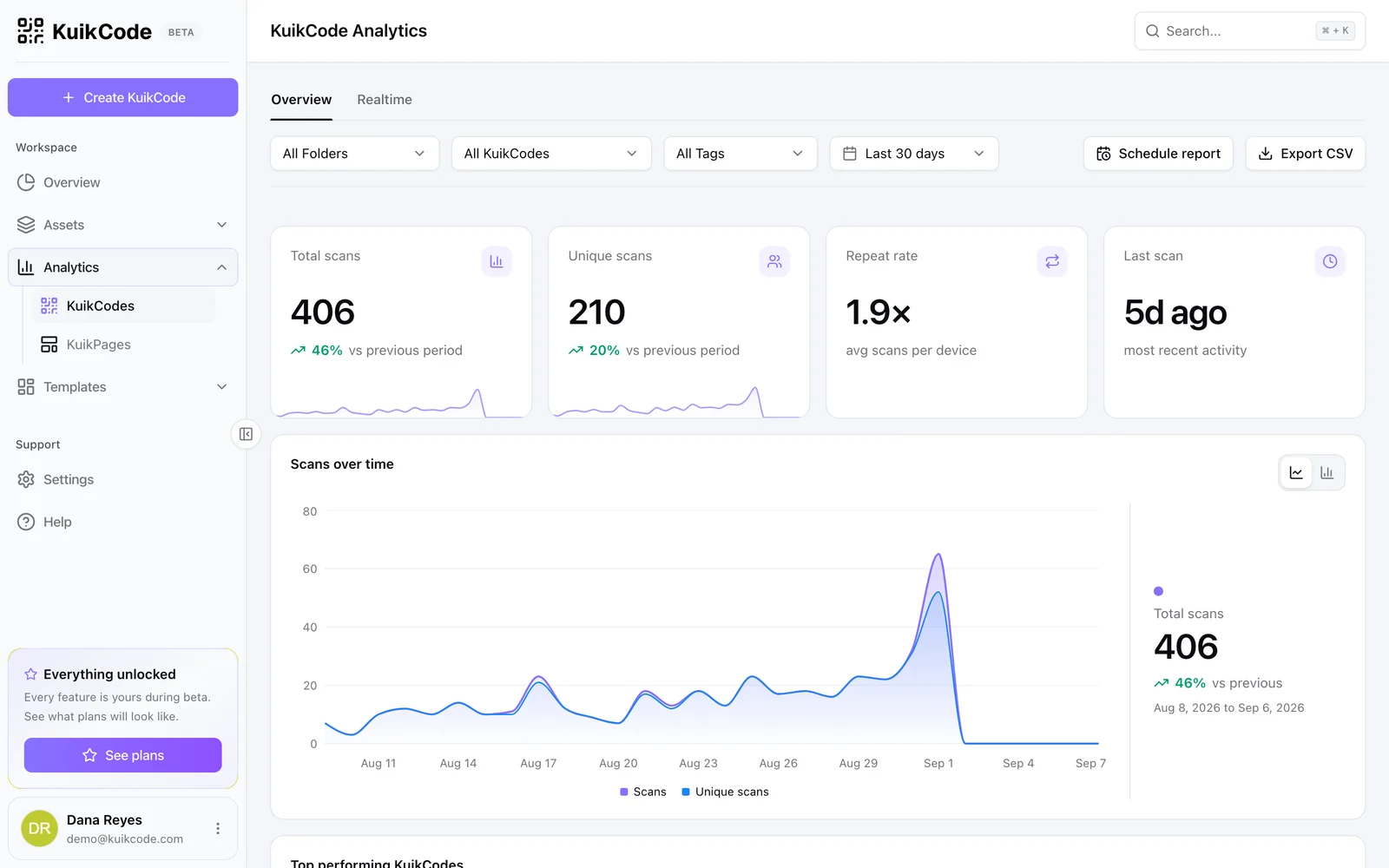
How to track QR code scans (and what the numbers mean)
Dynamic QR codes record every scan. Learn which numbers matter, how to read total and unique scans, and how to connect scans to your web analytics.
September 23, 2026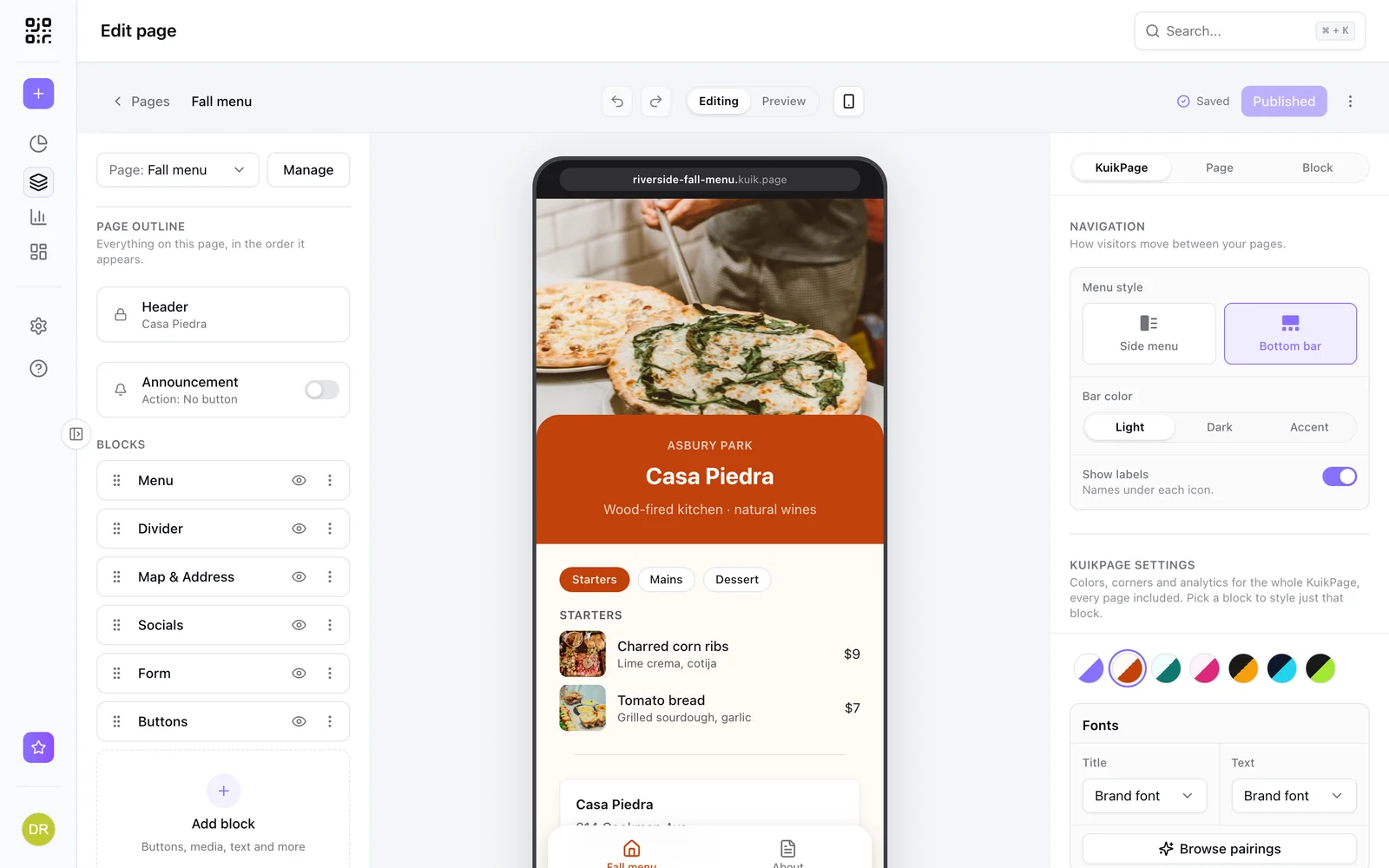
What is a mobile landing page? Examples, and when your QR code needs one
A mobile landing page is a short page built for phones. Examples for menus, events and coupons, when a QR code should open one, and what to put on it.
September 23, 2026Frequently asked questions
01Can one QR code send iPhone and Android users to different stores?+
Yes. Smart rules send each scan to the App Store or Google Play based on the phone, on the PRO plan.
02What happens on a computer?+
The fallback destination opens, for example your website or a page with both store badges.
03Can I use app store badges on a page instead?+
Yes. KuikPages include an App badges block with App Store and Google Play buttons.
Your next printed code, ready in minutes.
Design it, point it anywhere, change it after printing and watch the scans come in. Try every feature free for 14 days, no credit card.
Start your 14-day free trial
Every feature, no credit card. Plans from $5 a month after.