Most QR codes are meant for everyone who sees them. Some are not. A code on the back of a staff badge, inside a member kit or on a private event pass should only open for the people it was made for. That is what a password protected QR code is for.
How it works
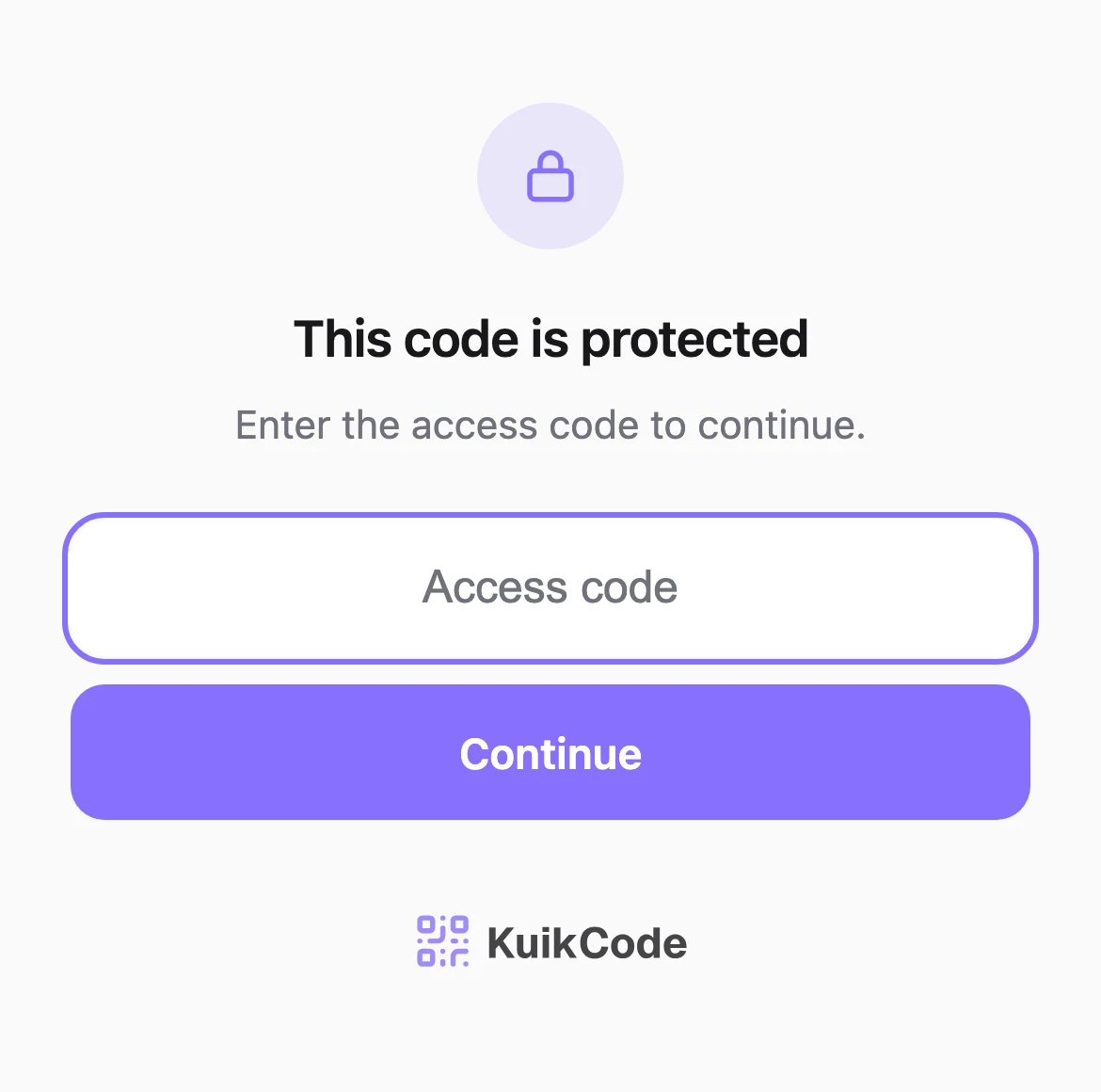
When someone scans a protected code, they do not land on the page right away. They see a short screen that says the code is protected and asks for an access code. The right code opens the destination. The wrong one does not.
The check happens on the server at the moment of the scan, so the printed code never contains the password or the destination. That is why this only works with a dynamic code: a static code stores its content in the pattern, and any scanner can read it.
When a password makes sense
- Staff and internal content. Training videos, safety manuals, price lists and procedures behind a code in the break room or on equipment.
- Members and customers. A perk, a discount or a download only for people who bought, joined or registered.
- Private events. A wedding photo album, a guest schedule or a venue map that the whole internet does not need.
- Early access. A product preview or a pre launch page for press and partners.
- Printed kits and packs. Onboarding folders and welcome packs where the code travels with the paper, and the password travels separately.
How to share the access code
The point of the password is that it does not travel with the code. A few habits help:
- Use a different channel. Print the code, send the access code by email, text or in person.
- Make it easy to type. Short words or numbers work better on a phone keyboard than long random strings.
- Change it when people leave. For staff content, update the access code when your team changes. The printed codes stay the same.
- One code per group. If partners and staff should see different things, give them different codes rather than one shared password.
What it protects, and what it does not
A password keeps out anyone who simply scans the code: a visitor who photographs a poster, a stranger who finds a badge, a curious customer. That covers what most businesses need.
It is not a login system. Anyone who knows the shared access code can open the page, and they can pass it on. For truly confidential information, use a system with individual accounts instead of a code on paper.
Setting it up in KuikCode
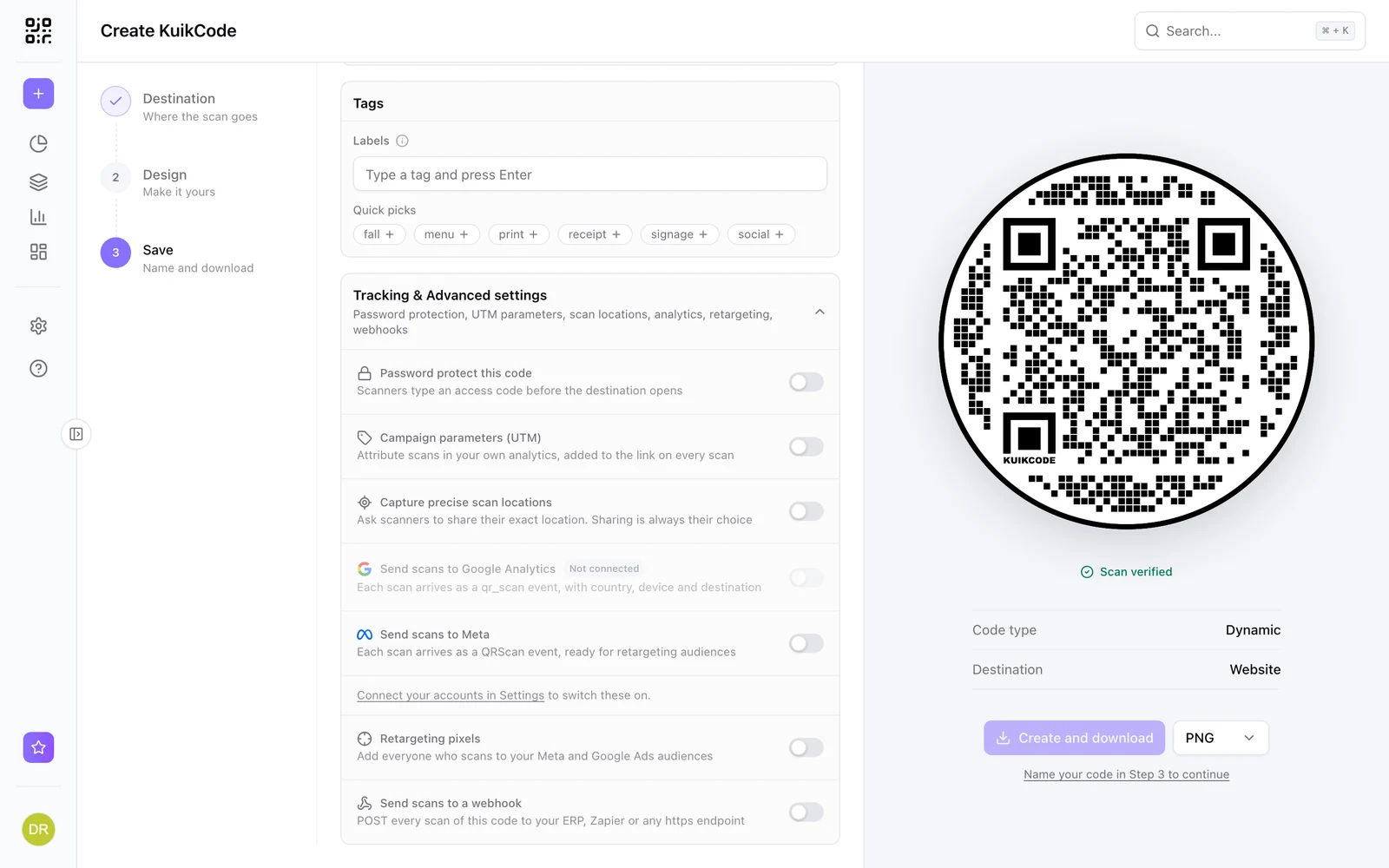
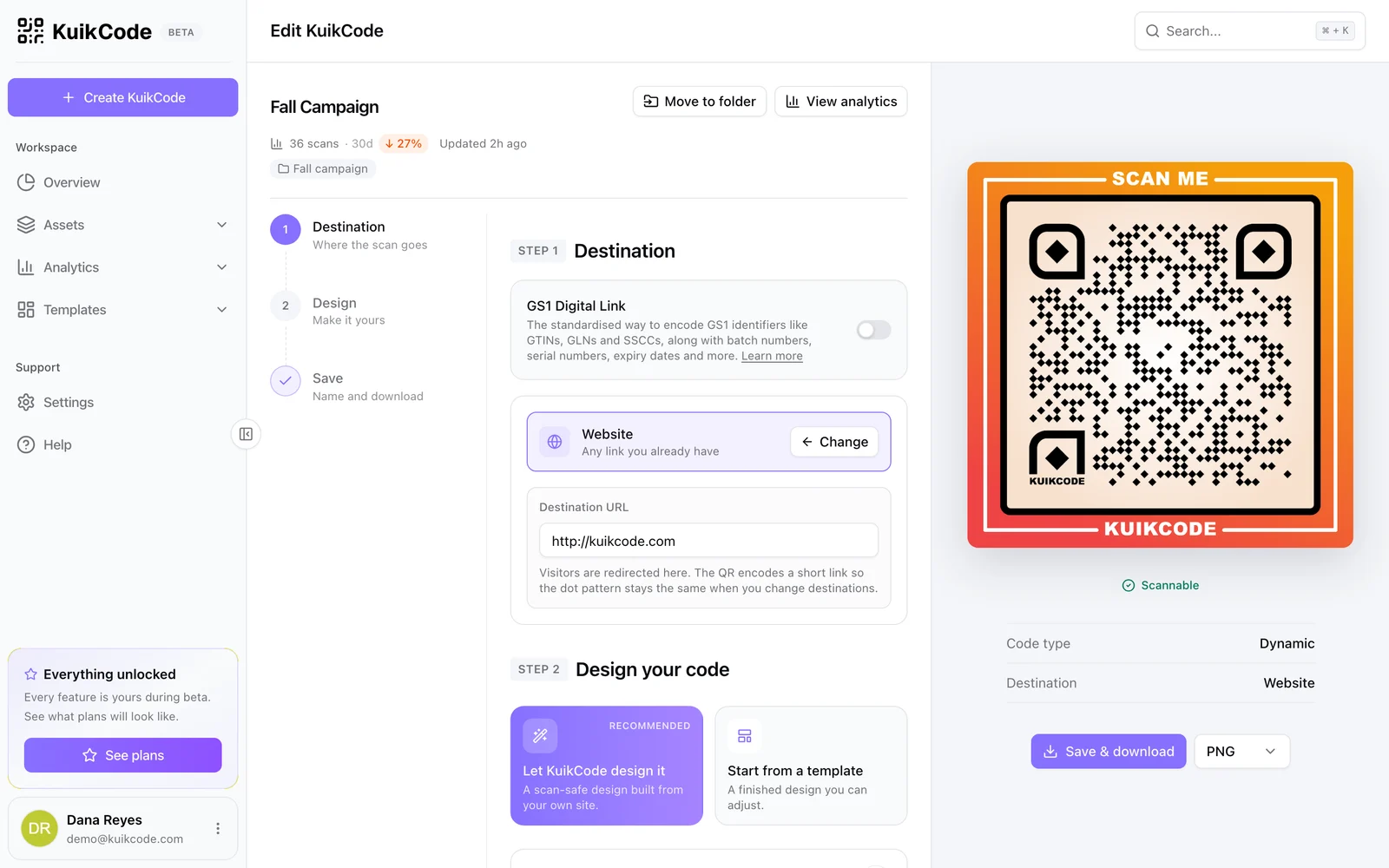
Open a code in the editor and go to Tracking & Advanced settings, then turn on Password protect this code and type the access code. Scanners see a clean screen with your code's page behind it. After 10 wrong tries, the code locks for that visitor for 10 minutes. The access code is stored in a form that cannot be read back, so if you forget it, set a new one. Password protection is included from the PRO plan.
For more on keeping scanners safe, see our guide to QR code safety.
Frequently asked questions
01Can you put a password on a QR code?+
Yes, on a dynamic code. When someone scans, they see a screen asking for the access code, and only the right code opens the destination. A static code cannot do this, because its content is readable by any scanner.
02What happens if someone enters the wrong code?+
They see an error and can try again. On KuikCode, after 10 wrong tries the code locks for that visitor for 10 minutes, which stops people from guessing.
03Can I change the password after printing?+
Yes. The access code lives with the code in your account, not in the printed pattern, so you can change it or remove it at any time and the print stays the same.
04Is a password protected QR code fully secure?+
It keeps casual visitors and people who photograph the code out, which is what most businesses need. It is not a replacement for real account security on sensitive systems, so do not put truly confidential data behind a shared code.
05Which KuikCode plan includes password protection?+
Password protection is included from the PRO plan.