

QR code landing page builder: a mobile page behind every code
Build the page your QR code opens: mobile first, from ready made templates and blocks, published on your own address and changeable anytime without reprinting.
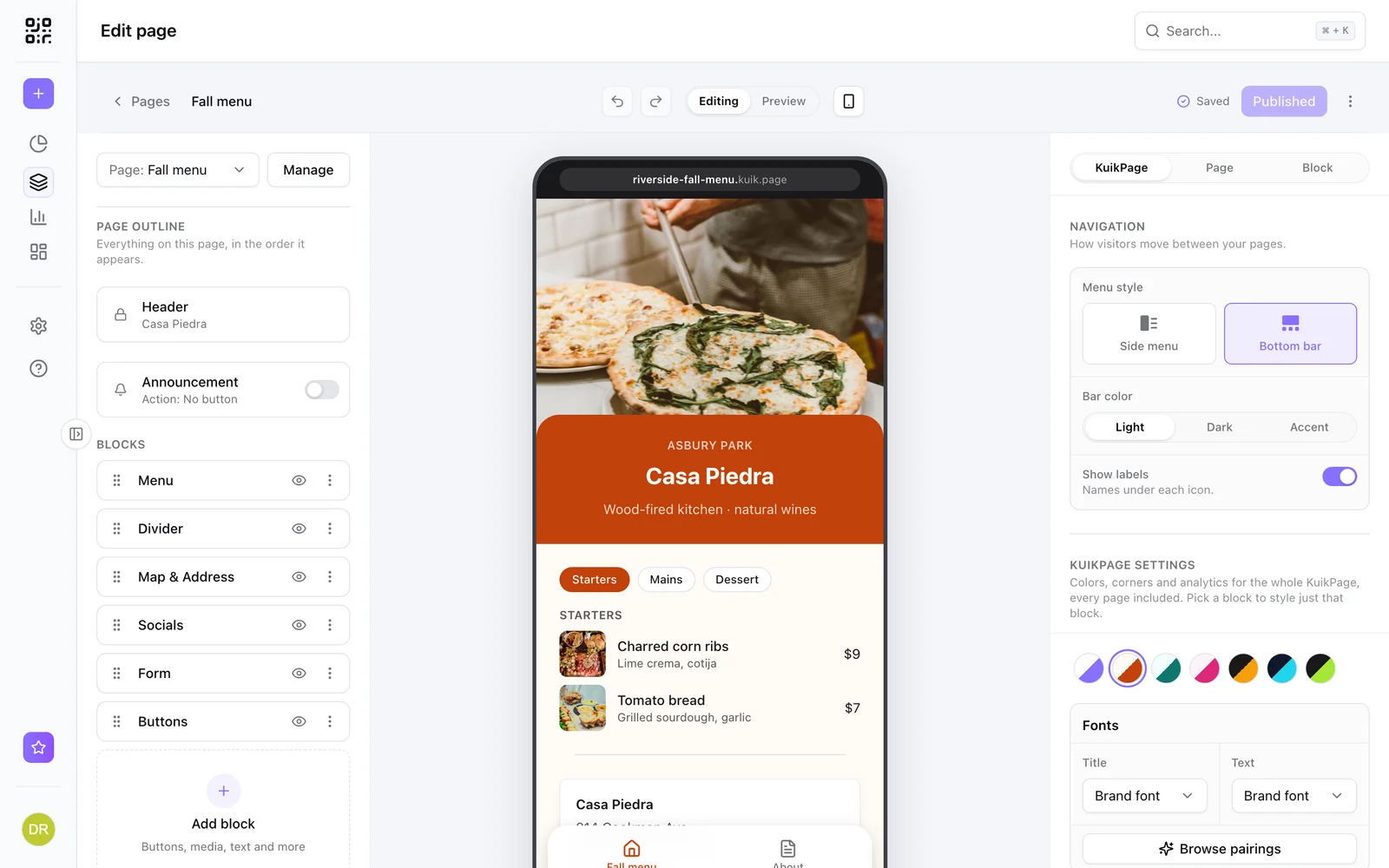
What people put behind the code
Menus and venues
Dishes with photos, hours, directions and a booking button.
Products
Specs, care, ingredients and where to buy, behind the code on the box.
Events
Schedule, venue, RSVP and a guest photo drop.
Offers
A coupon people can redeem, with a countdown to the deadline.
A page made for the person holding the code
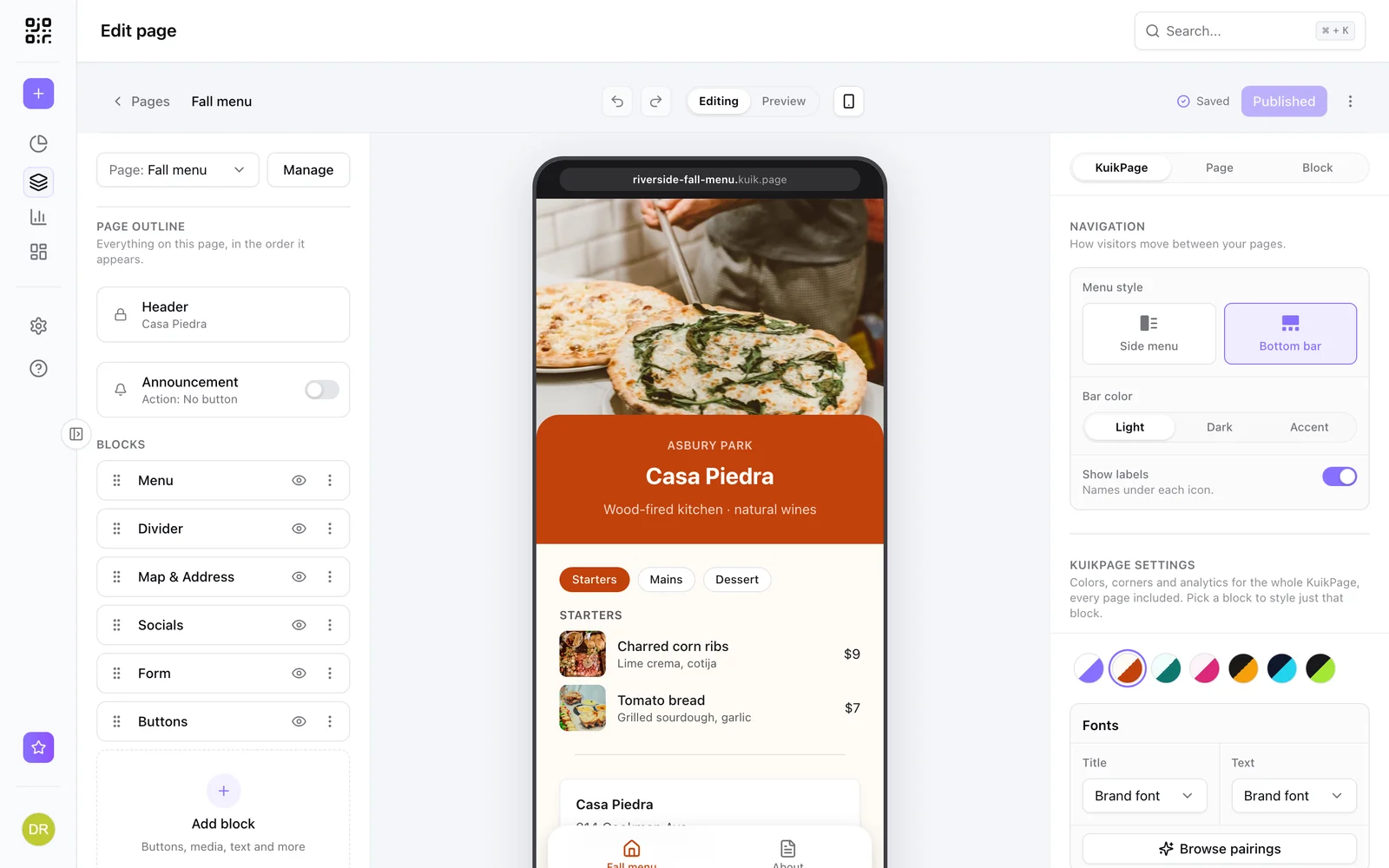
People scan with a phone, so the page should be one. KuikPages are mobile first, load fast and put the thing people came for at the top, instead of sending them to a desktop website.
- Ready made templates for menus, events, products, listings and creators
- Blocks for buttons, galleries, video, menus, maps, forms and more
- Multi page sites with a menu
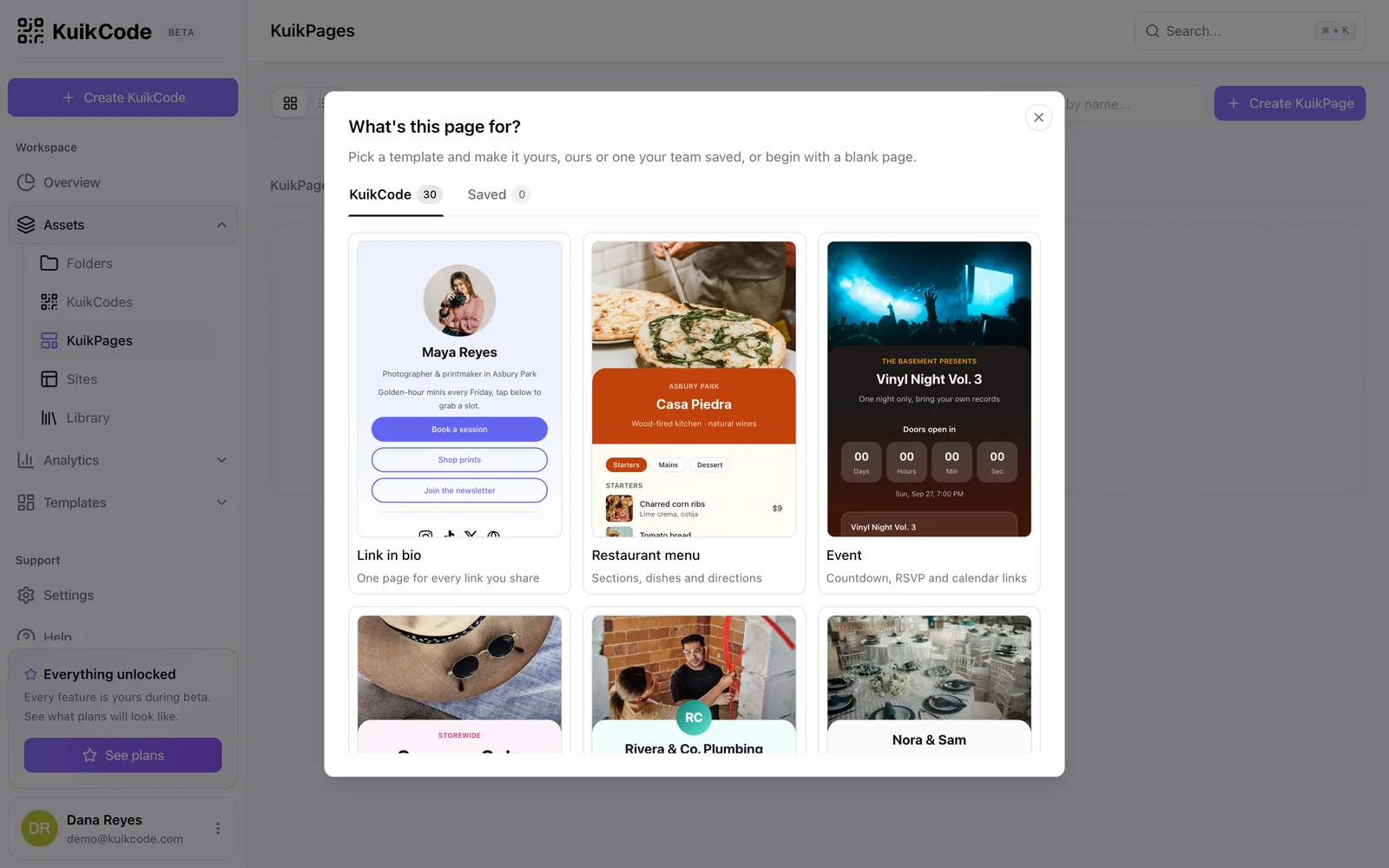
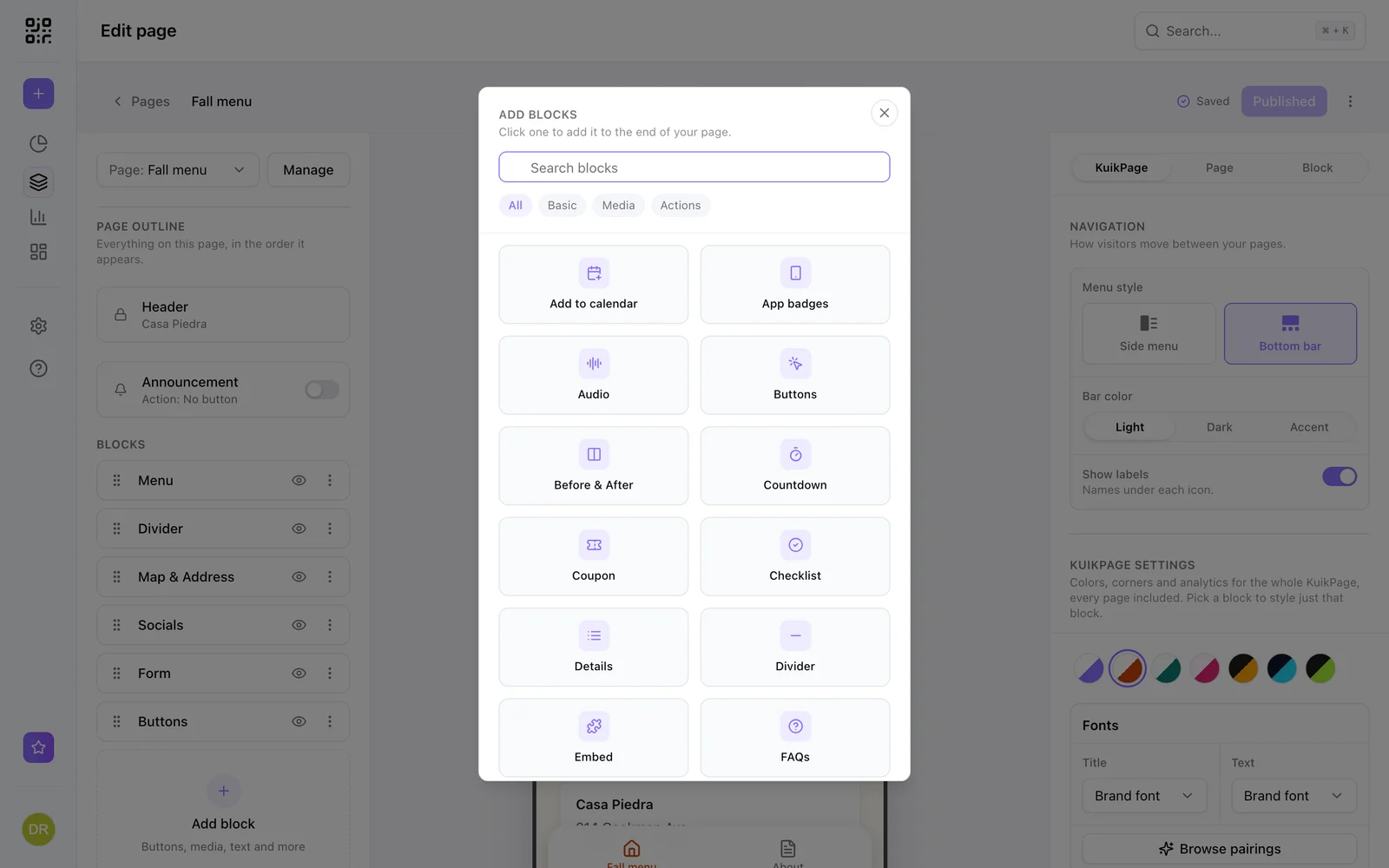
Everything a landing page needs
Add text, buttons, a gallery, video, a menu with prices, a map with directions, a countdown, a coupon, FAQs, embeds for Google Forms, Typeform or Calendly, and guest photo uploads. Forms and a review request come with PRO.
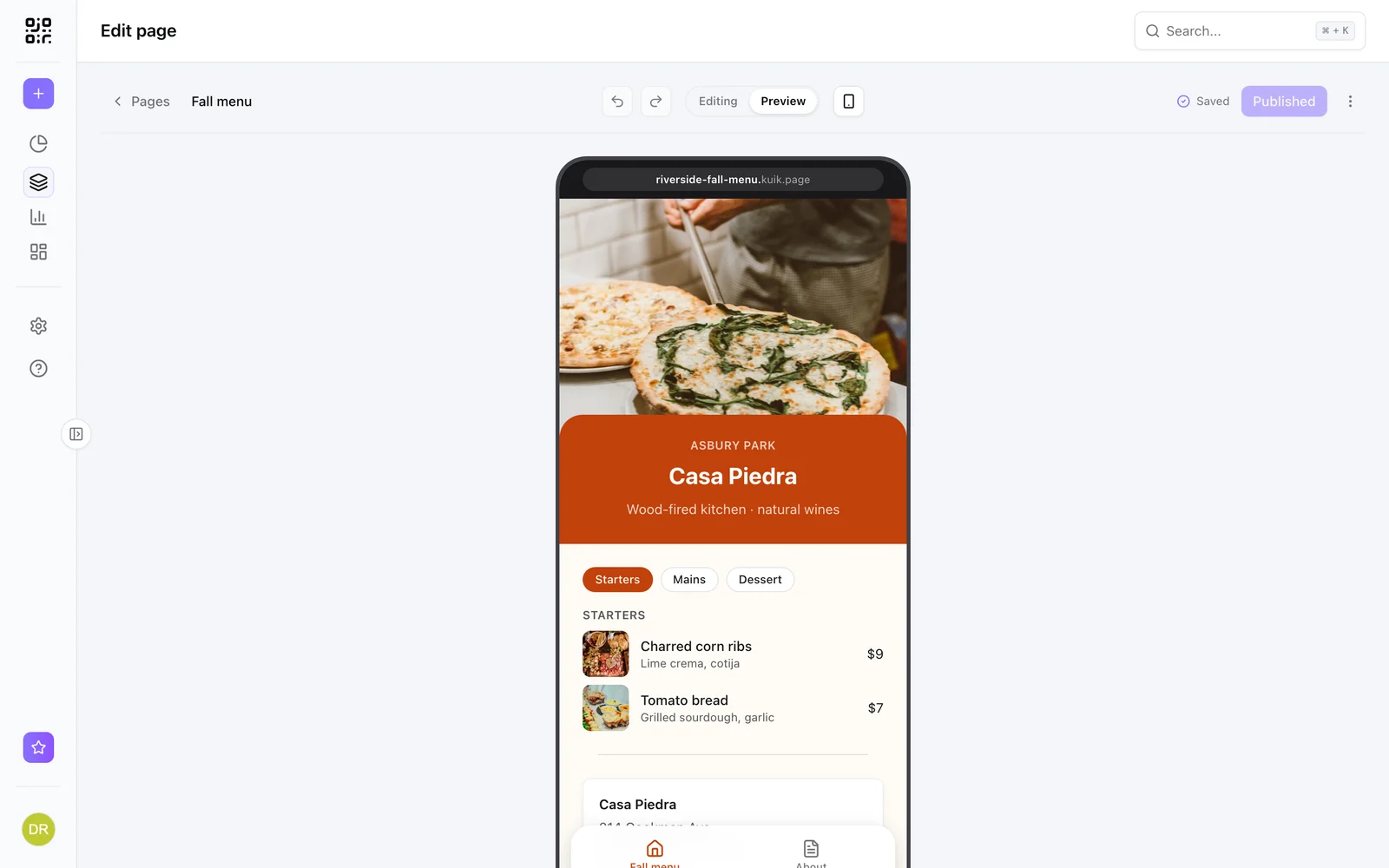
Update the page, keep the print
Edit the page and publish, and every code that points at it shows the new version. Or keep the page and point the code somewhere else. Either way, nothing is reprinted.
Scans and page visits together
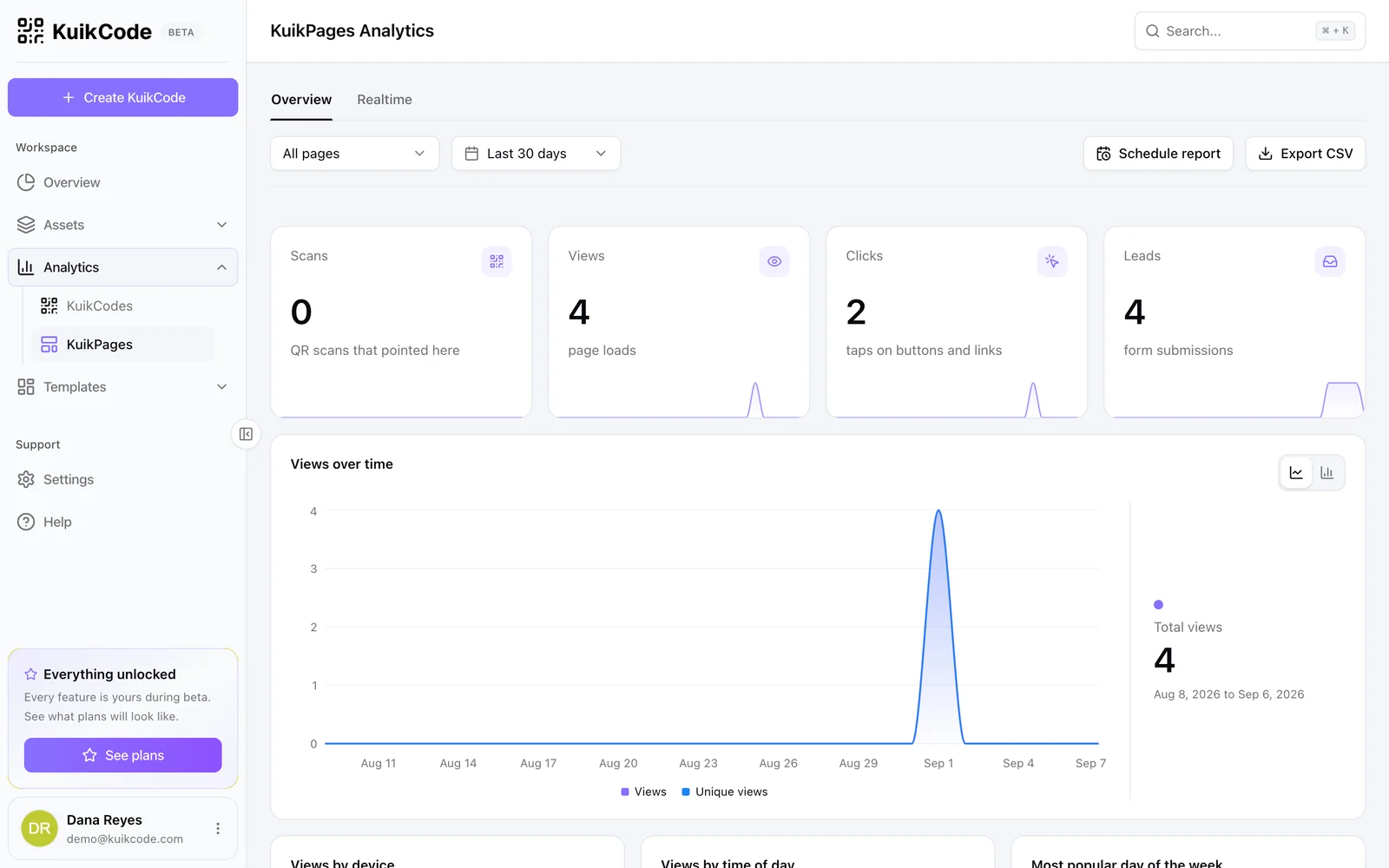
See the scans that brought people to the page next to page views, button clicks and form leads, so you know which print works and what people do next.
Learn more
What is a mobile landing page, and when does your QR code need one?
A mobile landing page is a short page built for phones. Learn when a QR code should open one instead of your website, and what to put on it.
September 23, 2026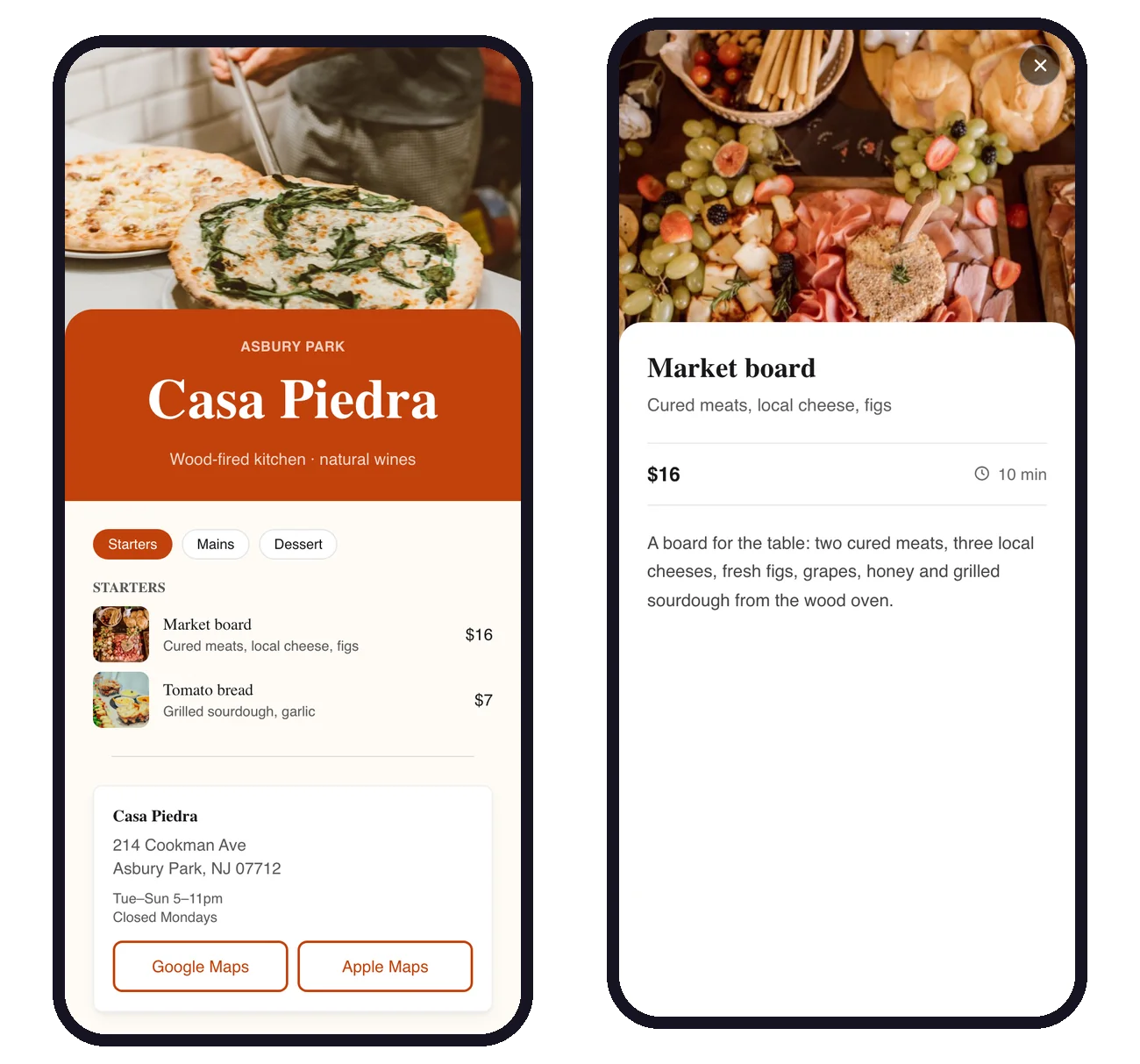
How to make a digital restaurant menu with a QR code
Build a mobile menu page with sections, dish photos and prices, put it behind one QR code on every table, and update it in seconds without reprinting.
September 25, 2026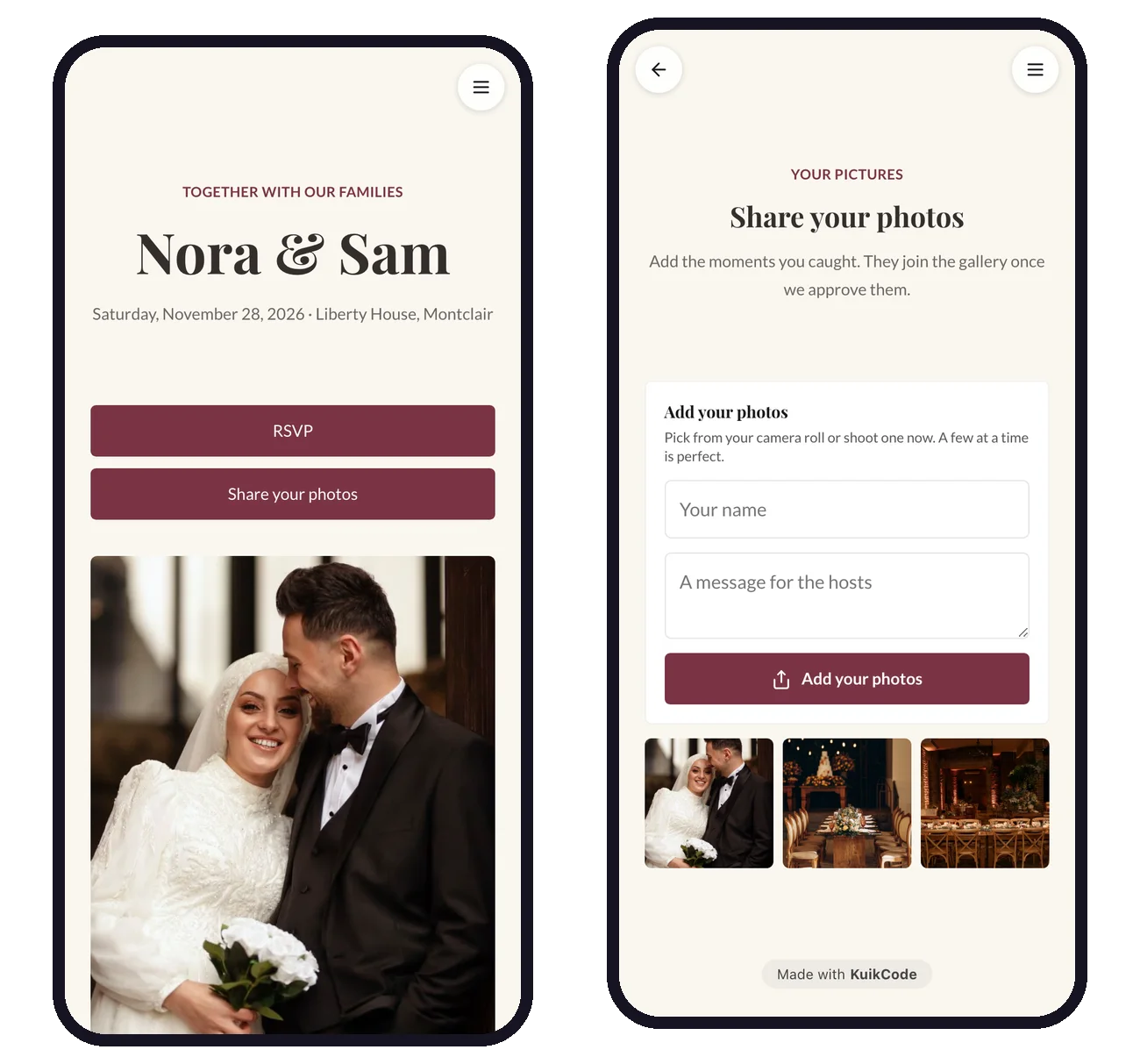
How to collect wedding photos from guests with a QR code
Put one QR code on the tables and let guests add their photos from their phones. No app, no account, and you approve every photo before it shows.
September 25, 2026Frequently asked questions
01What is a QR code landing page?+
The page a QR code opens. A good one is built for phones, loads fast and shows the offer, menu or information people scanned for, instead of a full desktop website.
02Do I need a website to make a QR code landing page?+
No. KuikPages are hosted on your own kuik.page address, so the page and the code are all you need.
03Can I change the landing page after printing the code?+
Yes. Edit and publish the page, or point the code at a different page, and every printed code follows.
04How much does it cost?+
KuikPages are included from the Starter plan: one page on Starter, five on PRO and 25 on Business.
05Can the landing page collect leads?+
Yes, on PRO. The Form block sends submissions to your workspace and your inbox, and can post them to your tools with a webhook on Business.
Google Forms, Typeform, Calendly are trademarks of their owners. KuikCode is not affiliated with or endorsed by them.

Start with the QR codes you will never need to reprint.
Join the beta for branded design, editable destinations, hosted sites, bulk CSV creation, and live scan analytics.
Request beta access
One email when your workspace is ready. No spam.