Every WhatsApp group already has a QR code. Open the group, tap its name, tap Invite via link (on iPhone, Invite to Group via Link) and choose QR code. Anyone who scans it sees the group with a Join button. That's perfect for sharing on a screen. For anything you print, there's a catch: the code dies the moment an admin resets the invite link, and it can't send anyone anywhere once the group is full.
Below: how to get the group's code, why it breaks, and how to print one that keeps working for a class, a club, a neighborhood or a customer community.
How to get your WhatsApp group's QR code
Only group admins can see or share it.
- Open the group chat and tap the group name at the top.
- Tap Invite via link on Android, or Invite to Group via Link on iPhone.
- Tap QR code. Share it from there, or save it as an image.
The same screen offers Copy link, which gives you the group's invite link. It looks like https://chat.whatsapp.com/ followed by a string of letters and numbers. That link is the important part: the QR code is only that link drawn as a pattern. Menu names shift a little between app versions, but the steps stay the same.
How people join a group with the code
Anyone can scan it with their phone camera and tap the link that appears, or scan it with the camera inside WhatsApp. WhatsApp opens a preview with the group's name and photo and a Join group button. If the admins turned on approval for new members, the button sends a request instead, and an admin lets them in.
Why WhatsApp group QR codes stop working
WhatsApp's code holds the invite link itself. Anything that changes the link changes what the code does:
- Someone reset the link. On the invite screen, admins can tap Reset link to stop strangers or spam. The old link and its QR code stop working right away, on every flyer, poster and table card where you printed them.
- The group is full. A group holds up to 1,024 members. Past that, the code still opens but nobody else can join.
- The group was deleted or replaced. A new group is a new link, and the old code points at nothing.
- Approval is on. People can scan, but they wait until an admin approves them, which can look like the code isn't working.
Resetting the link is good practice when spam shows up. The only problem is everything you printed with the old one.
A WhatsApp group QR code that survives a reset
The fix is a dynamic QR code. Instead of storing the invite link, it stores a short link that you control. Scanning it sends people to whatever invite link you set today.
- In WhatsApp, open the group's invite screen and tap Copy link.
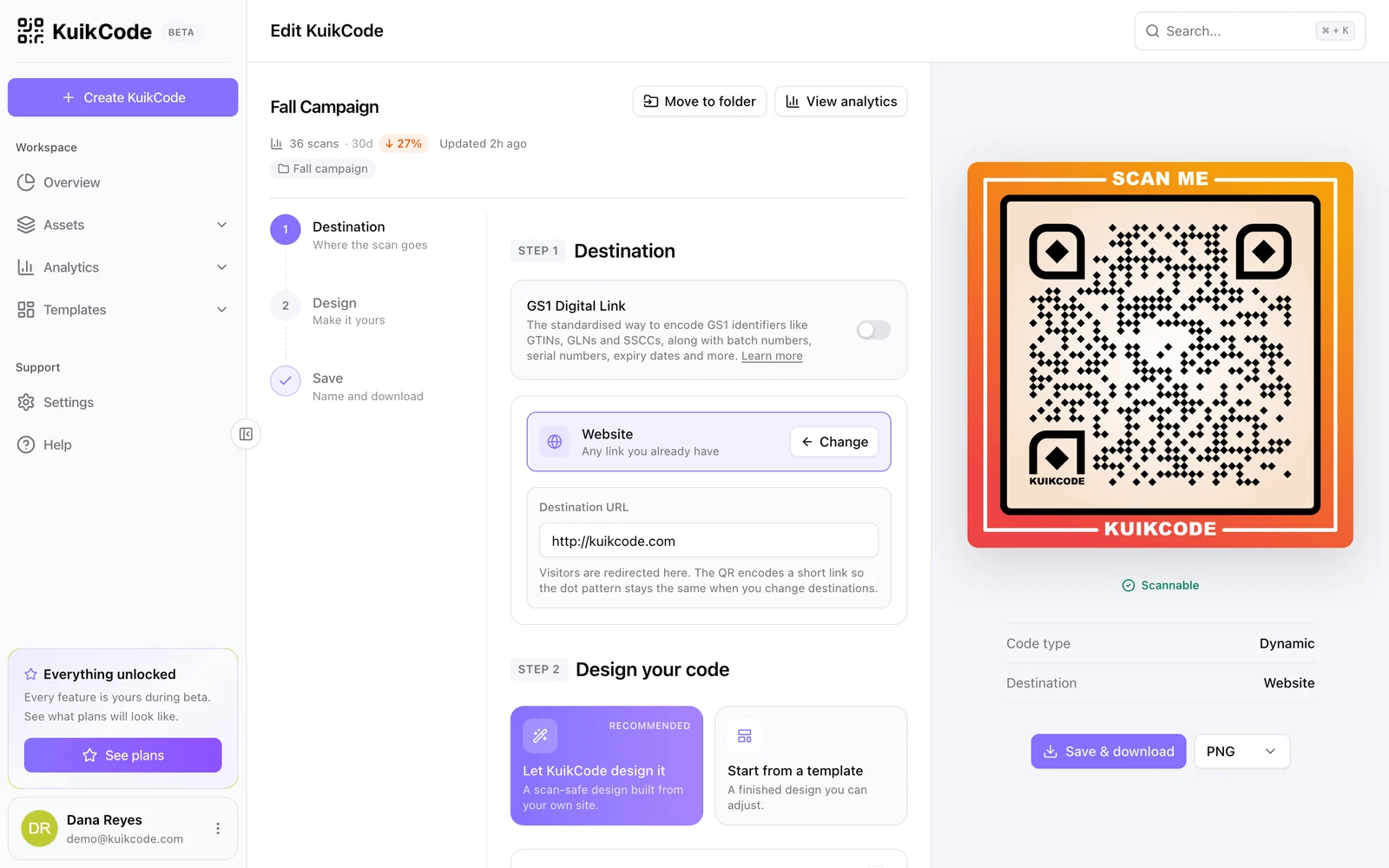
- In KuikCode, create a code with the Website destination and paste the link.
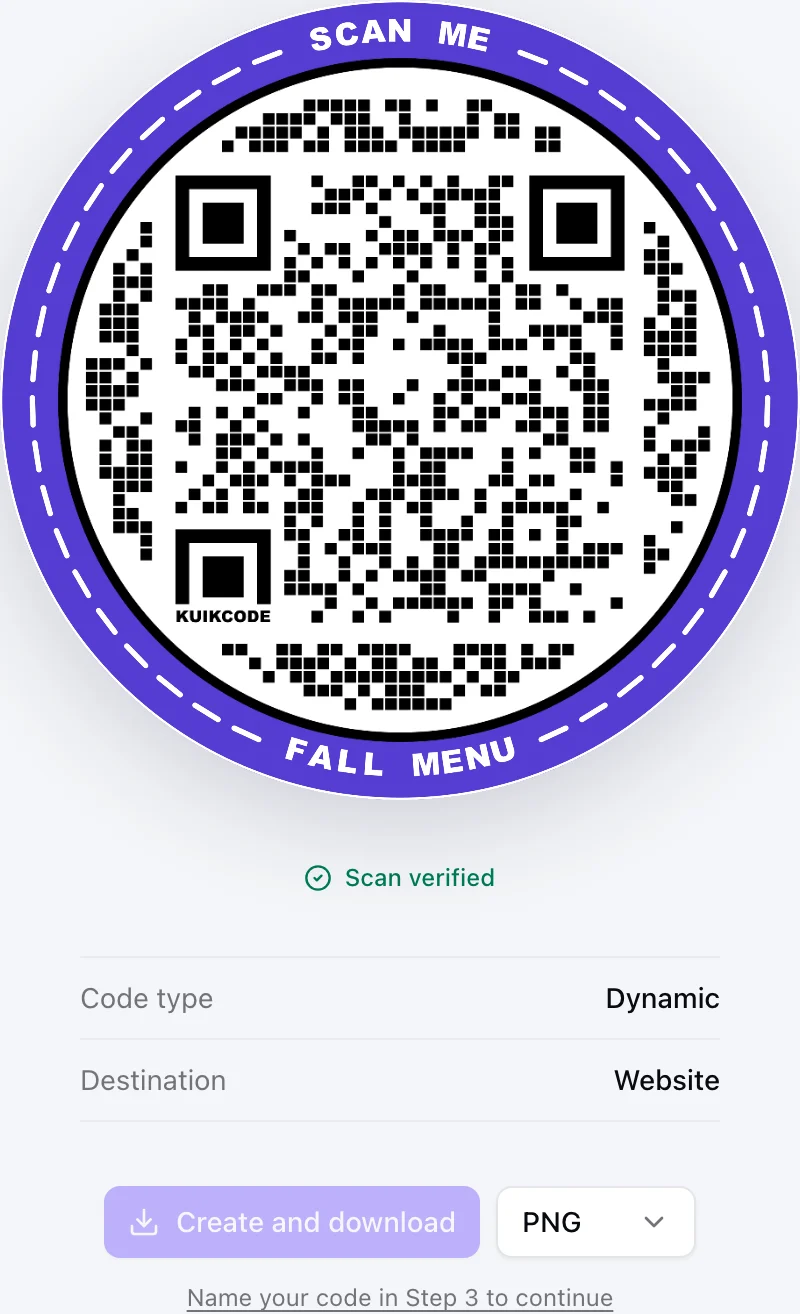
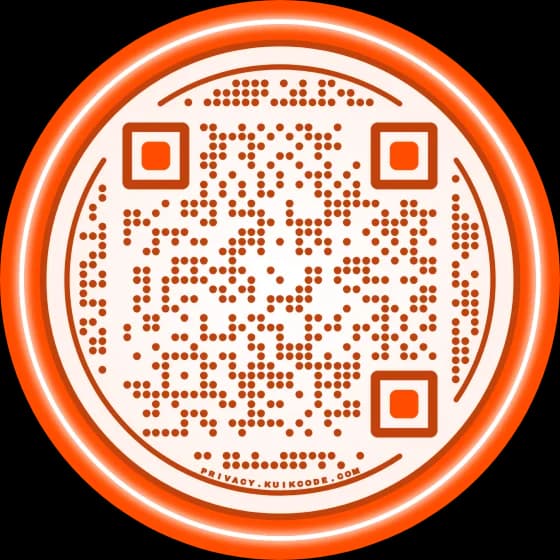
- Design it: your colors, a frame with words like Join our group, and your logo or a sticker. Download a PNG or SVG.
- Print it.
When you reset the link, copy the new one, paste it into the code and save. Every printed copy opens the new link from the next scan. No reprint, no "this code no longer works" notes taped over posters. The same works when you start a second group because the first is full: point the code at the new group's link. More in how to change a QR code's destination after printing.
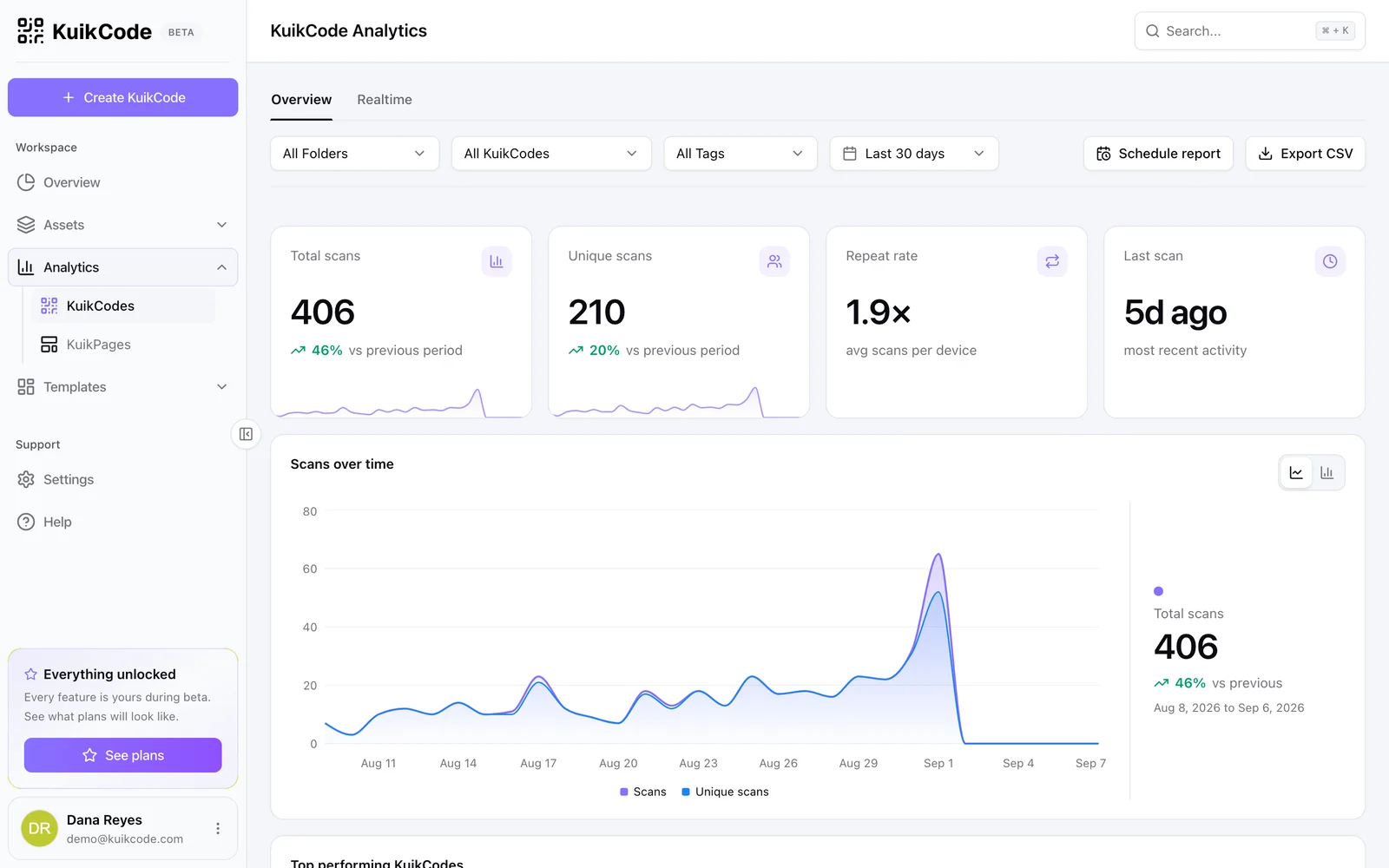
Every scan is also counted with the time, city and device, so you can see which poster or flyer brings people in. You see scans, not who scanned, and a scan isn't a join: someone can scan and decide not to tap Join.
When one group isn't enough
Big communities outgrow one group. Two ways to handle it with the same printed code:
- A page with several groups. Point the code at a link in bio KuikPage with one button per group: Parents, grade 3, Volunteers, Announcements. Add the group rules on the same page so people know what they're joining. When a group fills up, change its button.
- Switch groups after a number of scans. On PRO and Business, Smart Rules can send scans to a second group's link after a set number of scans, using the Total user scans condition. Scans aren't joins, so set the number with room to spare and check the group now and then.
Where a WhatsApp group code works well
- Schools and classes: a parents group on the welcome letter and the classroom door.
- Gyms, clubs and teams: on the front desk, so new members join the schedule group.
- Events and conferences: an attendee group on badges and screens, for updates on the day.
- Shops and restaurants: a customer group for offers, on the counter and the receipt.
- Neighborhoods and buildings: on the notice board, for the residents group.
Keep a public group safe
A printed code is a public invite: anyone who sees the poster can join.
- Turn on approval for new members in the group settings, so admins decide who gets in.
- Say what the group is for next to the code, and pin the rules in the group.
- Reset the link if spam shows up. With a dynamic code, that costs you nothing: paste the new link and the posters keep working.
- Don't share a private family or work group this way. Use a public code only for groups meant for the public.
For a chat with you, not a group, a WhatsApp QR code opens a one to one conversation with a first message ready to send. And before you print anything, test the code with two phones, from the distance people will stand.
Frequently asked questions
01How do I get the QR code of a WhatsApp group?+
Open the group, tap the group name, then tap Invite via link on Android or Invite to Group via Link on iPhone, and choose QR code. You can share it or save it as an image. Only group admins can see it.
02How do I join a WhatsApp group with a QR code?+
Point your phone camera at the code and tap the link that appears, or scan it from WhatsApp's own camera. WhatsApp shows the group's name and photo with a Join group button.
03Why did my WhatsApp group QR code stop working?+
Most often an admin reset the invite link, which turns off the old link and its QR code at once. It also fails when the group is full, when the group was deleted or when admin approval is on and nobody has approved the request yet.
04Can I make a WhatsApp group QR code that doesn't expire?+
WhatsApp's own code works until someone resets the link. A dynamic QR code that opens the invite link keeps working after a reset, because you paste the new link into the code and every printed copy opens it.
05How many people can join a WhatsApp group?+
A WhatsApp group holds up to 1,024 members. When it's full, nobody else can join with the link or the code, so plan a second group and point your printed code at it.
06Can I put a WhatsApp group QR code on a poster?+
Yes, but anyone who sees the poster can join. Turn on admin approval for new members, and use a dynamic code so you can change the group without reprinting the poster.