

Link in bio page: every link you share, in one designed page
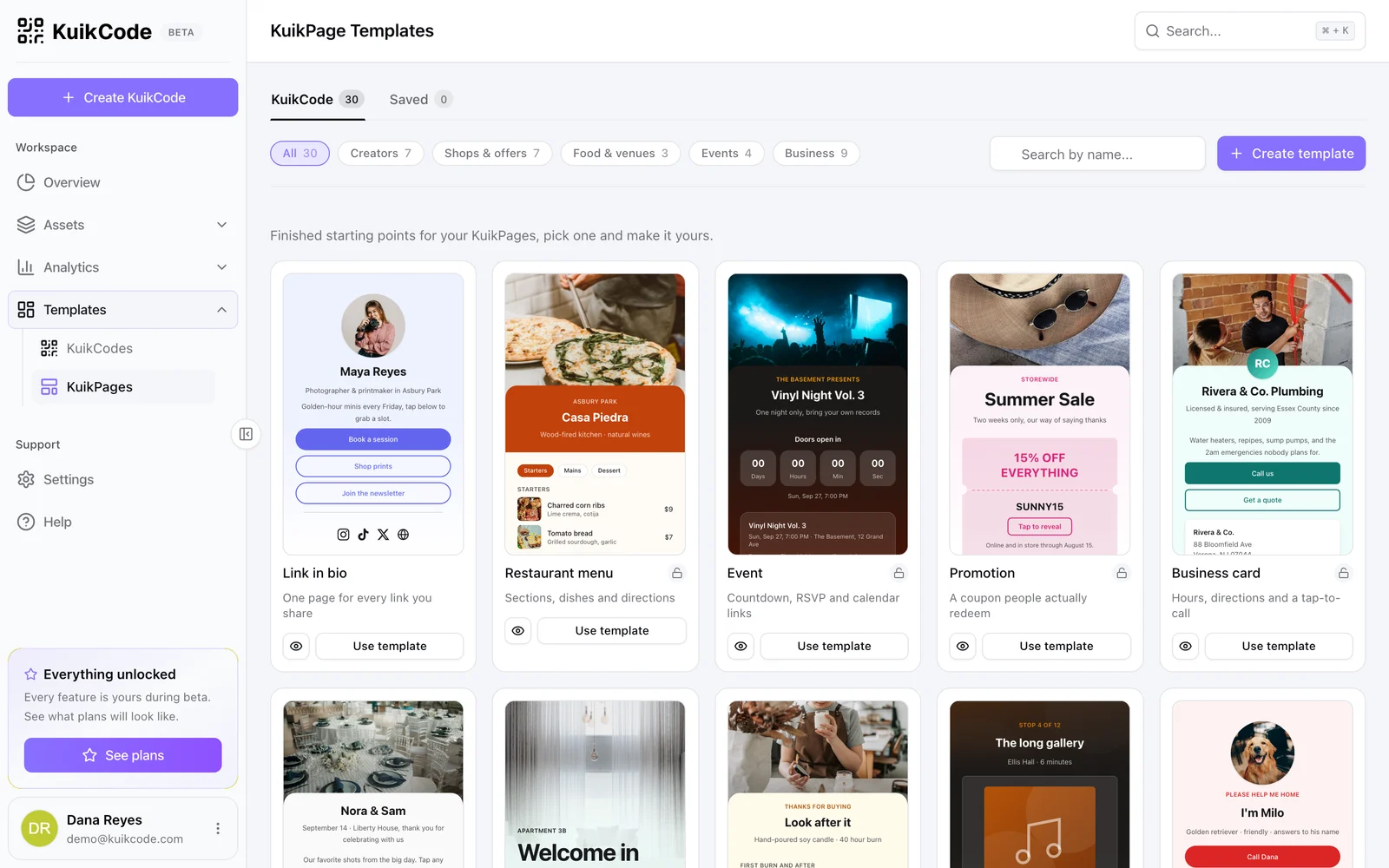
A link in bio page with your photo, socials, shop and latest links, on your own kuik.page address, with a designed QR code for everything you print.
Who uses a link in bio
Creators
Your channels, your latest drop and a newsletter signup in one place.
Small businesses
Menu, booking, directions and reviews behind one link.
Freelancers
Portfolio, services and a way to book you.
Musicians and podcasters
The new release on every platform, and the next show.
Yours, not a template everyone recognizes
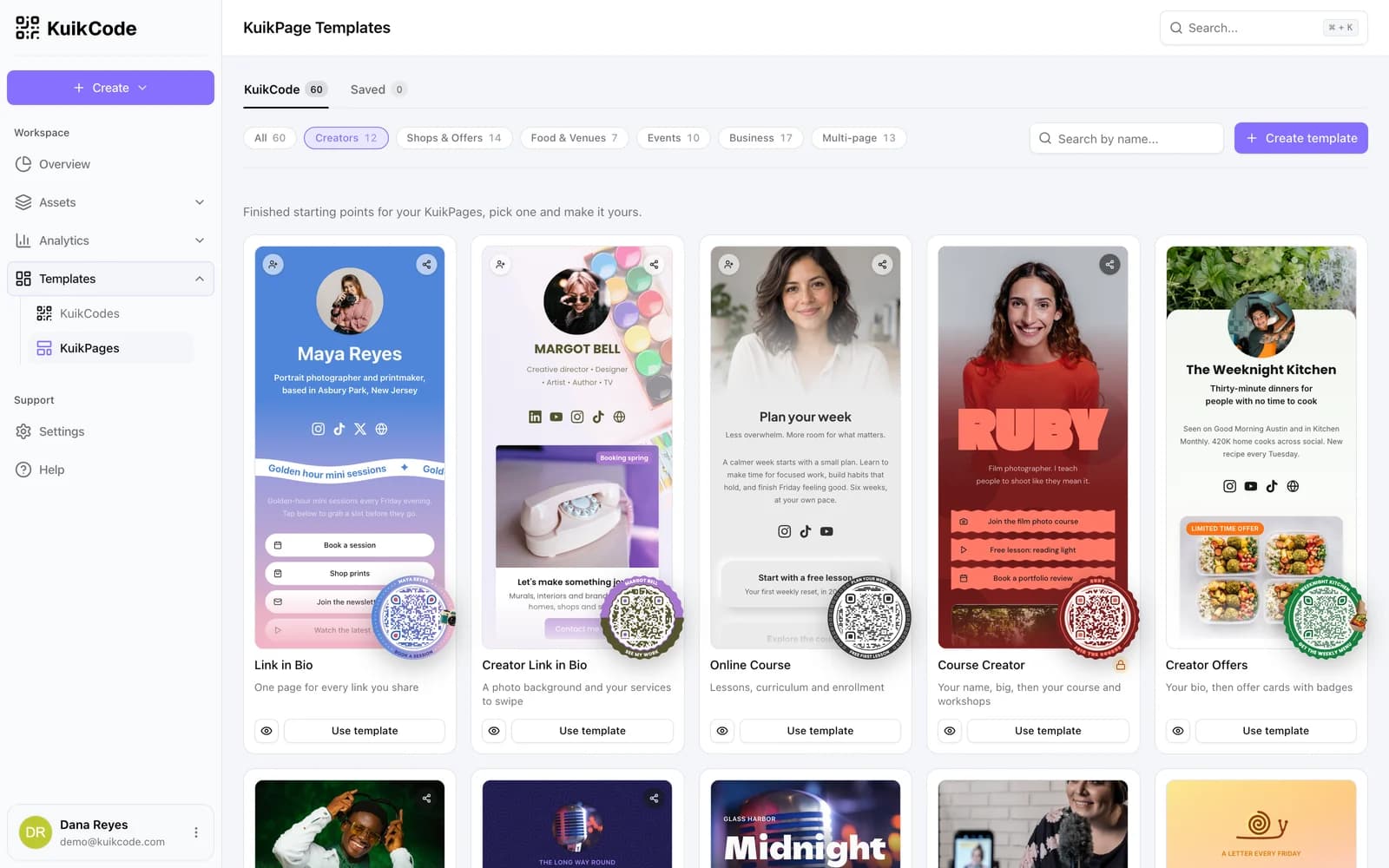
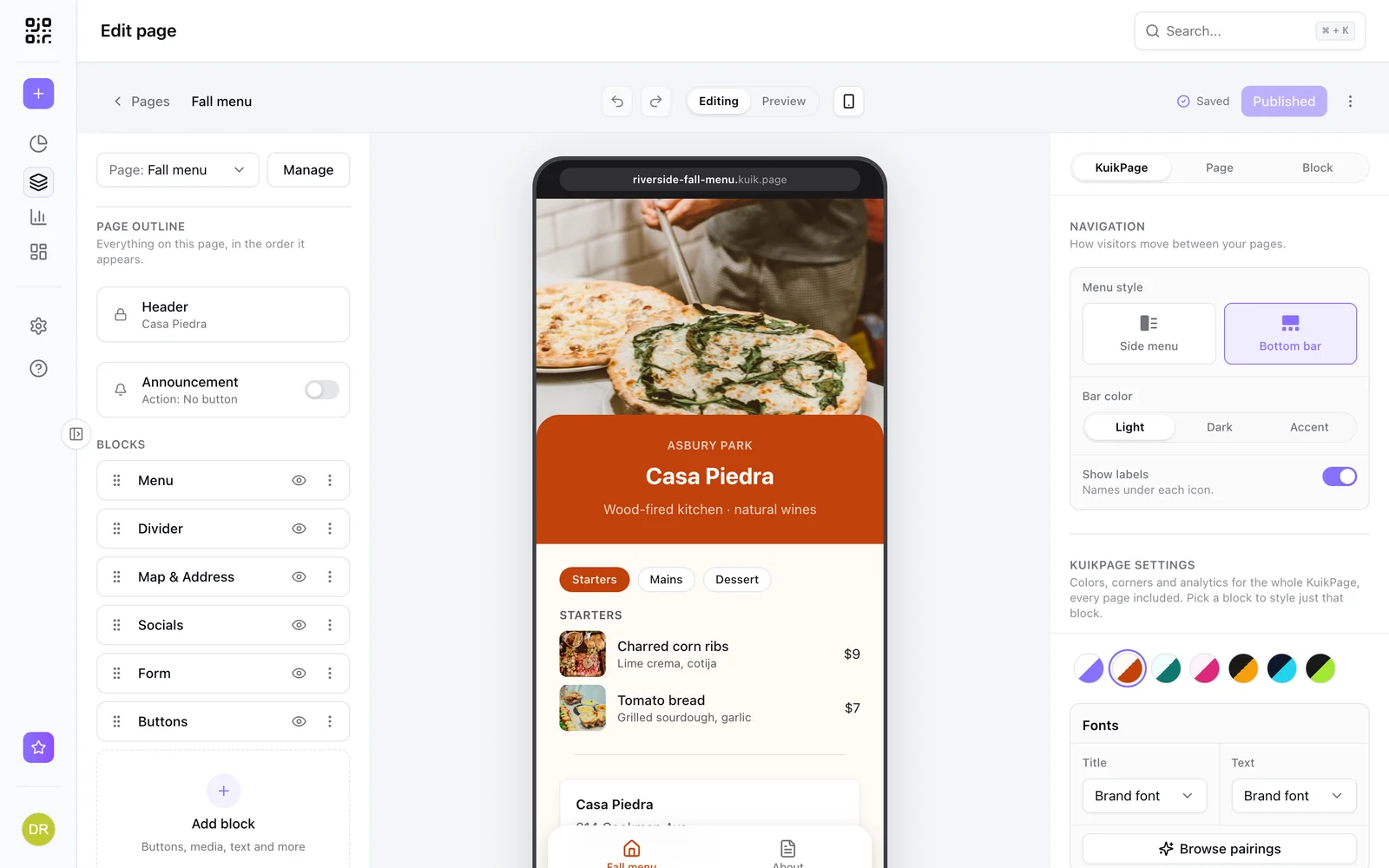
Start from the Link in Bio template, then change the colors, fonts, background and buttons until it looks like you. Add a photo, social icons for Instagram, TikTok, X, YouTube, Facebook, LinkedIn and WhatsApp, and buttons for everything else.
- Fonts, colors, backgrounds and button styles
- Galleries, video, music links and countdowns
- Multi page sites when one page is not enough
Your latest Instagram and TikTok posts, on the page
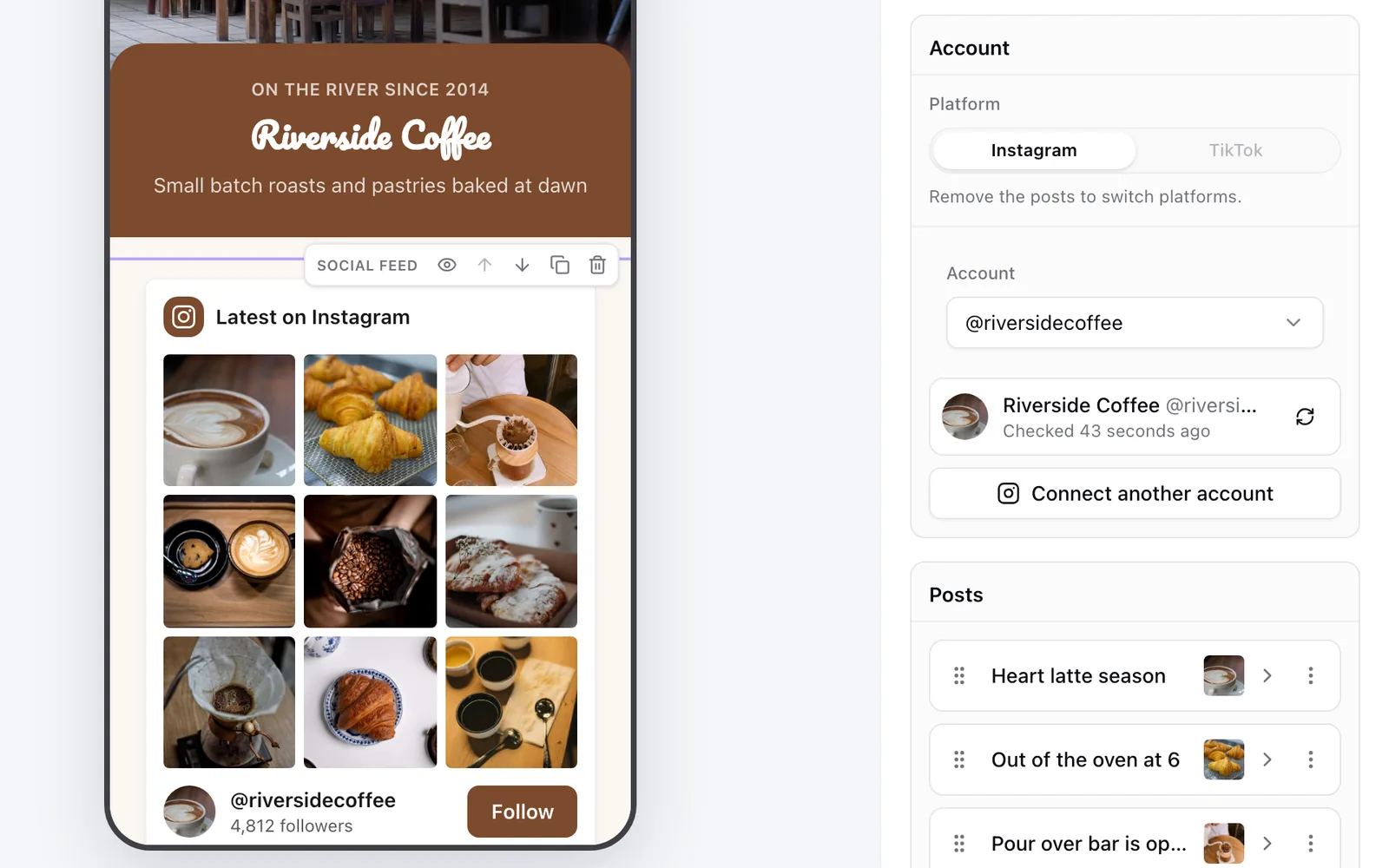
Add a Social feed block, connect your account and pick the posts to show. Each one becomes a tile with its own title and link, so a post about a product can open your shop. Turn on automatic adding and every new post shows up on the page within the hour.
- Grids, list, mosaic, carousel or your newest post large
- Reels and TikTok videos play right on the page
- Your photo and a Follow button underneath
The link, and a code for everything you print
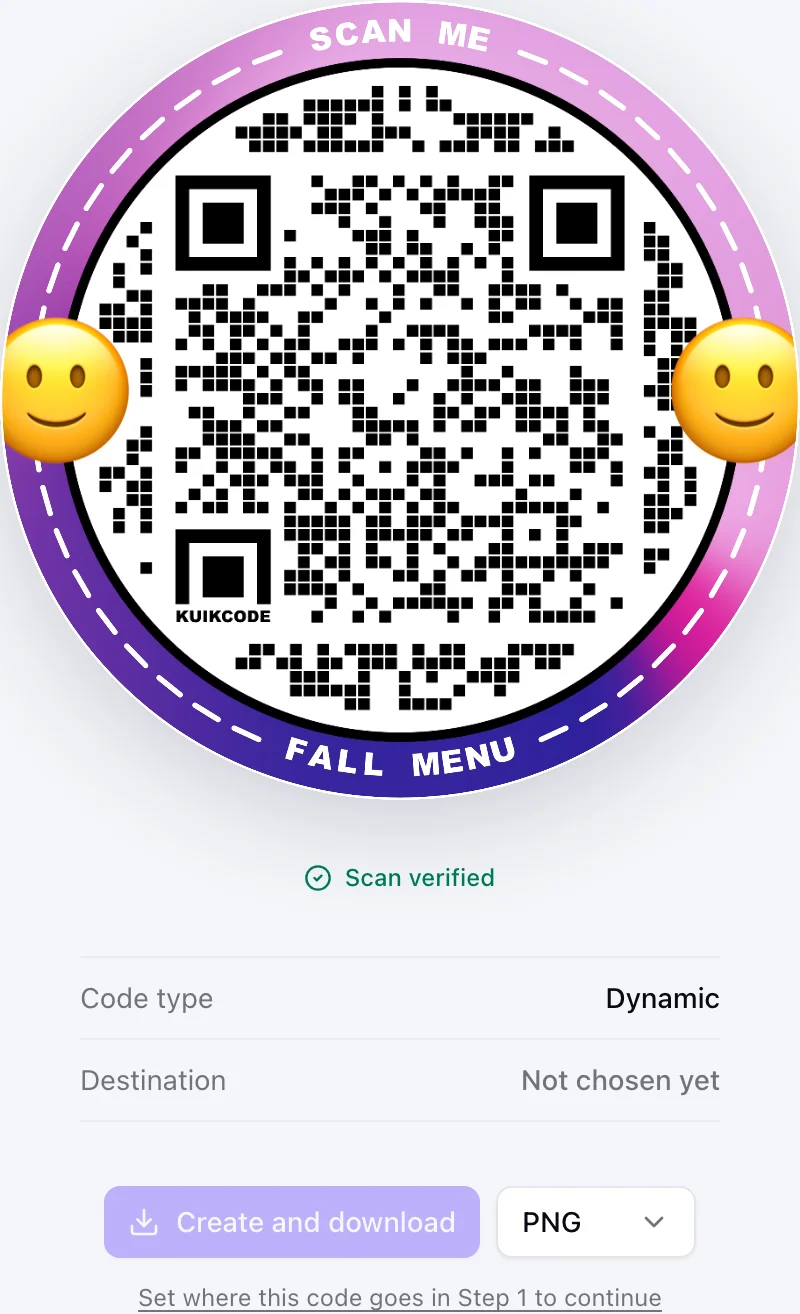
Most link in bio tools stop at the link. KuikCode gives the page a designed QR code for merch, flyers, business cards and stage screens, and every scan is counted.
See what people tap
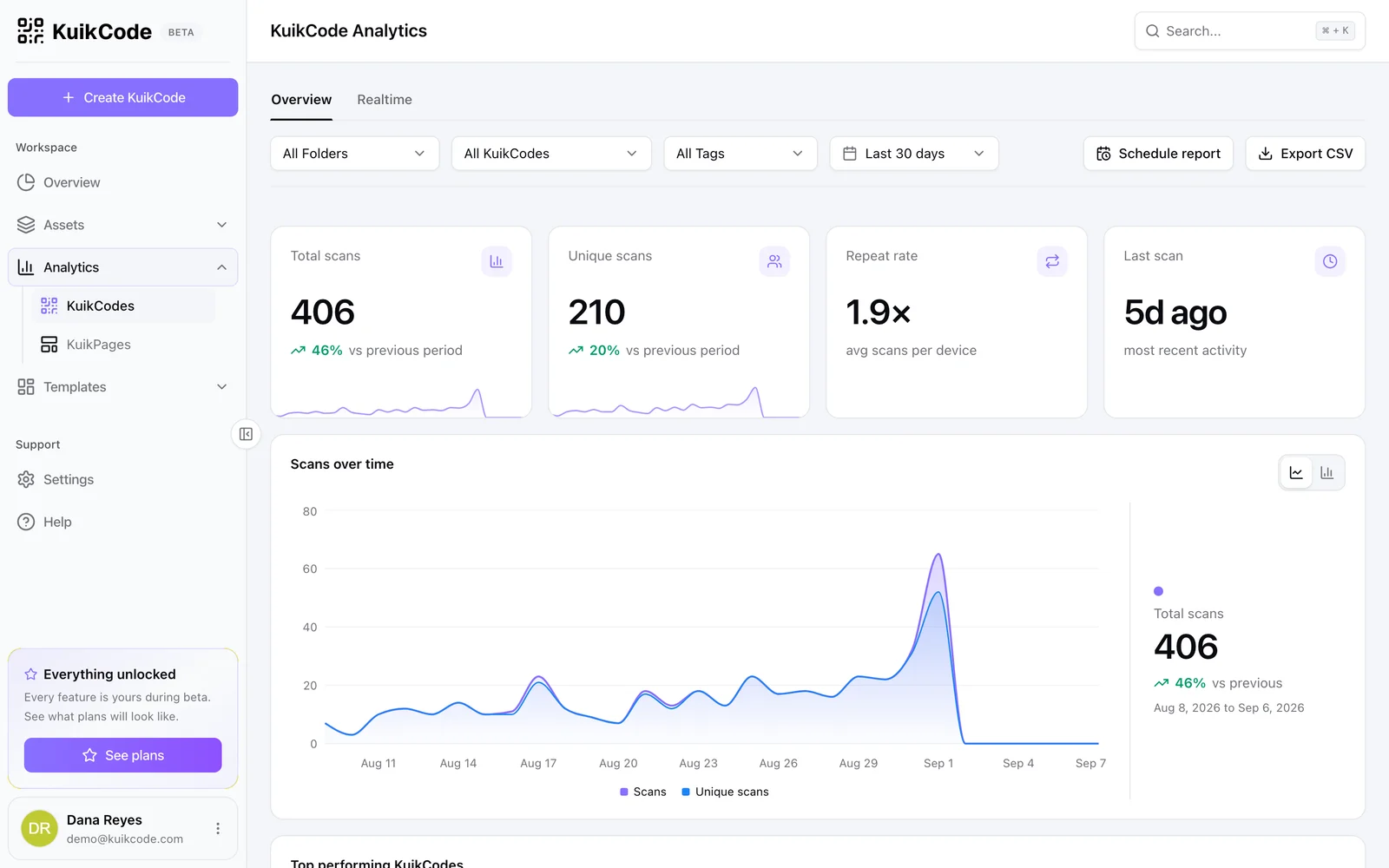
Page views, button clicks and leads next to the scans of your codes, so you know which link and which print is working.
Learn more
What is a mobile landing page? Examples, and when your QR code needs one
A mobile landing page is a short page built for phones. Examples for menus, events and coupons, when a QR code should open one, and what to put on it.
September 23, 2026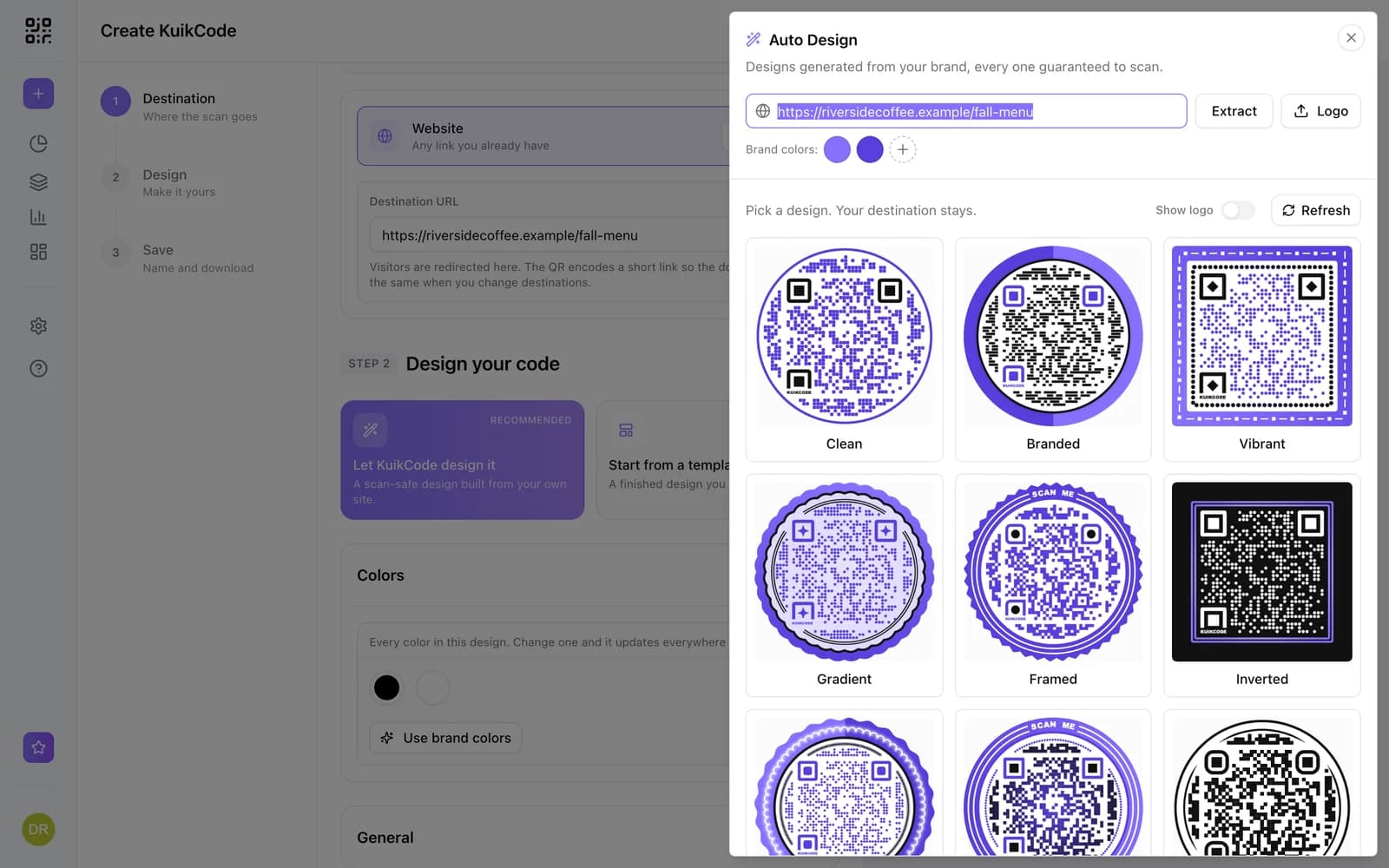
How to make a QR code for a link
Turn any web address into a QR code people actually scan. Five steps, plus the size, contrast and placement rules that keep it readable.
September 23, 2026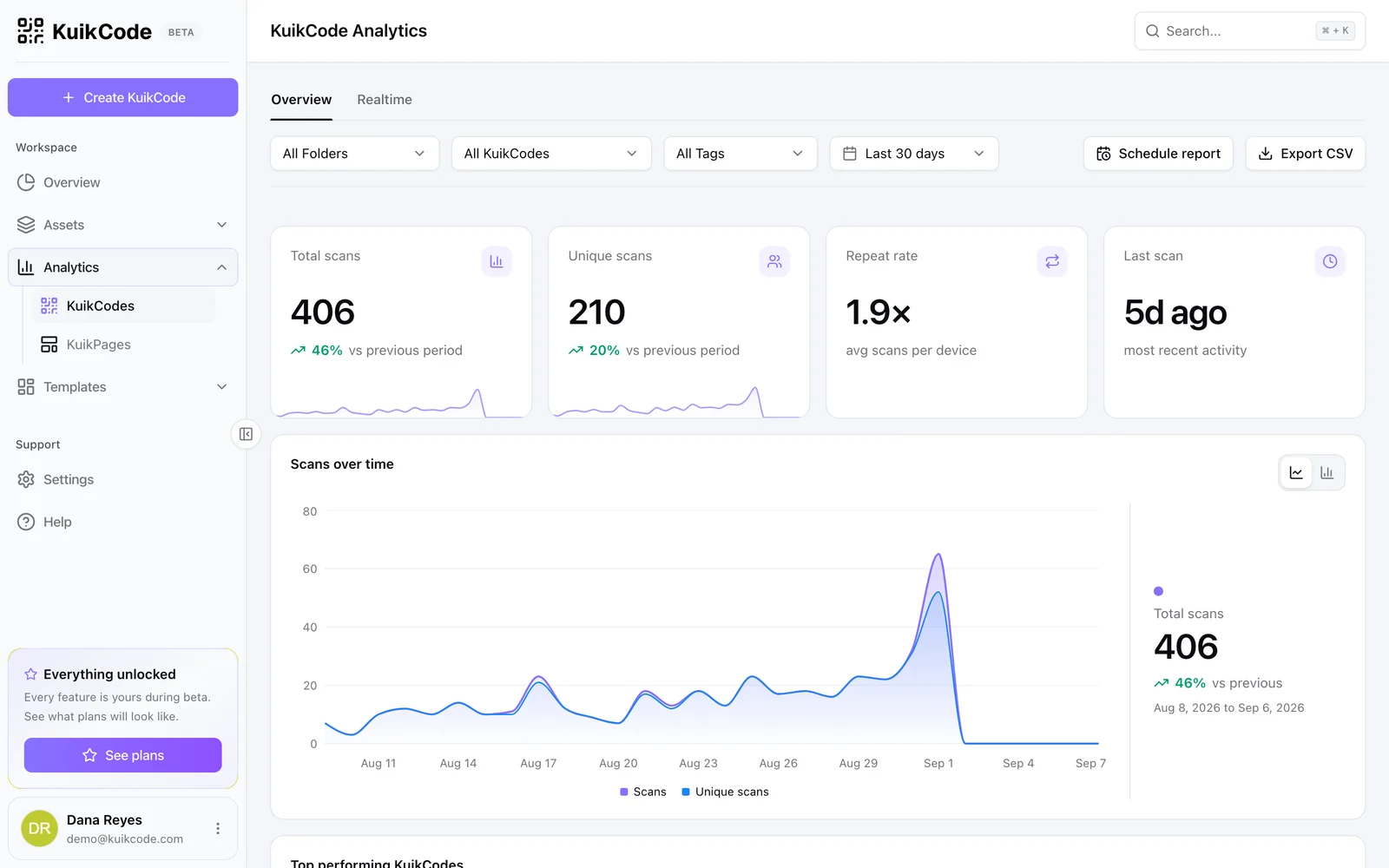
How to track QR code scans (and what the numbers mean)
Dynamic QR codes record every scan. Learn which numbers matter, how to read total and unique scans, and how to connect scans to your web analytics.
September 23, 2026Frequently asked questions
01What is a link in bio page?+
One page that holds all the links you want to share, your socials, shop, latest content and contact, so a single link in your profile or a single QR code can lead to all of them.
02Is KuikCode a Linktree alternative?+
Yes. KuikPages do what a link in bio page does and add a designed, trackable QR code, multi page sites, forms and guest photo uploads. See our side by side comparison with Linktree.
03Can my link in bio page show my Instagram and TikTok posts?+
Yes. The Social feed block shows the posts you pick as tiles that link where you want, and can add new ones on its own within the hour. Instagram needs a Business or Creator account, which is free to switch to in the app, and TikTok lists your public videos.
04Can I use my own design?+
Yes. Change colors, fonts, backgrounds, buttons and layout, and add blocks like galleries, video, music links and a newsletter signup.
05What does it cost?+
Basic includes a link in bio page. Core adds every Core block, including the Social feed, PRO includes five KuikPages and Business 25.
06Do visitors see ads?+
No. KuikCode never shows ads to your visitors or to people who scan your codes.
Linktree, Instagram, TikTok, X, YouTube, Facebook, LinkedIn, WhatsApp are trademarks of their owners. KuikCode is not affiliated with or endorsed by them.
Your next printed code, ready in minutes.
Design it, point it anywhere, change it after printing and watch the scans come in. Try every feature free for 14 days, no credit card.
Start your 14-day free trial
Every feature, no credit card. Plans from $5 a month after.