

Phone call QR code: start a call with one scan
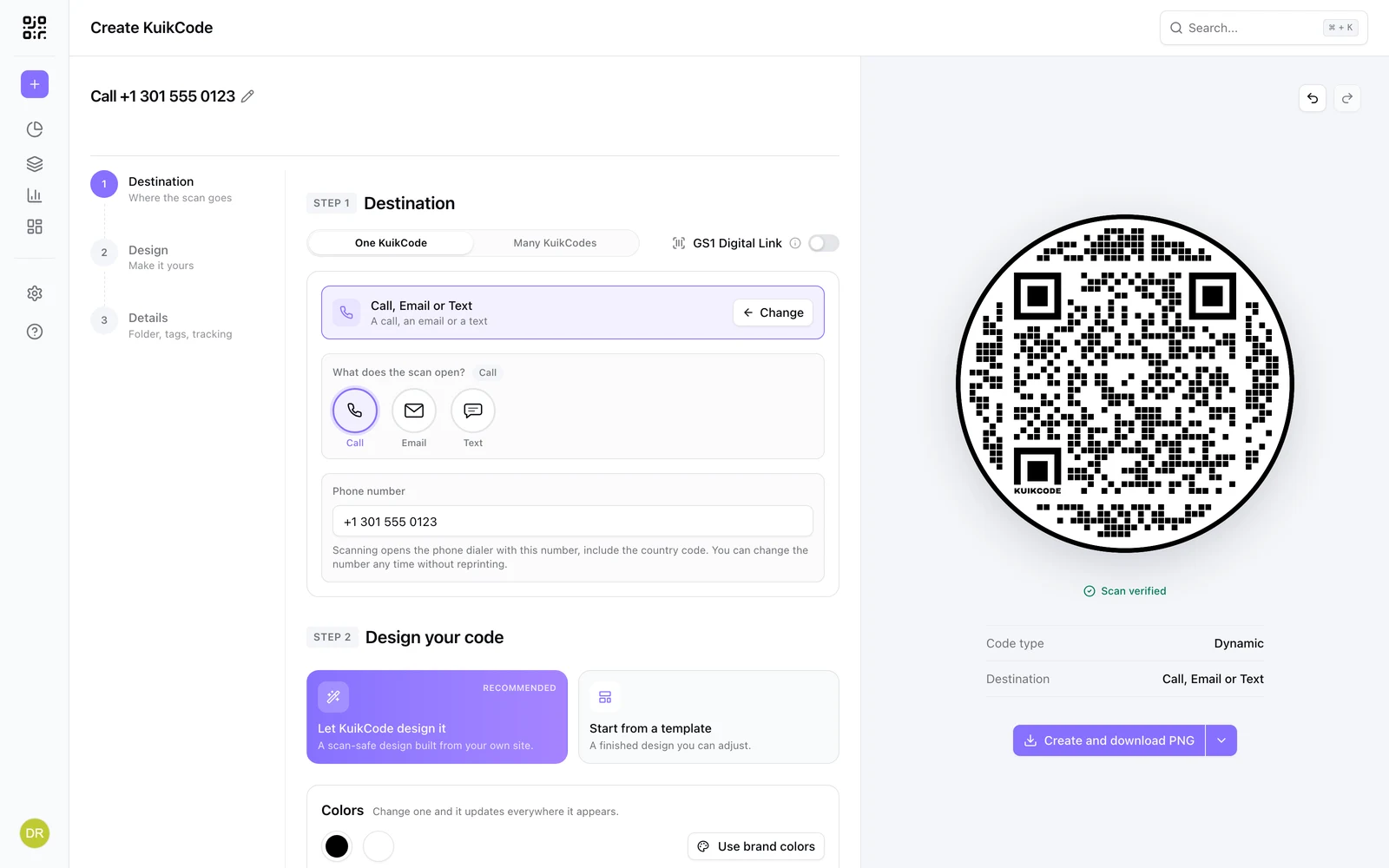
A calling QR code opens the phone dialer with your number ready to call. Change the number later without reprinting, and count the scans.
Where people use it
Shops and services
One scan to call for an appointment.
Real estate
Call the agent from the sign.
Support and emergencies
The right hotline on equipment and labels.
Takeout and delivery
Call to order from the menu or the box.
The number, ready to dial
Scanning opens the phone dialer with your number filled in. Include the country code, and change the number any time.
- Change the number after printing
- Scans counted in analytics
- Designed like any other KuikCode
Learn more
What is a dynamic QR code?
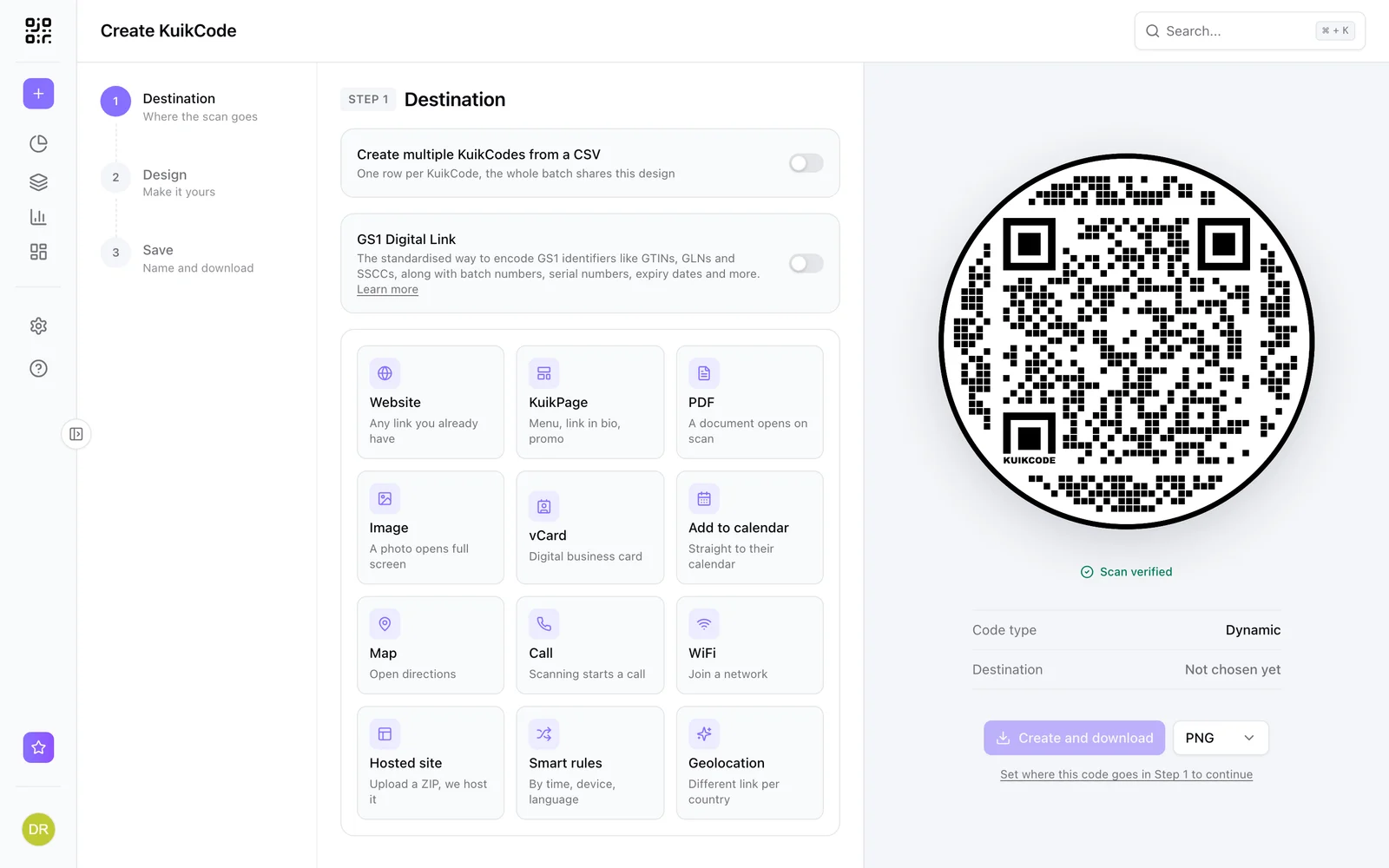
A dynamic QR code points to a short link you control, so you can change where it goes after printing and see every scan. Here is how it works.
September 23, 2026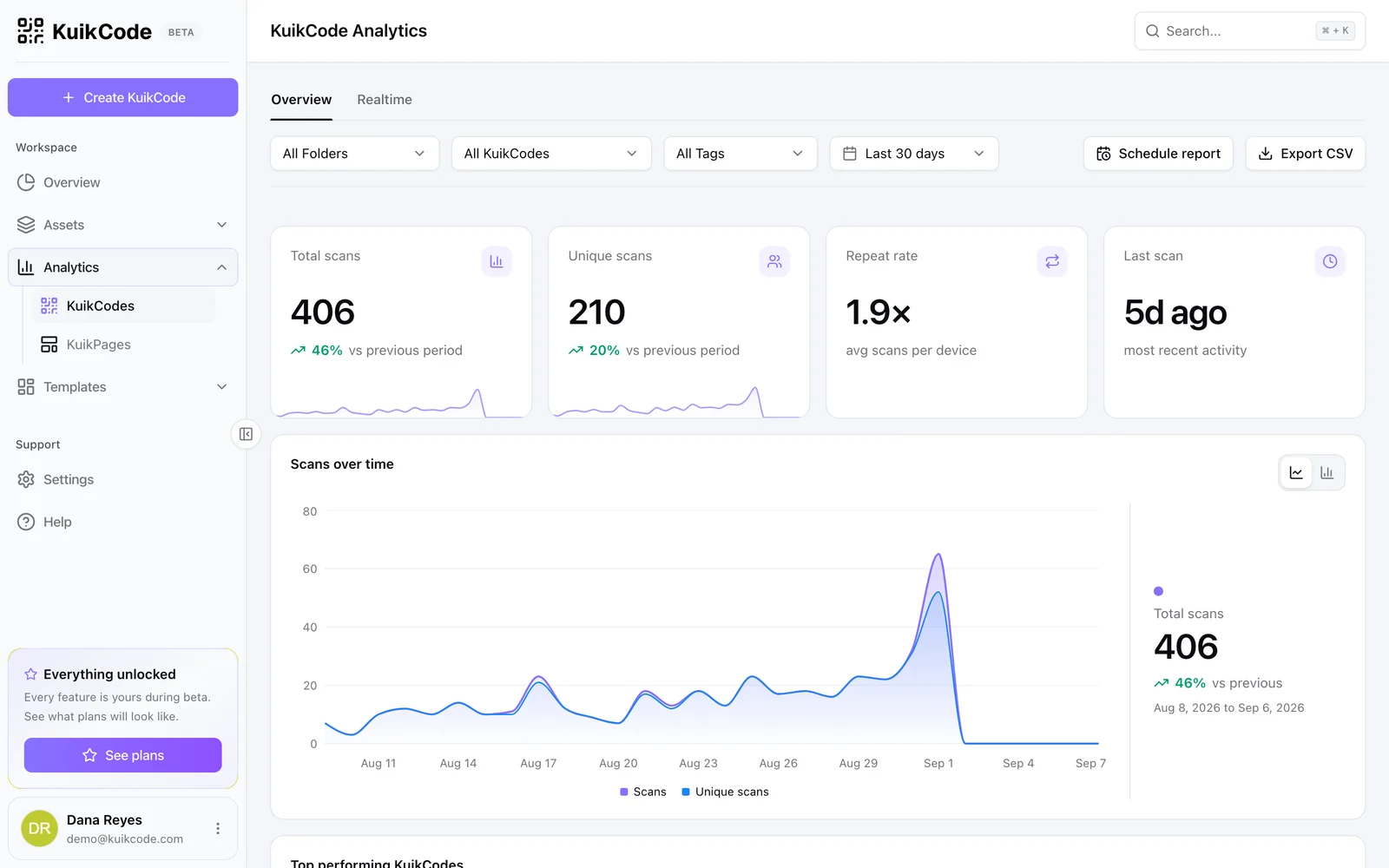
How to track QR code scans (and what the numbers mean)
Dynamic QR codes record every scan. Learn which numbers matter, how to read total and unique scans, and how to connect scans to your web analytics.
September 23, 2026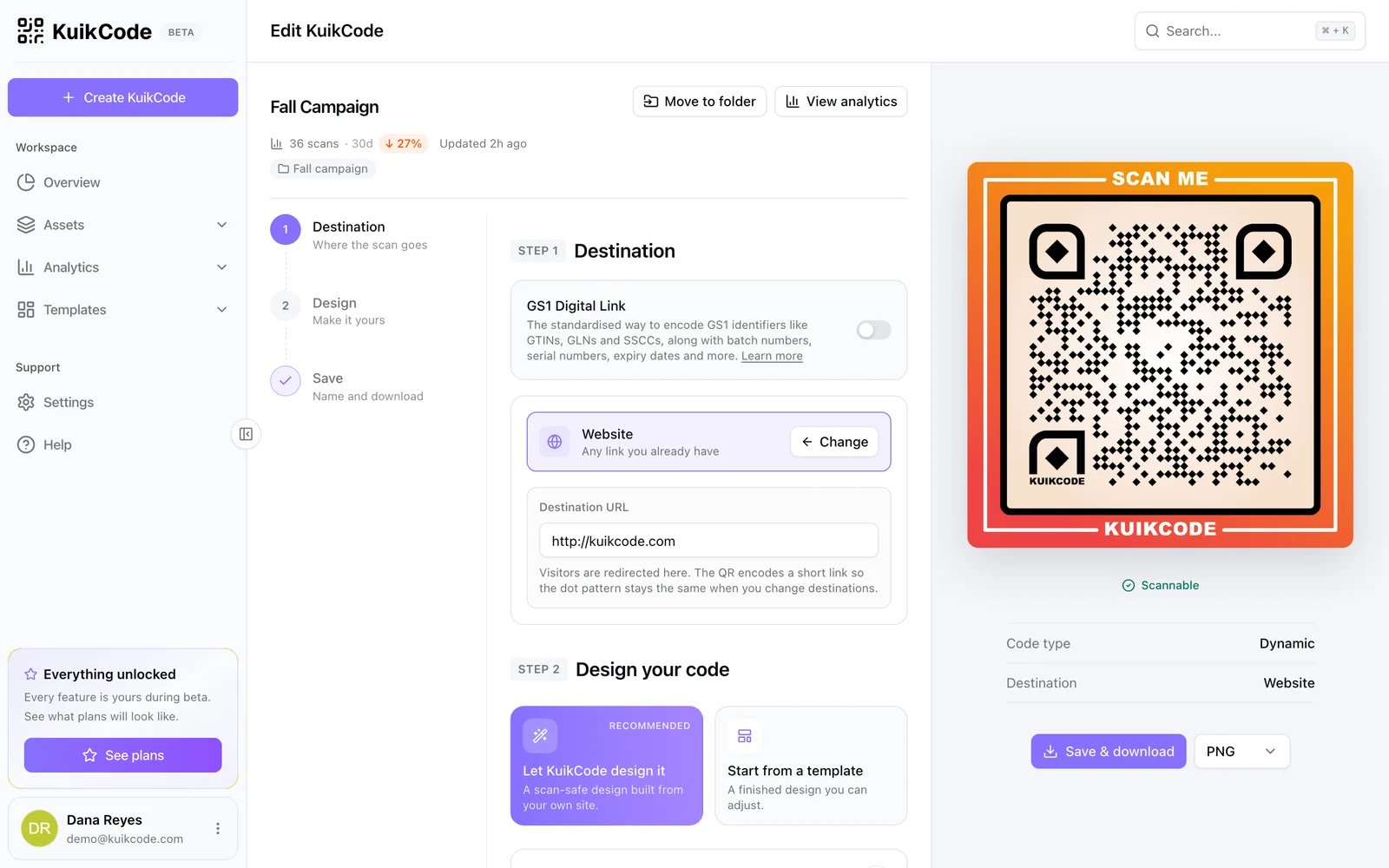
How to change where a QR code goes after it is printed
If your code is dynamic, you can send it to a new page, file or menu without reprinting. Here is how it works and what to do if your code is static.
September 23, 2026Frequently asked questions
01How does a call QR code work?+
Scanning opens the phone's dialer with the number filled in, and the person taps call.
02Can I change the phone number after printing?+
Yes. Call codes are dynamic in KuikCode, so you can update the number and keep the print.
03Can I see how many people scanned?+
Yes. Scans are counted with time, location and device.
04Can the code open an email or a text instead of a call?+
Yes. The KuikCode editor's card is Call, Email or Text: pick Email for a new email with the address, subject and message filled in, or Text for a new text message with the number and words ready. Both change after printing like the number.
Your next printed code, ready in minutes.
Design it, point it anywhere, change it after printing and watch the scans come in. Try every feature free for 14 days, no credit card.
Start your 14-day free trial
Every feature, no credit card. Plans from $5 a month after.