Yes, a QR code can open a new email or a text message with everything already written: the address or number, a subject, even the message itself. The person who scans checks it and taps Send. Below: how each one works, how to make both for free, and what to use when the address might change.
How email and SMS QR codes work
Both store a short instruction instead of a web address.
- Email: a
mailto:link, likemailto:hello@kuikcode.com?subject=Question%20about%20KuikCode. Scanning opens a new email in the phone's mail app with the address and the subject filled in. A message can be added too. - SMS: the number and the message, written as
SMSTO:+12025550143:Table for 2 at 7 pm. Scanning opens the Messages app with the number in the To line and the words in the box.
Neither one sends anything by itself. The phone opens a draft and waits for a tap, so people always see who they're writing to and can change the message first.
How to make an email QR code, free
The free QR code generator makes one in under a minute, with no sign up and no watermark:
- Choose Email under What should it open?
- Type the address in Send to.
- Add a subject so you can find these emails later, like Question from the shop window or Order 1042 return.
- Add a message if you want people to start from a few words. Keep it short: every character goes into the pattern.
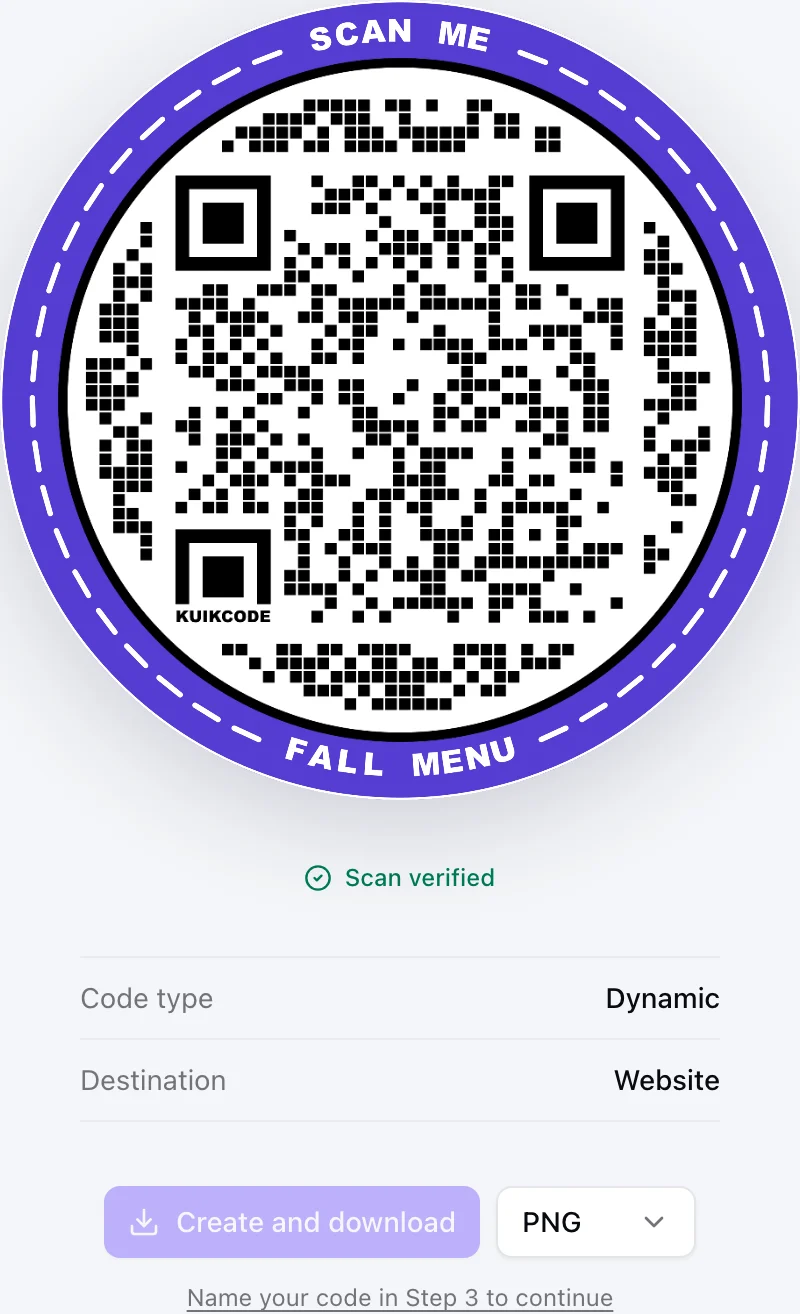
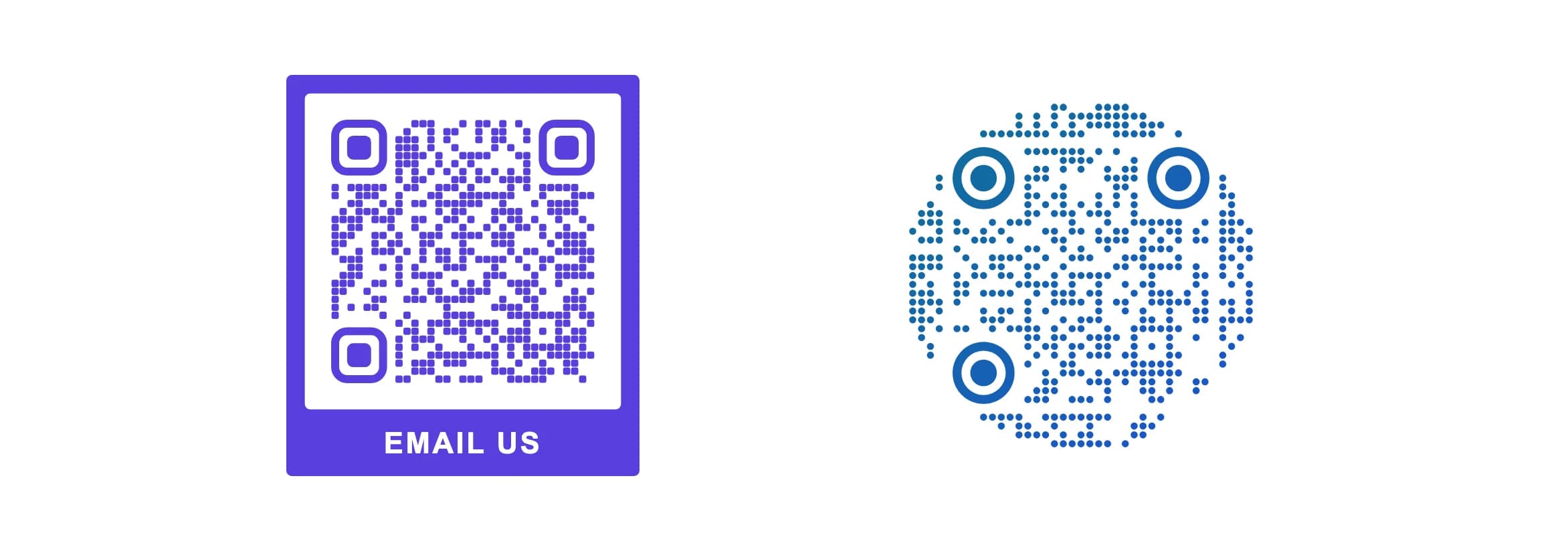
- Design and download. Pick your colors, add a frame such as Email us, and download a PNG or an SVG.
How to make an SMS QR code, free
- Choose SMS in the same generator.
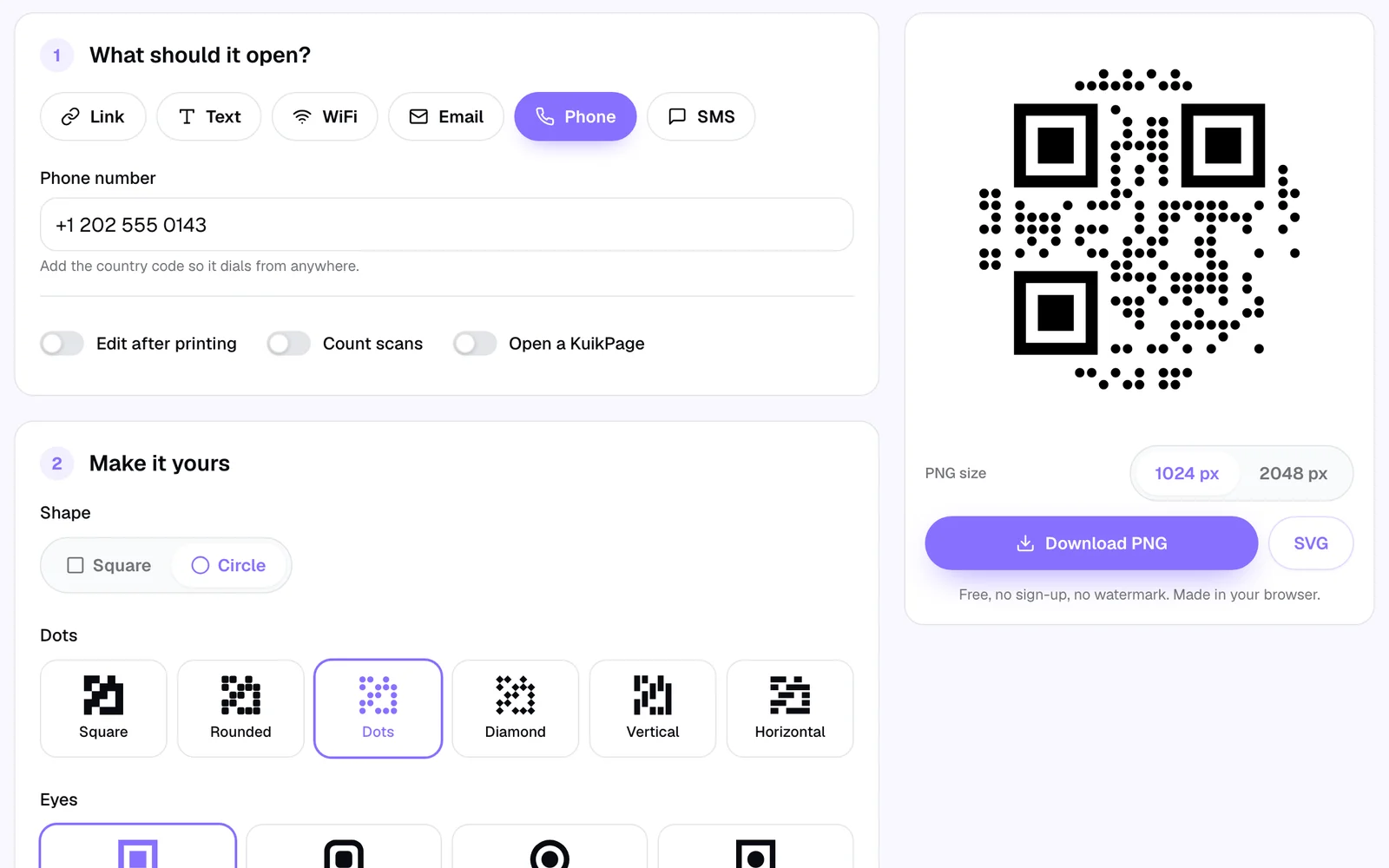
- Type the phone number with its country code, starting with
+. - Write the message people will send, like Table for 2 at 7 pm or JOIN.
- Design and download.
A text code is handy when people would rather message than call: a booking, a waitlist, a quick question, an entry in a giveaway. For a call instead, see how to make a QR code that calls a phone number.
Keep the message short
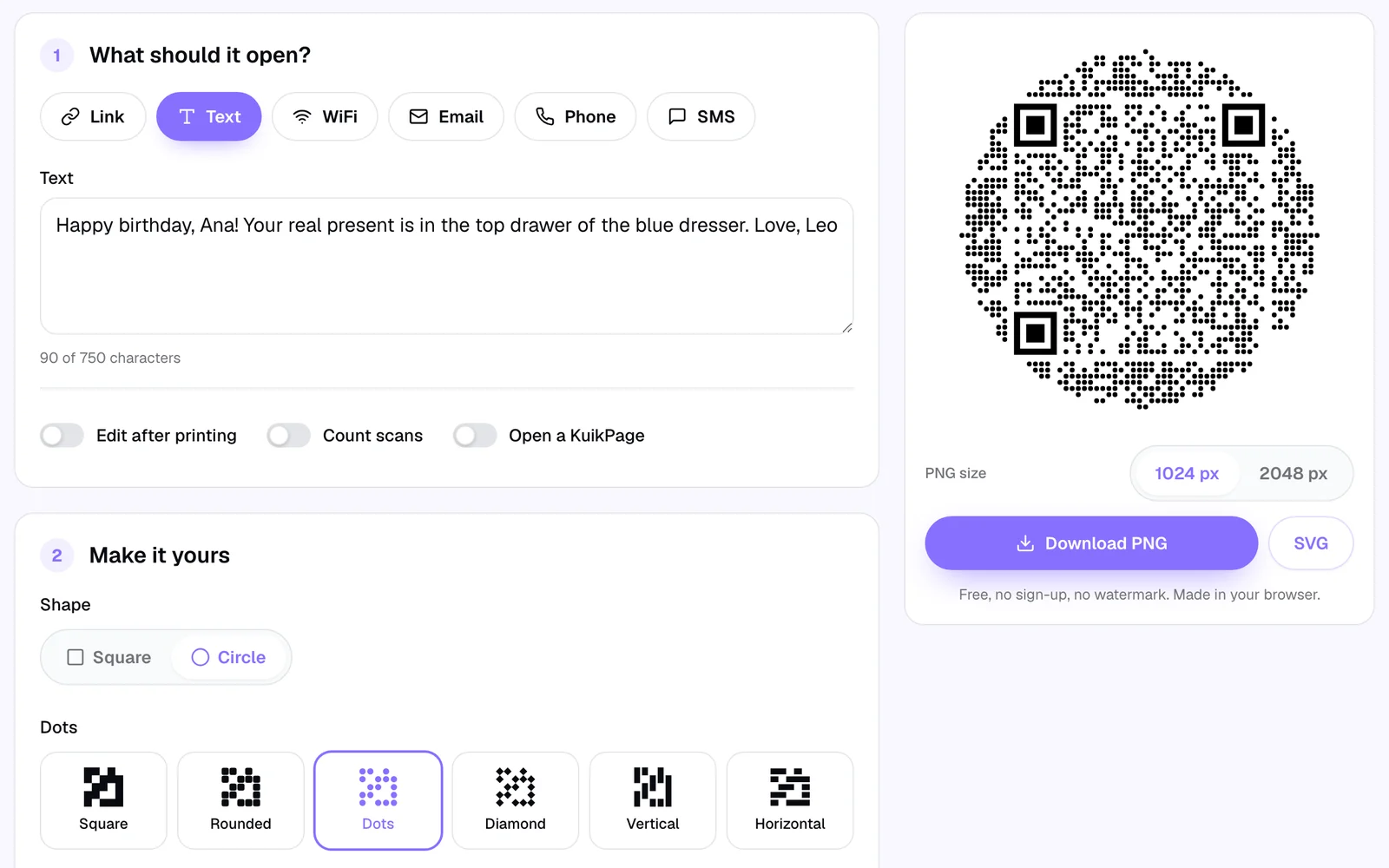
The longer the subject and the message, the denser the code. A subject and a one-line message make a code with comfortable dots. A whole paragraph makes a code with tiny dots that needs to be printed bigger and scanned from closer. Our post on QR codes with a message shows the same note at three lengths.
A good rule: write the first line of the message, not the whole message. People can add the rest.
When an email code isn't enough
Email and SMS codes are static. What you type lives inside the pattern, and that has three limits worth knowing before you print a thousand of them:
- It can't change. A new address, a new person on the support line or a new number means a new code and a reprint.
- It can't count. Nothing sits between the scan and the phone's app, so you never know how many people scanned.
- It depends on the phone's mail app. Phones open the default mail app, and many people actually read email in another one or on a computer. Some get a setup screen and give up.
For anything printed in quantity, a dynamic code works better. A KuikCode stores a short link to a page you control, so you can change everything after printing and see every scan with its time, city and device. Two good pages to point it at:
- A contact page. A KuikPage with an Email button for people who prefer their own mail app, a Form block that lets them write right on the page, and your phone and hours. Form messages land in your dashboard and can email you each one, so nobody gets stuck on a mail setup screen. Forms are on the Core plan.
- A WhatsApp chat. If your customers live in WhatsApp, a
wa.melink opens a chat with a message ready, and because it's a normal web link, it works in a KuikCode's Website destination and can change later. See the WhatsApp QR code page.
The difference between the two kinds of code is explained in static vs dynamic QR codes.
Ideas that work well
- Product labels and manuals: an email code with the model number already in the subject, so support knows what it's about.
- Shop windows: "Closed? Text us" with a code that opens a message to the shop's number.
- Restaurants: a text code for the waitlist, or an email code for event bookings.
- Events: a feedback email with the event name as the subject.
- Classrooms and offices: a code that opens an email to the right person, with the room or desk number in the subject.
Test before you print
Scan the printed proof with an iPhone and an Android, and check that the draft opens with the right address or number and the right words. Print it big enough to scan from where people will stand: QR code size for print has the numbers. And if it doesn't scan, the usual causes are covered in why a QR code is not scanning.
Frequently asked questions
01How do I make a QR code that opens an email?+
Open the free KuikCode QR code generator, choose Email, type the address in Send to, add a subject and a message if you like, design the code and download it. Scanning opens a new email with those fields filled in.
02How do I make a QR code that sends a text message?+
In the free generator, choose SMS, type the phone number with its country code and the message, then download the code. Scanning opens the Messages app with the number and the words ready, and the person taps send.
03Does scanning the code send the email or text automatically?+
No. The phone opens a draft and waits. The person sees the address or number and the message, can change it, and taps send themselves.
04Can I change the email address after printing the QR code?+
Not on an email code, because the address is stored inside the pattern. To keep it changeable, make a dynamic KuikCode that opens a page with an Email button or a contact form. Change the page whenever you like and every printed code follows.
05What if the person who scans doesn't use the phone's mail app?+
Phones open the default mail app, which is often not the one people actually use, so some get a setup screen. If replies matter, a page with a short contact form works for everyone, because the message is typed right on the page.
06Can I see how many people scanned my email or SMS QR code?+
Not with a static code, because nothing sits between the scan and the phone's app. A KuikCode that opens a contact page counts every scan with its time, city and device.