

vCard QR code: a digital business card people save in one tap
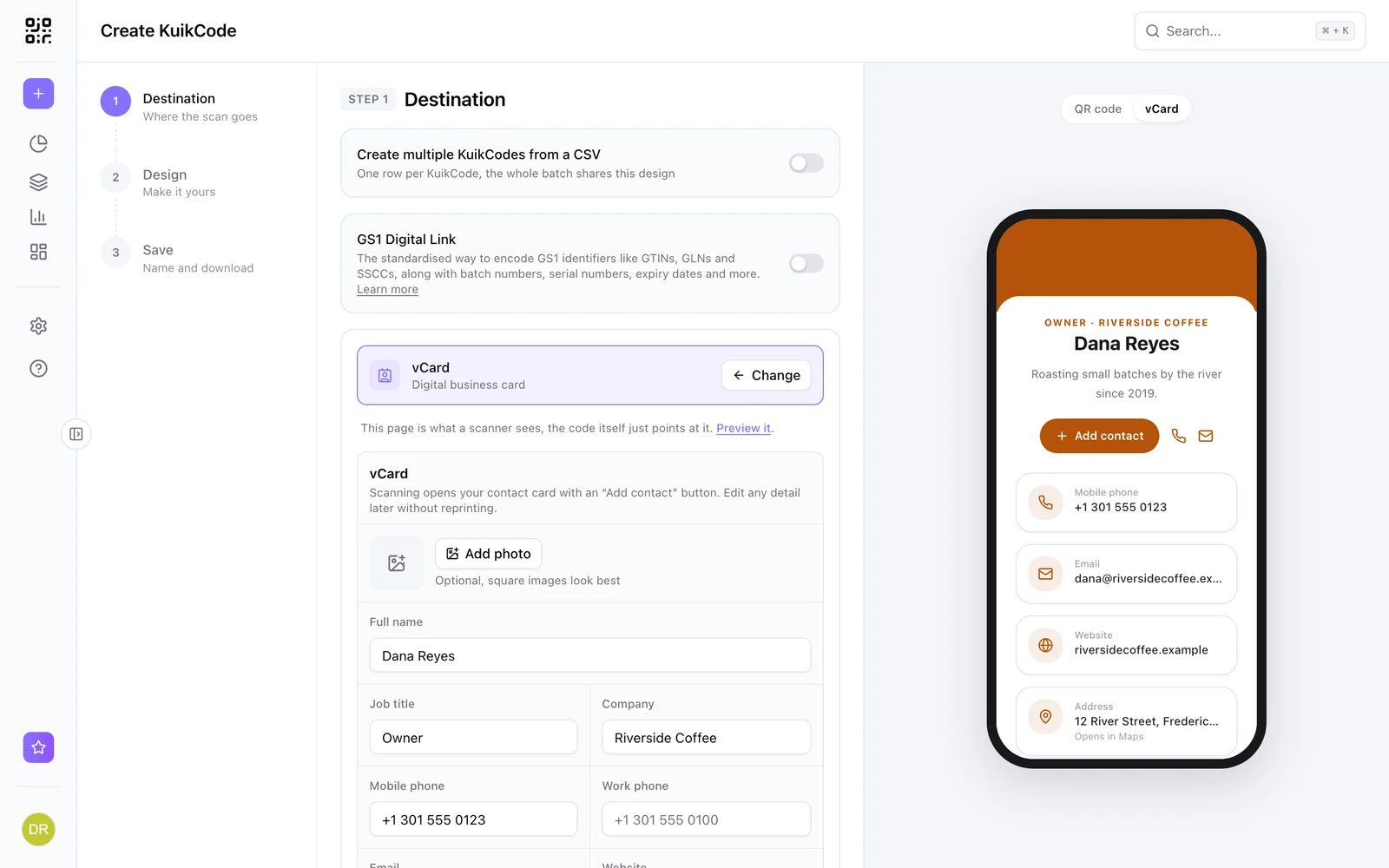
A contact card with your photo, phone, email and socials, plus an Add contact button. Update your details after the business cards are printed.
Where people use it
Business cards
One scan saves your details to the phone's contacts.
Real estate signs
Buyers save the agent from the sign rider.
Events and badges
Swap contacts at trade shows without typing.
Counters and desks
Customers save your shop's number and hours.
Your card, saved in one tap
The card shows your photo, name, title, company, phone, email, website, address, a short bio and social links, with an Add contact button.
- Your accent color and corners
- Instagram, LinkedIn, WhatsApp and more
- Update details without reprinting
Learn more

What is a dynamic QR code?
A dynamic QR code points to a short link you control, so you can change where it goes after printing and see every scan. Here is how it works.
September 23, 2026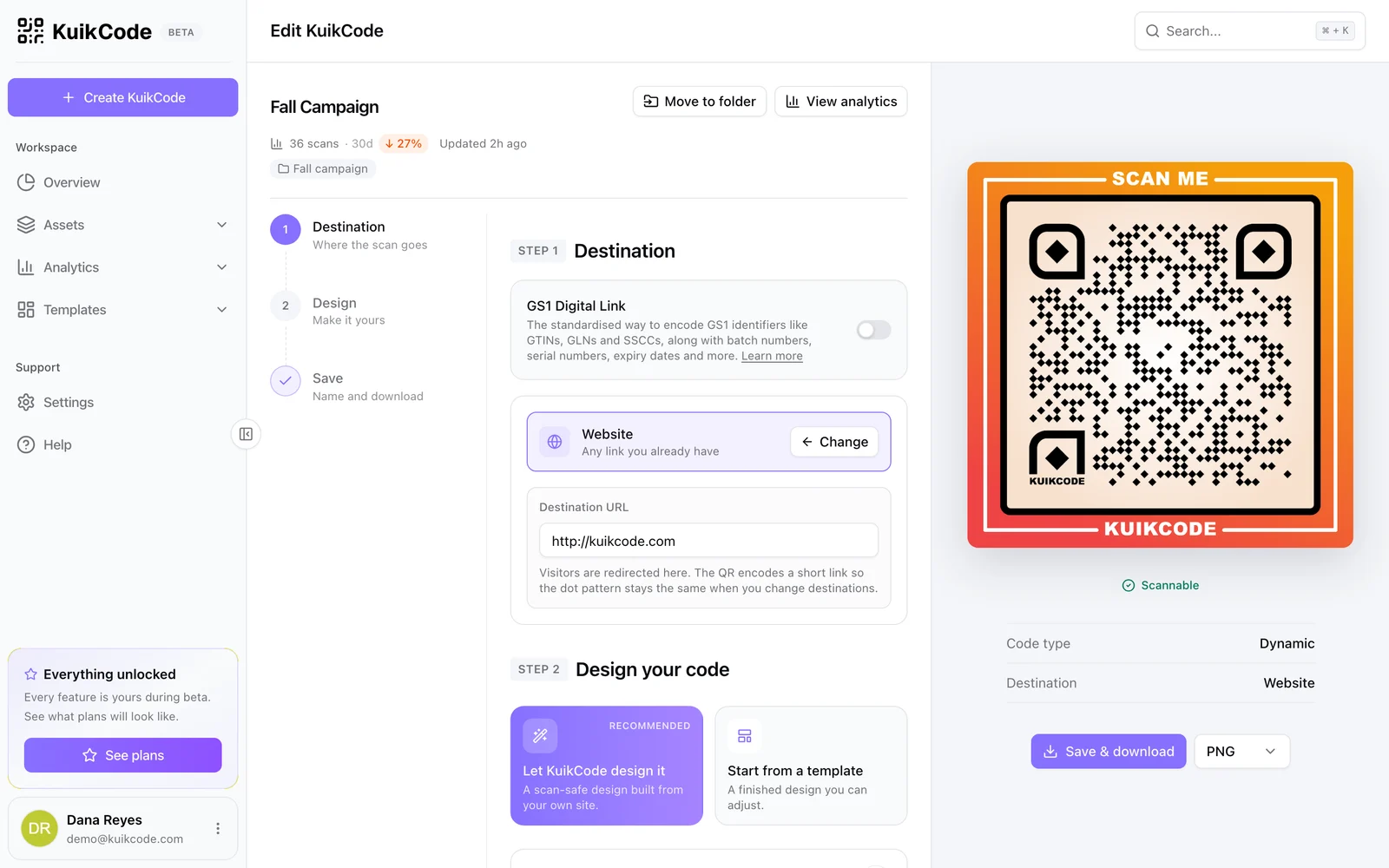
How to change where a QR code goes after it is printed
If your code is dynamic, you can send it to a new page, file or menu without reprinting. Here is how it works and what to do if your code is static.
September 23, 2026
How to track QR code scans (and what the numbers mean)
Dynamic QR codes record every scan. Learn which numbers matter, how to read total and unique scans, and how to connect scans to your web analytics.
September 23, 2026Frequently asked questions
01What is a vCard QR code?+
A QR code that opens a contact card and lets people save your details to their phone with one tap.
02Can I update my details after printing?+
Yes. Edit the card in KuikCode and every printed code shows the new details.
03Does the person scanning need an app?+
No. The card opens in the phone's browser and saves to the built in contacts app.

Start with the QR codes you will never need to reprint.
Join the beta for branded design, editable destinations, hosted sites, bulk CSV creation, and live scan analytics.
Request beta access
One email when your workspace is ready. No spam.