AI chats have become surprisingly good web designers. Describe a landing page for your café, an event microsite or a portfolio, and ChatGPT, Claude or Gemini will write the whole thing, layout, styles and all, in a minute. The part they leave to you is putting it online. This guide covers that last step: from the files in your chat to a live website with its own address and a QR code.
Step 1: Ask for a static site
A static site is a set of files, HTML, CSS, JavaScript and images, that a browser opens directly with no server running code behind it. That is exactly what AI chats are best at writing, and what KuikCode hosts.
Be specific in your prompt about the format, so the result works as soon as you upload it. Something like:
Build a one page website for Casa Piedra, a wood-fired restaurant in Asbury Park.
Sections: hero with the name and a reserve button, menu highlights, opening
hours, address with a map link, and a footer with Instagram.

Format:
- Plain static files: index.html at the root, plus styles.css and script.js.
- No frameworks that need a build step, no server code, no external database.
- Use relative paths for every file, and keep images small.
- Make it look great on phones first.
- Package everything as a ZIP I can download.
Then keep iterating in the chat until you like it: different colors, a new section, better copy. Most AI chats can show you a preview as you go.
Step 2: Download the ZIP
Many AI chats can package the files for you as a downloadable ZIP. If yours shows the code instead, ask for a single index.html file with the CSS and JavaScript inside it. Save it as index.html in a new folder, add any images it uses, and compress the folder into a ZIP.
Before uploading, check three things:
- index.html is at the top of the ZIP, not inside another folder. It becomes the home page.
- Every file the page uses is included, images, fonts and scripts, with relative paths.
- The ZIP is under 15 MB and 300 files. Compress large photos first.
Step 3: Upload it to KuikCode
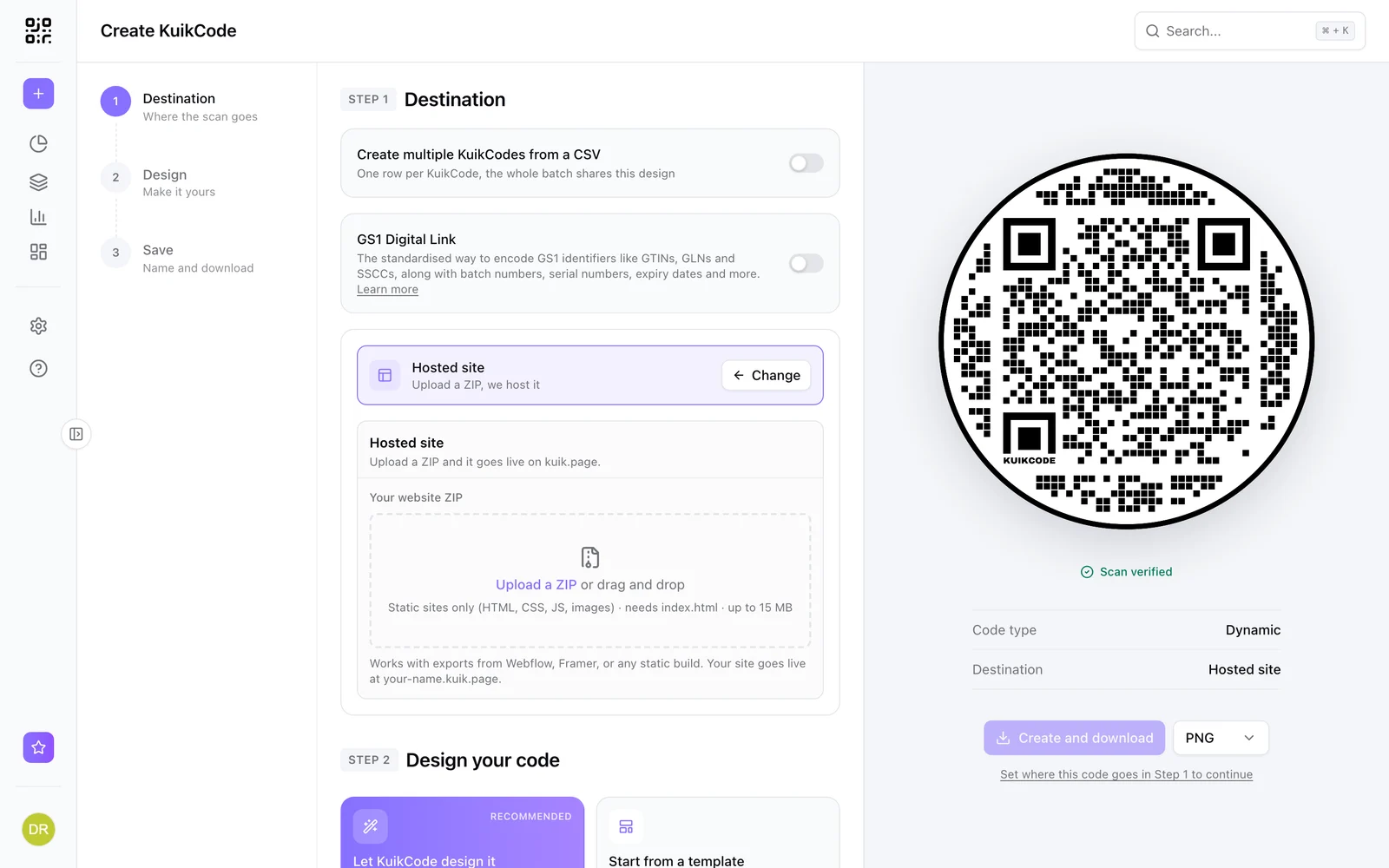
- Click Create and choose Hosted site.
- Drop the ZIP.
- Your site goes live at its own address,
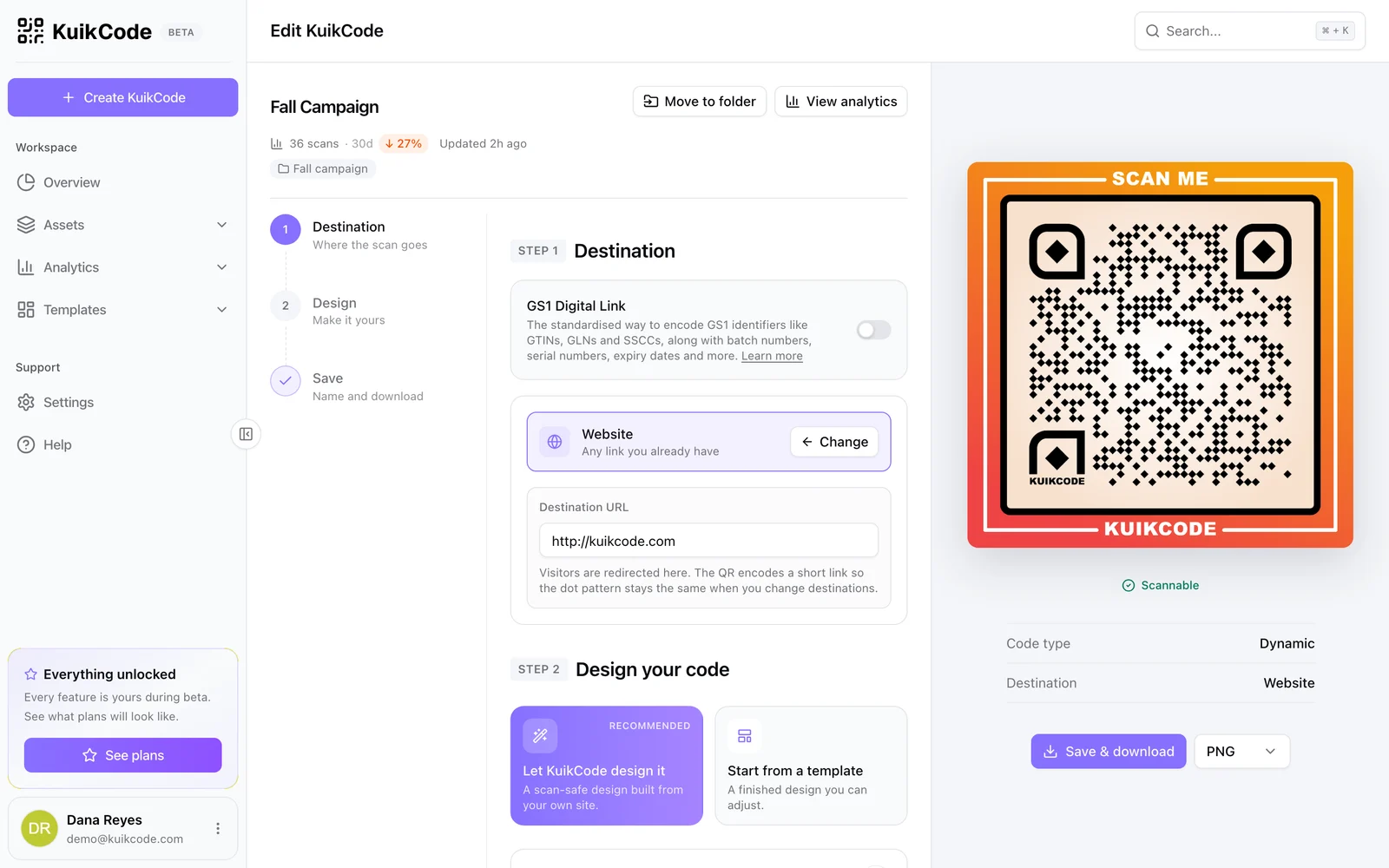
your-name.kuik.page, and the QR code points at it. - Design the code with your colors, add a frame like Scan to visit, and download it for print.
KuikCode accepts the files a static site uses: HTML, CSS, JavaScript and JSON, images such as PNG, JPG, WebP, SVG and AVIF, web fonts, MP4 and WebM video, MP3 audio and PDFs.
Step 4: Update it with the same chat
This is where AI and dynamic codes work well together. When you want a change, go back to the same chat and ask for it, add a winter menu section or change the hours, and download the new ZIP.
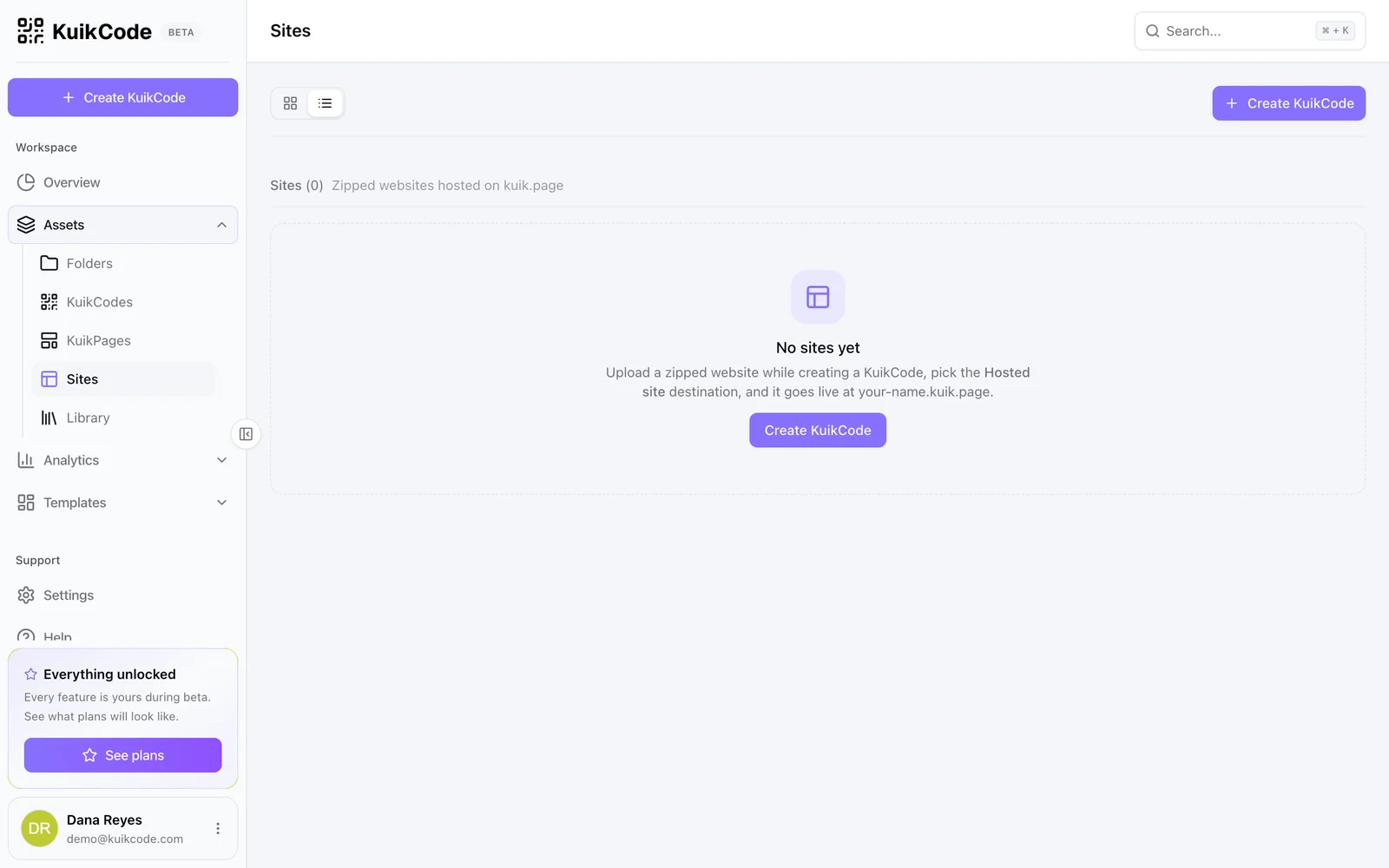
In KuikCode, open Sites, choose Redeploy on your site and drop the new ZIP. The address does not change, so every link you shared and every QR code you printed opens the new version.
What works well, and what does not
AI built static sites are great for:
- Landing pages for a launch, an offer or an event.
- Menus and price lists with photos.
- Portfolios and personal sites.
- Interactive brochures, guides and microsites for a campaign.
Keep in mind what a static site cannot do on its own:
- No server side code, so no logins, databases or payments built in.
- Forms need somewhere to send data. Link to a KuikPage with a Form block, on PRO, or to a form you already use.
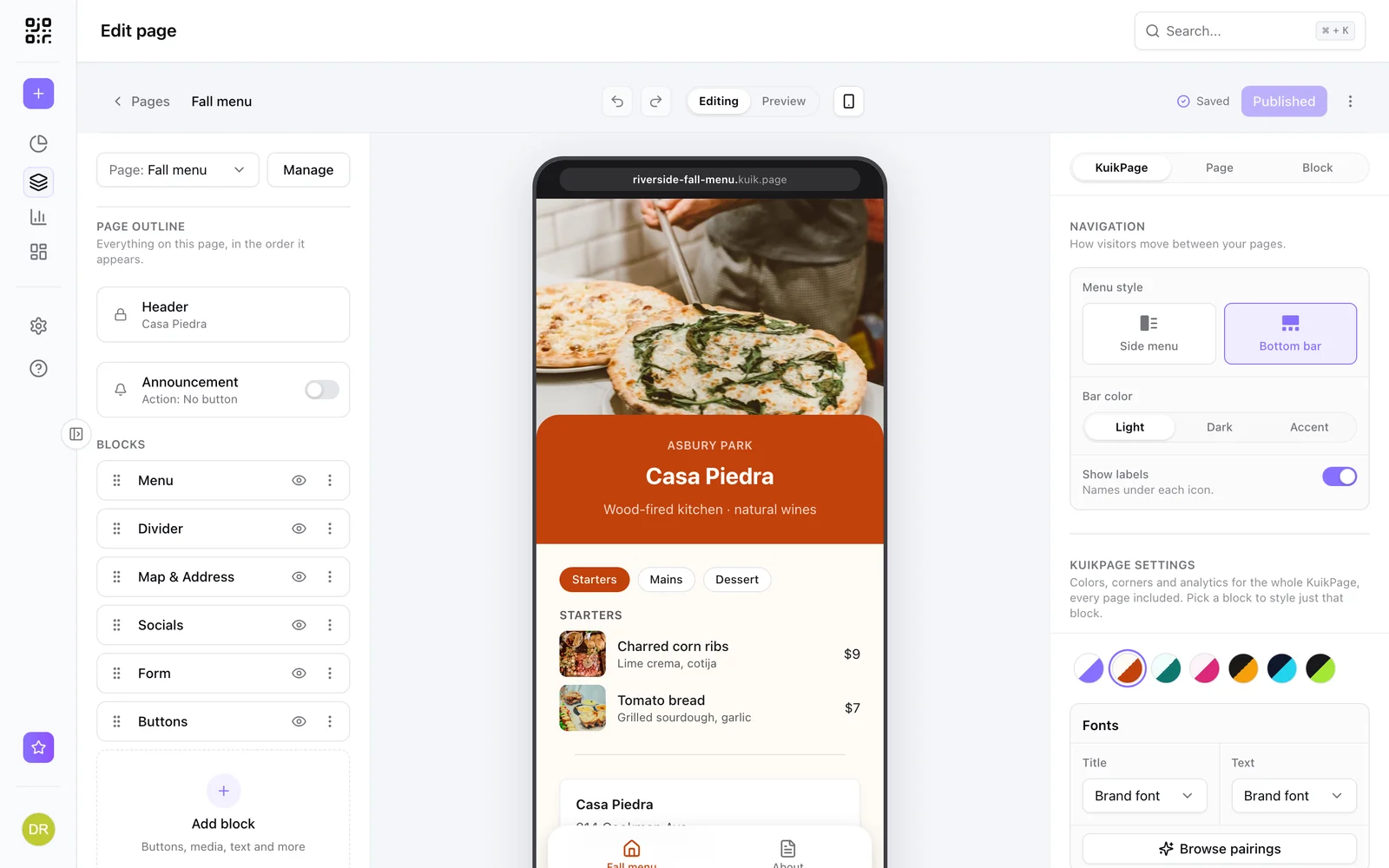
If you would rather not manage files at all, a KuikPage gives you a mobile page built from templates and blocks, edited right in KuikCode. Our guide to putting a website behind a QR code compares the two.
Plans
Hosted sites are available on Starter and up: one site on Starter, five on PRO and twenty on Business. Learn more on the Hosted sites page.
Frequently asked questions
01Can I host a website made with ChatGPT or Claude?+
Yes. Ask the chat for a static website as plain files, HTML, CSS and JavaScript with an index.html at the root, download them as a ZIP, and upload it to KuikCode as a hosted site. It goes live on its own address right away.
02What if the AI only gives me code, not a ZIP?+
Ask it for a single index.html file with the CSS and JavaScript inside it, save that file into a folder with any images it uses, and compress the folder into a ZIP.
03How big can the site be?+
Up to 15 MB and 300 files per site. That is plenty for a landing page, a menu, a portfolio or a small microsite, as long as images are compressed.
04Can the site have a contact form?+
A static site has no server to receive form submissions. Link to a KuikPage with a Form block, available on PRO, or to a form you already use.
05How do I update the site later?+
Ask the AI chat for the changes, download the new ZIP and use Redeploy on the same site in KuikCode. The address stays the same, so every link and printed QR code opens the new version.
06How many sites can I host?+
One on Starter, five on PRO and twenty on Business.