Ask ChatGPT or Claude for a QR code and you will usually get one. The question is what kind, because there are two very different answers.
What an assistant can do on its own
Left alone, an assistant can write a few lines of code that draw a static QR code: the link or text is baked straight into the black and white pattern. It scans fine, and for a one off, like a WiFi password or a link on a slide, that can be enough.
But a static code has hard limits:
- You can never change it. If the link changes, you make a new code and reprint.
- You cannot see who scans it. There is no count, no location, no device.
- It is plain. Black squares on white, no colors, frame or logo that match your brand.
- It lives nowhere. The image is in the chat, not in an account where you can find it next month.
For anything printed at scale, like menus, packaging, flyers or signage, those limits are the whole problem. Our guide to static vs dynamic QR codes explains why.
What changes when an assistant is connected
Assistants can use outside tools through MCP, the Model Context Protocol. A QR code service with an MCP server gives the assistant real actions: create a code, change where it points, read its scans. The code is made by the service, not drawn in the chat, so it is a real dynamic code saved to your account.
With the KuikCode MCP server connected, a conversation can go like this:
- You ask in plain words. "Make a QR code for our spring menu in our brand colors."
- The assistant proposes a name and reads your website's colors and logo.
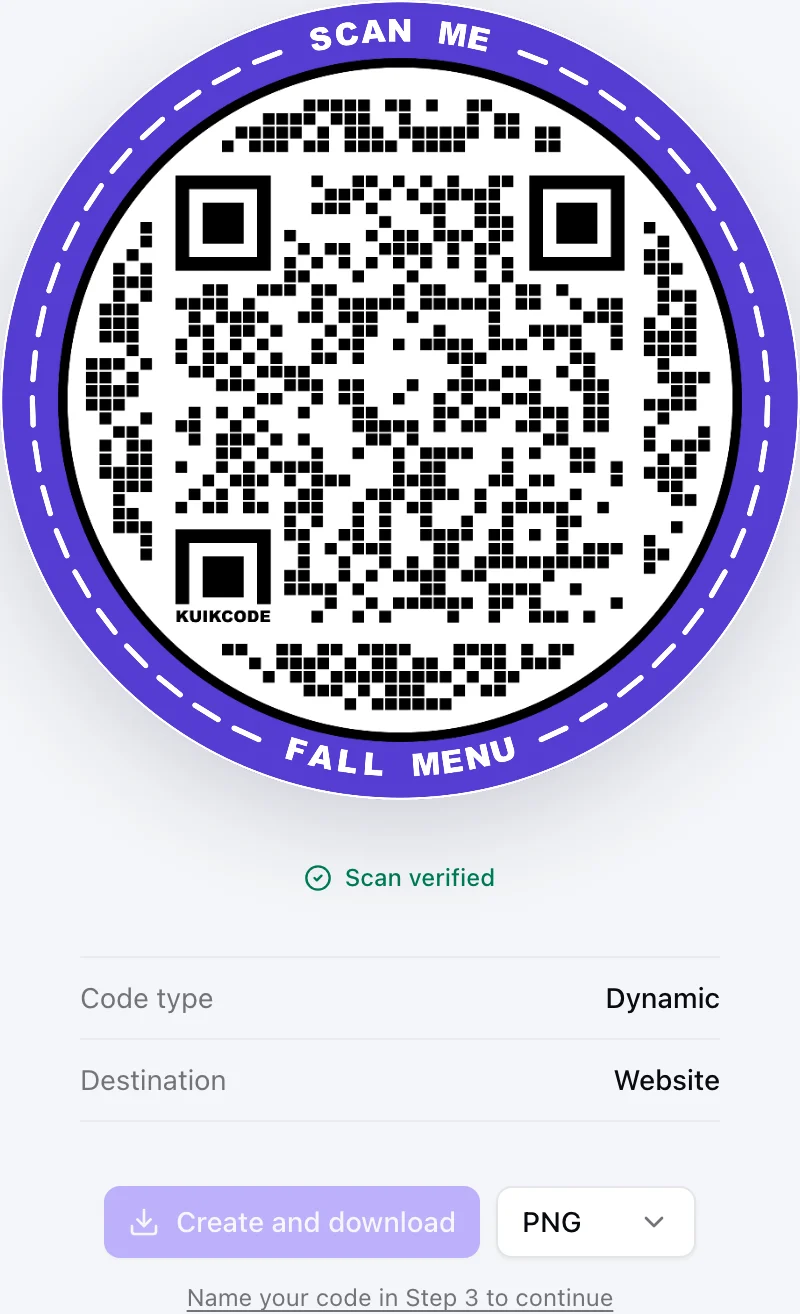
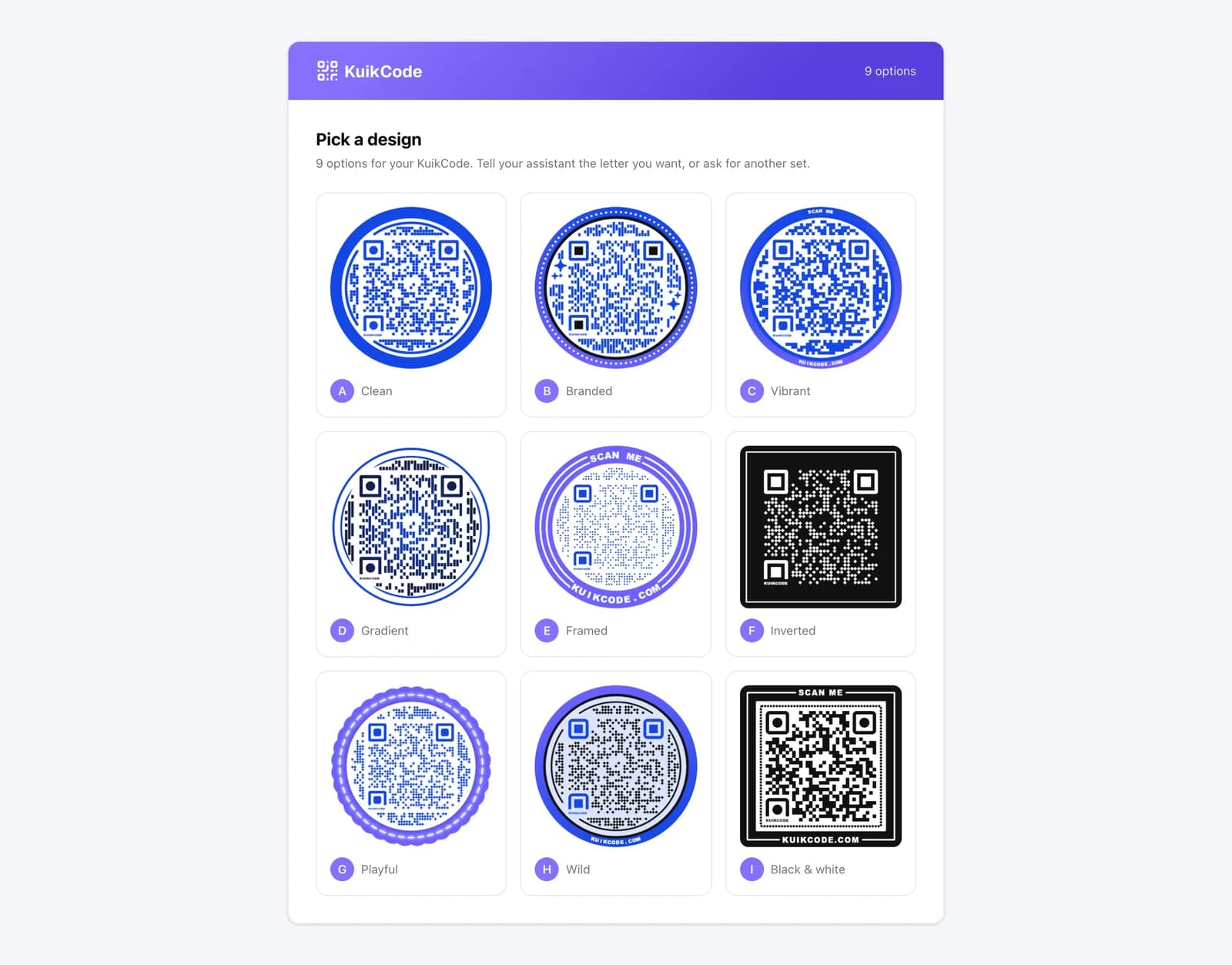
- You get a link to nine designed options, A to I, and pick the one you like. Nothing is saved until you do.
- The code is created in your workspace, ready to download as PNG, SVG or JPG.
More than making codes
Once connected, the same assistant can handle the everyday work around your codes:
- Repoint a printed code. "Point the lobby code at the new page." The artwork stays the same.
- Route by device, country or time. "Send iPhone users to the App Store and everyone else to Google Play."
- Answer questions about scans. "How many scans did the trade show codes get last week?"
- Build a mobile landing page from a template, then offer a code that opens it.
You stay in control: you pick the workspace the assistant can use when you connect it, it asks before saving designs, and it cannot delete codes, archive them or touch billing. You can disconnect it at any time from your settings.
How to connect
In Claude or ChatGPT, add a custom connector with the KuikCode MCP endpoint, sign in, choose your workspace and allow access. The KuikCode MCP page walks through it step by step. The MCP server is part of the Business plan.
So, which should you use?
For a quick static code you will never change, asking the assistant on its own is fine. For anything you print, share widely or want to measure, connect it to a QR code service, so the code you get is dynamic, designed and yours to manage.
Frequently asked questions
01Can ChatGPT generate a QR code?+
It can write and run code that draws a basic static QR code for a link or text. That code cannot be edited after printing and has no scan tracking. For a dynamic, designed code, connect ChatGPT to a QR code service that offers an MCP connector.
02Can Claude make a QR code?+
Yes, the same way. Claude can produce a plain static code by writing code, and with the KuikCode connector it can create designed dynamic codes, save them to your workspace and change where they point later.
03What is MCP?+
The Model Context Protocol is an open standard that lets AI assistants use outside tools. A service with an MCP server, like KuikCode, gives an assistant a set of actions it can take on your behalf, with your permission.
04Is it safe to let an assistant manage my QR codes?+
You choose the workspace it can use when you connect it, you can disconnect it at any time, and the KuikCode assistant cannot delete or archive codes or change billing. Nothing is saved until you confirm a design.
05Which plan do I need for the KuikCode MCP server?+
The KuikCode MCP server is part of the Business plan.