You see it under posts every day: link in bio. It means the post is talking about a link, and the link itself is in the account's profile, the short bio section at the top of the account. Tap the name or photo, and the link is right under the bio.
People write it because a link pasted into a post caption on Instagram can't be tapped. It shows as plain text. The profile is the one place where a tappable link lives, so "link in bio" became the standard way to say "go to my profile, the link is there".
Why posts say "link in bio" instead of sharing the link
Three reasons, all about the platforms:
- Captions don't make links tappable. On Instagram, a web address in a caption is just text. Nobody is going to copy it by hand.
- The profile is permanent. A post scrolls away; the profile is where every new visitor lands. One link there serves every post you will ever publish.
- Room is tight. A profile holds a handful of links at most, and on some accounts just one. That limit is the reason link in bio pages exist.
On Facebook, links in posts can be tapped, so you see the phrase less there. On TikTok it means the same as on Instagram: open the profile, the website link sits under the bio.
What a link in bio page is
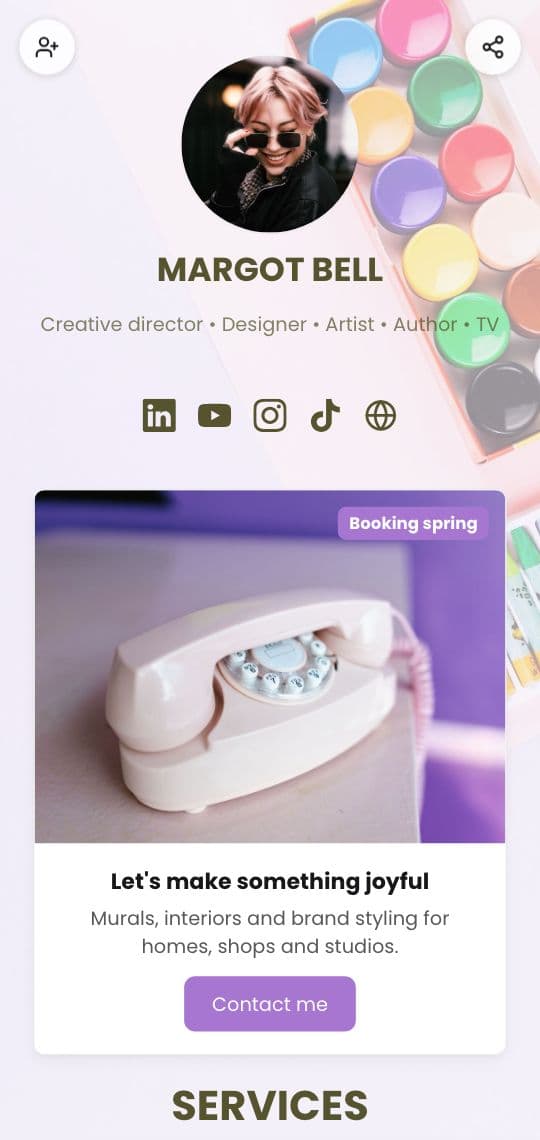
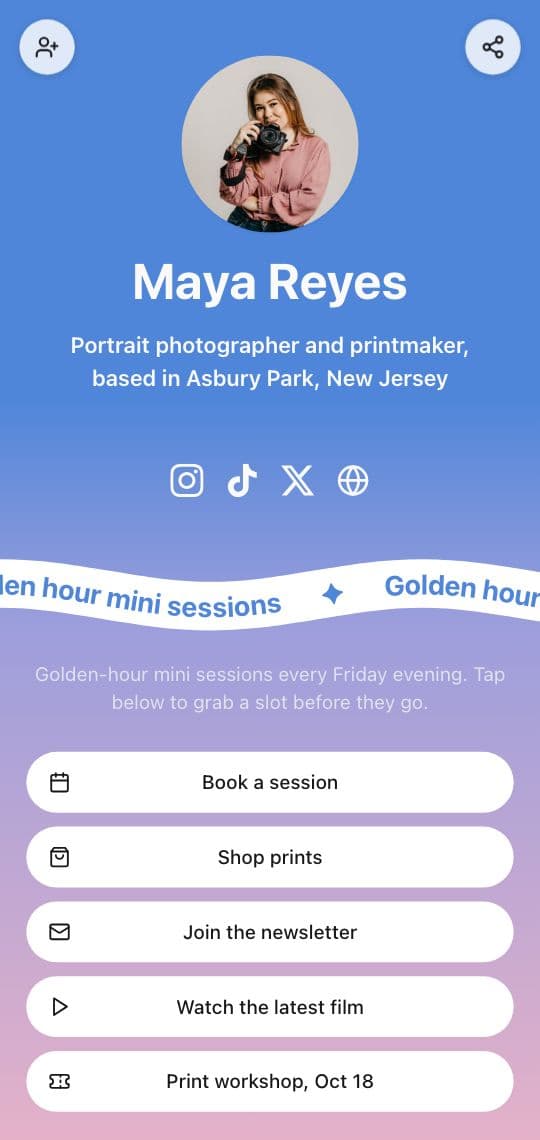
Since a profile has room for so few links, most accounts point their one link at a link in bio page: a simple mobile page with a photo, a line about you, and a stack of buttons. One for the newest video, one for the shop, one to book, one for the newsletter, plus icons for your other profiles.
The page is what makes "link in bio" work. Without it, the profile link has to choose one thing, and every post that talks about something else sends people to the wrong place.
What to put on yours
A link in bio page gets a few seconds of attention, so order matters more than quantity.
- Lead with the thing your posts are about this week. If today's post says "link in bio" about a new product, that product goes first.
- Keep it to four to six buttons. More than that and people stop reading. Old links can come off.
- Write buttons as actions. "Book a session" and "Shop prints" beat "Booking" and "Shop".
- Add your other profiles as icons, not as full buttons, so they don't push the important links down.
- Make it look like you. Your colors, your photo and your fonts tell visitors they're in the right place.
How to make one in KuikCode
A KuikPage is a mobile page you build in KuikCode, and a link in bio page is the most common one.
- Open KuikPages and start from the Link in Bio template, or the Creator Link in Bio one.
- Change the photo, the name and the line under it.
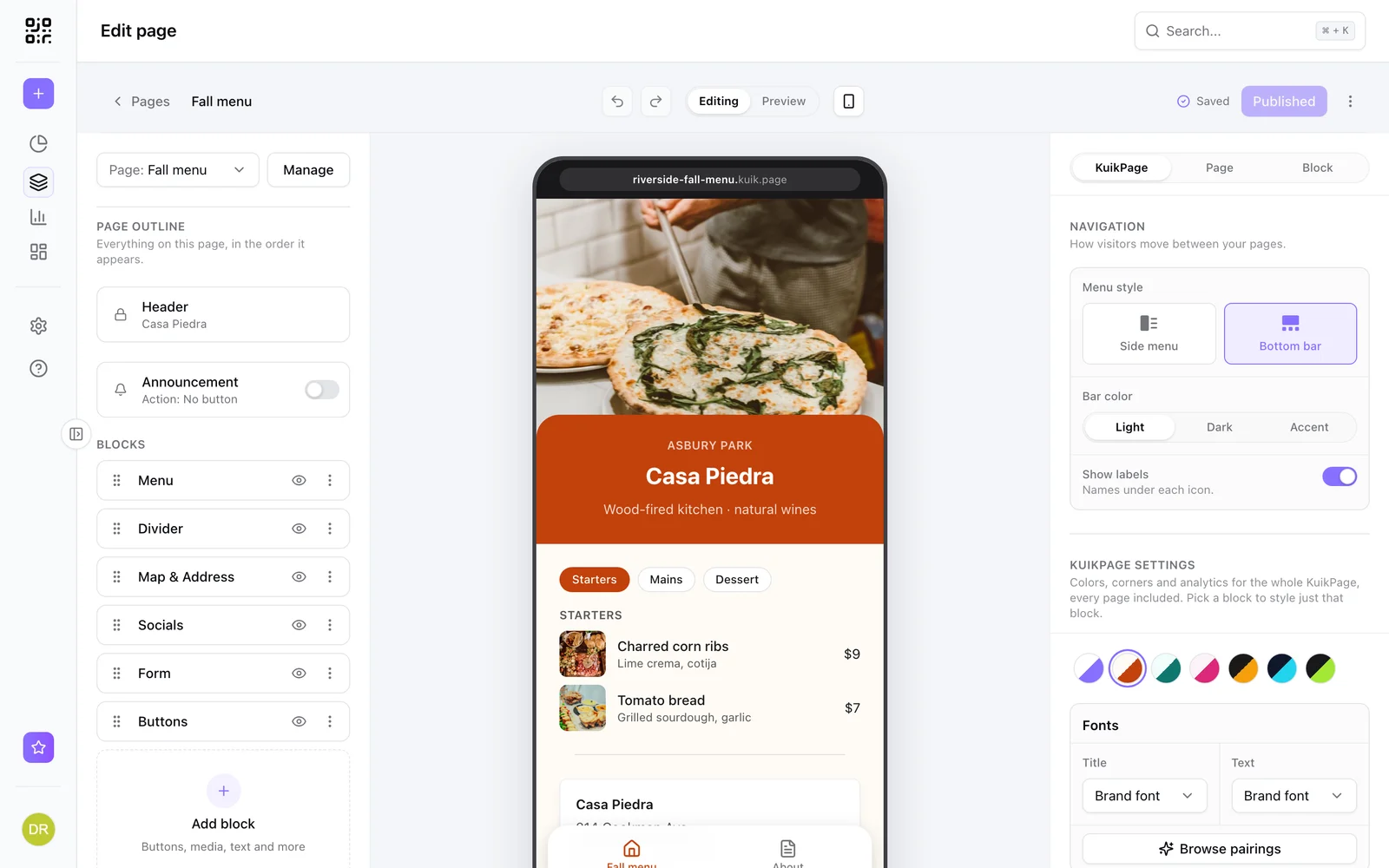
- Add Buttons for your links and a Socials block for your profiles.
- Pick your colors, fonts and background.
- Publish. The page goes live at your own
yourname.kuik.pageaddress. Paste it into your profile.
Every plan includes a link in bio page, starting with Basic. See link in bio pages for the blocks and designs you can use.
The same page, on paper
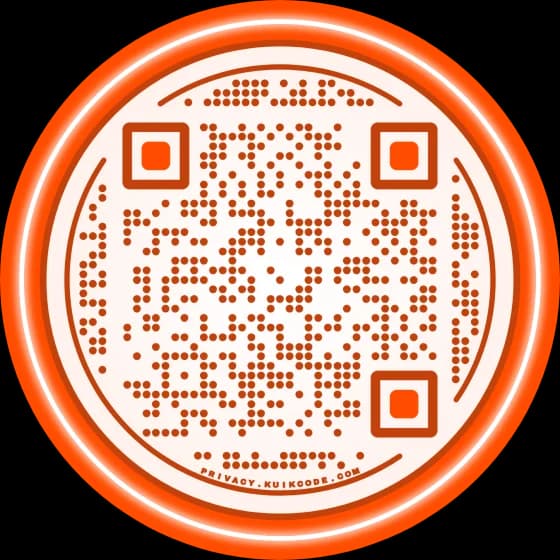
The people who see your posts aren't the only ones you want to reach. A business card, a sticker on merch, a flyer or a slide at a talk can all point to the same page with a QR code. KuikCode gives every page a designed QR code, so a scan lands on the same buttons your bio link opens, and you only ever update one page.
Seeing what people tap
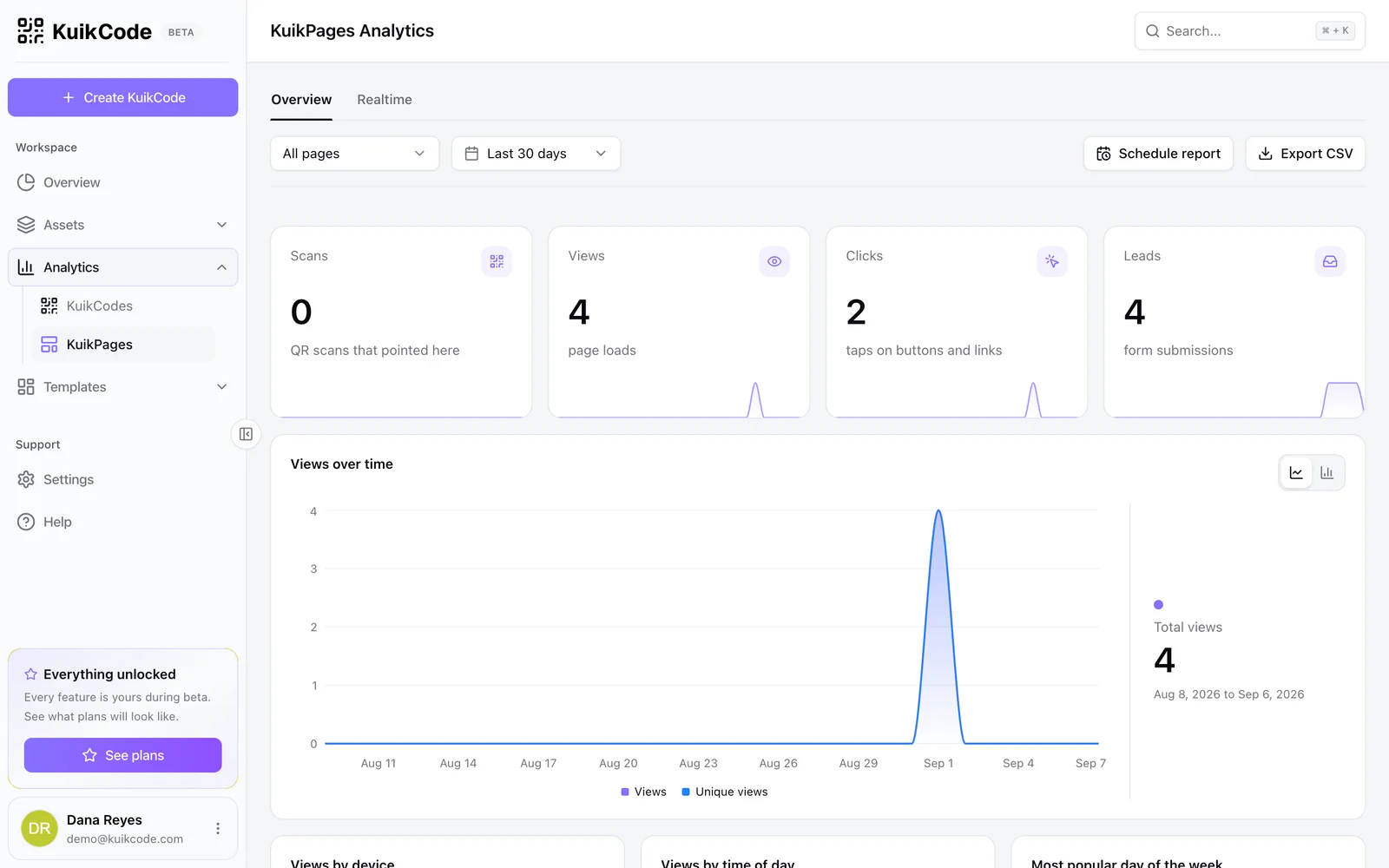
A link in bio page also tells you what the profile alone can't: which buttons people actually tap. KuikPages count views and clicks for every page, and What gets tapped lists every button with its taps, so you can move the busy links up and drop the quiet ones. Our post on who clicks your link in bio goes into what Instagram shows and what it doesn't.
Ready to set it up? Here is how to add a link in bio on TikTok and Instagram, step by step.
Frequently asked questions
01What does link in bio mean?+
It means the link mentioned in a post is in the account's profile, the short bio section at the top. People say it because a link typed into a caption can't be tapped on Instagram, so the profile is the only place a tappable link can live.
02What does link in bio mean on Instagram?+
Tap the account's name or photo to open the profile, then tap the link under the bio. It opens in the browser inside the app. Instagram profiles can hold a few links, and many accounts use one link that opens a page with all of their links.
03What does link in bio mean on TikTok?+
The same thing: the link is in the profile, under the name and bio. On TikTok the website link appears once an account qualifies for it, so some profiles show it and others don't.
04What is a link in bio page?+
One mobile page that lists everything an account wants to share: its latest post or product, a shop, booking, a newsletter and its other social profiles. The profile links to the page, and the page links to everything else.
05Can you say link in bio on Facebook?+
You can, but links in Facebook posts can be tapped, so it is less common there. On Facebook it usually points to the link in the page's intro or details.