Short answer: no. Instagram doesn't tell you who tapped the link in your bio, on any kind of account. No list of names, no notification, nothing in the activity tab.
What you can see depends on the account, and there is a way to get much better numbers than Instagram gives you, without knowing anyone's name.
What Instagram does show
- Personal accounts: nothing about link taps at all. Insights are only for professional accounts.
- Professional accounts (creator or business): insights show how many times people tapped the links on your profile over a period. It's a count, never who.
- Story link stickers: story insights on professional accounts count taps on the sticker, again without names.
So the most Instagram tells you is "the profile's links were tapped 140 times this week". And when your bio points at one page, Instagram can't see which button on that page people chose: the shop, the booking or the newsletter.
Why there's no "who"
Telling an account which people visited a link would be a privacy problem: visitors don't expect a creator or a brand to get their name for tapping a link. Instagram keeps that to itself, and a good link in bio tool should keep it out of the picture too. What you actually need isn't names anyway. It's which link works, and where the visits come from.
Get better numbers with a link in bio page
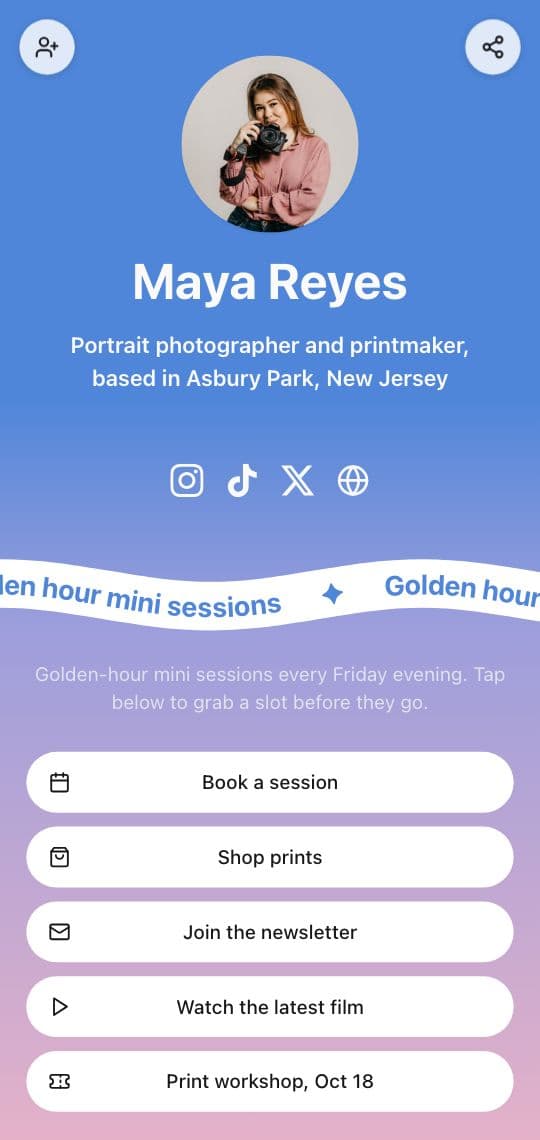
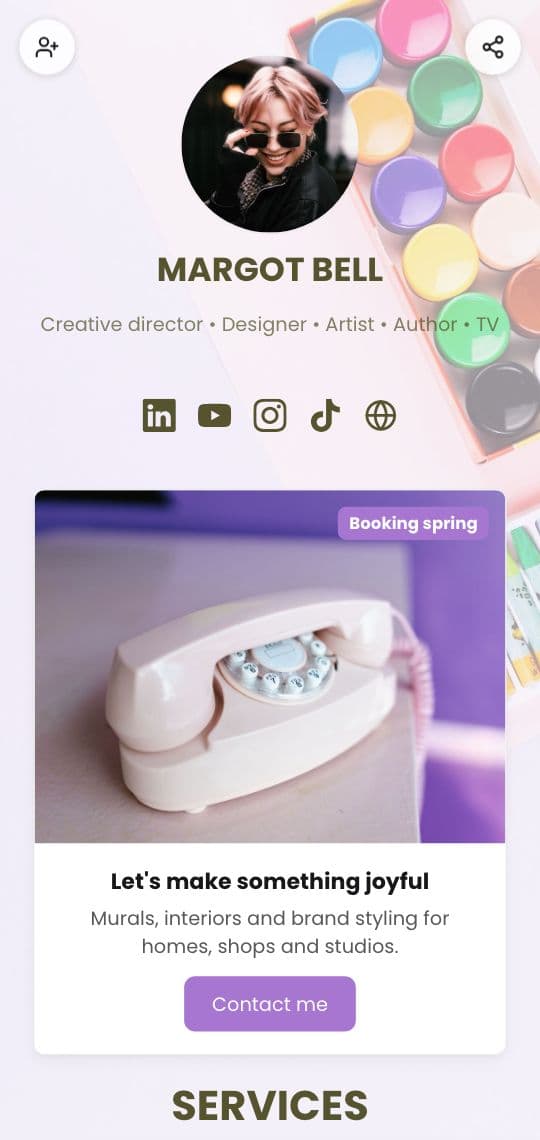
Most accounts point their bio at a link in bio page, one page with a button for each thing they share. When that page is yours, its analytics are yours too, and they answer the questions Instagram's count can't.
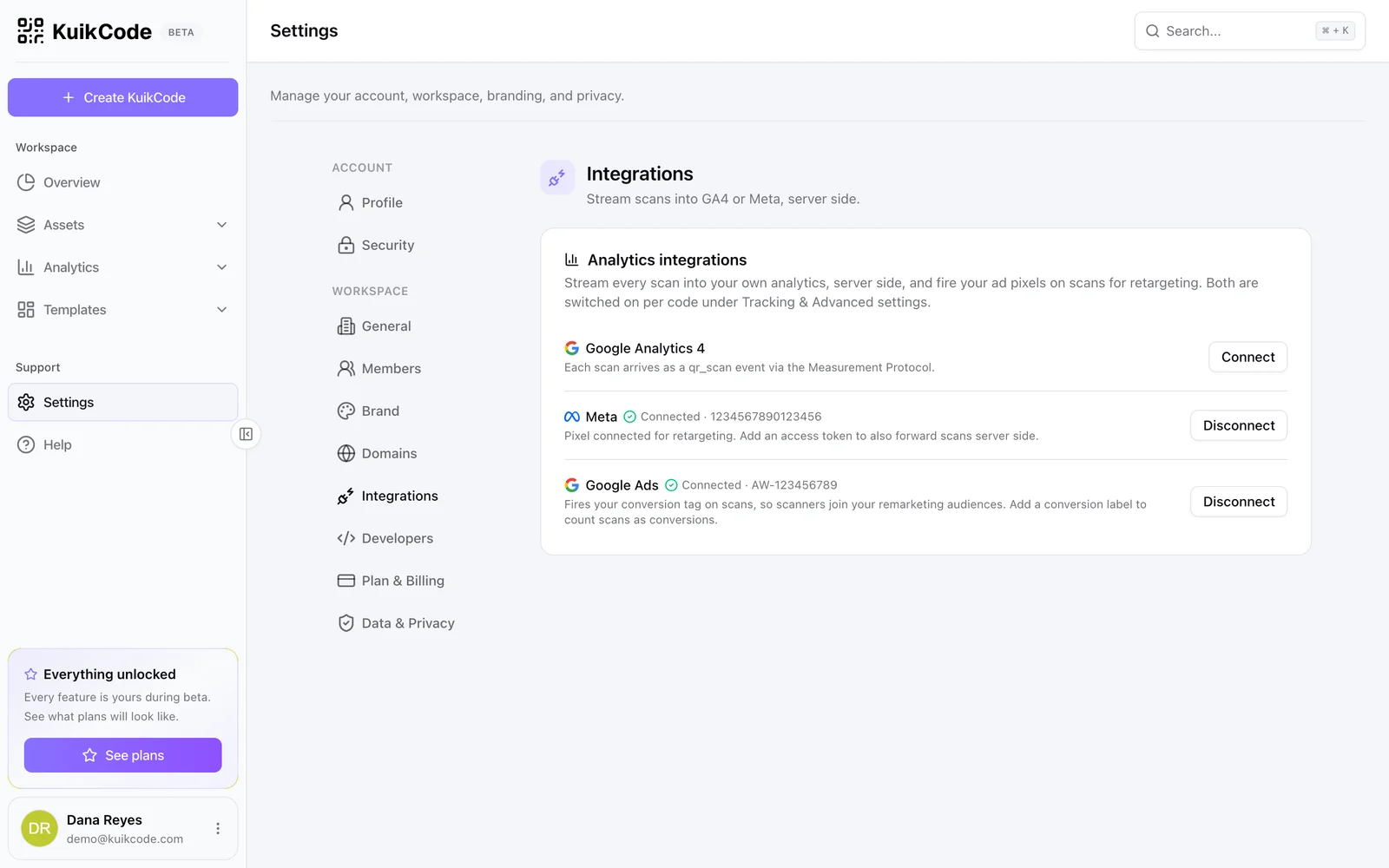
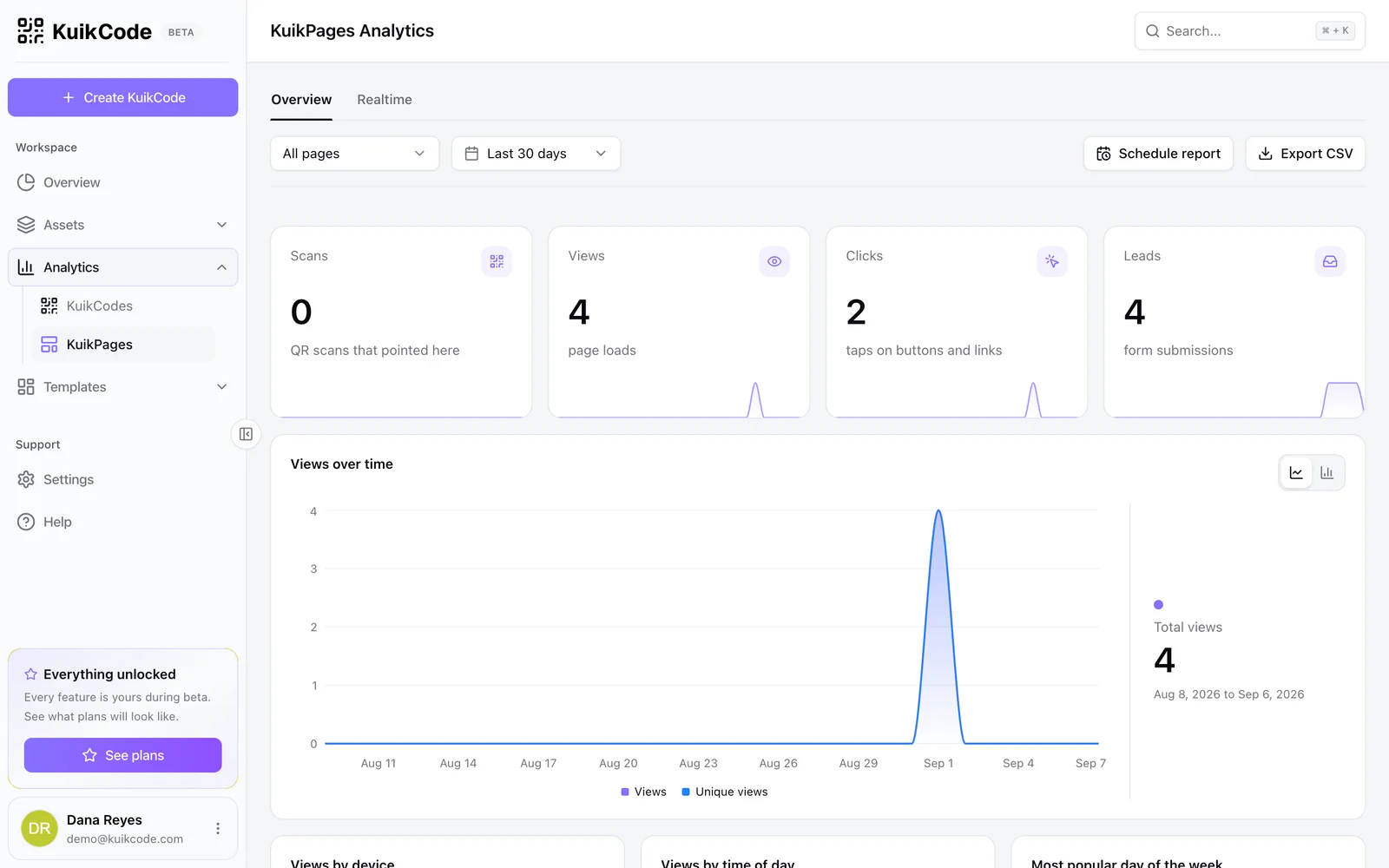
A KuikPage counts, for every page:
- Views, with views over time, by device, by time of day and by location.
- Clicks on every button and link.
- What gets tapped, a list of every button on the page with its taps, so you can see that "Shop prints" gets three times the taps of "Watch the latest film".
- Referrers, so you can tell Instagram visits from TikTok, email or a QR code.
None of it identifies a person. KuikCode records the device, the approximate city and the referring site, and never stores visitors' raw IP addresses. You learn what works without learning who anyone is.
Tag the links that leave the page
When a button on your page sends people to your own website, add UTM tags to its link, such as utm_source=instagram&utm_medium=bio. Your website's analytics then credit the visit to Instagram instead of filing it under "direct". Our guide to UTM parameters shows how to build them.
Count your print too
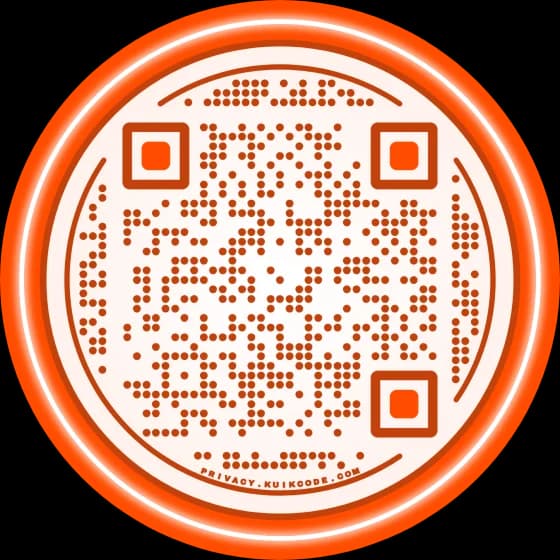
The same page can also sit behind a QR code on a business card, a poster or merch. KuikCode gives each page a designed code, and its scans are counted next to the page's views, so the analytics show how many people came from the profile and how many from the code in their hand. Read more about scan analytics.
In short
Instagram shows a count of profile link taps on professional accounts and never shows who. If you want to know which links people tap, point your bio at a page with its own analytics, keep the busiest buttons at the top, and drop the ones nobody uses. New to the idea? Start with what link in bio means.
Frequently asked questions
01Does Instagram show who clicks your link in bio?+
No. Instagram does not show which accounts tapped the link in your bio, on any kind of account. Professional accounts see a total number of taps on the profile's links in their insights, and that's it.
02Can you see who clicks your links on Instagram stories?+
Not who. Story insights on professional accounts count how many times the link sticker was tapped, without names.
03How can I see how many people click my link in bio?+
Switch to a professional account to see link taps in Instagram's insights, or point your bio at a page that has its own analytics. A KuikPage counts views of the page and taps on each button.
04Can a link in bio page show who tapped it?+
It shouldn't, and KuikCode doesn't. KuikPages count views and taps with the device, the approximate city and the referring site. They never store the visitor's raw IP address or identify the person.
05Does a personal Instagram account show link taps?+
No. Insights, including link taps, are only for professional accounts: creator or business. Switching is free in the account settings.