Both TikTok and Instagram keep the one tappable link of a profile in the same place: right under your name and bio. Here is how to add it on each, what to do when TikTok doesn't show the field, and how to put more than one link behind it.
Add a link in your Instagram bio
- Open your profile and tap Edit profile.
- Tap Links, then Add external link.
- Paste the address and give it a short title.
- Tap Done and save.
The link now shows under your bio. Instagram lets a profile hold a few links, currently up to five, and the first one shows by default while the rest sit behind a "and more" line. That's why many accounts add one link only, to a page that holds all the others.
Add a link in your TikTok bio
- Open your profile and tap Edit profile.
- Find the website field, paste your address and save.
The link shows under your bio, ready to tap.
No website field?
TikTok doesn't give every account the website field. It shows it to business accounts and to personal accounts that have reached its follower minimum, which has been 1,000 followers. TikTok changes these rules now and then, so check its help center for the current one. Two ways forward:
- Switch to a business account in the account settings, if it fits how you use TikTok.
- Grow to the minimum, and add the link when the field appears.
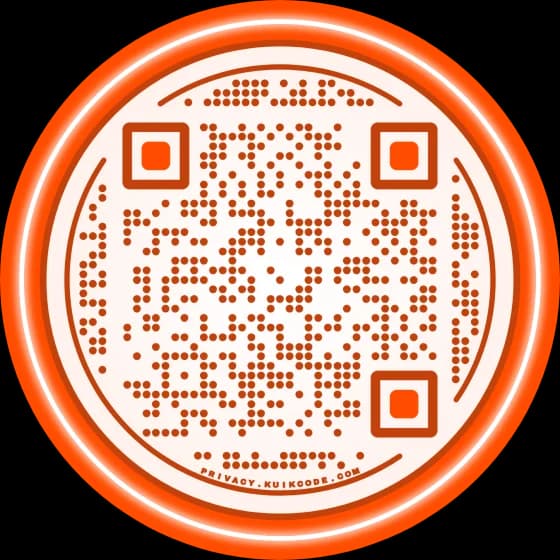
Until then, a QR code on your other channels can still lead people to the same page.
One link, every link: use a link in bio page
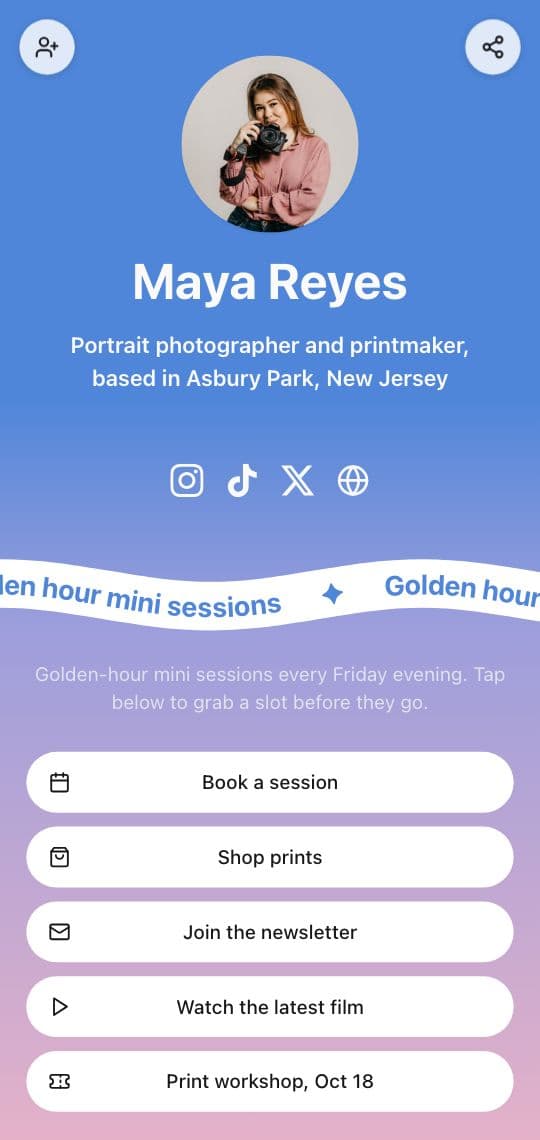
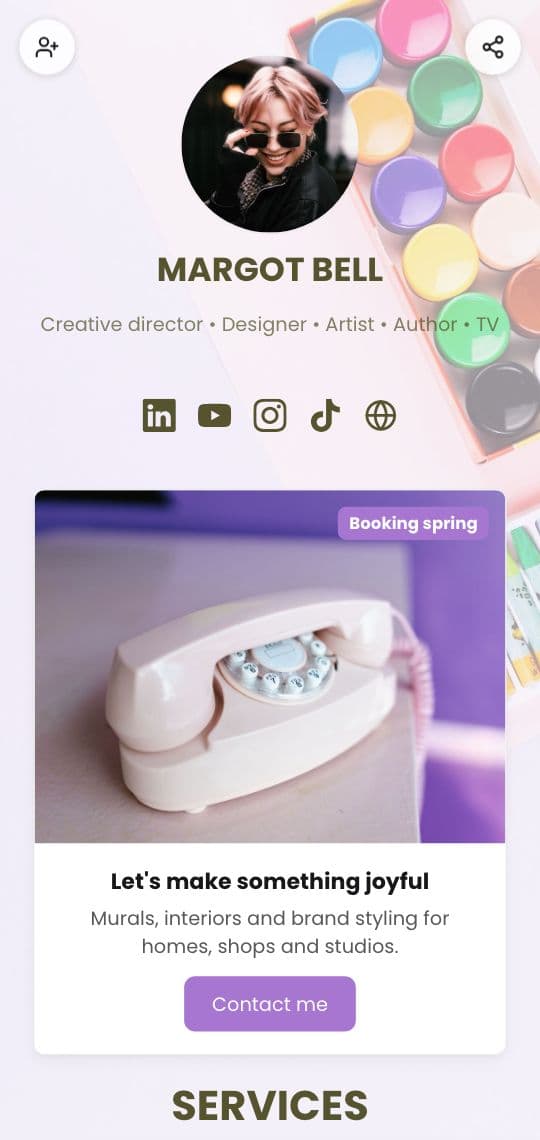
Five links on Instagram and one on TikTok won't hold everything you share, and they don't look like you. A link in bio page solves both: one mobile page with your photo, your colors and a button for each link. The profile links to the page; the page links to everything else.
To make one in KuikCode:
- Open KuikPages and start from the Link in Bio or Creator Link in Bio template.
- Swap in your photo, name and a line about what you do.
- Add Buttons for your links and a Socials block with icons for your other profiles.
- Publish. Copy your
yourname.kuik.pageaddress and paste it into both profiles.
Every plan includes a link in bio page, starting with Basic. Browse the templates for a starting look.
Keep it current
- Put this week first. When a post says "link in bio", the link it means should be the top button.
- Remove what's done. Last month's sale shouldn't push today's launch down.
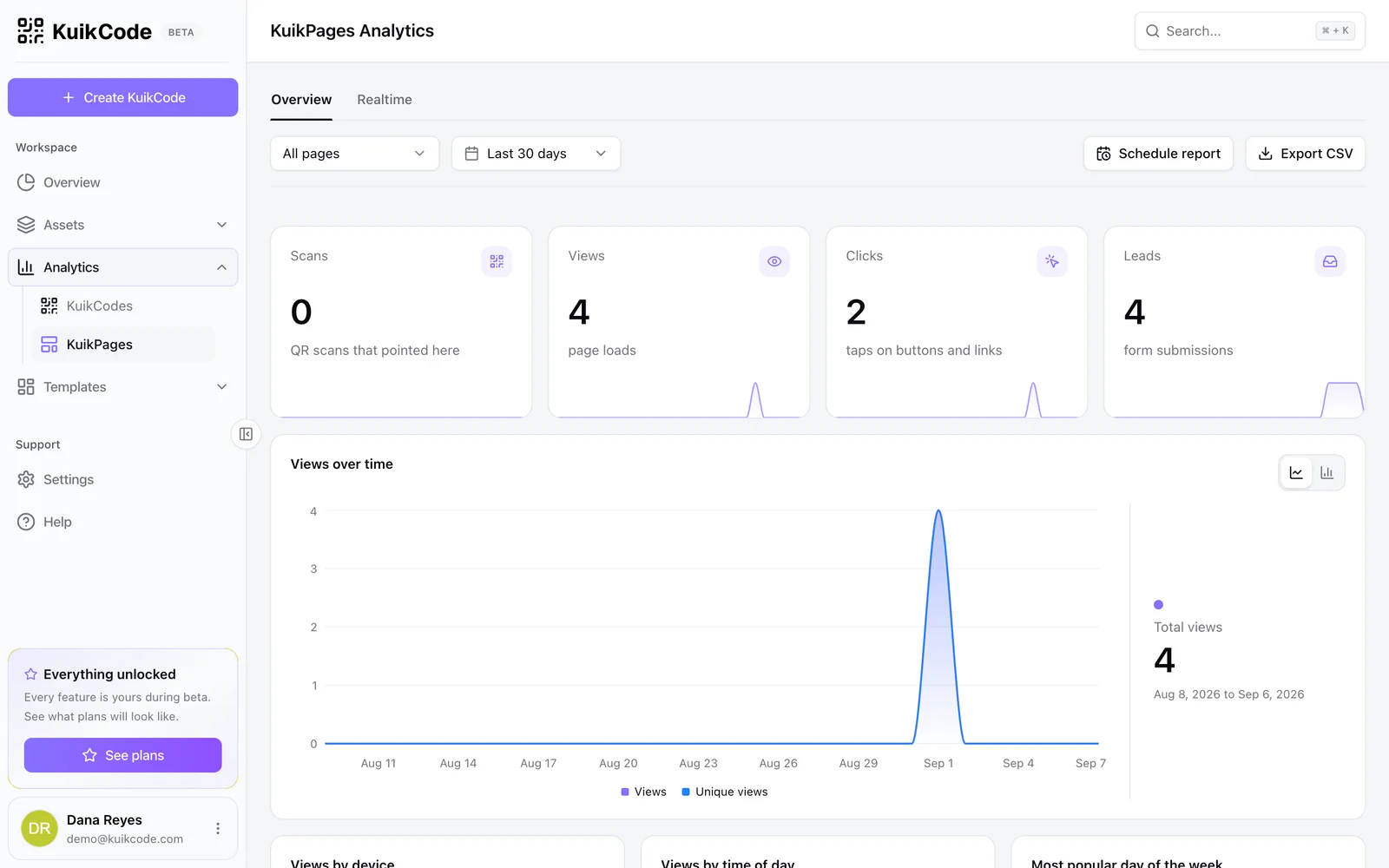
- Watch the taps. A KuikPage's What gets tapped list shows each button's taps, so you know what to keep. More on that in does Instagram show who clicks your link in bio.
Put the same page on paper
Your profile link isn't the only door. Business cards, merch, posters and the screen at a talk can lead to the same page through a QR code. KuikCode gives every page its own designed code, so a scan opens the same buttons your bio link does. Our guides to Instagram QR codes and TikTok QR codes show how to point a code at your profile instead, when that's the better fit.
Not sure what the phrase means for your audience? Start with what link in bio means.
Frequently asked questions
01How do I add a link in my Instagram bio?+
Open your profile, tap Edit profile, then Links, then Add external link. Paste the address, give it a title and save. The link shows under your bio.
02How do I add a link in my TikTok bio?+
Open your profile, tap Edit profile and add your address in the website field, then save. If there is no website field, your account doesn't qualify yet.
03Why can't I add a link to my TikTok bio?+
TikTok shows the website field to business accounts and to personal accounts that have reached its follower minimum, which has been 1,000 followers. Check TikTok's help center for the current rule, or switch to a business account in the settings.
04How many links can I put in my Instagram bio?+
Instagram lets a profile hold a few links, currently up to five. If you share more than that, or want them to look like you, point one link at a link in bio page.
05Should I use the same link on TikTok and Instagram?+
Yes, one page for both is easier to keep current. If you want to tell the two apart, the page's analytics show the referring site of every visit.