A tracking link is a link that counts. When someone clicks it, it records the click and then sends them on to the page you chose, in a fraction of a second. They land where they expected; you learn that they came.
Most tracking links are short links, like kuik.sh/spring-sale, made with a link shortener that keeps the numbers for you. The page at the end can be anything: your shop, a form, a video, a menu.
What a tracking link tells you
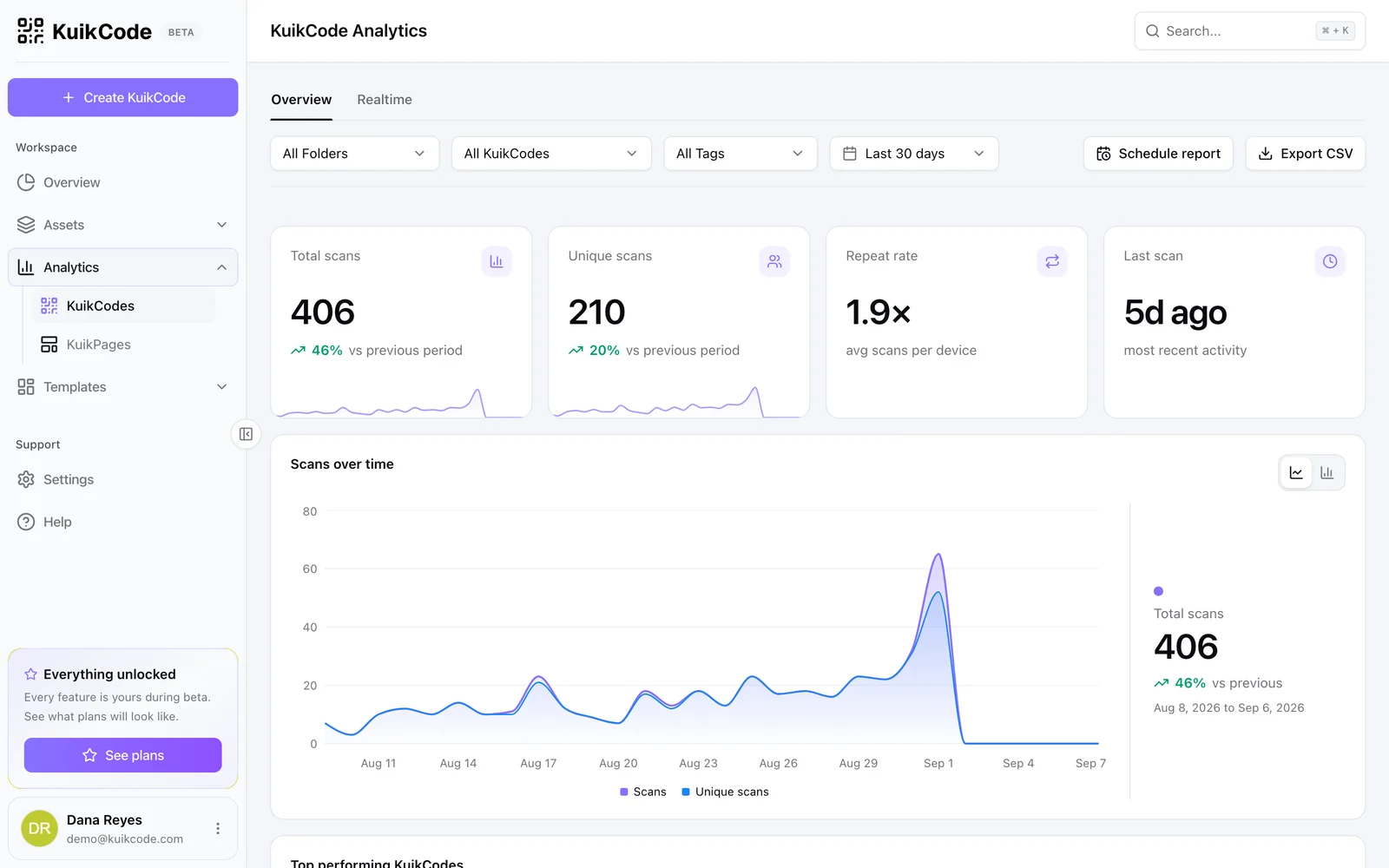
- Clicks, over any range of dates, and when the last one happened.
- People: how many different visitors those clicks came from.
- Where clicks come from: the site or app each click came from, such as Instagram, LinkedIn or an email.
- Devices and places: phone or computer, and the city and country.
- Time of day: when your audience actually clicks.
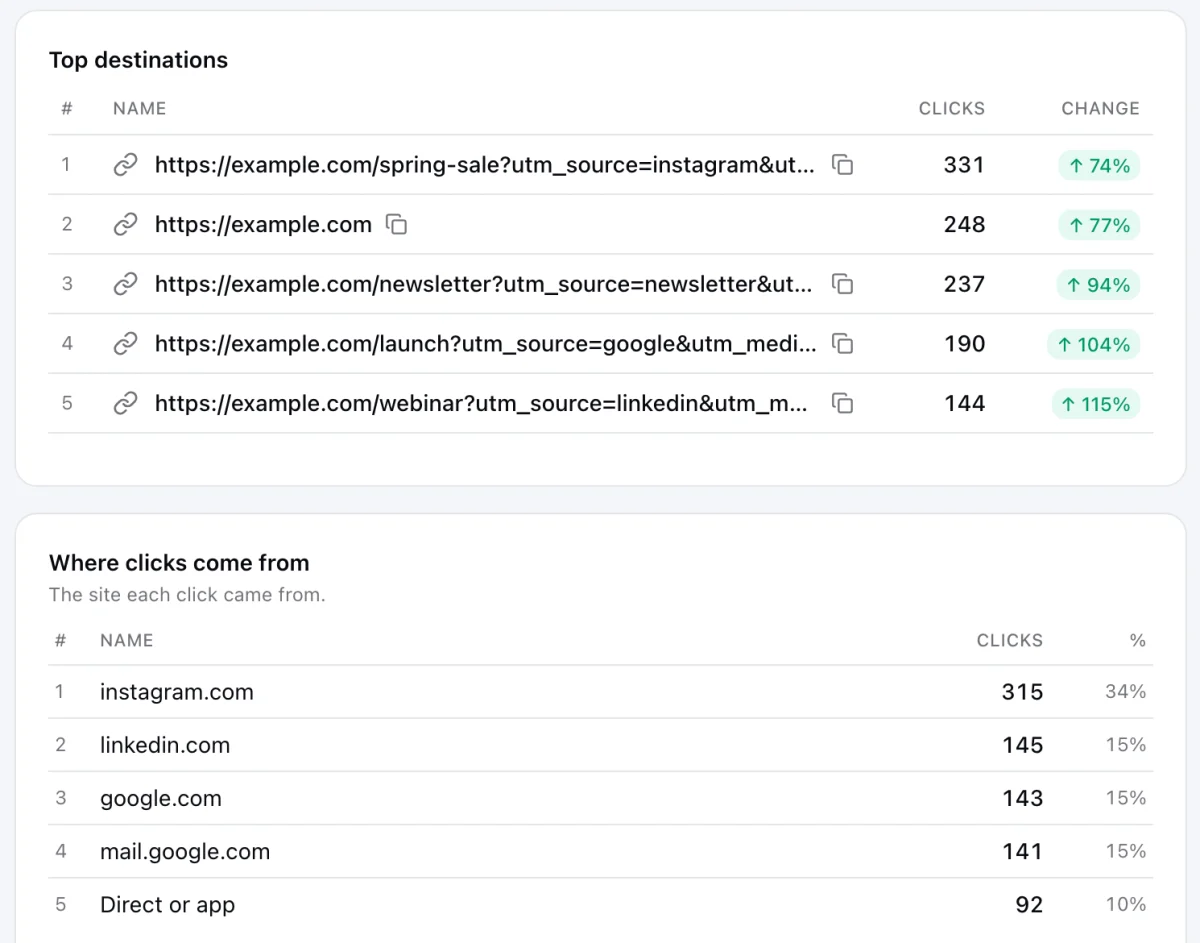
What it does not see is what happens after the page opens. For that, turn on conversion tracking (on Business) to count the leads and sales a link brings, or tag the destination with UTM so your own analytics can follow the visit.
Tracking link or UTM tags?
People mix them up because both answer "where did this visit come from?". They answer it in different places:
- UTM tags are words added to the end of the destination address, like
?utm_source=newsletter. Your own analytics, such as Google Analytics, reads them when the page opens. They only help on pages where you run analytics. - A tracking link counts the click itself, before the page opens. It works for any destination, including a page you do not own, like a marketplace listing, a booking site or a video.
The best setup uses both: a tracking link for the click, with UTM tags behind it so your analytics labels the visit too. In KuikCode, add them in the link's Advanced section, or apply a saved UTM template in one click. Our guide to UTM parameters with Google Analytics covers how to name them.
How to make a tracking link
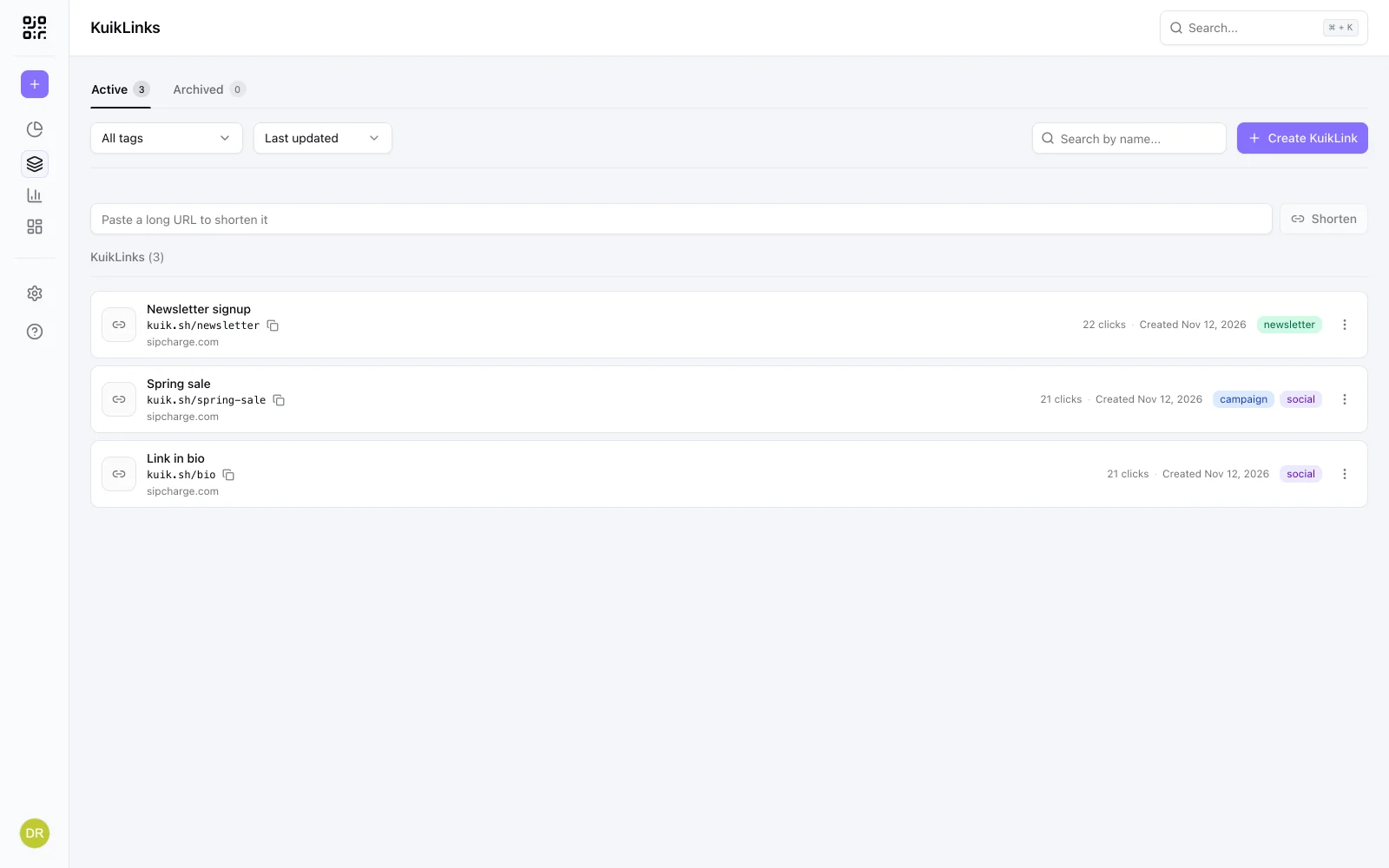
- Open KuikLinks and paste the long address into the box at the top of the list.
- Press Shorten. The
kuik.shlink counts clicks from the first one. - Give it a readable ending and a name, so you know what it is in the list and people trust it when they see it.
- Share it, and watch the numbers under Analytics, KuikLinks.
One link per place you share
A single link on every channel gives you one big number and no answers. Make a separate tracking link for each place, even when they all open the same page: one for the newsletter, one for the Instagram bio, one for the flyer. Each counts its own clicks, so you can see which place is worth your time.
Tag them the same way, such as spring-campaign, and filter the analytics by that tag to see the whole campaign at once.
Why the numbers can look higher than your readers
Email systems and chat apps often open a link before a person does, to check that it is safe or to build the little preview card. KuikCode leaves out the ones it recognizes, but some look like ordinary visits. If a link you sent by email shows clicks within seconds of sending, part of them are these checks. Comparing People with Clicks helps you see through it.
Tracking links and privacy
A tracking link sees what any website sees when it opens: the device, a rough location and the site the visitor came from. KuikCode does not store raw IP addresses for clicks; it keeps a one way scrambled value so you can count unique people. If you are on the other side, our guide to checking a short link before you click explains what a short link can and cannot see.
Printed codes count too
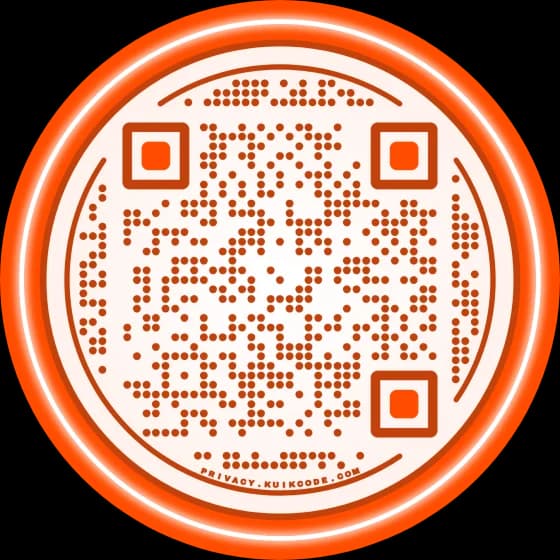
A printed QR code is a tracking link you scan instead of tap. Make a KuikCode for a KuikLink and its scans are counted apart from the link's clicks, in the same analytics, so you can compare print with everything else. Our guide to tracking QR code scans covers the printed side.
Frequently asked questions
01What is a tracking link?+
A link that counts each click before it forwards the person to the destination. Most are short links, such as kuik.sh/spring-sale, made with a link shortener that shows click analytics.
02What does a tracking link track?+
The clicks on it, how many different people they came from, the site or app each click came from, the device, the city and country, and the time. It does not see what people do after they reach the page, unless you add conversion tracking.
03Is a tracking link the same as UTM parameters?+
No. UTM parameters are tags added to the destination address so your own analytics can label the visit. A tracking link counts the click on its own, which also works when the destination is a page you do not control. They work well together.
04How do I create a tracking link?+
Paste the long address into a link shortener with analytics. In KuikCode, paste it into the box at the top of your KuikLinks list and press Shorten. Every click on the kuik.sh link is counted from the first one.
05Why does my tracking link show clicks nobody made?+
Email systems and chat apps often open a link to check it or to build its preview before a person does. KuikCode leaves out the ones it recognizes, but some look like ordinary visits, so a link sent by email can show a few clicks within seconds.
06Are tracking links free?+
Some link shorteners count clicks for free, with limits on links or history. KuikCode has no free plan. The 14-day trial with no credit card includes 10 new links, and clicks are unlimited on every plan.