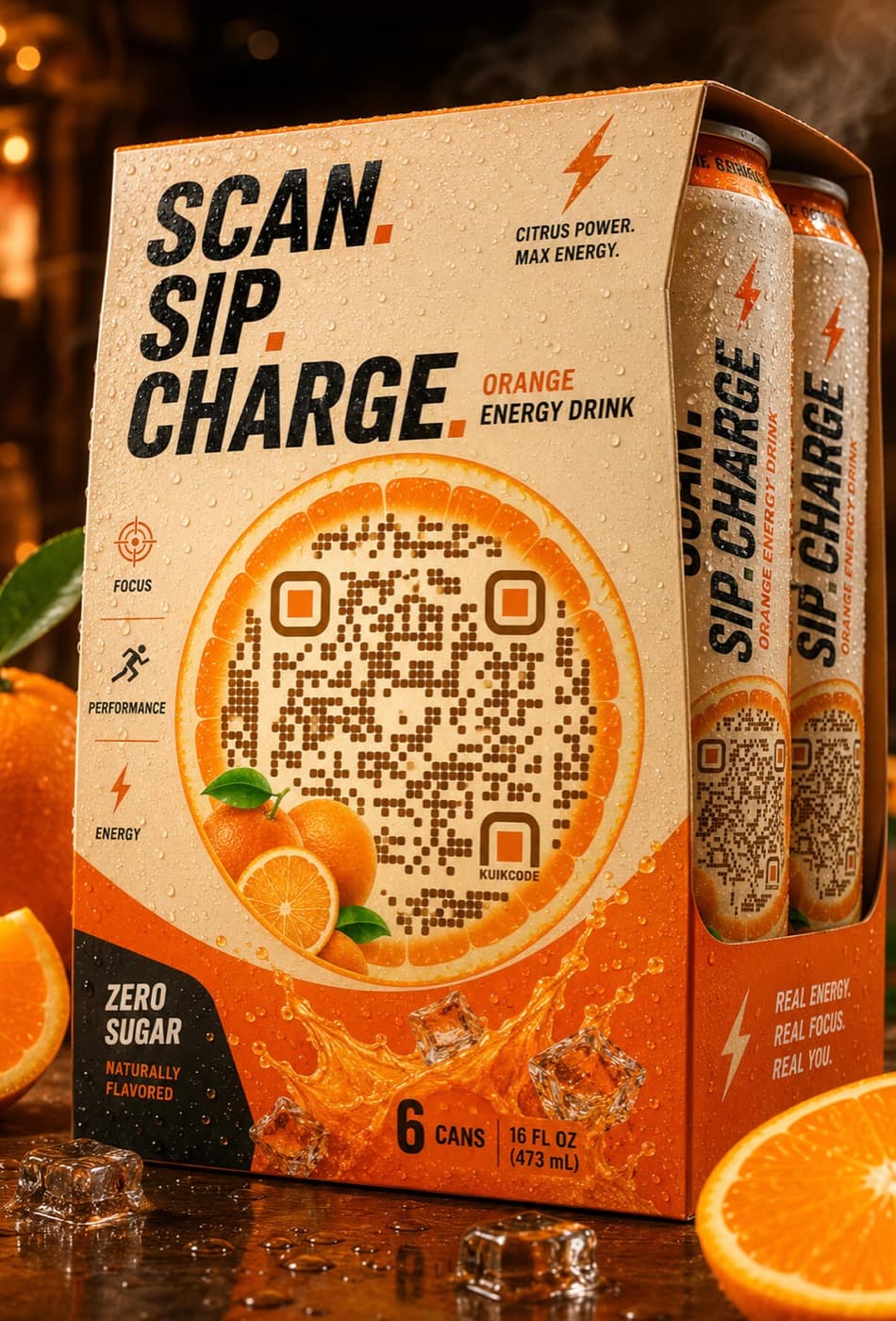
For decades, packaging has carried two codes that do not talk to each other: a barcode for the register and, more recently, a QR code for marketing. GS1 Digital Link brings them together in one QR code.
What GS1 Digital Link is
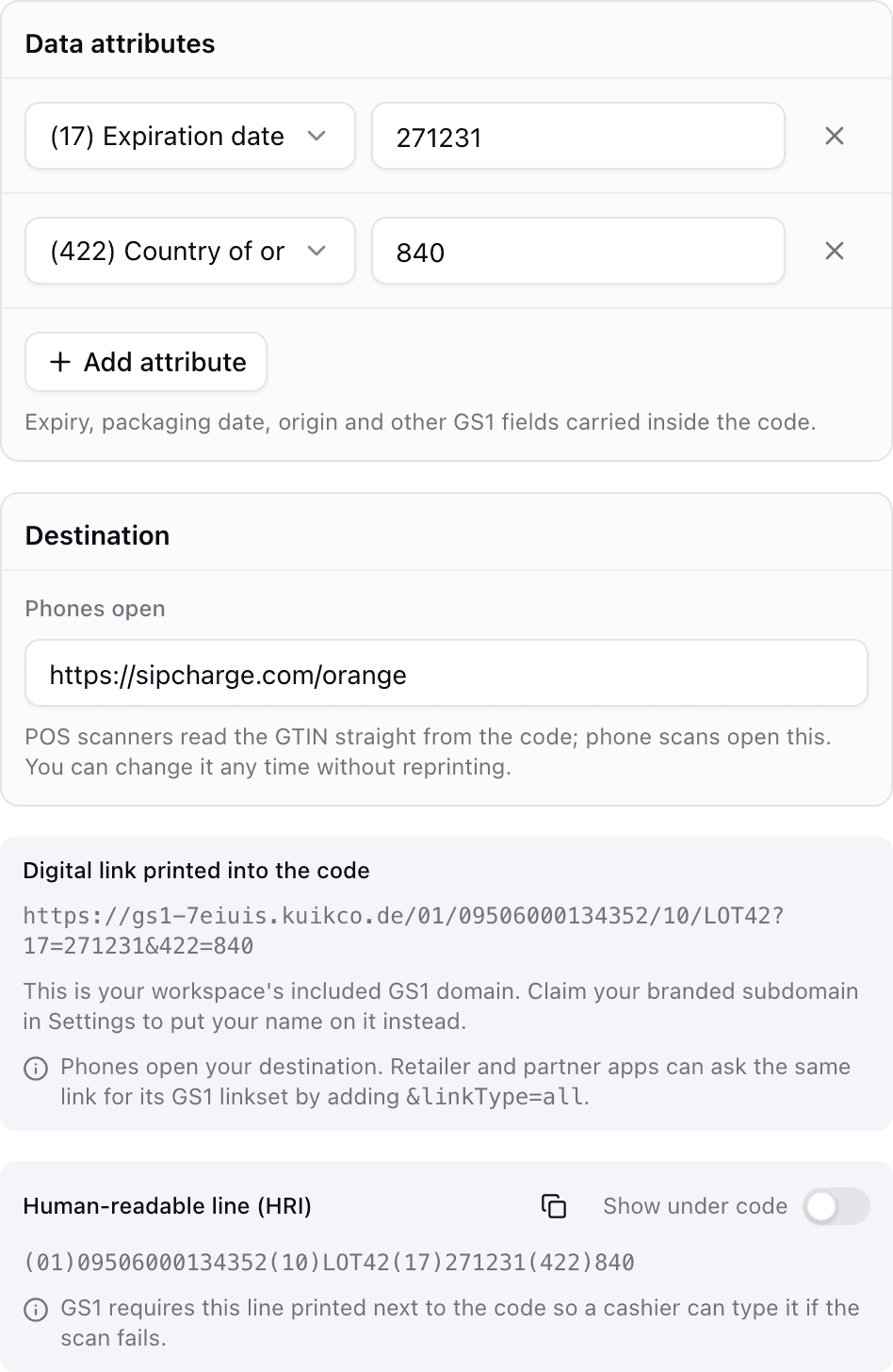
A GS1 Digital Link is a web address built from the product's GTIN, the same number behind its barcode. It can also carry extra details like the batch, serial number or expiry date.
Because it is a web address in a standard format, the same QR code works two ways:
- A phone opens it like any link and lands on a product page.
- A retail system reads the GTIN and the other details from it, like it reads a barcode today.
Why brands are moving to it
- One code, two jobs. Space on packaging is tight. One QR code can replace a separate marketing code.
- Richer data at the register. Expiry dates and batch numbers make freshness checks and recalls easier.
- A page that can change. Instructions, ingredients, promotions and recall notices can be updated behind the same printed code.
- Measurable engagement. When the link is dynamic, every consumer scan can be counted.
What Sunrise 2027 means
GS1 is encouraging retailers to be able to read 2D codes like QR codes at the point of sale by the end of 2027. It is an industry ambition, not a law, and GS1 does not plan to switch off traditional barcodes. Many products will carry both during the transition.
For a deeper look, read our Sunrise 2027 guide.
How to prepare your packaging
- Get your GTINs in order. You need a GS1 membership and valid GTINs for each product.
- Decide what data the code carries. GTIN only, or batch, serial and expiry as well.
- Choose where the link lives. A host you control means the destination can change without touching the print.
- Plan the page. Decide what shoppers see: product details, ingredients, instructions, promotions.
- Print the human readable line. The text under the code helps people and staff when a scan fails.
- Test with phones and registers. Check that phones open the page and that 2D capable scanners read the product.
GS1 Digital Link in KuikCode
On the Business plan, KuikCode builds GS1 Digital Link QR codes from a GTIN plus Application Identifiers like batch, serial and expiry, prints the human readable line under the code, and hosts the link on your own GS1 host or custom domain. The destination stays editable, batches can be created from a CSV, and EAN-13 and GS1 Data Matrix companions are included.
See the full overview on our GS1 Digital Link page and the Application Identifier reference.
Frequently asked questions
01Do I need a GS1 membership to use GS1 Digital Link?+
Yes. GS1 Digital Link codes are built from a GTIN, and GTINs are licensed through your local GS1 organization.
02Will GS1 Digital Link replace the barcode on my packaging?+
Not overnight. GS1 does not plan to switch off traditional barcodes, and many products will carry both during the transition while registers are upgraded.
03Can I change where a GS1 Digital Link QR code sends shoppers?+
Yes, when the link is hosted by a service that lets you edit the destination. The product identity in the code stays the same while the page behind it changes.
04What is the difference between a GS1 Digital Link code and a normal QR code?+
A normal QR code holds any link. A GS1 Digital Link code holds a link in a standard format built from the product's GTIN, so retail systems can read the product identity from it as well as open a page.